Membership Benefits: Activation and Status Check
After you purchase a membership, your benefits usually take effect immediately. If you run into any issues, please refer to the guidance below.
Membership benefits not activated
If you have completed payment but your membership benefits have not been activated, try the following steps:
- Check the payment status: Confirm that the payment was actually completed, and check the deduction record with your bank or payment platform. Some payment methods may be delayed, so we recommend waiting a few minutes and then refreshing the page.
Confirm you are using the same account: Make sure the Kimi account you are logged in to is the same account used for payment. If you have multiple Kimi accounts, please switch accounts and check again.
- Try logging in again: Log out of your current account and log back in. Your benefits status may refresh.
- Contact support: If the steps above do not resolve the issue, please email [email protected] with your payment screenshot and account information. We will handle it as soon as possible.
Where can I check my remaining credit?
You can go directly to the membership subscription page and click “My Subscriptions” to check it.
Web version (kimi.com):
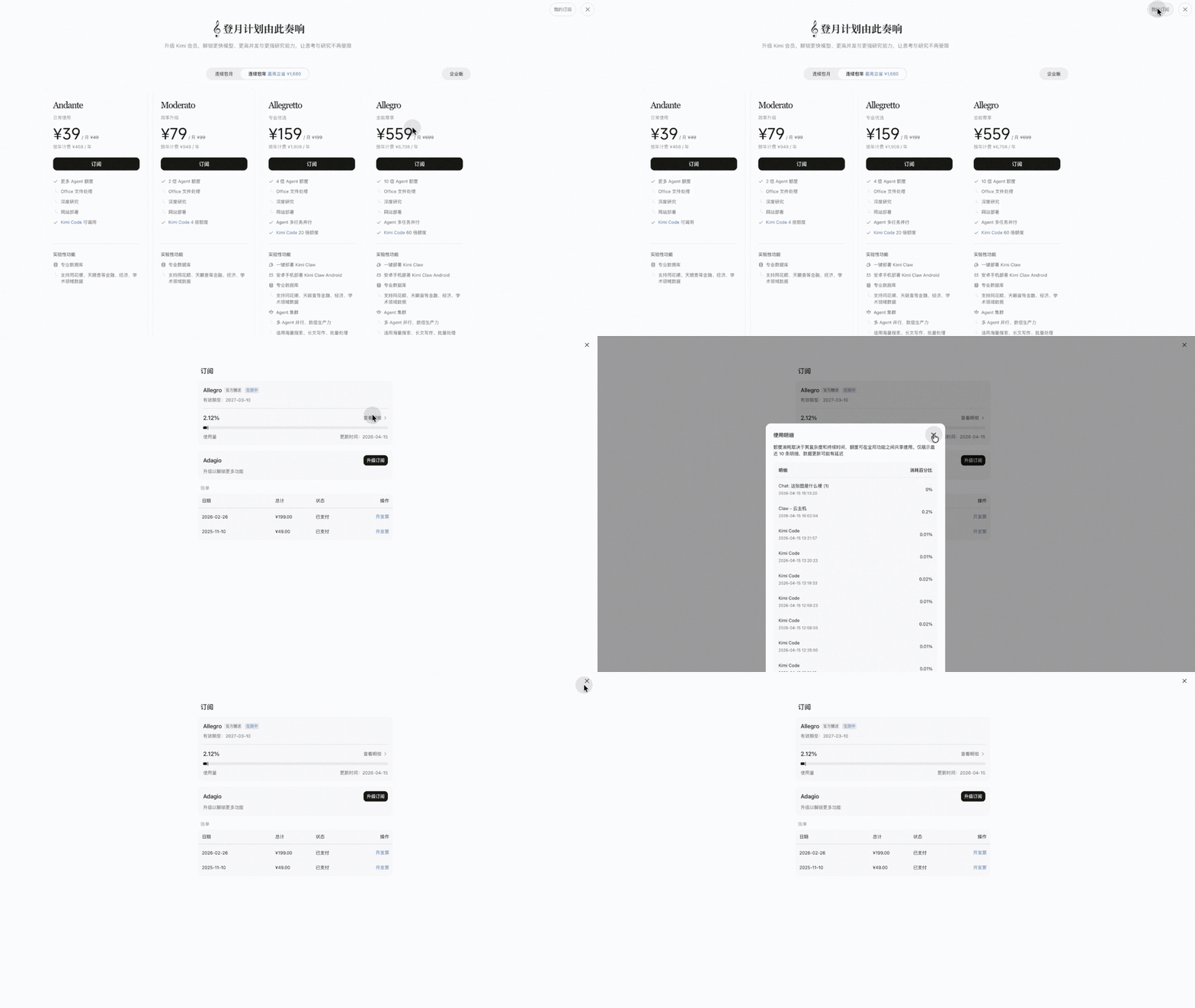
- Click your avatar or “Me” in the lower-left corner of the page.
- Go to “Settings → Subscription”.
- You can then view your current plan information and remaining credit.
Mobile App (iOS / Android):
- Open the Kimi App and tap the “Settings” tab.
- Go to “Settings → Membership Plan → My Subscriptions”.
- The page will show your current plan details and credit usage.
Was this article helpful?