
Download Kimi. Built for the future, wherever you work.

Get more done on desktop. Stay in sync on mobile. Code in your own workflow.

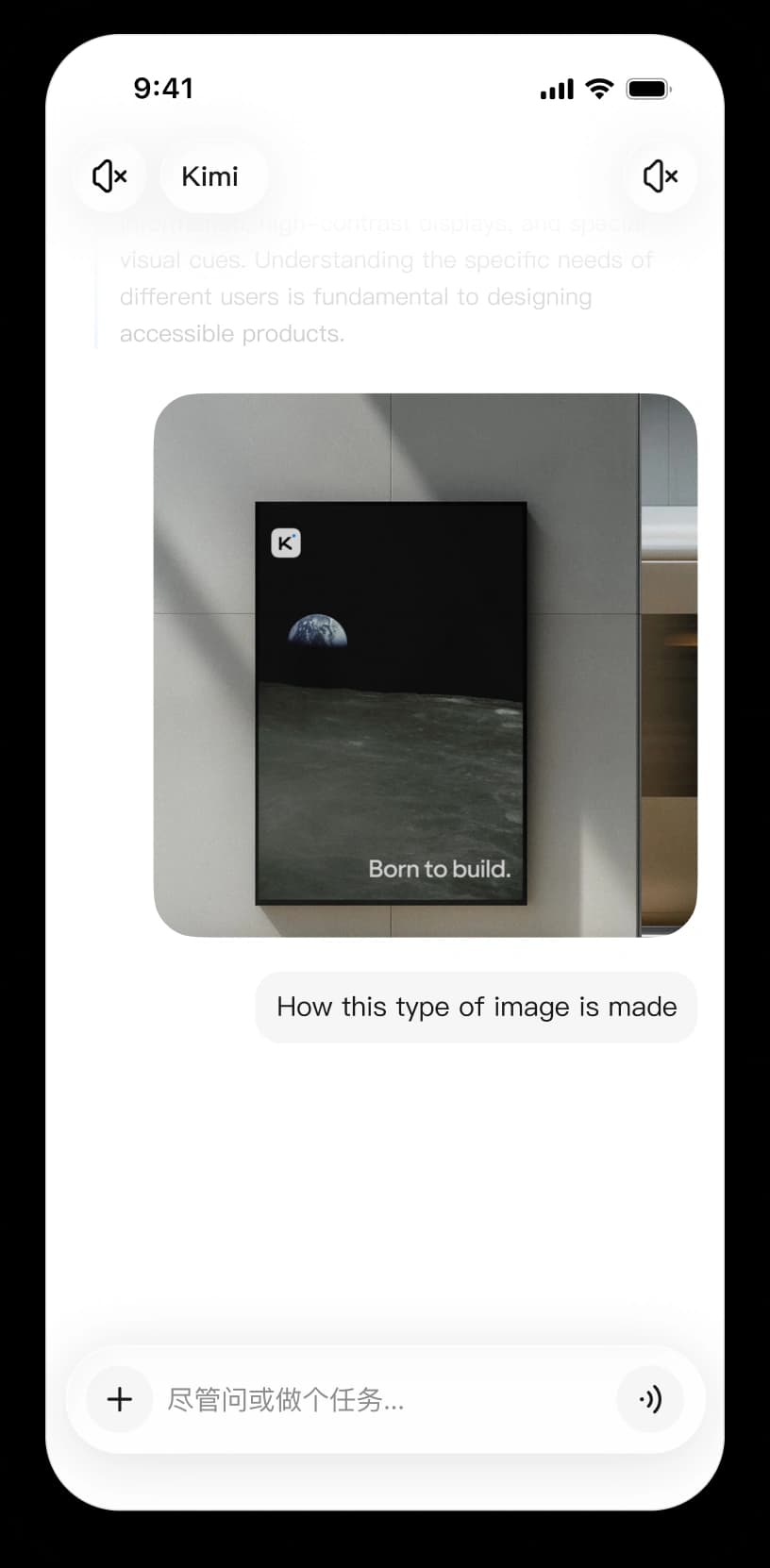
Kimi mobile app

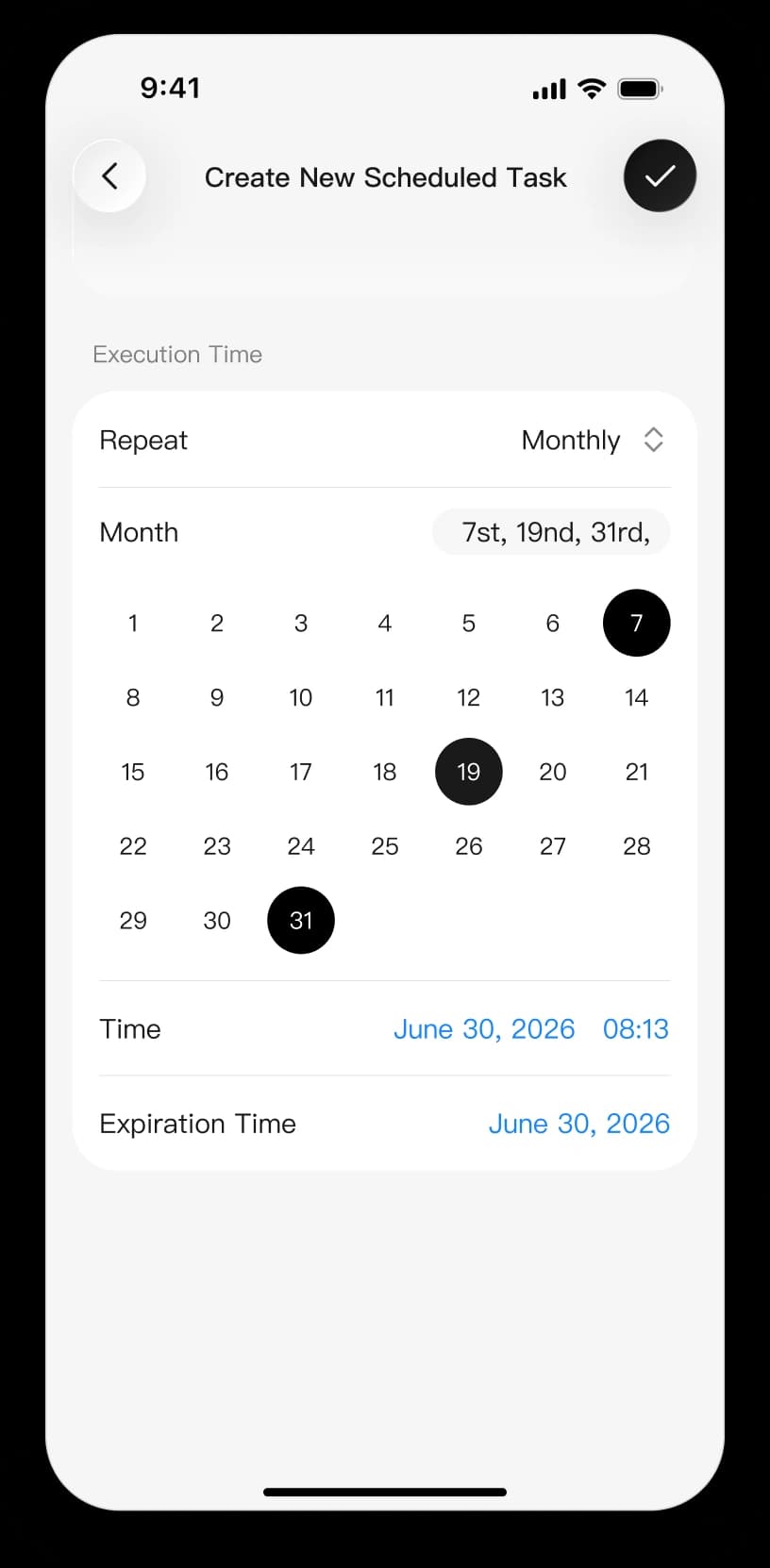
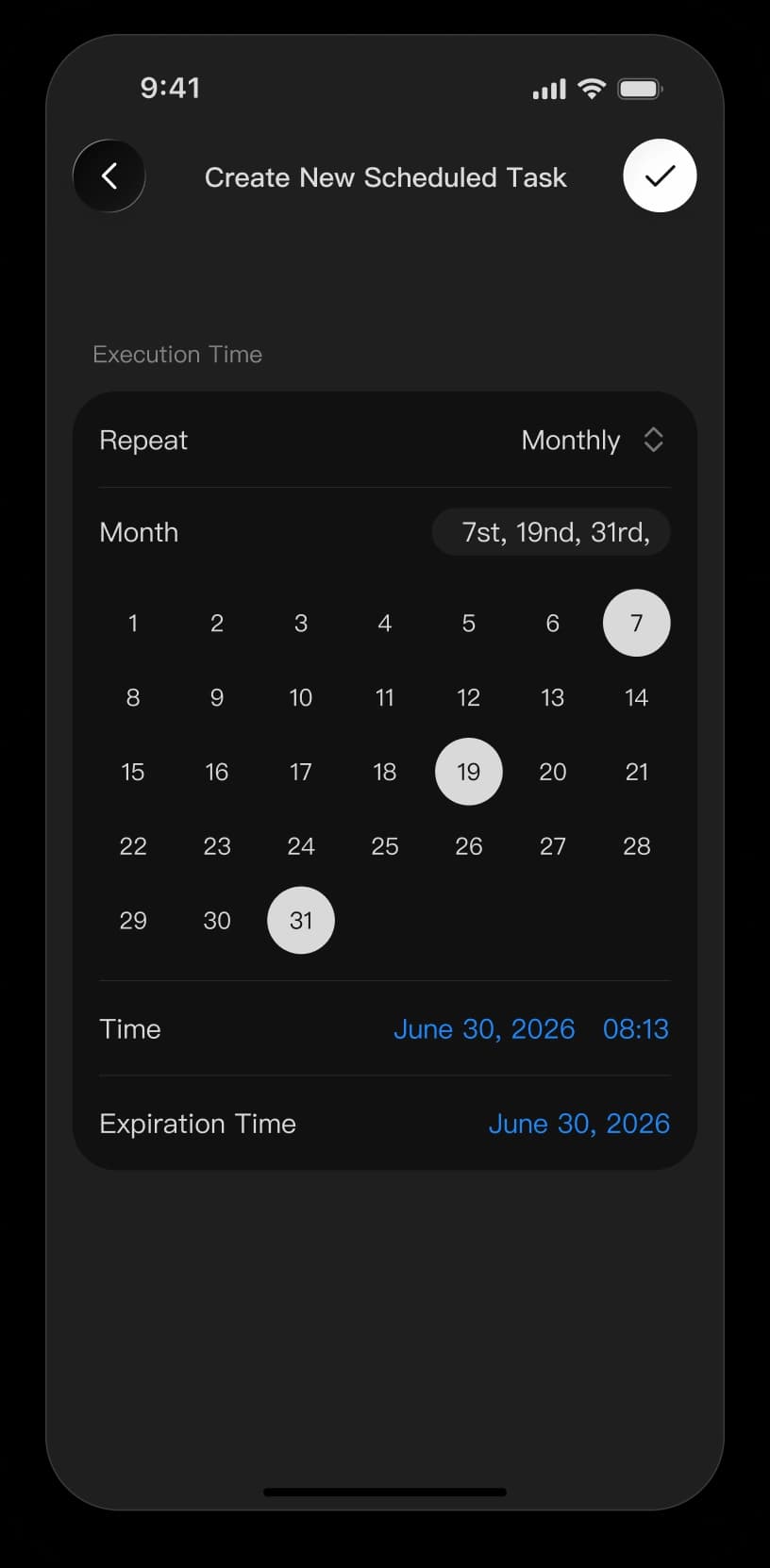
Use Kimi on the go to ask questions, search, create, and schedule tasks from your phone, then stay updated as results come in.

iOS
Download
Android
Download
HarmonyOS
Download

Daily Research Brief

Summarize the latest news and key updates every morning, all in one place.

Kimi Code

Use Kimi Code directly in your terminal or IDE. Kimi Code understands your codebase and works through complex development tasks. Learn more about Kimi Code or read the documentation.

curl -fsSL https://code.kimi.com/kimi-code/install.sh | bash

Welcome to Kimi CLI!
Send /help for help information.

Use /model to switch and /new to start a fresh session

moonshot@moonshot /setup
API platform Kimi Code

Waiting for you.Waiting...Thinking...Completing...

FAQ

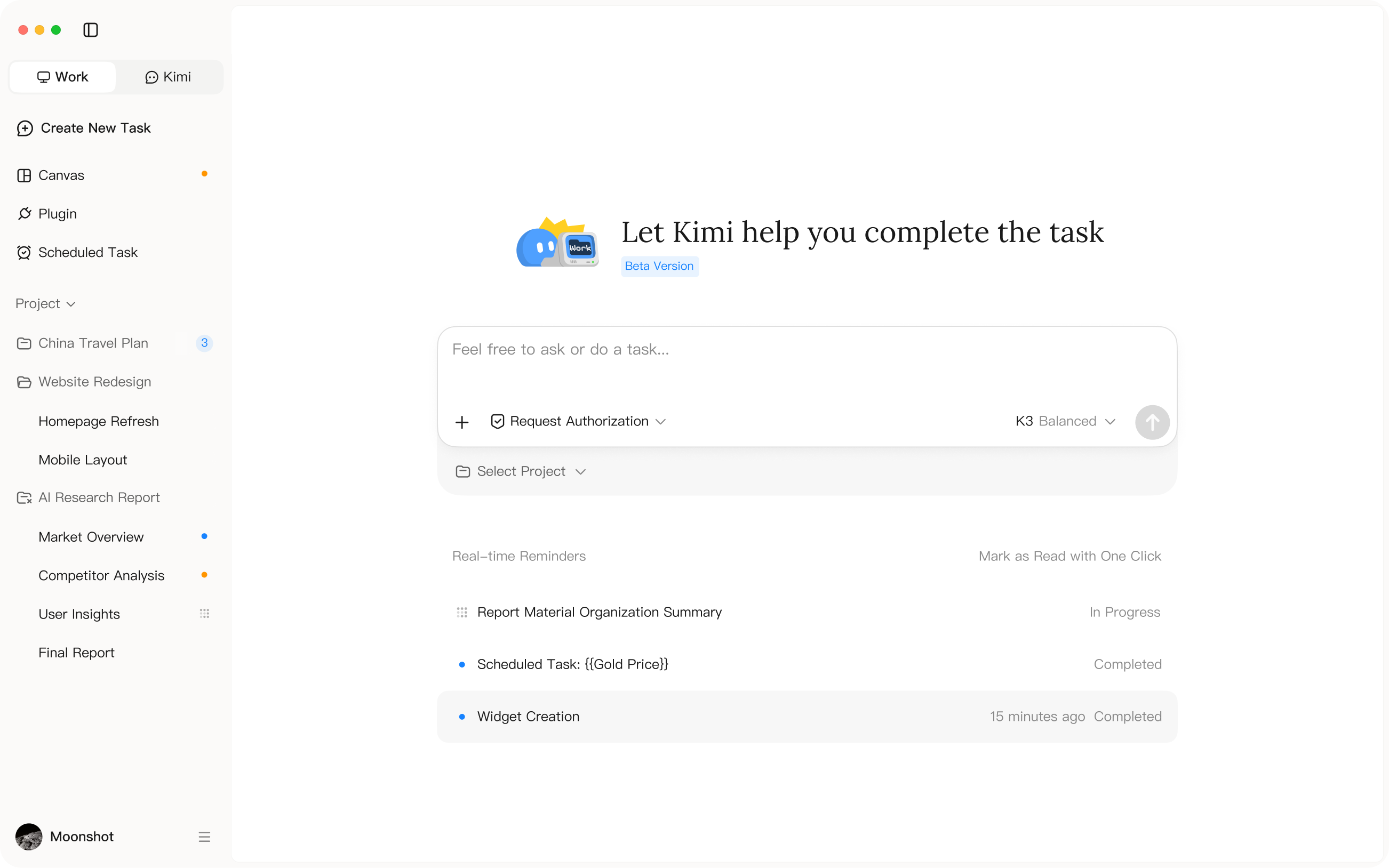
Kimi is available on desktop, mobile, and the web. Kimi Work is supported on Windows and Macs with Apple silicon. On Intel-based Macs, the desktop app supports Kimi Chat only. The mobile app is available on iOS, Android, and HarmonyOS, while Kimi Code works in supported terminals and IDEs.

Yes. Conversations in Chat mode sync across the web, Kimi Work, and mobile, so you can switch devices and pick up where you left off. Work mode conversations stay on the desktop where they were created.

Yes. You can connect local folders to Kimi Work, giving it access to read files and create new ones directly within the selected workspace.

Kimi Code works in both terminals and supported IDEs. You can use the CLI for terminal-based development or connect it to your IDE to work with Kimi alongside your code.

Yes. Sign in with the same Kimi account on desktop, web, and mobile to access your synced Chat conversations. Tasks that depend on local files need to continue on the computer where those files are stored.