Upgrade Precautions
Do not manually upgrade OpenClaw
OpenClaw currently does not support updates to versions dated after 3.22. If you upgrade manually or enable automatic updates, the Kimi plugin will stop working, and other installed plugins (such as WeChat, Feishu, WeCom, and Weibo) may also become unavailable.
Do not upgrade manually or enable automatic updates. Please wait for the official upgrade push.
How to recover after an accidental upgrade:
If an accidental upgrade has caused the plugin to stop working, go to Settings and select “Restore initial settings” to roll back to a usable version.
- Workspaces and memory will be retained
- Chatbots (WeChat, Feishu, WeCom, etc.) need to be configured again
After adaptation is complete, the official upgrade will be pushed to all users. A prompt will appear on the Kimi Claw page at that time.
Do not manually upgrade the Feishu plugin
Upgrading the Feishu plugin will also upgrade the OpenClaw version, which will cause incompatibility with the current environment.
Manually upgrading the Feishu plugin is not recommended. Newly installed Kimi Claw instances already include the latest compatible plugin version.
After upgrading the Feishu plugin, the latest plugin version may be incompatible with the current OpenClaw version, causing the Feishu bot to stop working properly.
Common Feishu diagnostic commands and fixes
Method 1: Diagnose with chat commands
Send the following commands in your conversation with the AI:
| Command | Description |
|---|---|
/feishu start | Confirm whether the Feishu plugin is installed successfully |
/feishu doctor | Check whether the configuration is normal |
/feishu auth | Complete user authorization in batches |
The plugin includes built-in solutions to common issues. If you run into a problem, try asking Kimi Claw first.
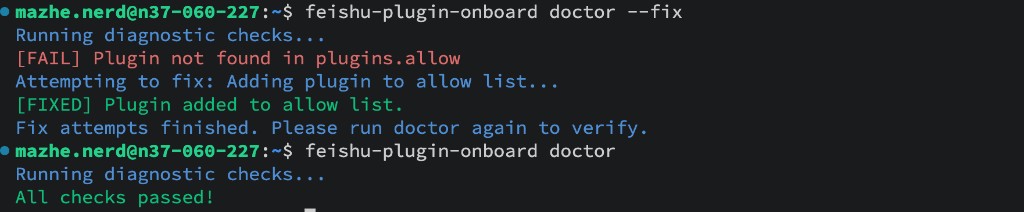
Method 2: Diagnose and fix with npx commands
If the chat commands do not resolve the issue, run the following diagnostic command in the terminal:
View issues:

Try automatic repair:
Method 3: Report the issue
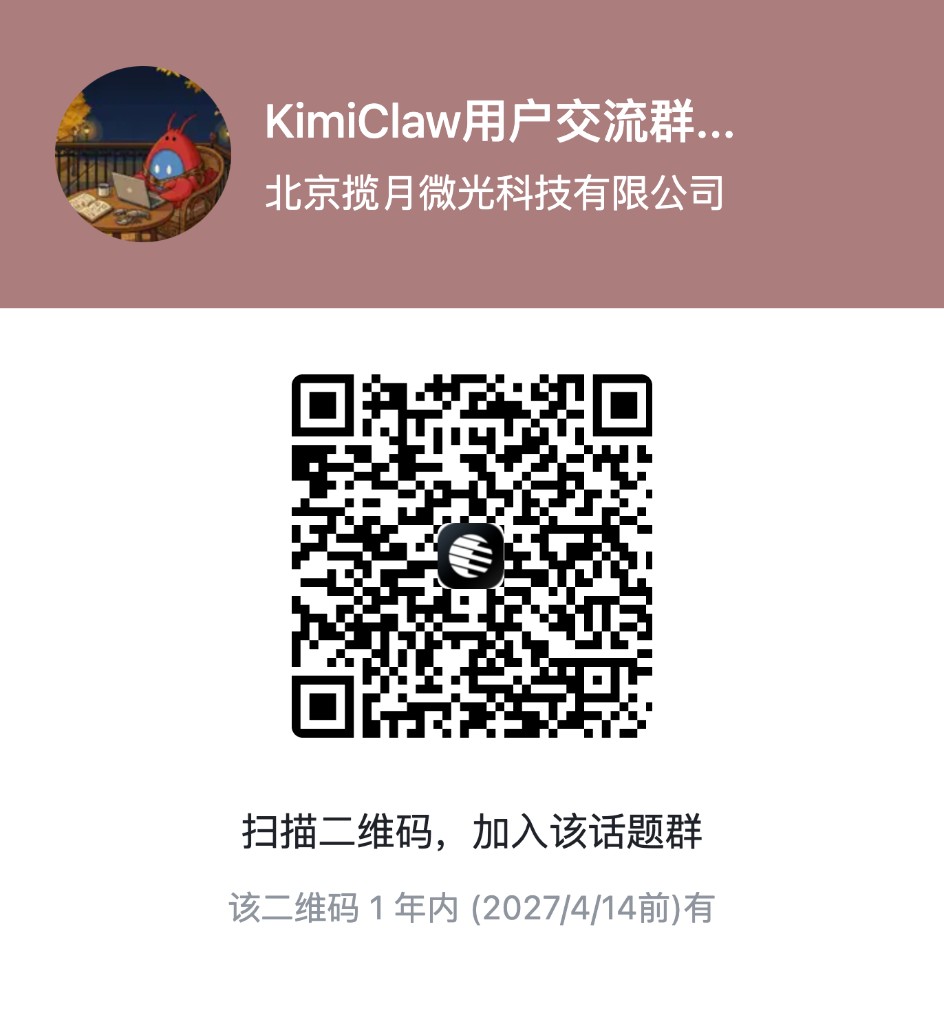
If the issue still cannot be fixed, report the information in the feedback group. Run the following command to view version information, and include it when reporting the issue to help with troubleshooting:
View version information:

View detailed configuration information:
You can join the feedback group by scanning the QR code in Feishu.
Was this article helpful?