Vibe coding was introduced in early 2025 by AI researcher Andrej Karpathy, who previously worked at OpenAI and Tesla. He described it as a new way to create software using advanced language models. The idea caught on after he talked about it publicly and on social media. Developers and startups soon began experimenting with it, and the term quickly gained popularity in tech circles focused on AI programming.
Table of contents
Vibe coding uses AI to help you build software by describing your idea in plain language, rather than writing code yourself. The AI figures out what you want and creates the program for you. It can also test and fix mistakes along the way. This keeps your attention on the main goal and how the software should work, not on the technical details. It makes prototyping faster, though you might have less control over the fine points of the code.
Traditional coding requires developers to write, test, and debug each line of code themselves. In vibe-based coding, the user explains the task in simple language, and the AI creates the program. Traditional coding needs strong technical knowledge, while vibe coding reduces that requirement. It is faster for quick prototypes, but traditional coding provides more control and reliability.
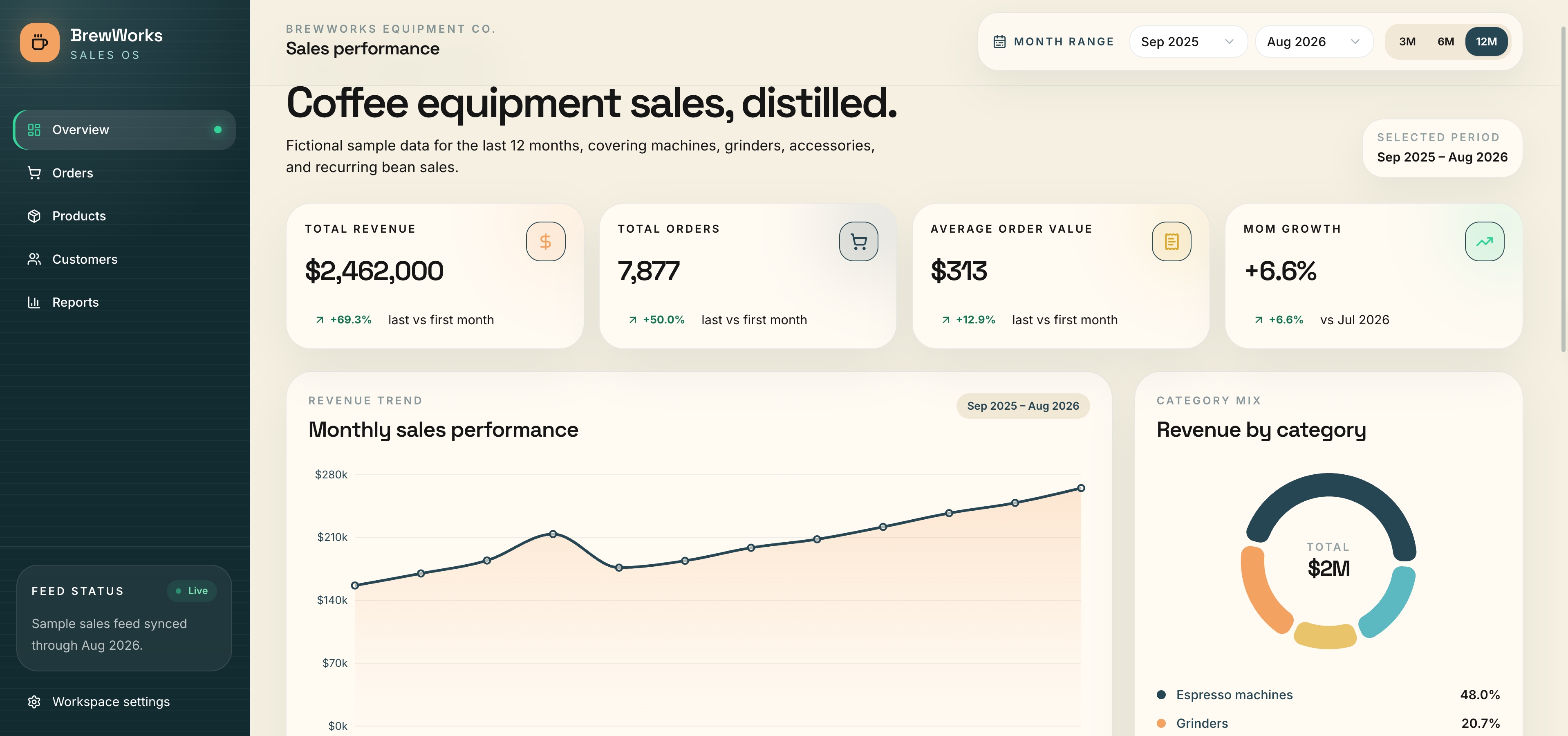
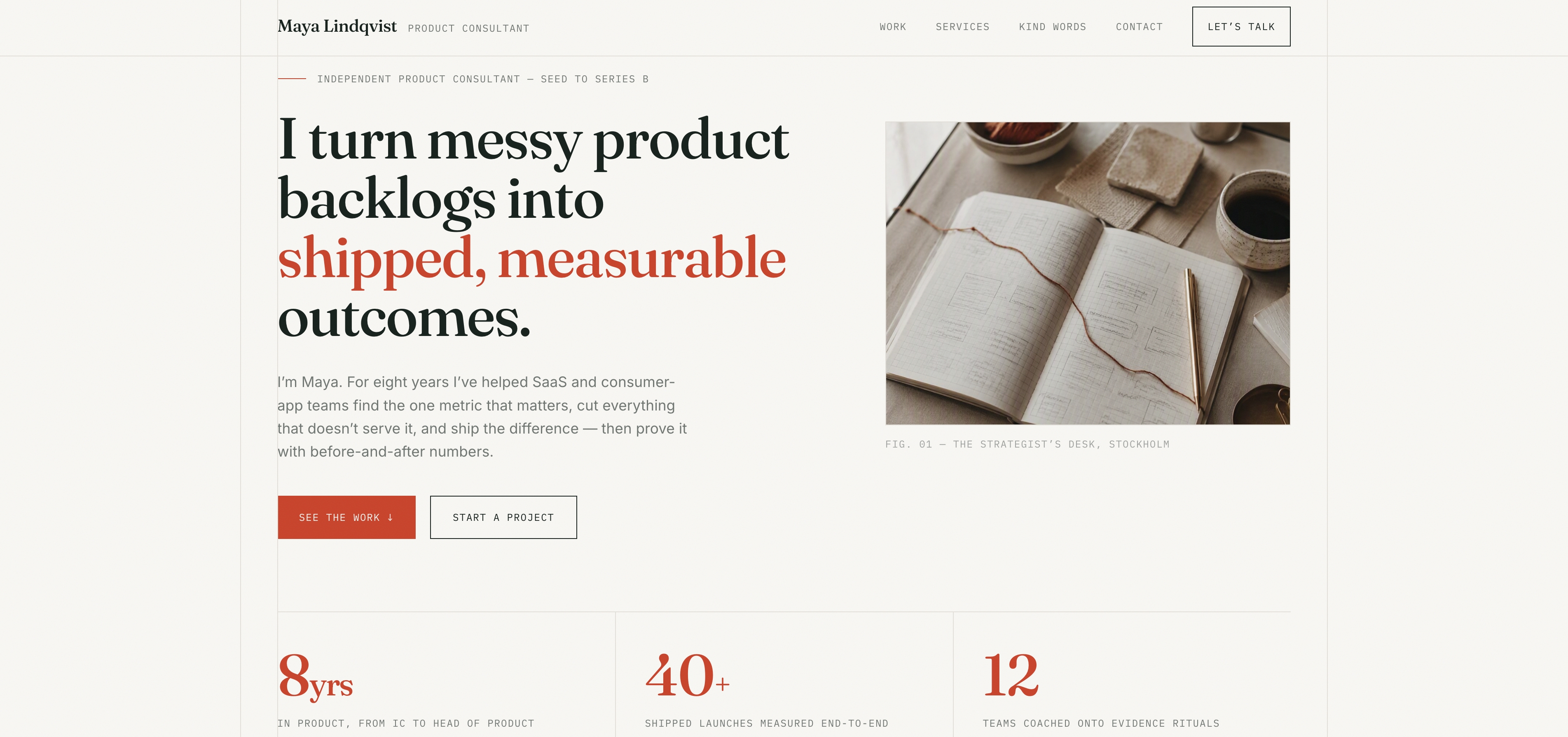
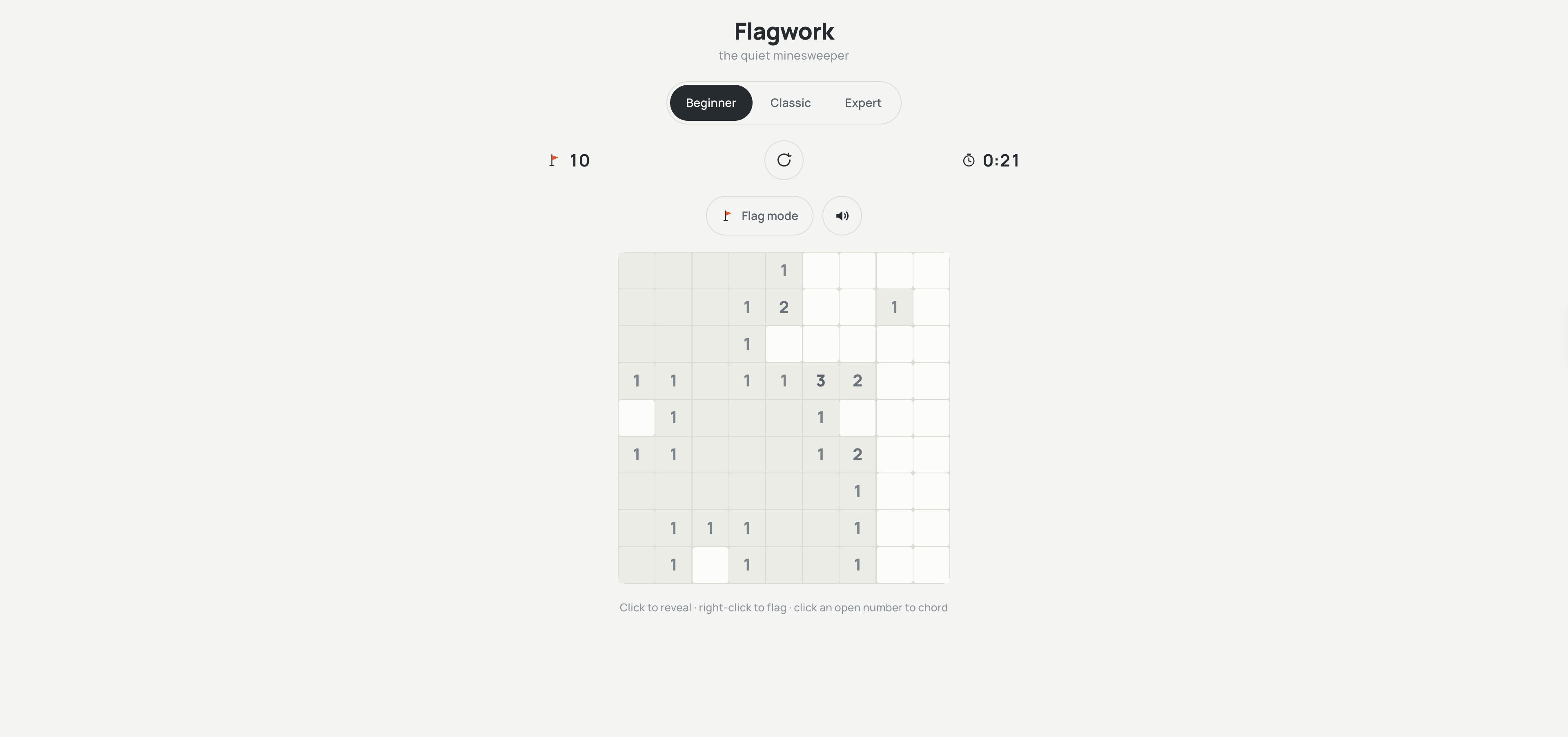
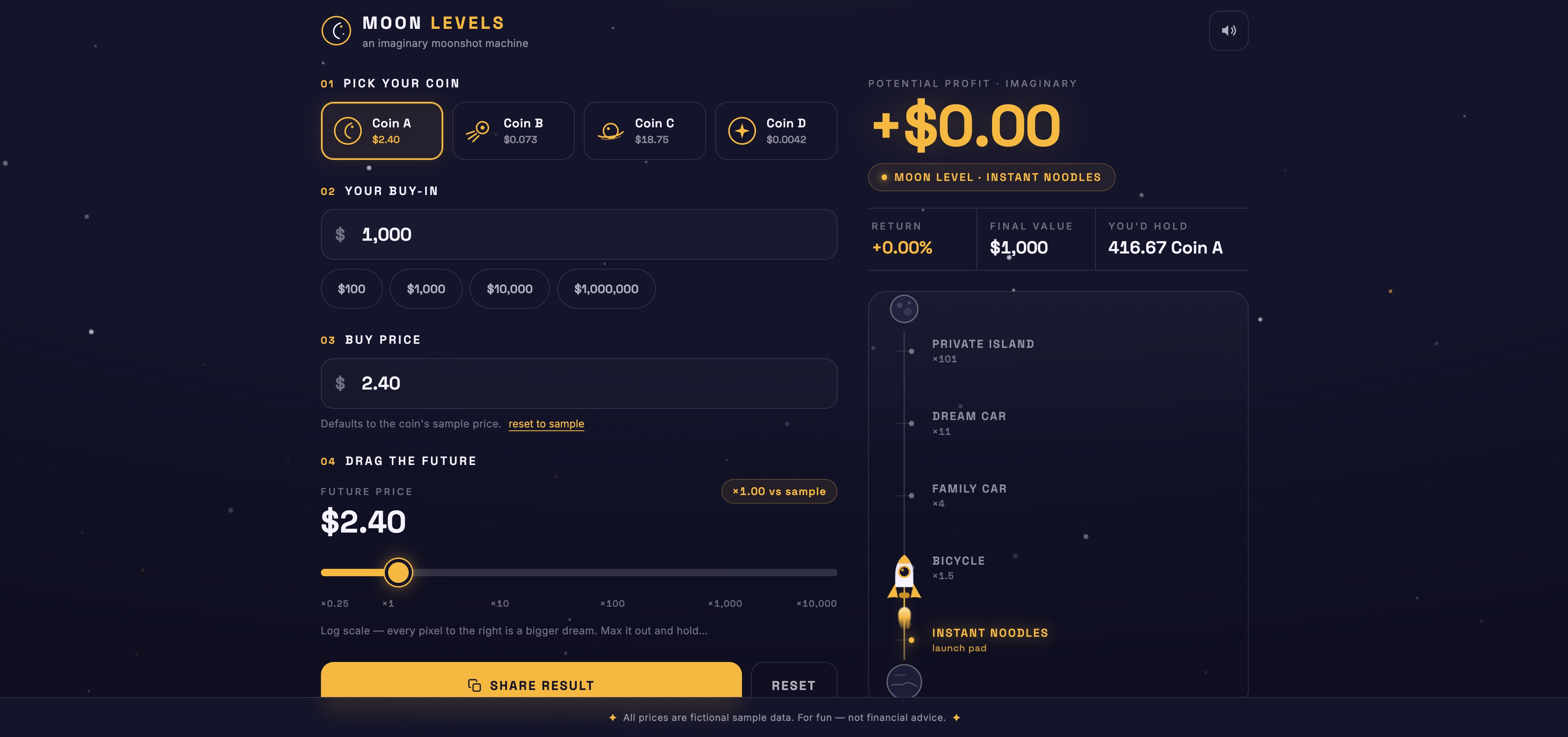
The best way to understand vibe coding is by looking at real projects people have made. Even those without much programming experience are building useful tools for daily tasks. Here are some examples:
A pre-built automated assistant was developed to help with hiring tasks. A user uploads a resume and provides a job description. The system compares the candidate's details with the job requirements and gives a matching score. It can run automatically in the background while other work continues. This demonstrates how vibe coding can automate routine office work.
A product manager built a personal portfolio website using AI guidance instead of manual web development. The site presents personal information, projects, and skills in a clean layout. It also includes a chatbot that answers visitor questions about the owner. The project proves that even non-developers can quickly create a functional online presence.
Two developers created a management interface to improve database workflows. The system handles data storage features and user account authentication in one place. It helps organise project information and manage users more easily. This example shows that vibe coding is not limited to small tools and can also support more complex applications.
A growth marketer made a fun web app for crypto fans. Users pick a crypto token and see how much profit they might make if the price goes up. It's not meant to track real portfolios, but it's a visual tool for imagining possible gains. The site lets people quickly explore 'what-if' scenarios for big market changes. This project shows how vibe coding can turn simple ideas into interactive apps.
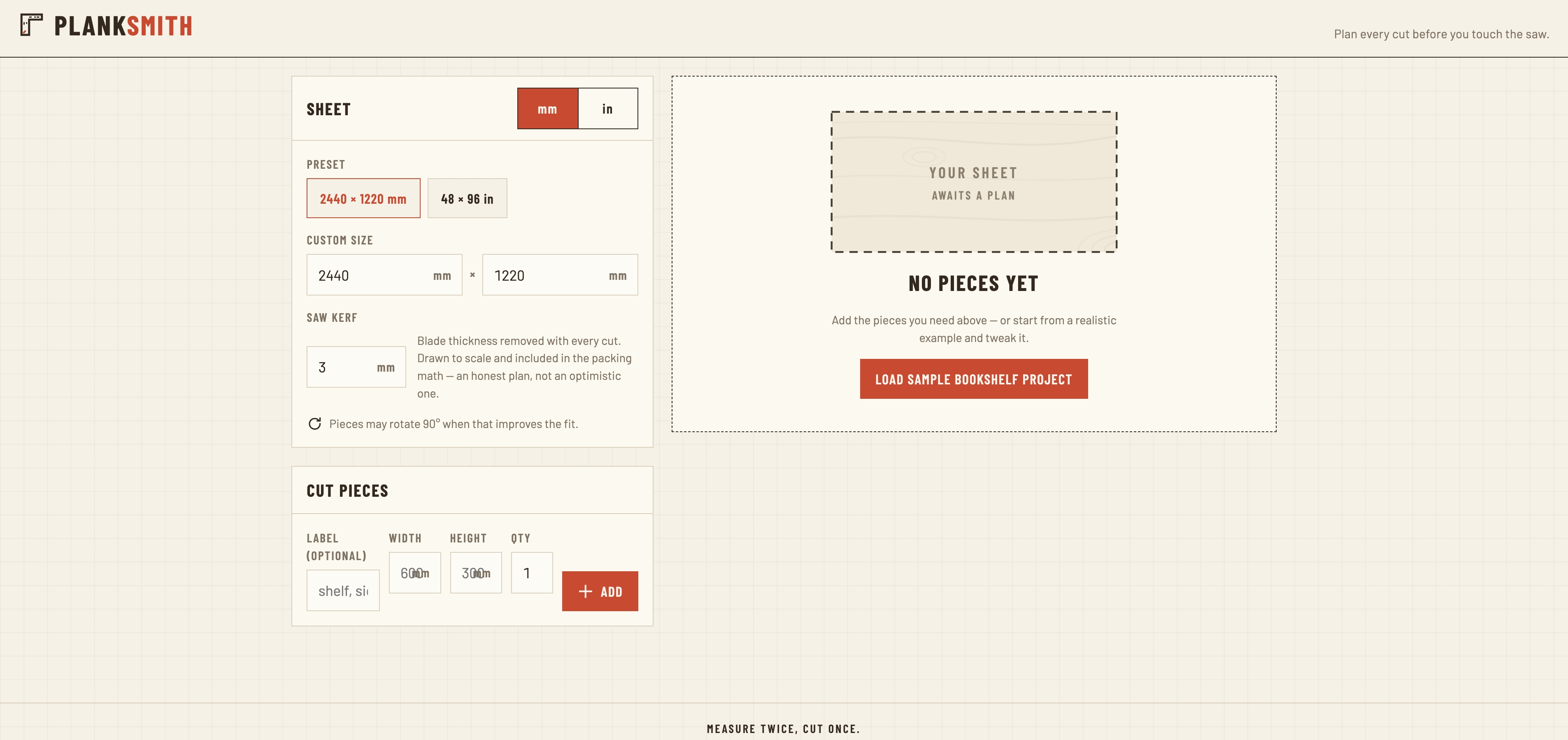
An educational technologist built a handy web tool to help with carpentry planning. You enter the size of your plywood sheet and the cuts you want to make. The app tells you how many pieces you can get and how much scrap will be left. This saves time measuring by hand and helps reduce waste. The project is a good example of how simple instructions can become a useful tool.
Vibe coding becomes powerful when you pair the right mindset with the right tools. Below is a quick comparison to help you choose what fits your needs.
| Tool | Best For | Key Capabilities |
|---|---|---|
| Kimi Websites | AI-powered website generation and visual prototyping | Multimodal content inputs, full website generation, conversational editing mode, visual editing interface, gesture-driven interactions, one-click deployment |
| Kimi Code | Advanced AI-powered software development and automation | 100-agent parallel tasks, build–test–debug cycles, multimodal input, terminal access, IDE sync, autonomous pipelines, project context awareness |
| Cursor | Professional AI-assisted coding for large codebases | AI-native editor, multi-file refactor, repo-wide context, smart autocomplete, inline code suggestions, large codebase ready |
| Lovable | Rapid app building and prototyping | Prompt-to-app generation, visual UI builder, full-stack creation, UI components, backend connect, fast MVP build |
| Replit | Cloud-based development and team collaboration | Cloud IDE, live collaboration, AI coding help, autonomous agents, one-click deploy, hosted environment, shared workspaces, instant previews, team project management, browser-based execution |
| Windsurf | Lightweight AI coding and automation | Lightweight AI editor, multi-file support, agent chat, smart suggestions, quick scripts, small project focus, low resource usage, simple interface, rapid prototyping support, automation utilities |
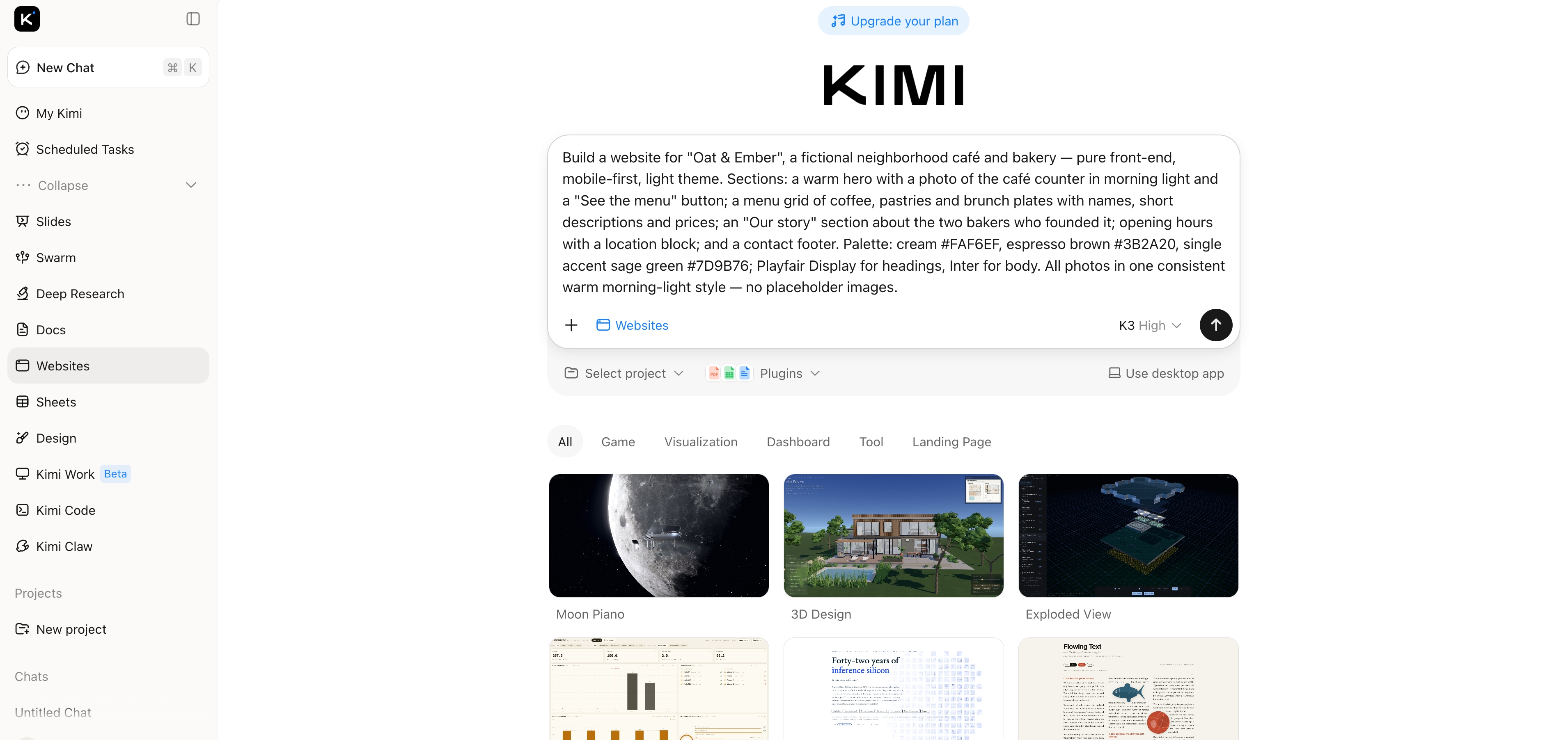
Kimi Websites helps you turn an idea into a working, shareable web app in minutes. In many cases, a single prompt is all it takes. It's built for fast prototyping, AI-driven design, and generative AI applications. Just follow the steps below to get started quickly:
Write your idea in clear, simple language. Describe layout, sections, style, features, and target users. Submit and let AI generate a ready visual draft instantly.
Example prompt:
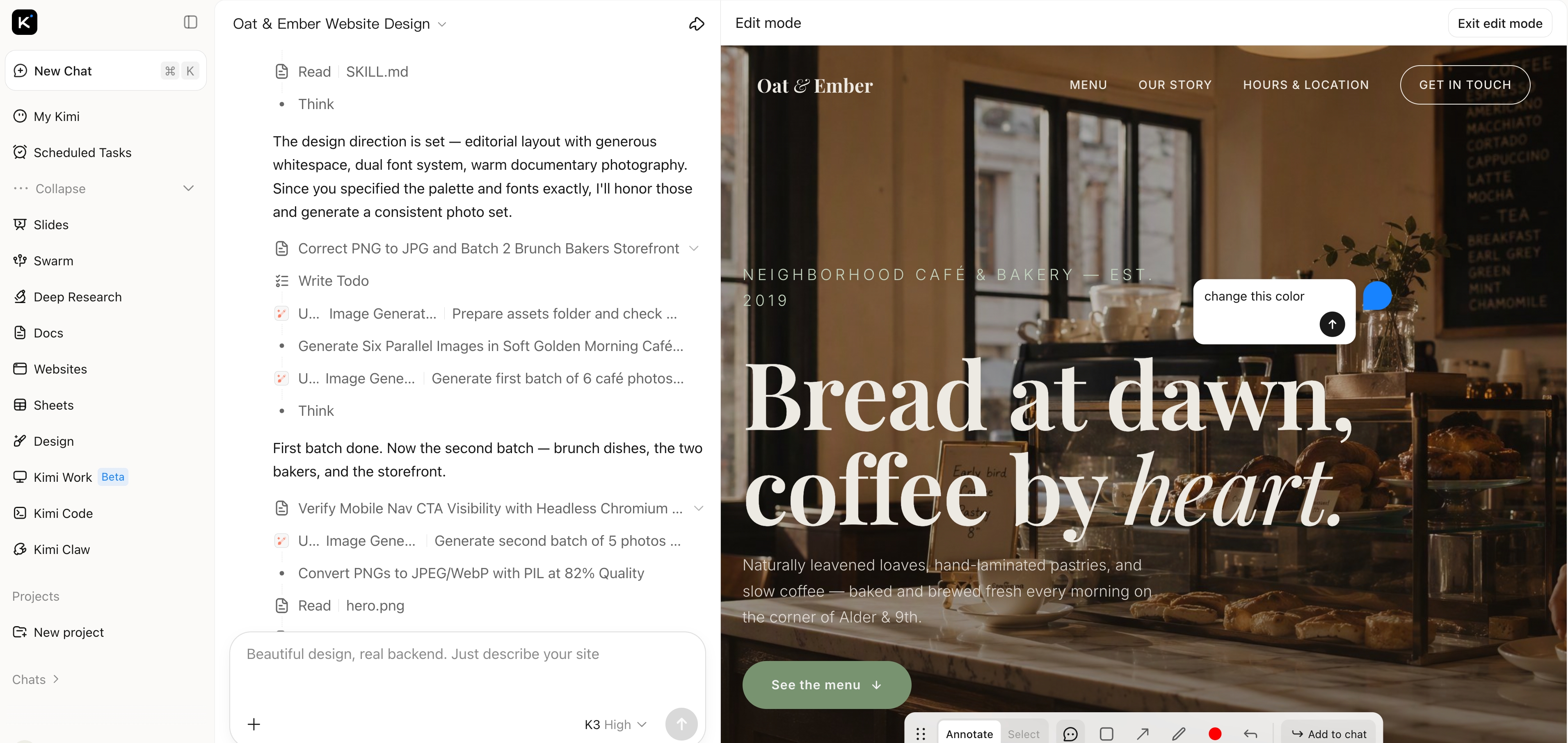
Edit directly on the page layout. Adjust text, sections, spacing, images, or colours visually. Use chat to refine structure, rewrite content, add features, or improve design.
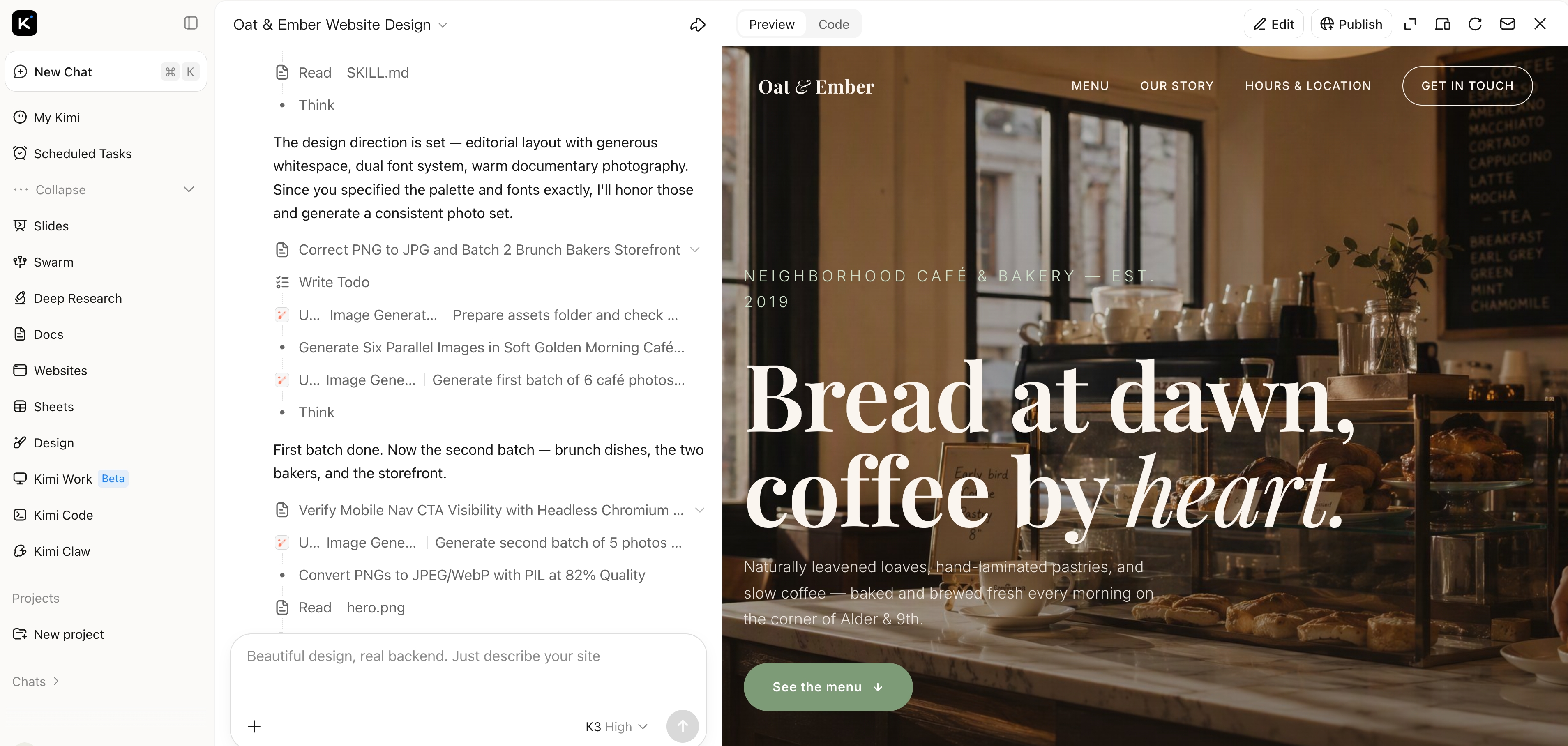
Once satisfied, publish the website instantly. Share the live link with others, use it as a prototype, or continue refining anytime.
Kimi Code is an AI agent designed for developers who want a terminal-first vibe coding experience. You can describe tasks in plain language, browse projects, and automate workflows directly from your terminal. Whether you're fixing bugs, adding features, or writing new code, it makes development much easier. Just follow these steps to get started quickly:
Run the installation script for your system (Linux/macOS or Windows) to install Kimi Code CLI along with uv, the Python package manager.
Linux/macOS (recommended):
Windows (PowerShell):
Alternative via uv:
After installation, verify it using the following command and ensure Python 3.12–3.14 is installed, with 3.13 recommended for best performance.
Navigate to your project folder and run kimi to start Kimi Code CLI:
Use the /login command to select Kimi Code as your API source, complete OAuth authorisation, and save the settings. If your project lacks an AGENTS.md file, run /init to help Kimi understand the project structure.
You can now chat with Kimi Code CLI in natural language or switch to shell mode to run commands directly. Use it to explore codebases, automate tasks, generate or modify code, and view the project structure. Use /help to see all commands and optimize your workflow.
Understanding the structure behind this approach helps clarify how it turns ideas into working software. Here's its complete overview:
It has a simple workflow. First, describe your problem or task in plain language. The AI then creates the first version of the solution automatically. You review, fix, and test it. Repeat this process until you're happy with the final results. Finally, check and tidy up the code carefully. This way, everything works well, even if you're not an experienced coder.
To make vibe coding work, a structured framework is essential. The vibe coding framework is built on three core pillars: a natural language interface, an LLM-driven engine, and an automated testing loop. Unlike traditional programming, this framework treats the LLM as the primary executor while the developer acts as a high-level conductor. The developer sends clear instructions to the LLM, which then generates code and automatically tests the results. This seamless feedback loop is exactly what makes vibe coding work.
Here's a look at the pros and cons of vibe coding to help you decide when it's useful:
One key concern with vibe coding is that automatically generated code can unintentionally include security vulnerabilities. The AI may produce insecure practices like weak authentication, exposed API keys, or unsafe data handling. Users might overlook these risks if they rely too heavily on AI without reviewing the output. Sensitive information could be accidentally embedded in the code, leading to potential data leaks. Regular security checks and careful auditing are essential to prevent such issues.
Relying too heavily on AI can reduce hands-on engineering judgment. Teams may unintentionally introduce bugs, security flaws, or technical debt that becomes difficult to fix later. For that reason, AI-assisted development should not replace critical thinking, it should complement it. This is where the difference between vibe coding and vibe debugging becomes especially important.
Vibe coding is best for prototyping, small tools, or when you want to quickly test a concept. Vibe debugging, on the other hand, focuses on finding and fixing problems in existing AI-generated or human-written code. It helps improve reliability, security, and performance. While coding prioritizes speed and creativity, debugging emphasises accuracy and correctness. Use coding when building or experimenting, and debugging when refining, optimising, or securing your project.
In the future, we can expect it to become big in software development. It accelerates coding, democratizes programming to new users and supports exploration. Developers can now spend more time on design and strategy rather than boring parts. As AI gets better, the generated code will get better and more complex. More likely, though, it will help inside existing skills rather than replace them and be a useful tool for prototyping and efficient development.
Vibe coding offers a faster, more creative way to build software, helping both beginners and experienced developers turn ideas into working tools with minimal friction. It saves time, encourages experimentation, and allows you to focus on design, strategy, and innovation rather than repetitive coding. Anyone looking to prototype quickly, automate small tasks, or explore new project ideas can benefit from using it. For those ready to experience this efficiency first, Kimi stands out as a powerful, flexible, and beginner-friendly option. Start vibe coding with Kimi today and turn your ideas into working products faster.