
Kimi 浏览器扩展
Kimi 浏览器扩展(原 Kimi WebBridge)是面向 AI Agent 的浏览器插件,可打开网页、点击按钮、填写表单和提取信息,由 Agent 像人一样自动完成繁琐网页操作。
使用方式
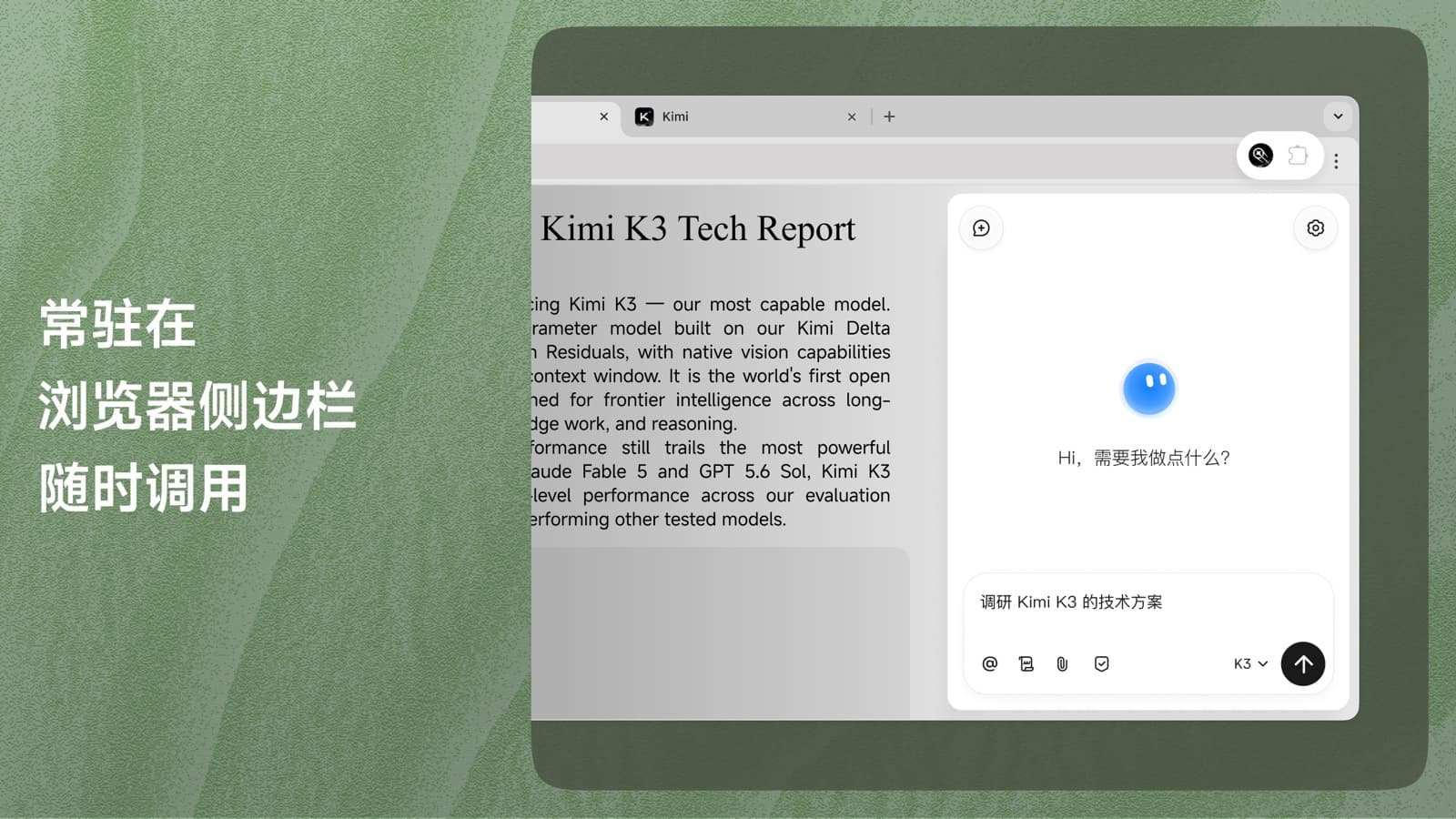
开启侧边栏
点击浏览器工具栏中的 Kimi 扩展图标,登录 Kimi 账号即可开始使用
常用场景
自动调研成文
智能填写信息
量化策略回测
常见问题
Kimi WebBridge 更名为 Kimi 浏览器扩展,新增浏览器侧边栏入口、录制网页操作、拆解网页生成指令等功能。本地 Agent 调用方式不变,可继续使用;侧边栏入口需登录 Kimi 账号。
Kimi 浏览器扩展由本地桥接服务和浏览器扩展协同工作。Agent 将指令发送给本地服务,扩展再通过 Chrome DevTools Protocol 在你当前使用的 Chrome 或 Edge 浏览器中完成页面跳转、点击、截图和内容读取等操作,并将结果返回给 Agent。所有操作都在本地完成,登录状态和网页内容不会离开你的设备。
确认已安装 Kimi 浏览器扩展,再在 Kimi Work 中重新发送并运行连接指令。指令运行完成后,重启 Kimi 桌面端。
使用中遇到问题,可前往 帮助中心 搜索解决方案。如有建议或反馈,可扫码加入飞书群聊。