How to Purchase Kimi Business Enterprise
Purchase online
On your personal homepage, click "Membership Plan" and select "Get Enterprise" to adjust the number of seats directly on the subscription page (the seat selector defaults to 5 and can be set between 2 and 150) and complete your purchase. You can also go directly to the enterprise purchase page to complete your purchase.
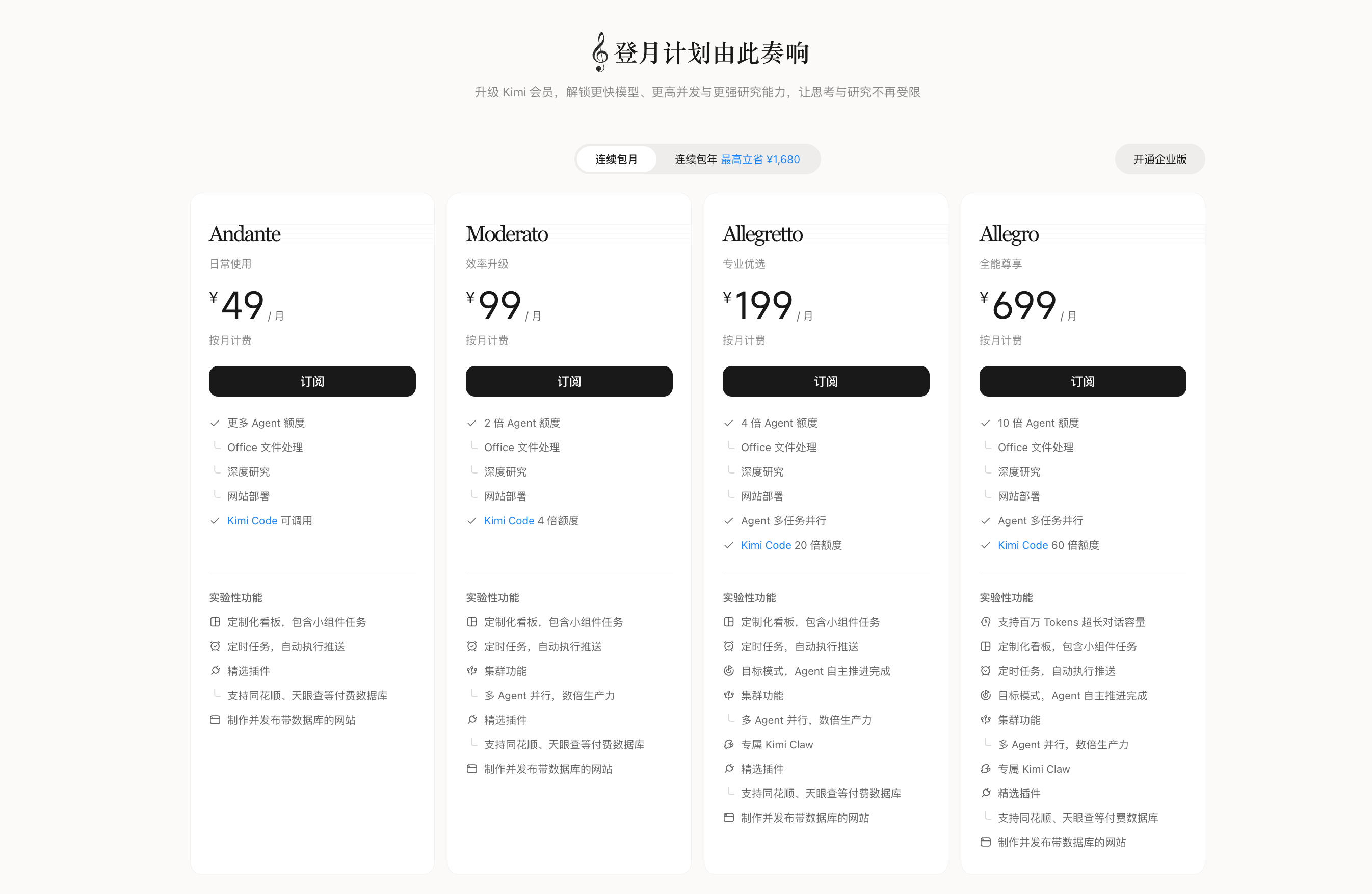
Click 'Get Enterprise' on the Membership Plan page
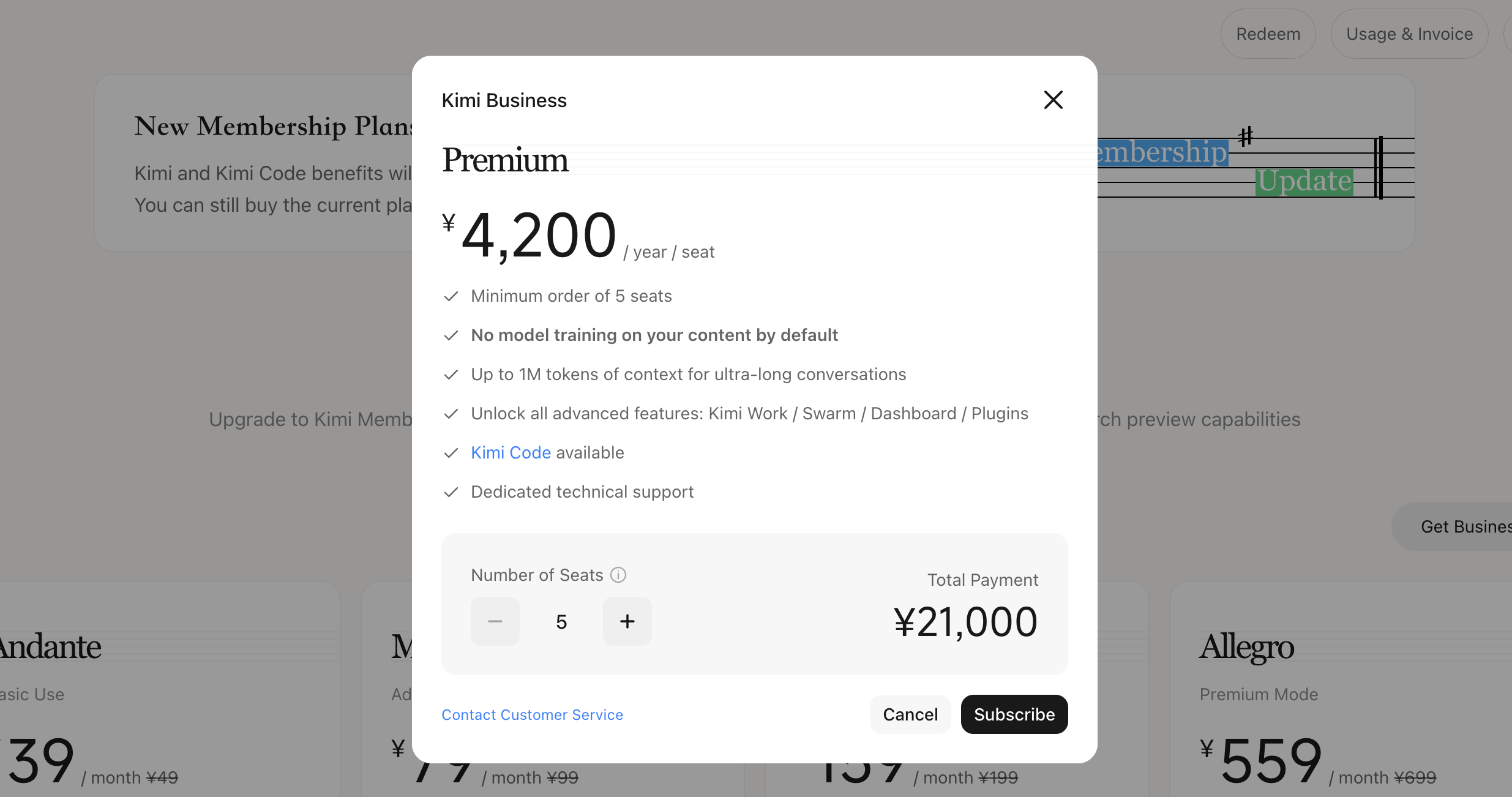
Choose the number of seats, then click 'Subscribe' to complete the purchase
Kimi Business starts at 2 seats (up to 150 seats per purchase) with an annual subscription, and you can add more seats during the subscription period.
Contact support
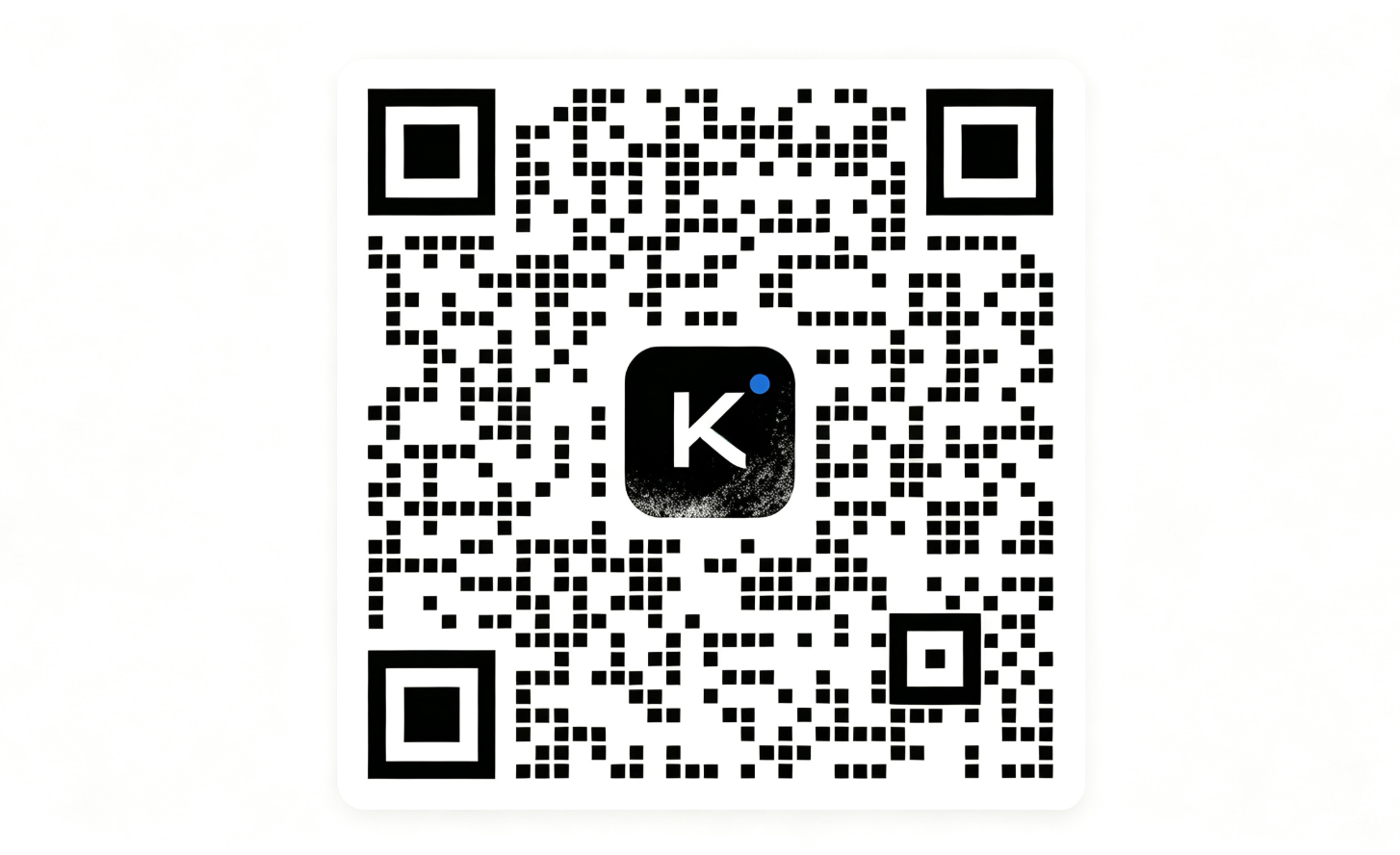
For enterprise-grade data privacy protection, enterprise-exclusive services (including offline enterprise contract signing), dedicated technical support, and other needs, scan the QR code to contact our official support directly.
Was this article helpful?