
Download Kimi
Get the Kimi app on desktop or mobile and take your AI agent wherever you go, or use Kimi Code in your terminal or IDE to code and automate your work.
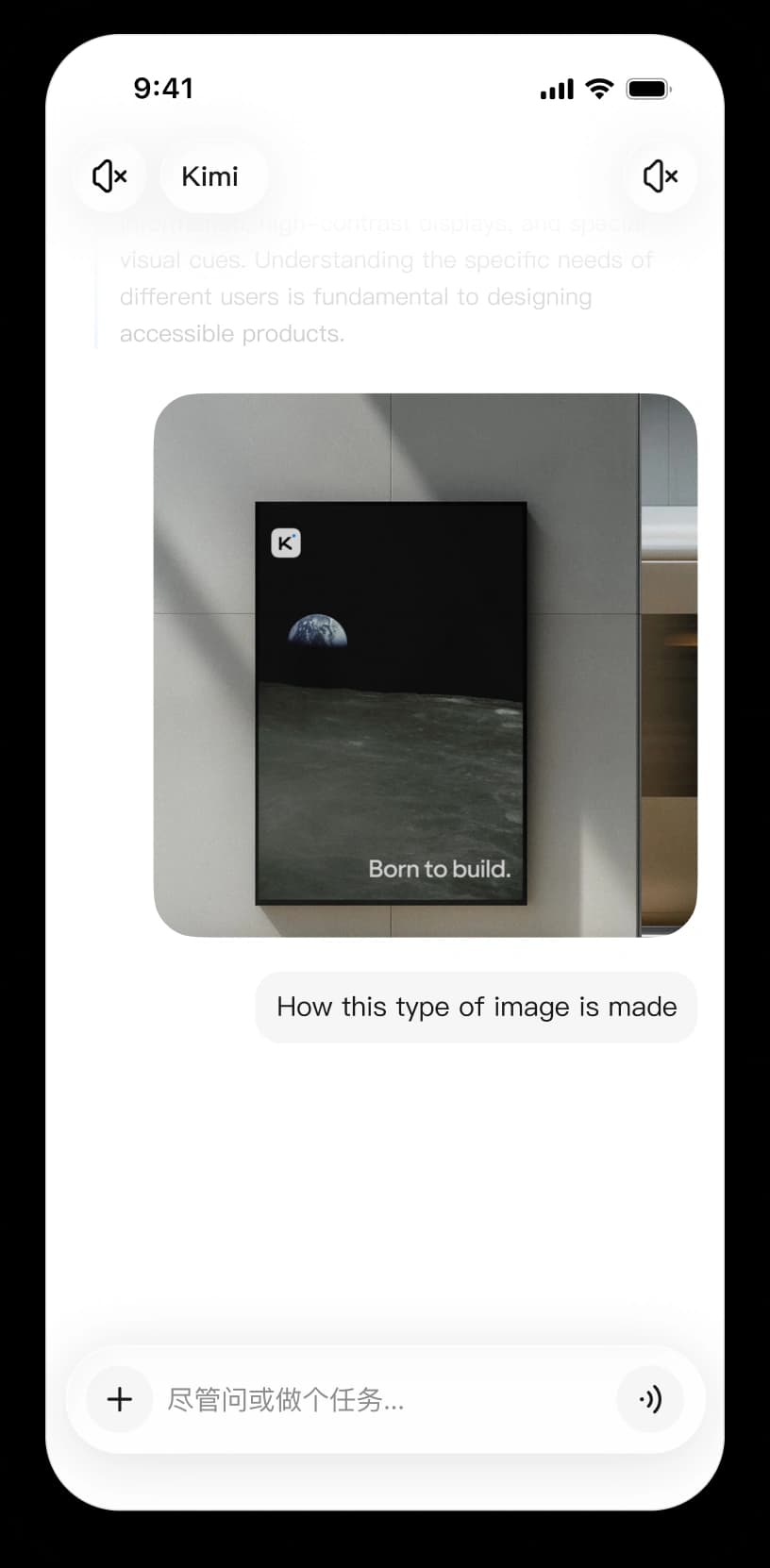
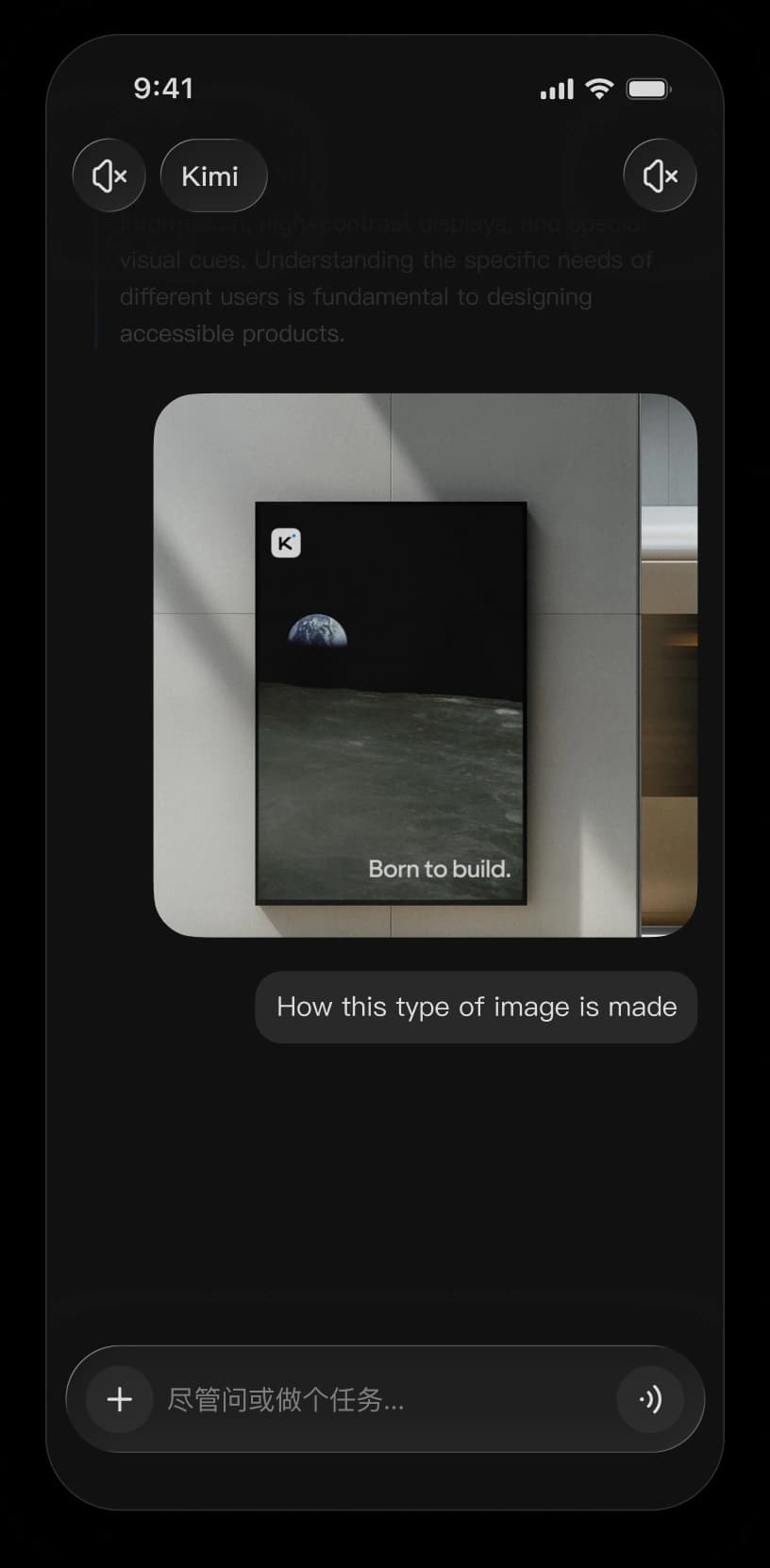
Kimi mobile APP
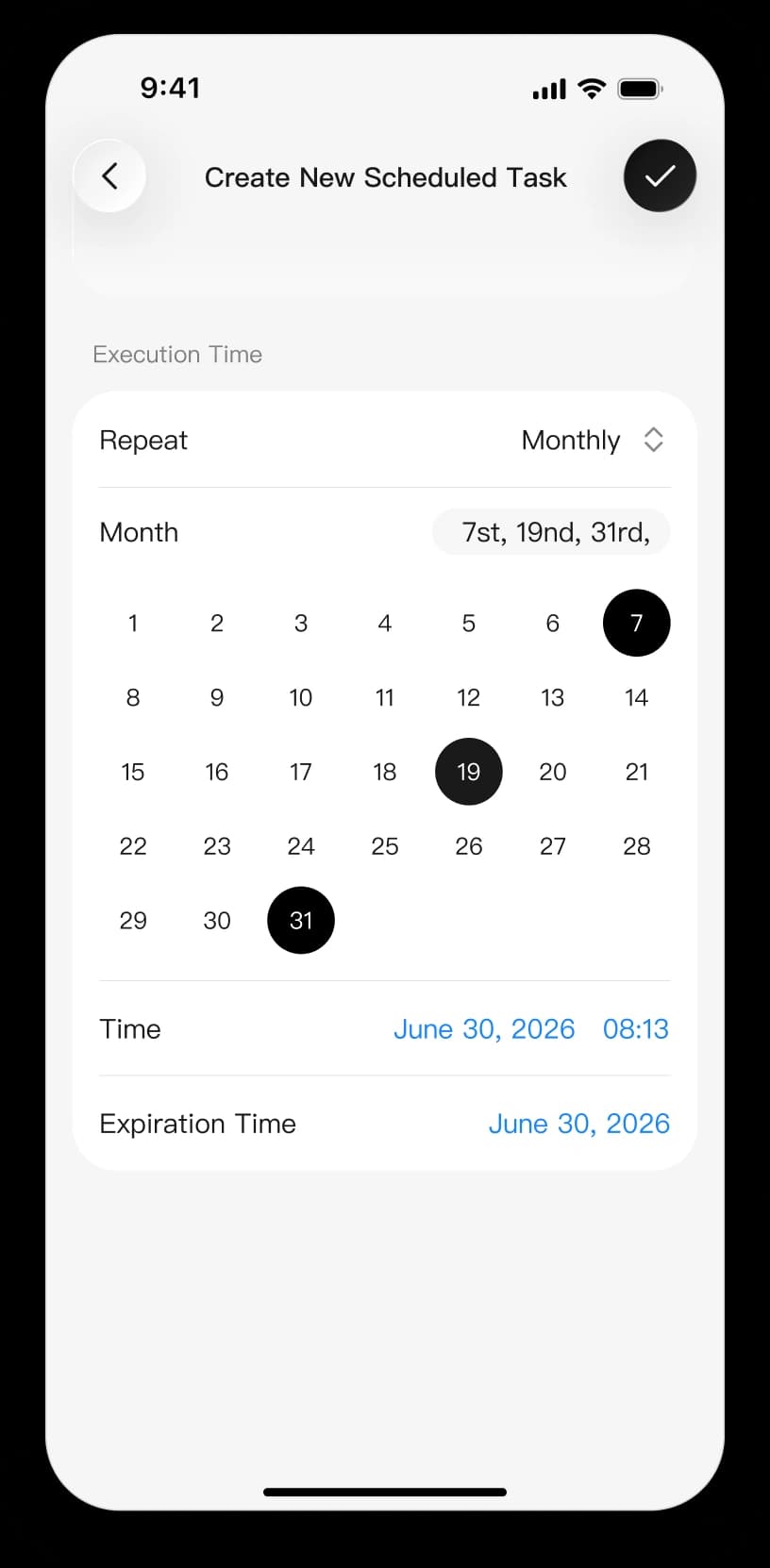
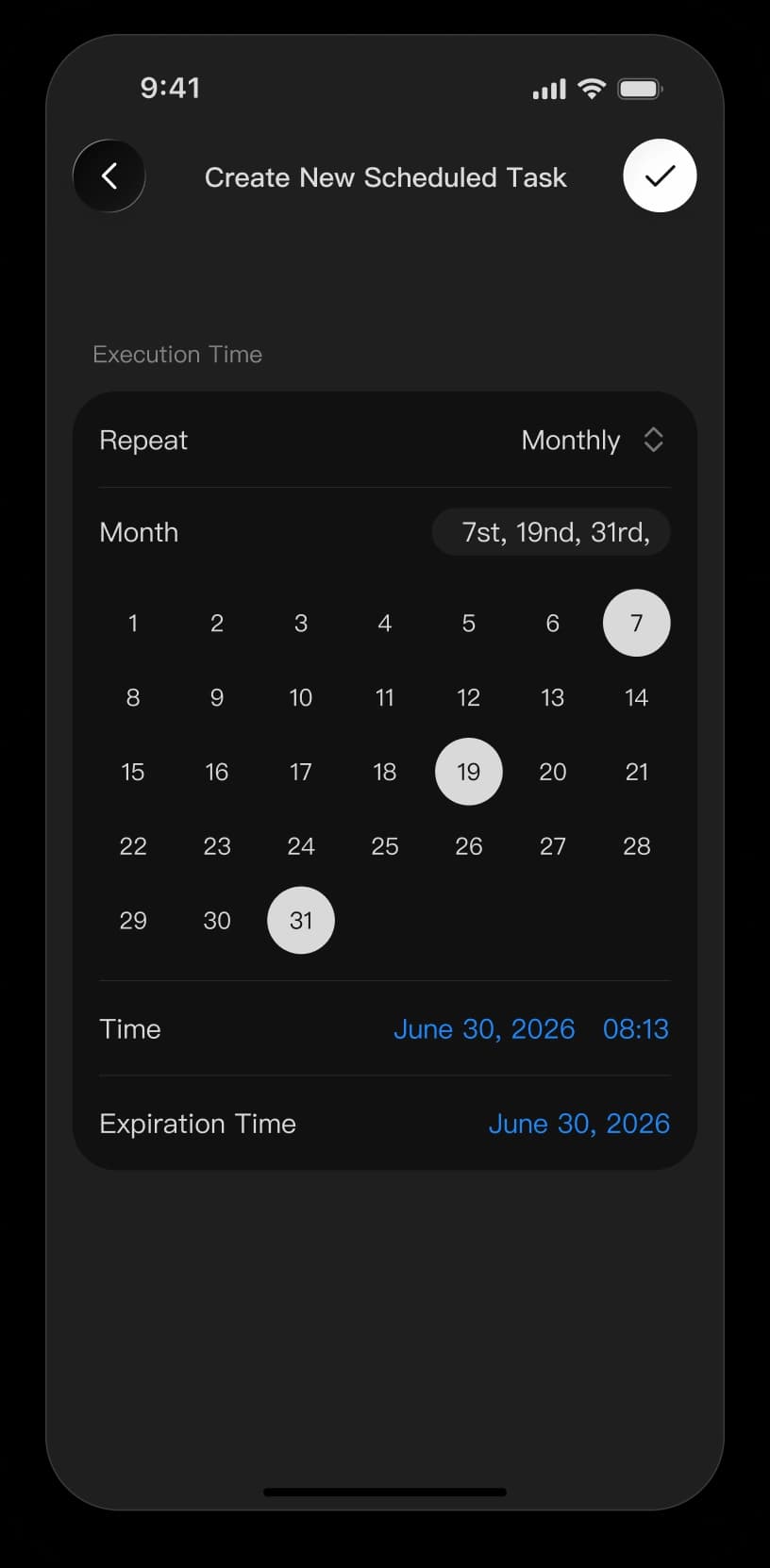
Take Kimi with you for questions and everyday tasks. Scan the QR code with your phone, or tap the button to download Kimi from your app store if you’re already on mobile.

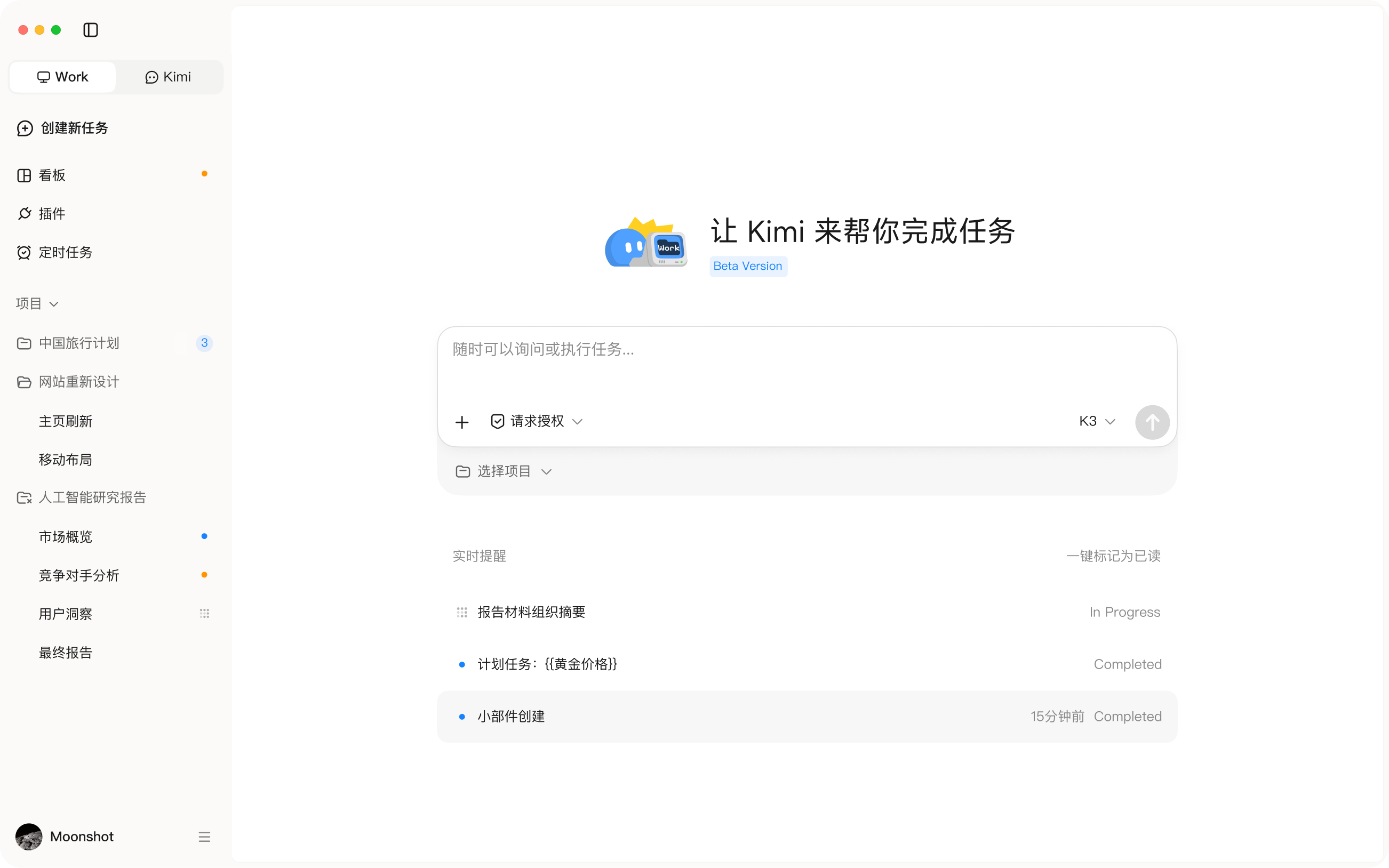
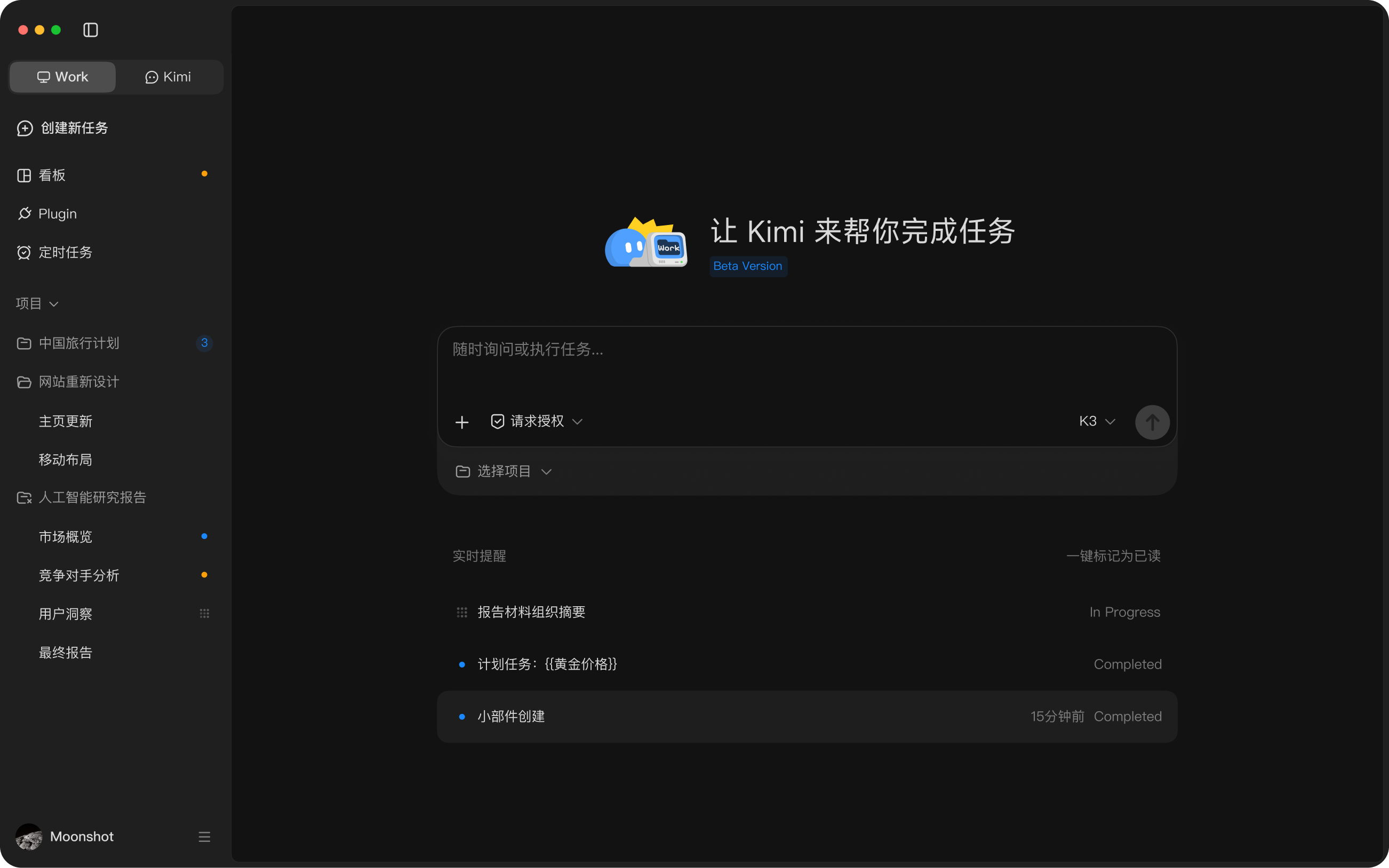
Kimi Work: Desktop App
Kimi Work is the official Kimi desktop app for AI-powered work. It connects your local files, automates desktop workflows, and helps you complete complex tasks more efficiently. Learn more about Kimi Work.
Kimi Code
Bring an end-to-end coding agent into your terminal or IDE. Kimi Code understands your codebase and carries complex development tasks from planning to execution. Learn more about Kimi Code or read the documentation.
curl -fsSL https://code.kimi.com/kimi-code/install.sh | bash
FAQ
Yes. Kimi is free to use on web, desktop, and mobile. Some advanced features and higher usage limits require a paid membership.
Yes. Sign in with the same Kimi account on each device to access your synced conversations. Kimi Work is available only in the desktop app, and tasks that rely on local files must be continued on the computer where those files are available.