Creating high-quality images, videos, audio, and presentations often requires multiple tools, workflows, and creative decisions. Multimedia skills provide AI agents with specialized capabilities to handle different creative tasks, from generating visual content to refining audio and building presentations. By using the right skills, AI agents can produce more consistent and professional multimedia outputs with greater efficiency. Explore this article to discover multimedia skills that expand AI agents’ creative capabilities.
What are AI multimedia skills?
AI multimedia skills are designed to help AI agents handle creative tasks that involve multiple content formats, from visual assets and audio files to videos and presentations. They guide AI agents through processes such as content adaptation, media editing workflows, visual enhancement, and format conversion. These skills make it easier to manage complex multimedia projects while keeping outputs aligned with specific creative goals.
Explore built-in AI multimedia skills in Kimi
To make creative work even more efficient, Kimi includes a collection of built-in multimedia specialist skills designed for specific media production tasks. Instead of relying on one general AI tool, each skill follows a dedicated workflow for creating, editing, or analyzing different types of multimedia content. Explore Kimi's built-in multimedia skills below and see how each one supports a different creative need.
| Skill name | Description |
|---|---|
| edge-tts | Convert text to high-quality spoken audio using Microsoft Edge's neural TTS, supporting multiple voices, languages, speed, and pitch adjustments, plus subtitle generation. Use when a user requests voice output, mentions TTS, wants content read aloud for multitasking or accessibility, or specifies a particular voice, speed, or format. |
| geo-magazine-slides | Create stunning geographic magazine-style presentation decks (PPTX) with editorial-quality layouts, large hero imagery, data-driven charts, and a luxury aesthetic. Use for location collections, luxury real estate showcases, travel destination presentations, map-themed curation, architecture portfolios, and editorial grid overviews with chapter dividers. |
| journalistic-portrait | Create magazine-style HTML pages replicating the visual design of Southern People Weekly. Use for feature article layouts, cover pages with red border frames, table of contents pages with portrait photography, and dual-column inner pages with editorial section headings, replicating Chinese weekly magazine typography and color palettes. |
| photo-magazine | Create premium landscape documents with magazine-quality editorial design. Produces visually rich reports featuring bold typography, full-bleed photography, data visualization cards, and narrative layout. Use for enterprise, research, or creative reports requiring editorial aesthetics, multi-column layouts, large font data dashboards, and section-based navigation that blends storytelling with data. |
| pitch-deck-creator | Creates professional pitch decks and business plans in the style of a Chinese startup funding proposal. Triggered by requests to create investor decks, financing proposals, company overviews with market analysis, or any fundraising presentation. Supports Chinese and English content, outputs PPTX by default, and follows a polished 18-slide template with clean white backgrounds and navy blue accents. |
| podcast-episode-writer | Creates complete, structured podcast scripts with timestamps for intros, segmented topics, transitions, prepared questions, and closing CTAs. Triggered by requests like 'help me write a podcast episode', 'plan my script', or keywords such as podcast script, outline, intro, CTA, or episode planning. |
| video-quality-diff | This skill should be used when comparing two videos to analyze compression results or quality differences. Generates interactive HTML reports with quality metrics (PSNR, SSIM) and frame-by-frame visual comparisons. Triggers when users mention "compare videos", "video quality", "compression analysis", "before/after compression", or request quality assessment of compressed videos. |
| retro-tech-illustration | Create retro tech art style visual content including images, illustrations, and design documents. Covers Synthwave, Vaporwave, Cyberpunk, retro comics, and retro futuristic aesthetics. Use for neon grid landscapes, pixel art, vaporwave scenes, CRT and halftone effects, color palettes and typography systems, serving 80/90s tech noir themed projects. |
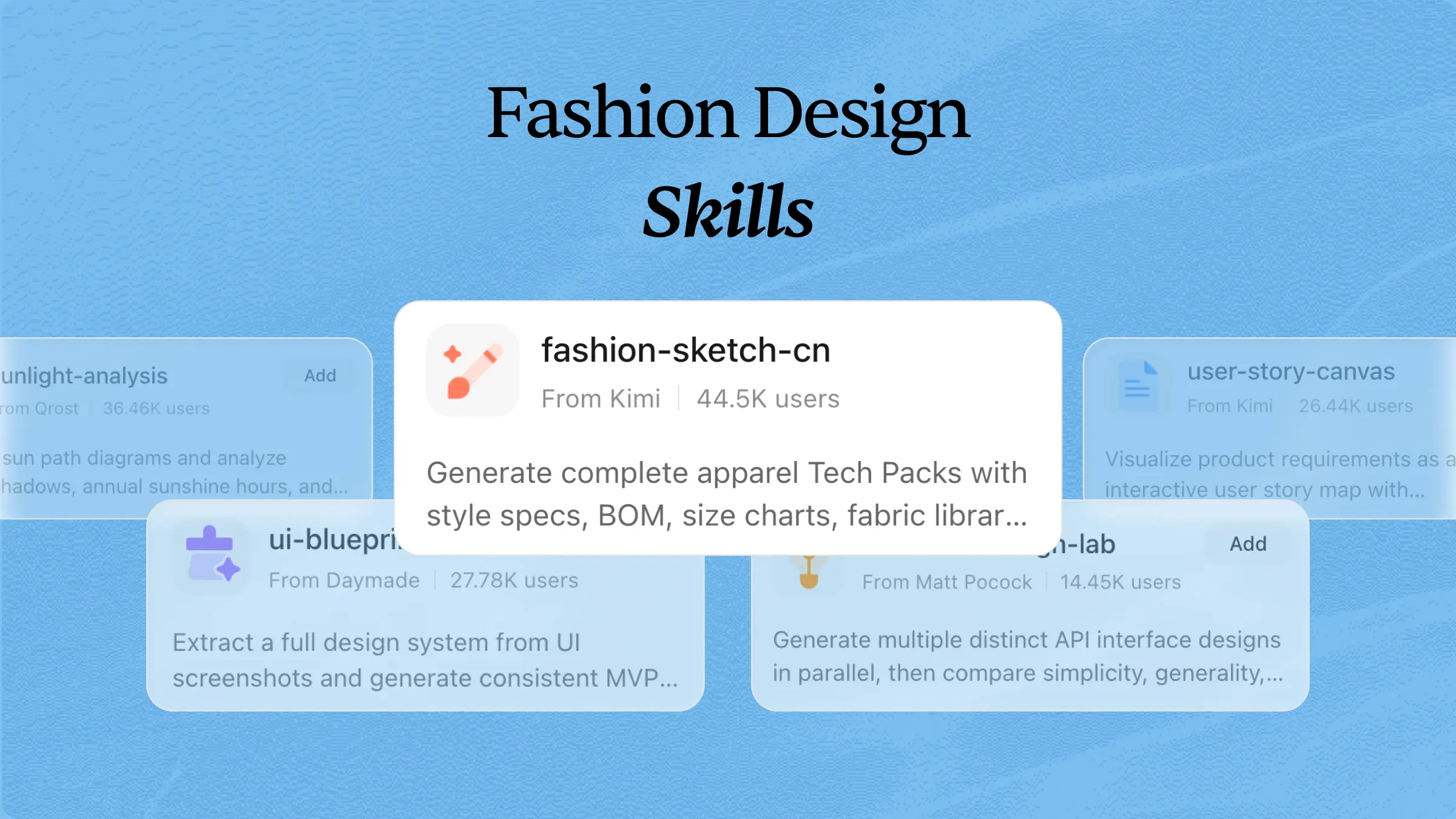
| fashion-sketch | Create professional apparel technical specification packages (tech packs) with collection overviews, style specs, construction details, measurement charts, fabric libraries, bills of materials, quality standards, and sign-off pages. Use for apparel, footwear, accessories, and any category requiring a structured, professional technical documentation format. |
How to use Kimi's built-in multimedia skills?
Kimi lets you use built-in multimedia skills with simple prompts. Choose the right skill for your project, describe what you want to create, and Kimi will generate the content using the selected workflow. Follow these steps to get started.
Step 1: Input a skill command
Type a skill command such as /edge-tts in the chat box to activate the multimedia skill you want to use.
Step 2: Start your task
Explain what you want to create, and Kimi will use the selected skill to generate output according to its specialized workflow.
Example prompt:
Kimi will combine the selected skill's guidance with your instructions to deliver more consistent and task-specific outputs.
Step 3: Review your output
Check the generated result, make any adjustments if needed, and copy or download the final output for your project.
Open-source multimedia skills to enhance your AI toolkit
Beyond Kimi's built-in skills, you can also expand your workflow with open-source skills created by the AI community. These skills support tasks such as video processing, audio transcription, media verification, content transformation, and AI-powered video generation, making it easier to build a more capable creative toolkit. Here are open-source skills you can explore to enhance your AI workflows.
| Skill name | Description | URL |
|---|---|---|
| ai-agent-skill-for-video-workflow | AI agent skills collection for video subtitle processing. Provides a complete workflow from audio to SRT conversion, subtitle optimization, subtitle card annotation, and social media summary generation for video content management. | https://github.com/dean9703111/ai-agent-skill-for-video-workflow |
| detect-skill | Agent skill for deepfake detection and media safety. Detects AI-generated audio, images, and video, then analyzes completed detection results using Resemble AI's Detect and Intelligence APIs for media authenticity verification. | https://github.com/resemble-ai/detect-skill |
| skill-anything | Converts any source, including PDF, video, web, audio, and text, into interactive learning packages with quizzes, flashcards, and spaced repetition. One command setup with 12 section study guides for multimedia content transformation. | https://github.com/SYuan03/Skill-Anything |
| audio-transcriber | Audio transcription skills for AI coding agents. Converts audio files to markdown with speaker diarization, timestamps, and summaries. Supports multiple formats, including MP3, WAV, M4A, and FLAC, with a zero-configuration philosophy. | https://github.com/sickn33/agentic-awesome-skills |
| ffmpeg-audio-normalization-pipeline | Professional audio loudness normalization using FFmpeg's loudnorm filter conforming to the EBU R128 broadcast standard. Performs two-pass analysis with integrated LUFS, true peak, and loudness range measurements for streaming and broadcast compliance. | https://github.com/agentskillexchange/skills |
| ultimate-ai-media-generator-skill | Comprehensive media generation skill supporting image, video, sound effects, and music creation. Compatible with Codex, OpenClaw, Cursor, and other agent frameworks via unified API interfaces. | https://github.com/ZeroLu/Ultimate-AI-Media-Generator-Skill |
| audio-transcription-summarization | Audio transcription and summarization skills using OpenAI Whisper. Transcribes audio files to text with optional speaker diarization, then generates structured summaries for meeting notes, podcasts, and interviews with local processing. | https://github.com/openai/whisper |
| pexo-skills | Audio-to-video skill that analyzes audio content and mood, drafts matched scenes, routes each scene across 10+ models (Seedance, Kling, Veo, Sora, Runway), generates footage, syncs cuts to audio, and masters export. | https://github.com/pexoai/pexo-skills |
| ai-avatar-video | Create AI avatar and talking head videos via inference.sh CLI. Supports P-Video-Avatar, OmniHuman, Fabric, and PixVerse with audio-driven avatars, text-to-avatar, lipsync videos, and virtual presenters in 100+ languages. | https://github.com/inference-sh/skills |
| video-use | Edit videos with coding agents. Inventories raw footage, proposes editing strategies, and produces final MP4s with ElevenLabs narration. Supports Claude Code, Codex, Hermes, and OpenClaw with automated transcription and clip assembly. | https://github.com/browser-use/video-use |
How to install external AI skills in Kimi?
You can expand Kimi's capabilities by installing external multimedia skills from GitHub or other supported repositories. Simply provide the skill URL, allow Kimi to complete the setup, and start using the new skill in your workflow. Follow this step-by-step guide to get started.
Step 1: Enter a prompt
Open Kimi, write a prompt, and include the repository URL of the external skill you want to install, so Kimi can recognize and begin the installation process.
Example prompt:
Step 2: Let AI install the skill automatically
Kimi downloads the required files, configures the skill, verifies the installation, and prepares everything, so the new skill is ready to use without any manual setup.
Step 3: Use the skill
After the installation is complete, add the skill to your workspace, activate it, and enter your multimedia request to start generating content with the newly installed skill.
Build your own AI multimedia skills for any workflow
Kimi also lets you create custom multimedia skills from your own files and resources. This makes it easier to build reusable AI workflows that match your creative process, preferred formats, and production requirements. Here is a step-by-step guide to creating your own custom skill in Kimi.
Step 1: Access the "Document to skills" tool
Open Kimi and select "Document to skills" to start creating a custom multimedia skill from your own reference materials.
Step 2: Upload the files
Upload the files you want Kimi to learn from, such as media production guides, design documents, video workflows, audio templates, or creative project instructions.
Step 3: Create and use your skills
After processing your files, Kimi generates a reusable skill that you can apply to similar creative tasks, edit whenever needed, or export for future projects.
After creating a skill, you can refine it anytime in Kimi by updating instructions, improving workflows, and adding new requirements. Once ready, save your skill for future tasks or share it with your team to support consistent AI workflows.
Effective tips for using AI multimedia skills
Using the right approach can make multimedia skills much more effective for creative work. Small improvements in how you build, organize, and use these skills can lead to better-quality results. Keep these practical tips in mind to get the most out of AI multimedia skills.
Create specialized skills for different media tasks
Build separate multimedia specialist skills for image generation, video editing, audio processing, design optimization, and content repurposing. Specialized skills stay focused on a single workflow, producing more accurate, consistent, and reliable results across different creative projects.
Provide detailed creative instructions and references
Include style preferences, brand guidelines, target audience, visual references, and output requirements in your skill. Clear instructions help AI generate multimedia content that better matches your creative goals while reducing unnecessary revisions.
Use AI skills to automate repetitive media workflows
Apply AI multimedia skills to recurring tasks such as format conversion, background removal, caption generation, image enhancement, and content resizing. This saves time, reduces repetitive manual work, and improves overall workflow efficiency.
Combine multiple AI skills for complete content production
Connect skills for scripting, visual creation, voice generation, and editing to create complete multimedia workflows. Using multiple skills together helps streamline the entire production process from planning to final delivery with greater efficiency.
Create custom skills from existing creative resources
Turn brand assets, design guidelines, previous projects, and content templates into reusable AI skills. This helps maintain consistent quality, speeds up future creative work, supports better team collaboration, and simplifies ongoing content production.
Review and refine AI-generated media outputs
Check the final results for visual quality, audio clarity, brand consistency, and overall accuracy. Update your skill instructions over time to improve future multimedia outputs and achieve more dependable creative results for every project.
Conclusion
As creative projects continue to grow in complexity, having the right multimedia skills can make your work with AI more organized, efficient, and consistent. Choosing skills that match your workflow helps you spend less time on repetitive tasks and more time creating. Whether you use built-in features, open-source options, or custom workflows, the right approach can improve your creative process. Try Kimi to explore and build multimedia skills that fit the way you create.