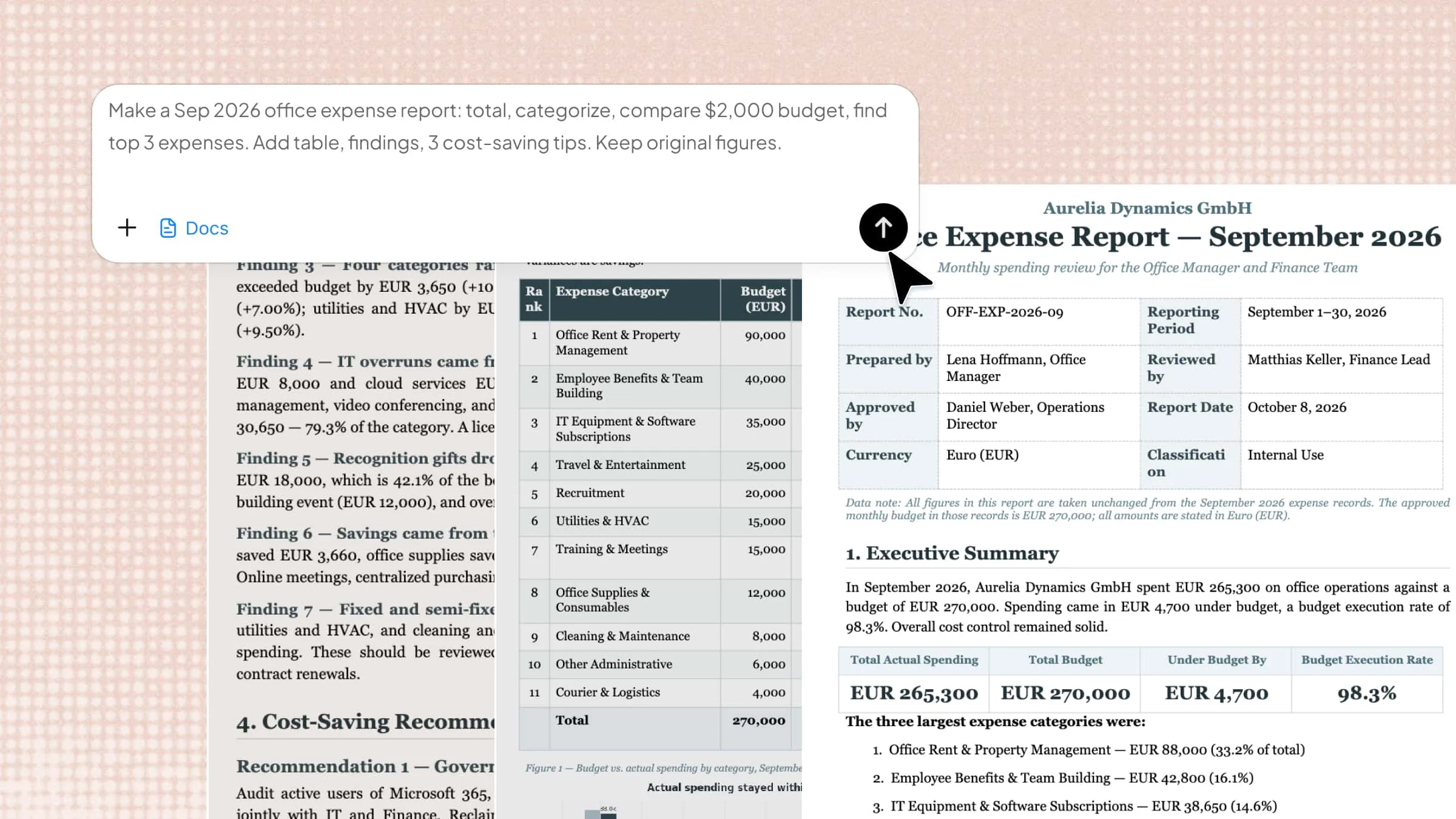
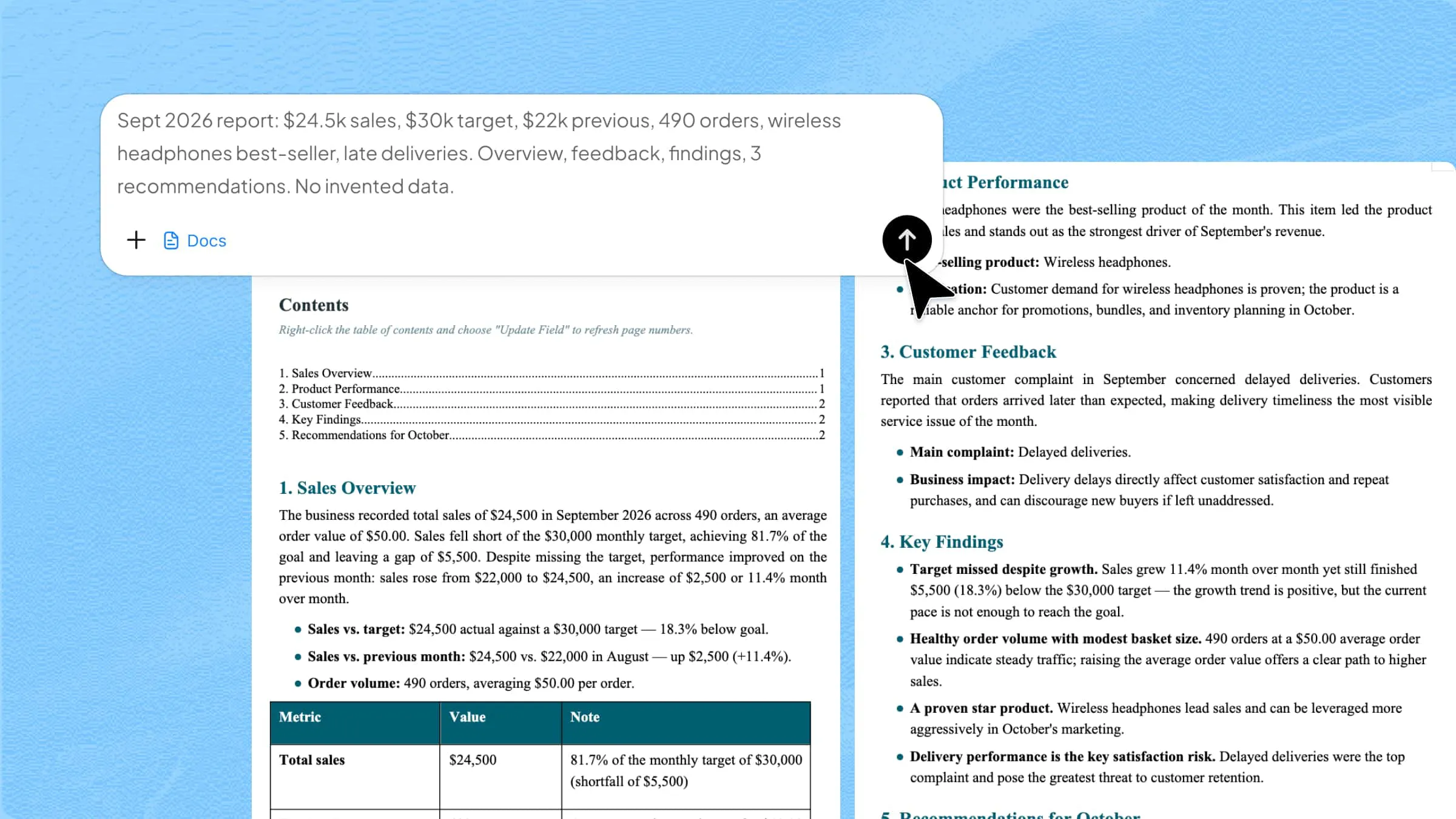
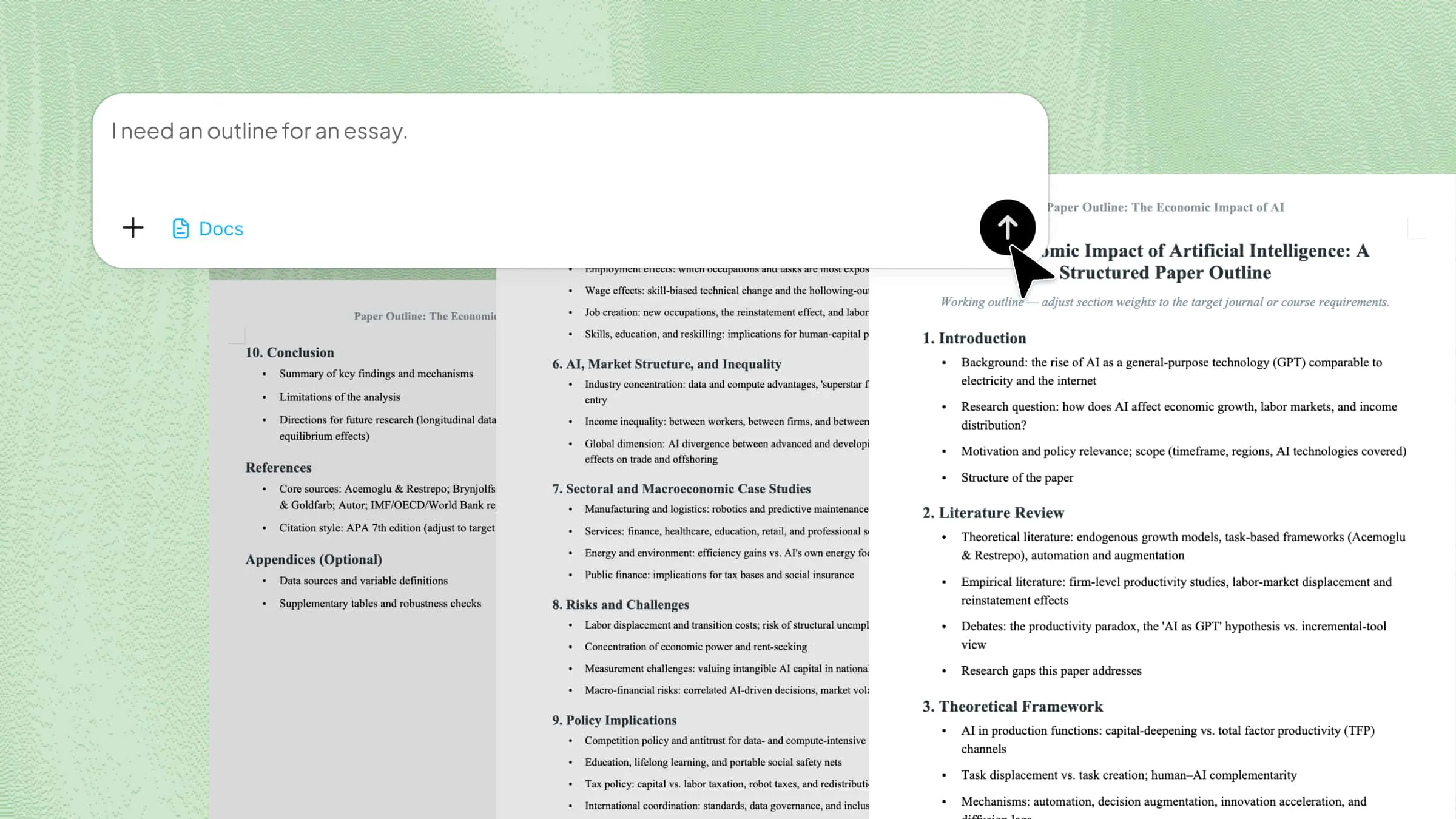
10 Booklet Templates that Fit Every Project and Purpose

Discover 10 booklet templates made with Kimi Docs to cover every need from business to education and events. Pick a ready-made layout, customize your content, add your details, and publish a polished booklet with full confidence in minutes.

10 min read2026-05-29
10 Booklet Templates that Fit Every Project and Purpose

Table of contents

Many people struggle with creating professional-looking booklets that match their brand, audience, or content style without spending too much time on formatting. Booklet templates can save hours of design work, but choosing the right layout for your industry or project is often confusing. That's where ready-made booklet templates become useful. In this article, you'll discover 10 versatile booklet templates that work across different industries and niches, helping you create polished, organized, and visually appealing booklets with ease.

10 editable booklet templates for every niche

Different projects require different booklet styles, layouts, and page structures to match their purpose effectively. Choosing the right format can improve presentation, readability, and overall visual impact. Below are 10 editable booklet templates created with the help of the Kimi Docs, an AI document agent, suitable for a wide range of industries and creative needs.

Business company profile booklet

A business company profile booklet is ideal for introducing your company, services, achievements, and brand identity in a professional format. This type of booklet design template helps businesses present important information clearly for clients, investors, or marketing purposes.

Business company profile booklet

How to use

Step 1: Enter your prompt

Paste the task prompt into Kimi Docs to create a professional business company profile booklet template.

Prompt:

Create a modern business company profile booklet with a professional cover page, company overview, services section, achievements, team introduction, and contact details. Use a clean corporate layout with organized sections and polished formatting.

Step 2: Let AI generate your Word

Kimi Docs will automatically generate a professionally structured Word booklet with organized layouts and formatted sections.

Step 3: Review and export the Word

Review the template, make final edits if needed, and export the booklet in Word format for printing or business use.

Product catalog booklet

A product catalog booklet helps businesses showcase products, pricing, specifications, and brand details in an organized format. It is commonly used for marketing, retail promotions, and client presentations to display products professionally. This type of editable booklet template also makes it easier to maintain a clean and visually appealing product layout.

Product catalog booklet template

How to use

Step 1: Enter your prompt

Open Kimi Docs and enter a detailed prompt describing the type of product catalog booklet you want to create. Mention the layout style, product sections, image placement, colors, and overall design preference for better AI-generated results.

Prompt:

Create a modern product catalog booklet with a professional cover page, product categories, pricing sections, product descriptions, high-quality image placement, and contact details. Use a clean and visually attractive layout suitable for print and digital viewing.

Step 2: Let AI generate your Word

Kimi Docs will automatically generate a professionally formatted product catalog booklet in Word format with organized sections and layouts.

Step 3: Review and export the Word

Review the booklet, make any final design or content edits, and export the completed file in Word format for sharing or printing.

Event program and schedule booklet

An event program booklet is useful for organizing schedules, speaker details, activities, and important event information in one place. It helps attendees easily follow the event timeline while giving the booklet a more professional appearance. This type of booklet program template is commonly used for conferences, seminars, ceremonies, and corporate events.

booklet program template

How to use

Step 1: Enter your prompt

Go to Kimi Docs and describe the event booklet structure you want to create. Include details like the event schedule, speaker sections, activity timeline, venue details, and preferred design style, so the AI can generate a well-organized booklet layout.

Prompt:

Create a professional event program booklet with a modern cover page, event schedule, speaker profiles, activity timeline, venue information, sponsor section, and contact details. Use a clean layout with organized sections and visually appealing formatting.

Step 2: Let AI generate your Word

Kimi Docs will automatically create and organize the event booklet into a professionally formatted Word document.

Step 3: Review and export the Word

Check the booklet layout and content, make final edits if needed, then export the completed file in Word format for printing or sharing.

Training and onboarding manual booklet

A training and onboarding manual booklet helps companies organize employee guidelines, training procedures, company policies, and work instructions in a structured format. It improves learning and makes onboarding easier for new employees. This type of booklet template in Word is widely used for corporate training and workplace documentation.

booklet template in Word

How to use

Step 1: Enter your prompt

Open Kimi Docs and write a detailed prompt describing the training booklet structure and content you want, including sections like company introduction, employee policies, training modules, workplace instructions, and formatting preferences for a more organized result.

Prompt:

Create a professional training and onboarding manual booklet with a clean cover page, company introduction, workplace policies, employee responsibilities, training schedule, learning sections, and contact information. Use an organized and easy-to-read corporate layout.

Step 2: Let AI generate your Word

Kimi Docs will automatically organize the content and generate a professionally formatted training booklet in Word format.

Step 3: Review and export the Word

Review the booklet, make any final edits if needed, and export the completed Word file for employee onboarding or training use.

Educational course booklet

An educational course booklet is useful for organizing course outlines, lesson plans, study materials, and academic schedules in one document. It helps students and instructors access important learning information in a structured and easy-to-read format. This type of A5 booklet template works well for schools, training centers, and online learning programs.

Educational course booklet template

How to use

Step 1: Enter your prompt

Enter a detailed prompt in Kimi Docs describing the structure and design of the educational course booklet you want to create. Include details like course modules, lesson sections, schedules, assignments, and preferred academic formatting style.

Prompt:

Create an educational course booklet with a professional cover page, course overview, lesson modules, study schedule, assignment sections, instructor details, and organized academic formatting. Use a clean and student-friendly layout suitable for printing.

Step 2: Let AI generate your Word

Kimi Docs will automatically generate a structured and professionally formatted educational booklet in Word format.

Step 3: Review and export the Word

Review the booklet content and layout, make final edits if needed, then export the completed Word file for educational or classroom use.

Charity awareness booklet

A charity awareness booklet helps organizations share their mission, campaigns, donation goals, and community impact in a clear and engaging format. It is commonly used for fundraising events, nonprofit promotions, and awareness campaigns to connect with supporters effectively. This type of free booklet template design is useful for creating visually appealing and informative charity materials.

Charity awareness booklet

How to use

Step 1: Enter your prompt

Enter a detailed prompt in Kimi Docs explaining the type of charity awareness booklet you want to create. Include information about the campaign purpose, donation sections, community stories, event details, and the visual style you want for the booklet.

Prompt:

Create a charity awareness booklet with a professional cover page, organization mission, fundraising campaign details, donation information, community impact stories, volunteer section, and contact details. Use a clean and emotionally engaging layout suitable for print and digital sharing.

Step 2: Let AI generate your Word

Kimi Docs will automatically create and format the charity booklet into a professional Word document with organized sections and layouts.

Step 3: Review and export the Word

Review the booklet content and design, make any final edits if needed, then export the completed Word file for printing or sharing.

Wellness information booklet

A wellness information booklet helps organize health tips, fitness guidance, nutrition plans, and self-care information in a reader-friendly format. It is commonly used by clinics, wellness centers, fitness coaches, and healthcare organizations to share educational content professionally. This type of simple booklet template word layout works well for creating clean and easy-to-read wellness materials.

Wellness information booklet template

How to use

Step 1: Enter your prompt

Enter a detailed prompt in Kimi Docs describing the wellness booklet structure and content you want to create. Include sections like health tips, exercise guidance, nutrition information, wellness programs, and preferred design style for better AI-generated formatting.

Prompt:

Create a wellness information booklet with a modern cover page, health and fitness tips, nutrition guidance, wellness routines, self-care sections, and contact information. Use a calm, clean, and easy-to-read layout suitable for print and digital viewing.

Step 2: Let AI generate your Word

Kimi Docs will automatically generate a professionally formatted wellness booklet in Word format with organized sections and layouts.

Step 3: Review and export the Word

Review the booklet design and content, make final edits if needed, then export the completed Word file for printing or sharing.

Real estate property listing booklet

A real estate property listing booklet helps agents and companies showcase property details, pricing, amenities, and images in a professional format. It is commonly used for property presentations, client meetings, and promotional campaigns to attract potential buyers. This booklet template is ideal for creating organized and visually appealing real estate materials.

Real estate property listing booklet

How to use

Step 1: Enter your prompt

Enter a detailed prompt in Kimi Docs describing the type of real estate booklet you want to create. Include details like property listings, pricing sections, amenities, image placement, agent information, and preferred design style for a polished result.

Prompt:

Create a professional real estate property listing booklet with a modern cover page, featured property sections, pricing details, amenities, high-quality image placement, agent contact information, and clean layout formatting suitable for client presentations.

Step 2: Let AI generate your Word

Kimi Docs will automatically organize the property information and generate a professionally formatted real estate booklet in Word format.

Step 3: Review and export the Word

Review the booklet content and layout, make any final edits if needed, then export the completed Word file for printing or digital sharing.

Restaurant and food menu booklet

A restaurant and food menu booklet helps businesses display menu items, prices, special dishes, and brand style in a visually attractive format. It improves the customer experience by making food options easier to browse and understand. This type of free layout booklet template is useful for cafés, restaurants, catering services, and food businesses.

Restaurant and food menu booklet

How to use

Step 1: Enter your prompt

Enter a detailed prompt in Kimi Docs describing the menu booklet design and structure you want to create. Include sections like food categories, pricing, featured dishes, restaurant branding, image placement, and preferred visual style.

Prompt:

Create a restaurant and food menu booklet with a stylish cover page, organized food categories, pricing sections, featured dishes, high-quality food image placement, restaurant branding, and a clean, modern layout suitable for printing.

Step 2: Let AI generate your Word

Kimi Docs will automatically generate a professionally formatted food menu booklet in Word format with organized sections and layouts.

Step 3: Review and export the Word

Review the menu booklet, make any final edits if needed, then export the completed Word file for restaurant use or printing.

Tourism destination booklet

A tourism destination booklet helps showcase travel locations, attractions, activities, and guides in a visually engaging format. It is widely used by travel agencies, tourism boards, and tour operators to promote destinations effectively. This type of booklet blank template is ideal for creating attractive travel guides and promotional materials.

Tourism destination booklet templates

How to use

Step 1: Enter your prompt

Enter a detailed prompt in Kimi Docs describing the tourism booklet structure you want to create. Include sections like destination highlights, travel itineraries, attractions, hotel options, and visual style preferences for a professional travel guide.

Prompt:

Create a tourism destination booklet with a stunning cover page, destination overview, top attractions, travel itinerary, accommodation details, local experiences, and high-quality image placement. Use a vibrant and travel-friendly layout suitable for print and digital use.

Step 2: Let AI generate your Word

Kimi Docs will automatically generate a well-structured tourism booklet in Word format with organized sections and visuals.

Step 3: Review and export the Word

Review the booklet design and content, make final edits if needed, then export the completed Word file for travel promotion or printing.

What makes Kimi Docs useful for Word booklet templates?

Creating professional booklet layouts becomes much easier when the platform can handle structure, formatting, and content organization automatically. Kimi Docs simplifies many time-consuming tasks and helps users create polished booklet templates more efficiently.

Generates structured outlines tailored to your topic

Kimi Docs can automatically create organized outlines based on your booklet topic and content type. This helps users quickly build professional booklet sections without manually planning the structure.

Summarizes long documents into concise text

The platform can shorten lengthy content into clear and readable sections for booklet use. This makes information easier to present while keeping the overall booklet clean and organized.

Supports multiple file formats for input and output

Kimi Docs supports different document formats for editing and exporting files. This flexibility makes it easier to work with various content sources and create a professional booklet template Word file for printing or sharing.

Rewrites and polishes existing drafts

The AI can improve sentence flow, readability, and formatting within existing booklet drafts. This helps users create more polished and professional-looking documents with less editing effort.

Translates content into multiple languages

Kimi Docs supports multilingual content creation and translation for international audiences. This feature is especially useful for businesses, educational materials, and global marketing booklets.

When do you need booklet layout templates?

Booklet templates are useful when you need to organize information in a professional, structured, and visually appealing format. They help save formatting time while making documents easier to read and present.

Business brochures

Businesses often use booklet brochures to present company services, brand information, and marketing content professionally. A well-designed booklet template free download option can help create polished brochures quickly for clients and promotions.

Product catalogs

Product catalogs help businesses display products, pricing, and specifications in an organized layout. Using a structured booklet template improves product presentation and makes browsing easier for customers.

Event programs

Event booklets are useful for sharing schedules, speaker details, activities, and venue information. A professionally formatted booklet helps attendees follow the event timeline more conveniently.

Training manuals

Training manuals organize company policies, learning materials, and employee instructions in a clear format. A structured booklet layout also improves readability and helps users understand information more efficiently.

School projects

Students and educators often use booklet templates for assignments, educational guides, and presentations. These layouts help organize academic content neatly while giving projects a more professional appearance.

Conclusion

Choosing the right booklet template in Word layout can help you create professional, organized, and visually appealing documents for different industries and creative projects. From business profiles and product catalogs to educational guides and event programs, these templates simplify the design process while improving presentation quality. With AI-powered tools like Kimi Docs, creating customized and editable booklet layouts becomes faster and easier for both digital sharing and print-ready use.

FAQ

What size is a standard booklet template?
A standard booklet template is commonly designed in A4, A5, or letter-size formats, depending on the printing style and purpose. An A5 booklet template is especially popular for brochures, catalogs, and event booklets because it is compact and easy to handle. The final size usually depends on your content and printing requirements.
How many pages should a booklet template have?
Most booklet templates use page counts in multiples of four because of the folding and printing process. A simple booklet may contain 8–12 pages, while detailed catalogs or manuals can have many more. The ideal number depends on the type of content and overall booklet design.
Is there a booklet template in Word?
Yes, Microsoft Word offers built-in booklet-related templates that users can customize easily. You can also find a booklet template in Microsoft Word layout online for business brochures, catalogs, educational booklets, and more. These templates help save time by providing ready-made formatting and page structures.
How do I create a booklet?
To create a booklet, choose a suitable booklet layout, organize your content into sections, and format the pages for folding and printing. Many users start with a free booklet template in a Word file to simplify the design process. Tools like Word and Kimi Docs can help generate professional booklet layouts quickly.
How to create a digital booklet for free?
You can create a digital booklet for free using online design tools, Word templates, or AI-powered platforms like Kimi Docs. Start with a free booklet template and customize the text, images, and layout based on your needs. After editing, export the booklet as a PDF for digital sharing or online viewing.