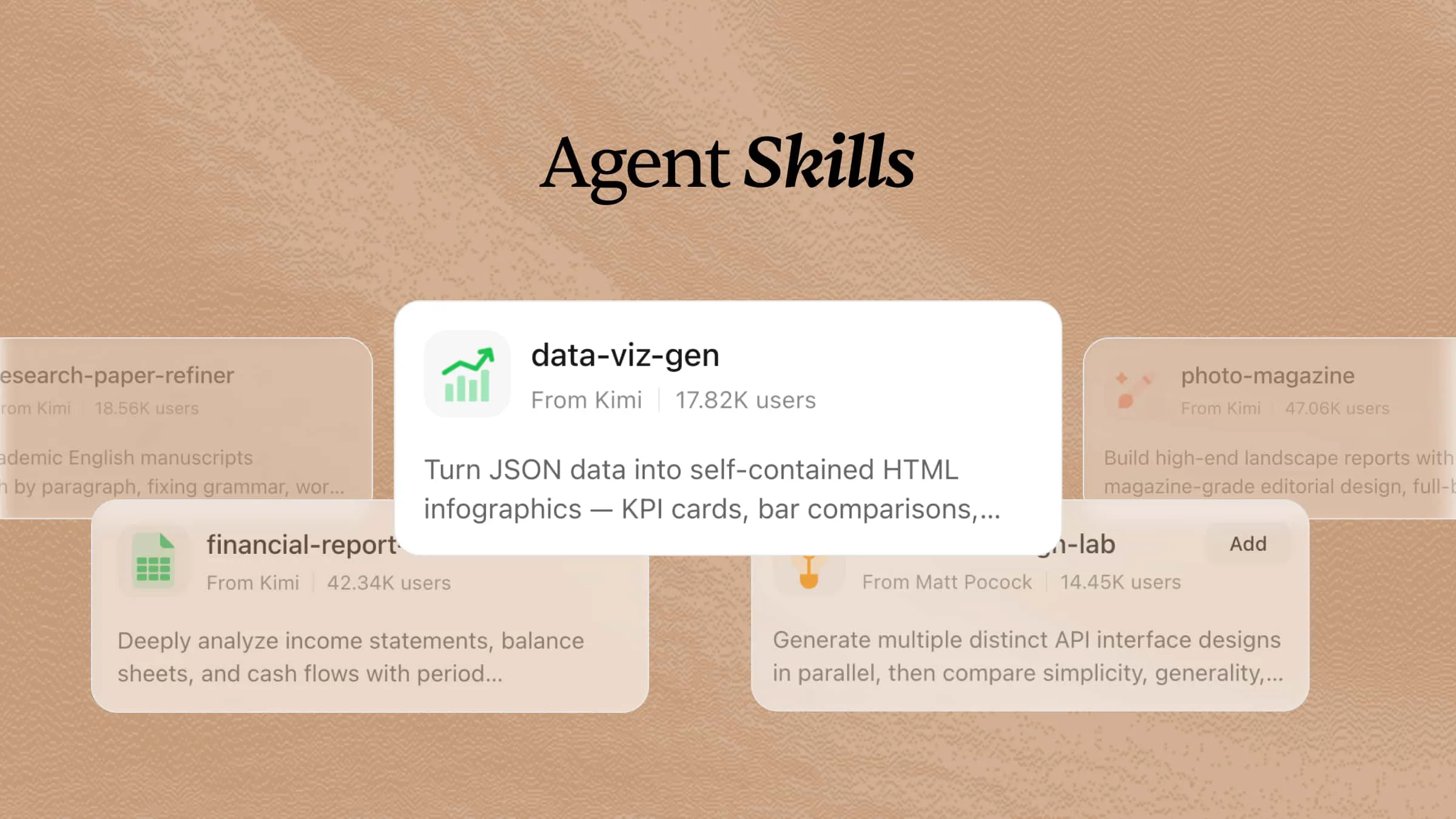
22 AI Agent Graphic Skills for Faster Visual Creation

Explore 22 graphic skills to create visuals, edit images, generate graphics, and speed up creative workflows. With Kimi Skills, you can access AI graphic capabilities to handle design tasks more efficiently, from visual ideation to content creation, all through simple prompts.

10 min read2026-07-28
Use AI Graphic Skills in Kimi

Great design involves complex tasks beyond creativity, from developing concepts and refining visuals to adapting assets for different needs. While AI tools can accelerate the design process, generic outputs may lack the precision and consistency required for professional work. AI skills built for AI Agents provide specialized workflows to help create better results. This guide covers 22 AI graphic skills to improve your design process, from generating ideas and editing images to creating ready-to-use visuals efficiently.

What are graphic design skills for AI agents?

Graphic design skills provide AI agents with structured instructions, workflows, and design guidelines to complete visual design tasks. They help AI agents create layouts, choose visual elements, refine styles, generate design ideas, and produce consistent graphics for different projects such as branding, marketing, and content creation.

11 AI graphic design skills for beginners in Kimi

If you're new to graphic design, Kimi provides a collection of ready-to-use graphic design skills that can make creative work much easier. These skills can be added within Kimi and customized using simple natural language instructions to match your design goals. Each one is built to handle a specific design task, helping you create visuals more quickly while improving your overall workflow. Here are 11 of Kimi's graphic design skills that are worth exploring.

Skill nameDescription
chart-imageGenerate publication-quality PNG chart images from data, supporting line, bar, area, candlestick, pie, and heatmap charts. Triggers when the user asks to visualize data, create a graph, plot a time series, or generate a chart for a report, alert, or dashboard. Runs as a lightweight, headless Node.js process without a browser.
code-to-diagramAnalyze codebases and automatically generate architecture diagrams, flowcharts, and org charts. Uses AST parsing to map import dependencies for Python, JS/TS, Go, and Java, outputting Mermaid or SVG files. Triggered when users ask to visualize code architecture, understand dependencies, draw a flowchart, or create a module diagram from source code.
data-viz-rendererGenerate self-contained HTML/SVG infographics from JSON data, including stat cards, bar charts, flow diagrams, and mixed dashboards. Offers 8 color palettes and built-in icons with no external dependencies. Triggered when users request data visualization, infographics, charts, or dashboards.
database-scoutExplore SQLite and PostgreSQL databases: list tables, inspect schemas (columns/types/constraints), preview data, generate Mermaid ER diagrams, and run safe read-only queries. Triggered by requests to explore a database, view table structures, describe tables, generate diagrams, or query data, and by keywords like database exploration, schema, ER diagram, or SQL query.
design-system-builderExtract design systems from reference UI images and generate implementation-ready UI design prompts. Use it when users provide UI screenshots/mockups and want to create consistent designs, generate design systems, or build MVP UIs matching reference aesthetics.
fashion-sketchCreate professional apparel technical specification packages (tech packs) with collection overviews, style specs, construction details, measurement charts, fabric libraries, bills of materials, quality standards, and sign-off pages. Use for apparel, footwear, accessories, and any category requiring a structured, professional technical documentation format.
geo-magazine-slidesCreate stunning geographic magazine-style presentation decks (PPTX) with editorial-quality layouts, large hero imagery, data-driven charts, and a luxury aesthetic. Use for location collections, luxury real estate showcases, travel destination presentations, map-themed curation, architecture portfolios, and editorial grid overviews with chapter dividers.
journalistic-portraitCreate magazine-style HTML pages replicating the visual design of Southern People Weekly. Use for feature article layouts, cover pages with red border frames, table-of-contents pages with portrait photography, and dual-column inner pages with editorial section headings, replicating Chinese weekly magazine typography and color palettes.
photo-magazineCreate premium landscape documents with magazine-quality editorial design. Produces visually rich reports featuring bold typography, full-bleed photography, data visualization cards, and narrative layout. Use for enterprise, research, or creative reports requiring editorial aesthetics, multi-column layouts, large-font data dashboards, and section-based navigation that blends storytelling with data.
retro-tech-illustrationCreate retro tech art style visual content including images, illustrations, and design documents. Covers Synthwave, Vaporwave, Cyberpunk, retro comics, and retro-futuristic aesthetics. Use for neon-grid landscapes, pixel art, vaporwave scenes, CRT and halftone effects, color palettes and typography systems, serving 80/90s tech-noir themed projects.
theme-factoryToolkit for styling artifacts with a theme. These artifacts can be slides, docs, reports, HTML landing pages, etc. There are 10 pre-set themes with colors/fonts that you can apply to any artifact that has been created, or you can generate a new theme on-the-fly.

Using Kimi's built-in AI graphic skills

Kimi makes it simple to use its built-in graphic design skills for a wide range of creative tasks. Just choose the skill that matches your needs, describe what you want to create, and Kimi will generate results based on your instructions. Follow these steps to get started.

Step 1: Enter a skill command

Type the skill command /chart-image in the chat to activate the chart image skill and start creating your visual. This is the fastest way to access Kimi's built-in design tools and start your creative task.

Enter a skill command

Step 2: Start your research task

Enter your design requirements or creative prompt, and Kimi will use the selected graphic skill to generate visuals based on your instructions.

Example prompt:

/chart-image Create a modern business infographic about the growth of artificial intelligence adoption from 2020 to 2026. Use a clean professional layout with charts, icons, and key statistics to highlight major trends. Include clear labels, engaging visuals, and a balanced color scheme for better readability. Design it for a presentation audience with a polished and data-driven appearance. Make the final graphic suitable for sharing in reports, websites, and social media.
Start your design task

Kimi automatically analyzes your instructions, processes the design requirements, and generates a customized visual based on your prompt. It organizes the information into a clear structure and creates professional-quality graphics efficiently.

Let Kimi automatically analyze your instructions

Step 3: Check and download your document

Review the generated content, make any necessary edits, and download the completed document for further use.

Check and download your document

Explore 11 open-source AI graphic skills

Kimi's built-in skills offer a solid foundation for AI design, but you can further expand its capabilities by deploying open-source AI graphic skills. These community-created skills support specialized tasks such as image editing, logo creation, poster design, and illustration, helping you build a more flexible and efficient design workflow. Here is a list of open-source AI graphic design skills to explore.

Skill nameDescriptionURL
designer-skills-collectionCollection of 97 skills and 30 commands across 9 plugins covering the full design lifecycle, including user research, design systems, UI design, interaction design, prototyping, and design operations.https://github.com/Owl-Listener/designer-skills
inclusive-design-skillsCollection of 40 skills and 18 commands across 6 plugins for creating accessible and inclusive products. Covers cognitive accessibility, inclusive interaction patterns, accessible content structures, adaptive interfaces, and accessibility decisions before development.https://github.com/Owl-Listener/inclusive-design-skills
wireframer-skillGenerates low-fidelity hand-drawn web wireframes as clickable single-page applications with sketch-style aesthetics. Supports React, Vue, Svelte, and vanilla HTML for rapid concept validation and design prototyping.https://github.com/agilek/wireframer-skill
motion-design-skillProvides AI agents with motion design principles covering timing, easing, choreography, and UI animation patterns. Includes checklists, motion styles, interaction feedback patterns, and support for CSS, Framer Motion, GSAP, and Lottie.https://github.com/LottieFiles/motion-design-skill
color-expert-skillProvides color science guidance with reference materials covering color spaces, accessibility standards such as APCA and WCAG, palette generation, pigment systems, and historical color principles. Includes practical color tools and validation rules.https://github.com/meodai/skill.color-expert
google-fonts-skillTypography system generation skill using Google Fonts. Supports font discovery, font pairing, modular type scales, and generation of CSS/Tailwind typography systems with reusable design tokens.https://github.com/sliday/google-fonts-skill
responsive-craftResponsive design skill that audits websites, creates responsive layouts, and generates multi-breakpoint previews. Detects CSS frameworks and adapts layouts using container queries and responsive design patterns.https://github.com/kylezantos/responsive-craft
brand-to-design-md-skillConverts public brand resources into source-aware DESIGN.md files by extracting visual evidence, design tokens, component guidelines, and usage rules from official websites, CSS, SVGs, and images.https://github.com/shaom/brand-to-design-md-skill
ux-flow-designerCreates Mermaid diagrams, HTML wireframes, use case documents, and mobile-first interactive prototypes based on product requirements and feature descriptions. Supports browser-based previews and navigation flows.https://github.com/ThomasPraun/ux-flow-designer
frontend-designer-skillFramework-independent frontend design skill covering CSS architecture, design tokens, container queries, WCAG 2.2 and EAA 2025 accessibility, animations, visual trends, and AI design-to-code workflows.https://github.com/kozz36/frontend-designer-skill
icon-generator-skillAgent skill for generating Android and iOS app icon sets from a single source image. Exports Android launcher icons across mipmap sizes, iOS AppIcon.appiconset PNGs with Contents.json, and Android adaptive icon assets. Supports custom padding, rounded corners, and multiple fitting modes.https://github.com/anhao/icon-generator-skill

You can access these open-source most-in-demand graphic design skills through their URLs, then install and use them with Kimi for different graphic design tasks. This allows you to enhance Kimi's functions and customize its abilities to fit your artistic process. As your projects grow in variety, you can incorporate the skills that suit your design requirements the most.

Using open-source graphic skills in Kimi

Step 1: Enter a prompt

Open Kimi and enter a prompt that includes the URL of the open-source graphic skill you want to install. Kimi will use the link to import the skill and provide it in your workspace.

Example prompt:

Install the graphic design skill from the GitHub URL below and make it available for use: https://github.com/shaom/brand-to-design-md-skill
Enter a prompt

Step 2: Let AI install the skill automatically

Kimi will automatically fetch and set up the skill through the given URL. After the process is finished, the skill will be ready for use in your Kimi workspace.

Let AI install the skill automatically

Step 3: Use the skill

Select the "Add to my skills" option for the installed skill in Kimi and click "Try it" to activate it. Once enabled, provide your design instructions or upload reference materials. The skill will help create illustrations, logos, social media graphics, image edits, and other visual content based on your requirements.

Use the skill in Kimi

Customize your graphic skills for better creative results

While built-in and open-source skills can handle many design tasks, you can also create your own graphic skills tailored for your agent. By turning your design resources into reusable skills, Kimi can better understand your style and produce more consistent results. Follow these steps to build your own custom graphic design skill.

Step 1: Access the "Document to skills" tool

Open Kimi Skills and click on "Document to skills" to start building your custom skill.

Access the document to the skills tool

Step 2: Upload the files

Upload your graphic design resources, such as brand guidelines, templates, logos, color palettes, typography, and reference images. Kimi will analyze and organize these materials to create a reusable graphic design skill that helps you generate consistent visuals for future creative projects.

Upload the files

Step 3: Create and use your skills

Once the upload is complete, your custom graphic design skill is ready to use for real projects, such as creating social media graphics, designing marketing materials, generating brand assets, or producing visuals in the same style.

Create and use your skills

Save the skill in Kimi for direct use, update it anytime as your workflow changes, or export it as an .md file to reuse in future projects.

Create and use your skills

Tips for getting better results from AI graphic skills

Getting great results from AI graphic skills for agents depends on how you use them. These practical tips will help you create better visuals, improve consistency, and make your design workflow more efficient.

  • Write detailed prompts with specific visual requirements

Give straightforward guidance on what you want the AI to produce. Share information such as the aim of the design, who it is meant for, the style you like, the arrangement, color choices, image dimensions, and any components you wish to add.

  • Define the brand style before generating graphics

Share your brand rules before you begin designing. Provide your logo, color scheme, typefaces, and any related documents, so the AI can grasp your visual style. This ensures the designs remain uniform across various platforms and advertising efforts.

  • Use reference images to guide AI outputs

Upload pictures that reflect the style or appearance you want. Using reference images helps the AI grasp your desired arrangement, colors, layout, and general visual approach, resulting in more appropriate outcomes.

  • Generate multiple variations and compare results

Instead of depending on the initial design, request the AI to generate multiple versions with various styles, formats, or color schemes. Looking at several choices allows you to find the best idea and select the one that suits your project the most.

  • Refine designs through iterative prompts

Consider the first outcome as a basis for development instead of the end product. Keep improving the design by providing additional directions, like modifying the arrangement, changing colors, swapping out components, or making it easier to read for a particular platform.

  • Combine AI generation with manual editing and optimization

Use AI to quickly come up with ideas and make the first version of the design, then polish it using the design program you like best. Working by hand helps to enhance the look, correct minor issues, and make sure the final image fulfills your standards.

Conclusion

AI is transforming how designers develop and handle visual materials, speeding up and improving the creative workflow. Whether you are a beginner or an experienced designer, deploying AI skills specifically developed for design tasks can help you achieve better results with less effort. Explore Kimi's built-in and open-source skills, experiment with different workflows, and customize them to match your creative needs. With the right approach, you can save time while creating high-quality visuals for any project.

FAQ

What tasks can AI graphic skills automate?
AI graphic design skills can handle numerous repetitive tasks related to design automatically. This includes making images, designing graphics for social media, getting rid of backgrounds, changing the size of visuals, improving image clarity, and coming up with design concepts.
Can beginners use graphic skills without experience?
Yes. Many AI graphic skills are designed for beginners and require only simple text prompts to get started. You don't need advanced design knowledge to create professional-looking visuals, although learning basic design principles can help you achieve better results.
How to choose the right AI graphic skills?
Choose the right AI graphic skills based on your project goals and the tasks you want the AI agent to complete. For example, use branding-related skills for logo creation, image editing skills for visual improvements, or social media design skills for content creation. With Kimi, users can create or apply reusable skills with specific instructions and workflows, making it easier to guide AI agents to handle different graphic design tasks consistently.
You Might Also Like
12 UI/UX Design Skills to Build Modern Interfaces
2026-07-29
20 AI Academic Skills for Research, Writing, and Study
2026-07-28
10 AI Customer Service Skills Every Support Team Needs
2026-07-28
What Are AI Skills? A Complete Guide for Beginners
2026-07-28
25 AI Skills for Better Workplace Communication
2026-07-27