How to Build a Website: 10 Easy Steps to Create Your Own Site

Explore our step-by-step guide on how to build a website. Learn how Kimi Websites helps you create a new site, add essential features, customize layouts, optimize performance, and launch a professional website without coding skills.Try it now
12 min read·2026-04-10

Building a website can seem overwhelming at first because there are so many tools and steps. Many beginners find coding, design choices, and getting started to be challenging. But learning how to build a website is much easier when you have a clear, simple plan. Tools like Kimi Websites help make the process easier by letting you create your site without technical headaches. This guide explains each step straightforwardly, so you can feel confident as you go.

Table of contents

10 easy steps to create a new website quickly

Having a clear plan helps you set up the site without getting confused, and following each step keeps things simple so you can work faster. By starting with the basics, you avoid common mistakes and make the whole process smoother. Here's how to build a website step by step.

Step 1: Define your website goal

Begin by thinking about why you want to build a website and what you hope to achieve. Different goals need different layouts and content to work well online. For example, a blog, business site, or portfolio each has its own purpose. Being clear about your goal now will save you time and effort later. It also helps you make better choices about design, features, and content from the start.

  • Identify your audience: Who will visit your site, and what do they expect to find?
  • Determine the main purpose: Inform, sell, showcase work, or build a community?
  • List essential features: Blog posts, contact forms, e-commerce, galleries, etc.
  • Consider content types: Text, images, videos, downloadable resources.
  • Set success criteria: How will you measure whether your website achieves its goals?

Step 2: Select a domain name

A domain name is your website's identity, so choose something simple, short, and easy to remember when you create a new site for long-term growth. It should match your brand or topic, so visitors understand your purpose quickly and clearly without confusion. Avoid complex words or long phrases, as they make it harder for users to find and trust your website.

Correct examples

  • techvibe.com: Short, memorable, and clearly related to tech.
  • kreativeportfolio.com: Clearly indicates it's a portfolio website.

Wrong examples

  • myawesomecooltechblogsite2026.com: Too long and hard to remember.
  • xqz12portfolio2023.net: Random letters and numbers, confusing for visitors.

Choosing a simple and memorable domain name

Step 3: Choose hosting

Hosting is where your website lives online, so picking the right service is important when building the web for performance and stability. A good hosting provider keeps your site fast, secure, and always available for visitors at all times without downtime issues. Look for features like uptime, support, and easy setup tools to make your work easier and more efficient.

Common hosting providers

  • Bluehost: Great for beginners, easy WordPress integration.
  • SiteGround: Known for reliability and excellent customer support.
  • HostGator: Affordable plans with simple setup tools.
  • DreamHost: Offers strong uptime and scalable solutions.
  • WP Engine: Managed WordPress hosting for higher performance.

Step 4: Pick a website builder

Choosing the right tool makes it easier to set up webpages and manage content without technical skills or coding knowledge. Common options include WordPress, Wix, Squarespace, Shopify, and Webflow, each designed for different needs and skill levels.

With the rise of AI website builders, you can now generate entire page layouts, suggest content, and even create interactive elements automatically. Tools like Kimi Websites combine AI-powered design with user-friendly interfaces, helping you build professional websites faster and more efficiently, even without prior coding experience.

Kimi: The AI website builder for fast and easy creation

Kimi Websites is an intuitive tool that helps you create websites quickly using AI. It transforms text, images, or video into fully functional sites without any coding. Ideal for no-code users, entrepreneurs, small teams, and AI enthusiasts, Kimi streamlines the entire web creation process with easy editing, responsive designs, and fast deployment.

Key features of the Kimi Websites:

  • Multi-input generation: Kimi can build a website from various sources, including text, images, videos, or even screenshots, turning your ideas into real web pages automatically.
  • Multi-page support: It allows you to create websites with multiple linked pages, giving your project proper structure and depth for portfolios, business sites, or other complex projects.
  • Easy editing: You can adjust fonts, layouts, styles, and content interactively using simple prompts or conversation-style commands, making design changes effortless.
  • Responsive design: Websites automatically adapt to different screen sizes, ensuring a smooth experience on desktops, tablets, and smartphones without extra adjustments.
  • One-click deployment: Once your website is ready, it can be published instantly with a single click, simplifying sharing and going live quickly.

Interface of Kimi Websites

Step 5: Plan your site architecture

Organizing your website structure before adding content makes navigation clear and user-friendly. Decide how many pages you need and how they link together, keeping important sections easy to reach. Well-planned architecture also improves SEO and helps visitors find information faster. Proper planning ensures a smooth web page creation, as your site grows in the future.

Specific steps and examples

  • List main pages: Common pages include Home, About, Services/Products, Blog, Portfolio, Contact.
  • Organize subpages: For example, under Services, you might have Web Design, SEO, and Marketing.
  • Plan navigation menus: Keep the main menu simple; use dropdowns for subcategories if necessary.
  • Create a sitemap: Visualize page hierarchy to understand the flow of your site.
  • Prioritize user actions: Ensure important pages like Contact or Buy Now are easy to access from anywhere.

Step 6: Choose a theme

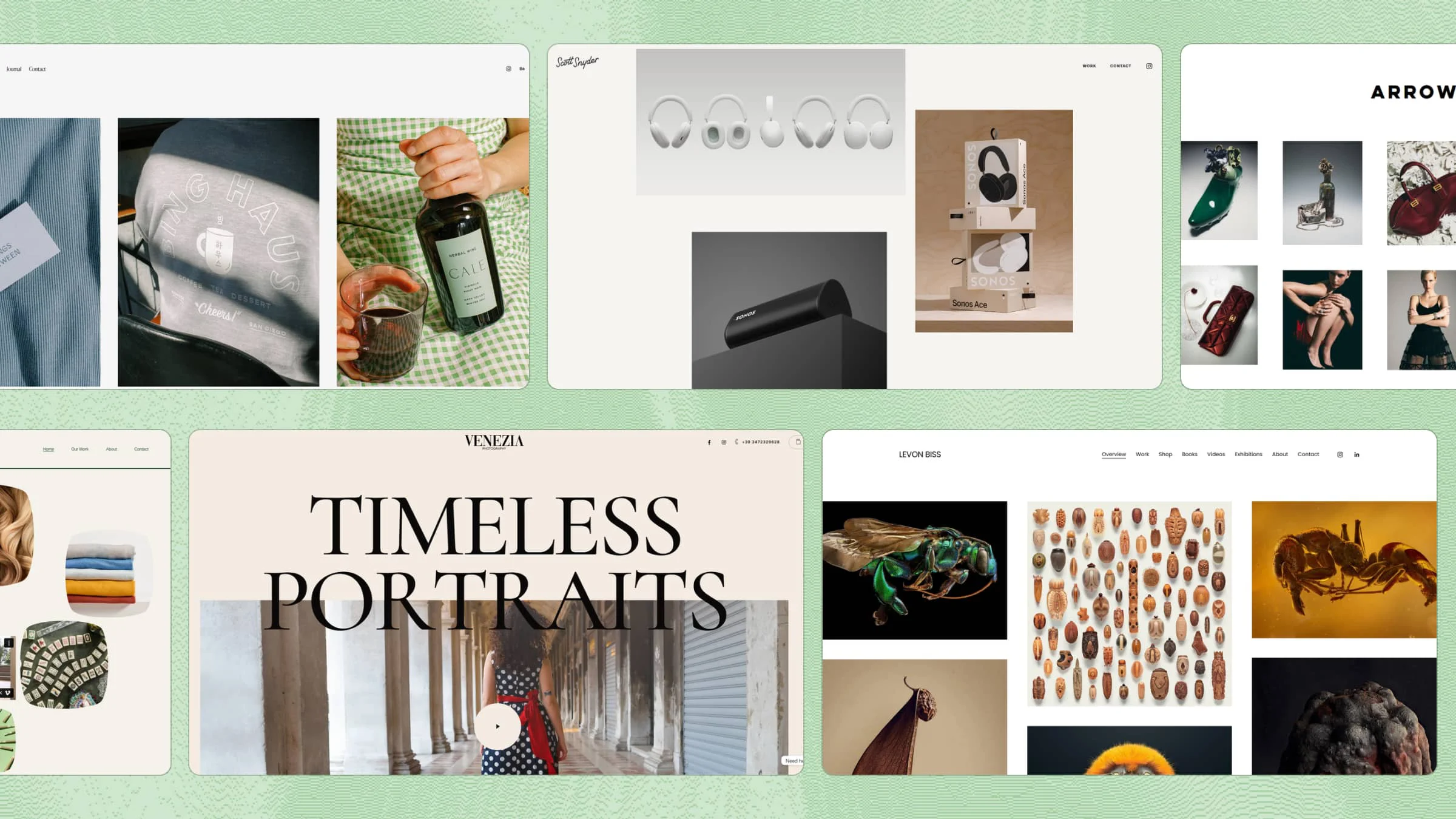
Selecting the right theme sets the visual style and tone of your website, making it attractive and professional. Themes control colors, fonts, layouts, and overall design, giving your site a consistent look across all pages. Picking a theme that matches your content type saves time and effort when building your site. A good theme also ensures responsiveness and compatibility with modern devices.

Step 7: Create your website

Add content, images, and pages to your planned structure. The theme you choose determines the look, feel, and layout of your site, so it looks uniform across various pages. Consider the design responsive, quick loading, and easy to customize for a seamless user experience.

Once you have your basic structure in place, it's time to focus on generating individual pages efficiently. With Kimi Websites, you can streamline this process even further, making it easier to build your site without the need for complex coding.

How to generate website pages using Kimi

Kimi makes it quick and easy to create website pages. You can make a page from a prompt, edit it visually, and publish it right away. Just follow these simple steps to get your website online fast:

1. Access Kimi Websites and input details

Open Kimi Websites and write a clear, detailed prompt describing your website, including sections, features, layout, and style. Keep it concise, so Kimi can generate a draft efficiently. Once you submit your prompt, Kimi quickly creates a visual draft of your website page.

Example prompt:

Create a modern portfolio website for a freelance graphic designer. Include a homepage with a hero section, an about me section, a gallery of projects, client testimonials, and a contact form. Use a clean, minimalist design with bright accent colors, readable fonts, and smooth animations. Ensure the website is fully responsive, easy to navigate, and visually engaging for potential clients.

Access Kimi and input website details for building an internet site

2. Refine and preview your website

You'll see the layout, sections, and basic content. Then, click the "Edit" button at the top right to enter edit mode, use "Annotate" or "Select" to highlight sections and add comments, and click "Submit" to have Kimi apply the changes. Update text, rearrange sections, and adjust spacing, images, and colors to align with your website goals.

Refine your website

Refine and preview your website

3. Preview and share

Before publishing, preview your site using "Share" > "View Site" to check pages, links, buttons, forms, layout, text, and images. Fix any issues, then use Kimi's one-click deployment to go live. Share the URL with friends or colleagues for feedback to catch anything you might have missed.

Test everything before launch

Step 8: Optimise SEO (search engines)

Good SEO helps your website show up higher in search results and brings in more visitors. Pay attention to meta descriptions, headings, keywords, and image alt text when you create your pages. Also, make sure your site is fast, works well on phones, and has a clear structure. With proper SEO, your content will reach the right people and get more engagement over time.

Step 9: Test your website & review performance

Check your site on different devices and browsers to ensure everything works smoothly and consistently. Evaluate page speed, links, forms, and interactive elements during webpage setup for reliability. Fixing errors early improves user experience and accessibility and reduces bounce rates. Regular testing keeps your website functional, professional, and ready for all visitors.

Website testing and performance review on devices

Step 10: Launch & maintain your website

Make your website live and monitor it regularly to keep content fresh, secure, and functional. Add updates, security patches, and improvements consistently during website creation to ensure stability. Maintenance ensures fast loading, better user engagement, and smooth navigation. Continuous care helps your website remain effective, relevant, and competitive over the long term.

What to do after your website goes live

Once your website is live, your job isn't finished. Keeping it updated and running well makes sure visitors have a good experience. Regular care helps your site stay relevant, secure, and interesting for everyone. Here's what you should do after publishing the site:

  1. Monitor performance

    Check your website's performance often, like page speed, visitor numbers, and which sections are most popular. This helps you see what's working and what needs fixing. Keeping an eye on things also lets you catch problems before they affect your visitors.

  2. Update content

    Keep your content fresh by adding new articles, images, or important information regularly. Updated content attracts more visitors and keeps them interested consistently. It also improves your site's credibility, relevance, and overall usefulness.

  3. Check technical issues

    Look for broken links, loading errors, or missing images on your website often. Fixing these problems quickly prevents frustration for visitors and potential loss of traffic. Regular checks also help your site remain reliable, professional, and trustworthy.

  4. Backup regularly

    Create backups of your website often so you don't lose important data in case of problems. Backups make it easy to restore your site quickly without major disruption. This is a simple but very important step to protect your work efficiently.

  5. Engage the audience

    Interact with your visitors through comments, feedback forms, or newsletters consistently. Engaging users builds trust, loyalty, and encourages them to return regularly. Active communication helps your website grow, stay lively, and remain interesting.

How to build a strong and consistent online presence

A strong online presence helps you gain trust and attract more visitors. Being consistent and offering quality makes your website or business easy to recognize. By following the steps below, you can create sites that stand out and grow well:

  1. Maintain brand identity

    Keep your logos, colors, fonts, and messaging consistent across all pages, emails, and platforms. A clear identity helps visitors recognise your brand easily and remember it longer. Consistency is key when you develop a site to make your site visually appealing and trustworthy.

  2. Create valuable content

    Share useful articles, tips, videos, or resources that meet your audience's needs regularly. High-quality content keeps visitors engaged, encourages them to return, and builds loyalty. Valuable content is crucial when you construct websites to establish authority and online presence effectively.

  3. Leverage social media

    Use social platforms to share updates, engage followers, and promote your website consistently. Social media helps increase visibility, drives traffic to your site, and builds relationships. Consistent sharing supports your overall online growth when you construct your own websites strategically across channels.

  4. Track and adapt

    Monitor analytics to see which pages, posts, or features perform best over time. Use insights to improve your content, design, and engagement strategies for better results. Tracking helps you refine strategies effectively while developing sites to achieve long-term success online.

  5. Ensure professionalism

    Keep your website, communications, and content clean, clear, and error-free at all times. Professionalism builds credibility, trust, and confidence among your visitors. Always check details carefully when you build your website to maintain a polished, reliable, and engaging image.

Conclusion

This guide helps you plan, build, and launch your website with confidence, making the process faster and less stressful. By following these steps, you can focus on creating content and engaging visitors without worrying about technical hurdles. For a smooth and professional website-building experience, Kimi Websites makes it simple to turn your ideas into a live site.

Questions & Answers

Can I build my website myself?
Yes, modern website builders make it easy to create your own site without coding. You can customize templates, add content, and arrange sections with simple drag-and-drop tools, making it possible to launch a professional-looking website on your own.
Is it free to build a website?
Many website builders offer free plans, though they may come with limitations like storage, ads, or a subdomain. Free options are great for experimenting and learning how to create a website. Kimi Websites provides tools that let you start building and publishing your site quickly, and you can upgrade to advanced features if needed.
Which AI is ideal for building a website?
The ideal AI tool depends on your needs, such as ease of use, speed, and design flexibility. Kimi Websites is a popular choice because it can generate full website drafts from text, images, or videos, saving you time and effort. You can then adjust the design visually, making the entire process faster and more efficient.
How long does it take to build a website?
The time needed depends on your website's complexity and the amount of content. A simple site with just a few pages can be set up in a few hours, while a more detailed website with multiple pages, images, videos, and custom features might take several days. Planning your site structure and preparing content in advance can significantly speed up the process.
Do I need coding skills to build a website?
No coding skills are required. Modern website builders like Kimi and AI-powered tools handle all technical tasks, so you can focus on designing your site, adding content, and arranging pages using visual editors. Drag-and-drop interfaces, pre-made templates, and automatic layout suggestions make it easy to create a professional website without writing a single line of code.