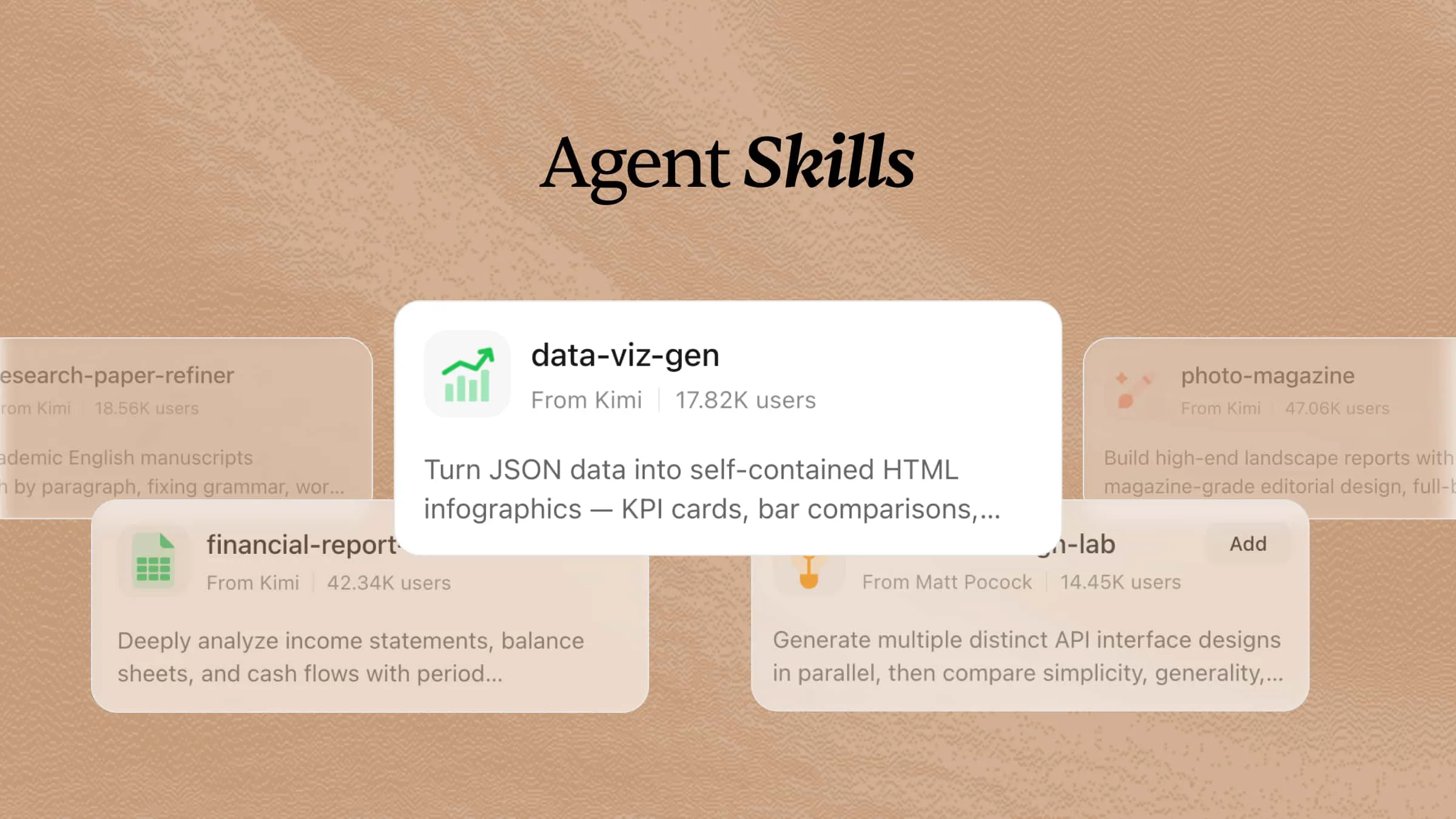
AI is changing how presentations are created, helping users generate slide content, organize information, and design visuals more efficiently. However, creating professional presentations still requires structured workflows to ensure consistency, clarity, and quality. PPT skills provide AI agents with reusable methods and instructions for handling presentation tasks, from content planning and layout design to visual refinement. This guide explores 14 PPT skills that help streamline presentation creation and produce more engaging slides.
What is an AI PPT skill?
An AI PPT skill provides AI agents with structured instructions, workflows, and design guidelines to support presentation creation tasks. It helps agents generate slide content, organize information, create layouts, apply visual styles, and improve presentation quality through reusable workflows.
2 PPT skills can you find in Kimi
Kimi offers a variety of built-in AI skills that make presentation creation faster and more efficient. Whether you need to generate slides, create charts, visualize ideas, or improve existing presentations, these skills help automate the process with minimal effort. Here are four useful PPT skills you can explore in Kimi for smarter presentation creation.
| Skill name | Description |
|---|---|
| pitch-deck-creator | Creates professional pitch decks and business plans in the style of a Chinese startup funding proposal. Triggered by requests to create investor decks, financing proposals, company overviews with market analysis, or any fundraising presentation. Supports Chinese and English content, outputs PPTX by default, and follows a polished 18-slide template with clean white backgrounds and navy blue accents. |
| geo-magazine-slides | Create stunning geographic magazine-style presentation decks (PPTX) with editorial-quality layouts, large hero imagery, data-driven charts, and luxury aesthetic. Use for location collections, luxury real estate showcases, travel destination presentations, map-themed curation, architecture portfolios, and editorial grid overviews with chapter dividers. |
In addition to presentation-focused skills, Kimi provides professional skills for workflows such as investment research, market analysis, and business reporting. These skills support PPTX output, allowing users to transform complex information and data into structured presentation materials alongside other document formats.
| Skill name | Description |
|---|---|
| equity-research-report | Create institutional-grade investment research reports with sell-side styling, dense information layout, and comprehensive section structure. Use for equity, fixed-income, strategy, sector, derivative, ETF, or quantitative research. Benchmarked against Goldman Sachs, Morgan Stanley, J.P. Morgan research styles, with cover pages, numbered exhibits, glossary, and disclosure statements. Supports PDF, DOCX, PPTX output. |
| commodities-outlook | Produce institutional-grade commodity outlook reports with supply-demand analysis, price forecasts, and trade recommendations, formatted as PDF, DOCX, or PPTX documents. Triggered when users request commodity market reports, ask for trade ideas on energy, metals, or agricultural commodities, or mention keywords like commodity outlook, research note, or price drivers. |
| earnings-review-note | Generate professional sell-side earnings review reports for quarterly or annual results, producing PDF/DOCX/PPTX documents with EPS analysis, guidance review, and variance tables. Triggered when users request an earnings review, need a quarterly wrap, ask for a beat/miss analysis, or mention summarizing an earnings call for any public company. |
How to use Kimi's advanced PPT skills?
Follow these simple steps to use Kimi's advanced PPT skills and generate professional presentations with AI in just a few minutes.
Step 1: Input a skill command
Type the skill command /geo-magazine-slides in the input box to quickly activate Kimi's AI presentation skill.
Step 2: Start your research task
Enter your presentation topic and specify your requirements, such as the audience, number of slides, style, or key points you want to include.
Example prompt:
Then Kimi automatically researches the topic, organizes the content, and generates a structured presentation with well-designed slides, helping you create professional decks more efficiently.
Step 3: Review and download your document
Review the generated presentation, edit the content or design if needed, and download the completed PPT for presentations or further customization.
Expand your toolkit with 12 open-source PPT skills
Open-source PPT skills give you more flexibility for different presentation tasks and workflows. You can deploy these community-built skills in Kimi or customize them to fit your presentation needs, making it easier to create slides more efficiently. Here are 10 open-source PPT skills worth exploring.
| Skill name | Description | URL |
|---|---|---|
| knowledge-cat-ppt-skill | Story-first presentation skill for creating, routing, and quality-checking PPT, HTML, and image-based presentation decks. Selects the appropriate format between editable PPTX, HTML, and image-first PPTX based on the use case. | https://github.com/gnipbao/knowledge-cat-ppt-skill |
| guizang-ppt-skill | AI agent skill for generating polished HTML slide decks with editorial and Swiss-style layouts, image prompts, social covers, and WebGL-based presentation experiences. | https://github.com/op7418/guizang-ppt-skill |
| starry-slides | AI presentation creation and editing skills using HTML as the source format. Includes requirement-gathering workflows, template references, and existing deck revision support. | https://github.com/StarryKit/starry-slides |
| agentbuff-presentation-skills | Agent-agnostic presentation skill for creating decks and exporting them to HTML, PDF, PNG/JPG, or editable PPTX formats with pixel-consistent rendering. Provides multiple visual style previews for selection. | https://github.com/nugrahalabib/AgentBuff-Presentation-Skills |
| frontend-slides | Coding-agent skill for creating visually polished HTML presentations from scratch or converting PowerPoint files. Supports style exploration, PPT conversion, and curated presentation design patterns. | https://github.com/zarazhangrui/frontend-slides |
| slide-skill | Presentation creation skill with 20 themes, multiple canvas sizes, competition templates, rehearsal mode, speaker notes, TTS narration, HTML previews, and PPTX validation features. | https://github.com/icgma/slide-skill |
| slide-maestro | Presentation skill with curated visual presets, copywriting frameworks (PAS, AIDA, SCQA), layout patterns, narrative strategies, and HTML templates. Compatible with Claude Code, Cursor, Codex, Windsurf, Copilot, and Kimi. | https://github.com/BFLabsAI/Slide-maestro_agents-skill |
| html2pptx | Skill that converts browser-rendered HTML or WebDeck presentations into editable PPTX files. Preserves editable elements such as CSS-based shapes and converts charts into vector graphics. | https://github.com/GX-Alex/html2pptx |
| image-to-editable-ppt-skill | Skill for converting presentation images into editable PowerPoint decks. Extracts reusable visual assets, rebuilds text and layouts as editable objects, and supports batch reconstruction with quality checks. | https://github.com/ningzimu/image-to-editable-ppt-skill |
| slide-writer | Slide writing skill for generating enterprise HTML presentations from ideas, outlines, documents, and speech drafts. Supports structured content transformation into polished business slide decks. | https://github.com/FeeiCN/slide-writer |
| powerpoint-fancy-design | Presentation design skill transforms page-structured Markdown into styled 1600x900 HTML slides, PNG renders, and exportable PPTX decks. | https://github.com/Phlegonlabs/Powerpoint-fancy-design |
| slide-creator | This skill for generating stunning HTML presentations with AI-powered planning, style discovery, and PPTX export. Supports visual exploration and automated presentation assembly. | https://github.com/kaisersong/slide-creator |
How to install and use open-source AI skills with Kimi?
Follow these simple steps to install an open-source AI skill in Kimi and start using it for your presentation tasks.
Step 1: Enter a prompt
Open Kimi and enter a prompt with the GitHub URL of the open-source AI skill you want to install.
Example prompt:
Step 2: Let AI install the skill automatically
Kimi automatically downloads, configures, and prepares the skill based on the provided GitHub URL. Once the installation is complete, the skill becomes available in your workspace.
Step 3: Use the skill
Click "Add to my skills" to add the installed skill to Kimi, then select "Try it" to activate it. Once enabled, enter your presentation request, and the skill will help generate slides, organize content, and create professional presentations more efficiently.
Take a step further: build custom AI PPT skills with Kimi
Follow these simple steps to turn your presentation materials into a reusable AI skill that can generate consistent slides and streamline future projects.
Step 1: Access the "Document to skills" tool
Open Kimi Skills and click "Document to skills." This tool allows you to convert presentation materials into a reusable AI skill.
Step 2: Upload the files and create your skill
Upload your PowerPoint files, Word documents, PDFs, presentation outlines, or brand guidelines. Enter a description of your PPT skill, explaining what you want the AI agent to do. Kimi analyzes the content and extracts the key information needed to build your custom PPT skill.
Step 3: Use your skills
Review the generated skill, refine its instructions if needed, and save it to your workspace. You can then use the custom AI skill to create consistent presentations, automate slide generation, and speed up future projects.
You can also edit the skill anytime or export it as an .md file for reuse and sharing across other projects.
How to use AI PPT skills more efficiently?
Getting the best results from AI presentation tools depends on how you provide instructions and organize your content. Follow these best practices to make your advanced PPT skills more effective and generate higher-quality presentations.
Define your presentation goals and audience clearly
Before using an AI PPT skill, provide details about the purpose of the presentation, target audience, and desired outcome. Clear instructions help AI agents create more relevant slide structures, messaging, and visual approaches.
Provide sufficient reference materials and context
Upload related documents, data, brand guidelines, or previous presentations to give AI agents more context. This helps them better understand the topic and generate slides that match your requirements.
Choose the right skill for each presentation task
Different AI PPT skills are designed for different workflows, such as creating slide outlines, improving visual design, generating charts, or converting content into presentations. Selecting the right skill helps agents complete tasks more effectively.
Create reusable templates and design guidelines
Add preferred layouts, color systems, typography rules, and formatting requirements to your skills. This allows AI agents to maintain consistent styles across multiple presentations and projects.
Review AI-generated slides and improve skill instructions
Always check the accuracy of content, clarity of storytelling, and quality of visuals after generation. Refining your skill instructions based on feedback helps AI agents deliver better presentation results over time.
Conclusion
In short, installing PPT skills in your AI agents can significantly reduce the time and effort required to create professional presentations with AI tools. Whether you're using Kimi's built-in skills, installing open-source tools, or building custom AI workflows, these capabilities help automate slide creation while improving consistency and productivity. As your presentation needs become more advanced, exploring advanced PPT skills can help you create engaging, high-quality presentations with greater speed and confidence.