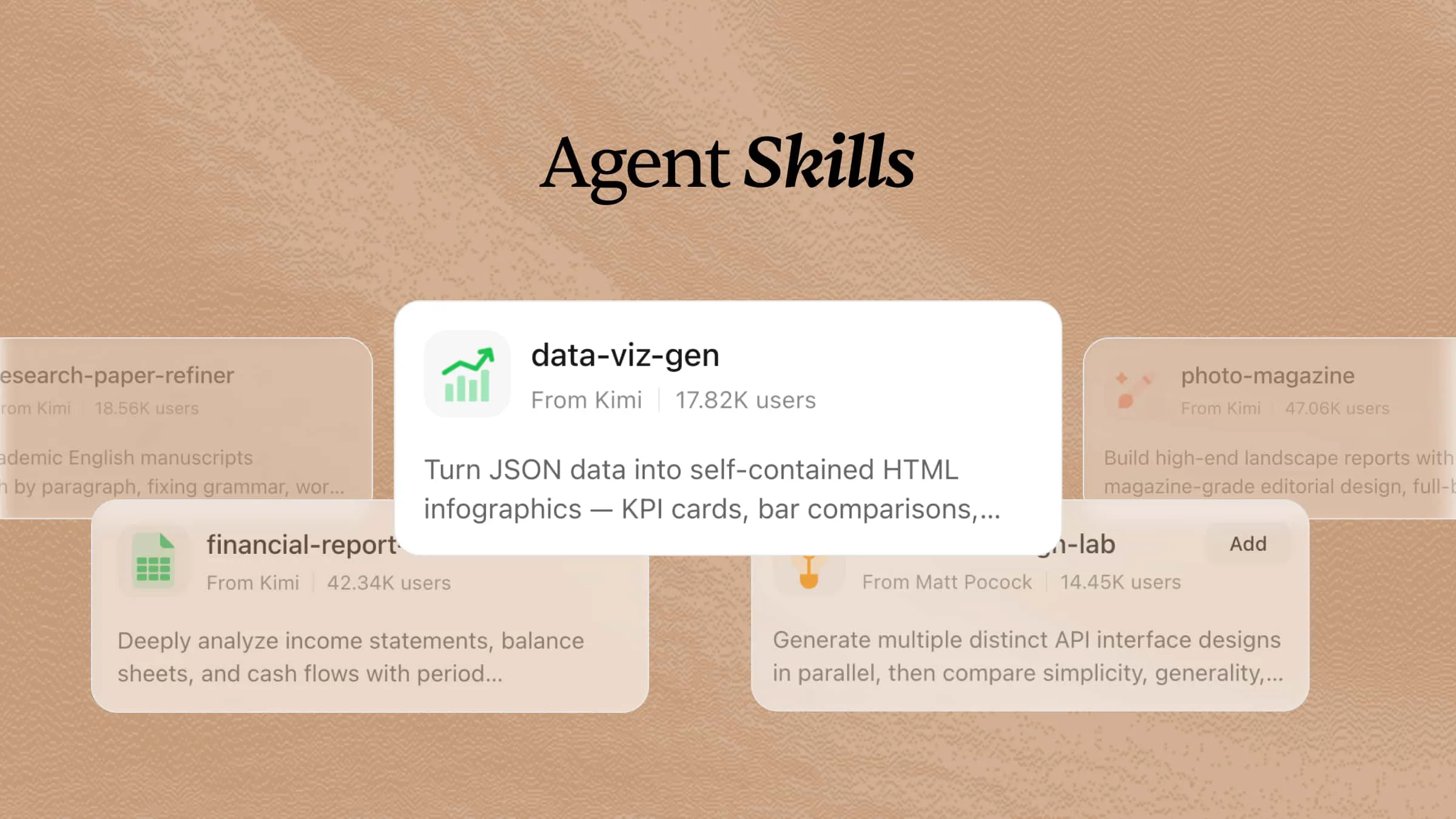
Getting more done isn't always about putting in more hours. It's often about spending less time on repetitive tasks and more time on meaningful work. By using productivity skills, you can equip AI agents with structured workflows to automate routine tasks, streamline your workflow, and free up more time for higher-value work. The 19 AI productivity skills in this article show practical ways to automate everyday tasks, improve your workflow, and help you get more done with less effort.
What is a productivity skill?
A productivity skill is a set of instructions and workflows that helps AI agents complete productivity-related tasks more efficiently. It guides AI agents to organize information, manage workflows, automate repetitive tasks, and support activities such as planning, summarizing, scheduling, and task management. By defining specific processes and requirements, productivity skills help AI agents deliver more consistent outputs and assist users in improving their daily workflows.
11 useful Kimi AI productivity skills to try
Managing daily tasks becomes much easier when you have the right tools to support your workflow. Kimi includes a variety of productivity skills that help with planning, writing, research, organization, and other routine tasks. You can install the skills you need, customize them with simple instructions, and use them to handle work more efficiently. Below are 11 useful productivity skills examples from Kimi AI that you should try.
| Skill name | Description |
|---|---|
| adhd-assistant | ADHD-friendly life management assistant for daily planning, task breakdown, time management, and maintaining routines. Triggered when the user asks for help organizing, planning their day, beating procrastination, feeling overwhelmed, or mentions ADHD challenges like time blindness or difficulty starting tasks. |
| email-to-calendar | Extract calendar events and deadlines from emails and create calendar entries. Two modes: monitor your inbox directly, or process emails you forward to a dedicated address. Trigger when a user asks to scan emails for events, mentions an event in an email, or wants to add something from an email to their calendar. |
| gantt-planner | Generate interactive HTML Gantt charts with Critical Path Method (CPM) analysis from task lists and dependencies, highlighting the critical path and calculating float times. Use when the user asks to create a Gantt chart, schedule project tasks, analyze the critical path, visualize dependencies, or mention project timelines, milestones, or task scheduling. |
| imap-smtp-email | Manage email through IMAP and SMTP: read and search inboxes, check for new messages, fetch content, mark as read/unread, and send emails with attachments. Works with Gmail, Outlook, 163.com, and other standard servers. Triggered when the user asks to check mail, read an email, search inboxes, send an email, or mentions IMAP/SMTP email handling. |
| okr-strategist | OKR drafting, breakdown, and retrospective coach that helps users craft high-quality objectives and key results, decompose goals into actionable layers, and conduct periodic reviews. Use when the user mentions OKR, goal management, key results, drafting, breakdown, retrospective, review, alignment, quarterly goals, or asks for help writing, reviewing, or breaking down an OKR. |
| project-sizing-guide | Software project effort estimation assistant. Outputs three-point estimates (optimistic/most-likely/pessimistic values with confidence intervals), T-shirt sizes, or Function Point Analysis (FPA) counts. Triggered when users ask 'how long will this feature take,' they need to assess project workload, perform PERT estimation, T-shirt sizing, FPA, sprint planning, or quote-based effort breakdowns. |
| sprint-plan-builder | Agile Sprint planning assistant builds actionable plans by selecting scope based on team capacity and historical velocity, breaking down stories into estimated tasks, analyzing dependencies, and balancing workloads. Triggers when a user asks for Sprint Planning, iteration scoping, story/task assignment, workload balancing, dependency analysis, or team capacity calculation. |
| story-map-builder | Generates an interactive HTML user story map visualizing product requirements in an Epic → Feature → Story structure, with MoSCoW priority tagging and Release swimlane grouping. Trigger when the user mentions story mapping, backlog visualization, MoSCoW priority, release planning, or asks to organize requirements into a story map. |
| structured-minutes | Transforms raw meeting materials (transcripts, notes, chat logs) into structured minutes by automatically extracting agenda topics, discussion highlights, decisions, and action items with owners and deadlines. Use when a user provides a transcript, notes, or chat log and asks to create meeting minutes, summarize a meeting, extract action items, recap a discussion, or clean up a transcript. |
| timeline-builder | Generate beautiful interactive timeline HTML pages from JSON data, with vertical, horizontal, or dual-side layouts, collapsible details, and custom colors. Ideal for project milestones, company histories, or resumes. Triggered when a user mentions 'timeline', 'history of events', 'project milestones', 'release log', or asks to visualize a chronological sequence of data. |
| work-recap-writer | Turn scattered work notes and git logs into structured weekly or monthly reports in data-driven, narrative, or OKR-aligned styles. Triggered when the user mentions a weekly report, monthly report, work summary, sprint summary, status update, OKR progress, or needs to organize scattered records into a formal recap. |
How to use AI productivity skills in Kimi?
Kimi helps you use AI skills for daily tasks easily. Just pick the skill you need, provide your instructions, and let Kimi handle the job based on your prompt. Follow these steps to get started:
Step 1: Input a skill command
Type the skill command, such as /adhd-assistant, in the chat to activate Kimi's ADHD Assistant skill and begin your focused work session.
Step 2: Start your task
Enter your task or prompt, and Kimi will use the selected productivity skill to complete it based on your instructions.
Example prompt:
Kimi processes the requested task, analyzes your instructions, and provides a response based on your prompt. It arranges the data in an organized framework, automates the necessary labor, and produces helpful outcomes that aid in task completion more effectively.
Step 3: Review your output
Review the generated content, make any necessary edits, and download the completed plan.
8 open-source AI productivity skills to explore
In addition to Kimi's built-in skills, you can deploy open-source AI productivity skills to support different types of work. These community-built skills help AI Agents follow specialized workflows for task management, writing, research, planning, automation, and more. Here are eight open-source AI productivity skills worth exploring.
| Skill name | Description | URL |
|---|---|---|
| skillhub | Self-hosted, open-source agent skill registry for enterprises. Publish and version skill packages, govern with RBAC and audit logs, deploy on-premises with Docker or Kubernetes. Enables teams to share reusable agent skills behind their firewall with full data sovereignty. | https://github.com/iflytek/skillhub |
| github-workflow-automation | Streamlines development cycles by automating GitHub PR reviews, issue triage, and CI/CD pipelines with AI-driven logic. Provides context-aware pull request reviews, automated issue classification, and risk-assessed CI/CD deployments for DevOps teams. | https://github.com/natea/fitfinder |
| git-smith-workflows | GitHub CLI agent skills for automating Git operations, PR management, and skill authoring. Includes visual skill builder, testing sandbox, and multi-model support with 73% reduction in Git related task time for developers. | https://github.com/deepakmashyal143/git-smith-workflows |
| fractal | Decomposes goals into verifiable predicates, works the riskiest unknown first, and re-evaluates as it learns. Features an idempotent state machine, dry run mode, and incremental decomposition with re-evaluation. | https://github.com/Trampoline-AI/fractal |
| overnight-worker | Autonomous overnight work agent. Assign tasks before sleep, get structured results by morning with smart task decomposition, web research, and push notifications. Ideal for complex, time-consuming tasks that can run independently while the developer is away. | https://github.com/fullstackcrew-alpha/skill-overnight-worker |
| awesome-agent-skill | Curated skill pack for LLM agents in engineering and science workflows with 178 searchable skills. Covers planning, debugging, QA, security, docs, data work, browser automation, and shipping with previewable SKILL.md files. | https://github.com/charlieviettq/awesome-agent-skill |
| skills-janitor | Audit, track usage, and manage your skills. Seven slash commands for skill hygiene: find unused skills, detect duplicates, check for errors, auto-fix problems, search GitHub for new skills, and compare against alternatives. Zero dependencies. | https://github.com/khendzel/skills-janitor |
| knowledge-graph | Persistent, git-native memory layer persists learned context across sessions. Zero databases, zero services — just bash, jq, and your own commits. Tracks file operations via hooks, mines co-change patterns, and predicts related modules. MIT licensed. | https://github.com/hilyfux/knowledge-graph |
You can set up these open-source productivity skills in Kimi by visiting their specific URLs. Every tool brings new functions that help with managing tasks, organizing information, automating daily activities, and improving different work tasks. As your needs change, you can choose the tools that fit your way of working the best.
How to set up external productivity skills in Kimi?
Step 1: Enter a prompt
Open Kimi and enter a prompt that includes the URL of the open-source productivity skill you want to install. Kimi will import the skill from the provided link and make it available for use in your workspace.
Example prompt:
Step 2: Let AI install the skill automatically
Kimi will download and install the skill from the provided URL automatically. Once the installation is complete, the skill will be available to use in your workspace.
Step 3: Use the skill
Click "Add to my skills" for the installed skill, then select "Try it" to start using it. Enter your task or instructions, and the skill will complete the work based on your requirements.
Build your generative AI productivity skills with Kimi
Kimi also lets you create custom productivity skills that match the way you work. Instead of relying only on built-in or open-source skills, you can build your own to automate recurring tasks and simplify your workflow. This helps you create a more personalized productivity system that fits your daily needs.
Step 1: Access the "Document to skills" tool
Open Kimi Skills and click on "Document to skills" to start building your custom skill.
Step 2: Upload the files
Upload the files you want the skill to use, such as templates, checklists, documents, workflows, or other reference materials. Kimi will analyze these resources to create a reusable productivity skill that delivers more consistent results for similar tasks.
Step 3: Create and use your skills
After the upload is complete, your personalized productivity skill will be available for you to use. It can help you simplify regular tasks, arrange your details, produce uniform results, or make other aspects of your everyday work easier.
Save the skill in Kimi for direct use, update it anytime as your workflow changes, or export it as a .md file to reuse in future projects.
Tips for applying productivity skills in the workplace
Choosing the appropriate productivity skills is just as important as utilizing them effectively. With these easy tips, you may streamline your workflow, remain organized, and increase the effectiveness of your everyday tasks.
Prioritize tasks by daily impact
Start by concentrating on tasks that significantly affect your workload or goals. Even during busy times, finishing important work first allows you to make real strides.
Automate repetitive routine work
Identify the tasks you do often and try to automate them. This helps you save time, lessens the need for hands-on work, and allows you to concentrate on more important tasks.
Set clear time-based goals
Set a reasonable deadline for each task before starting. Making a clear plan assists you in focusing and prevents tasks from taking longer than necessary.
Batch similar tasks together
Group similar activities during a single work period instead of switching between different tasks. This improves concentration and helps you complete your work more efficiently.
Track progress with simple metrics
Use basic measures such as completed tasks, time saved, or weekly goals achieved. Tracking your progress makes it easier to see what's working and where you can improve.
Review and adjust weekly workflows
Set aside some time every week to look over how you work and find things that could be better. Making little changes as time goes on can help make your everyday tasks run more smoothly.
Conclusion
AI productivity skills can make it easier for you to plan, sort, and finish your everyday tasks. Kimi makes this even more practical by offering ready-to-use, open-source, and tailored skills that suit various work styles and productivity requirements. By exploring and customizing these skills, you can automate regular activities, keep things in order, and increase your efficiency. Begin with the skills that solve your biggest challenges, then slowly develop a routine that allows you to save time and accomplish more daily.