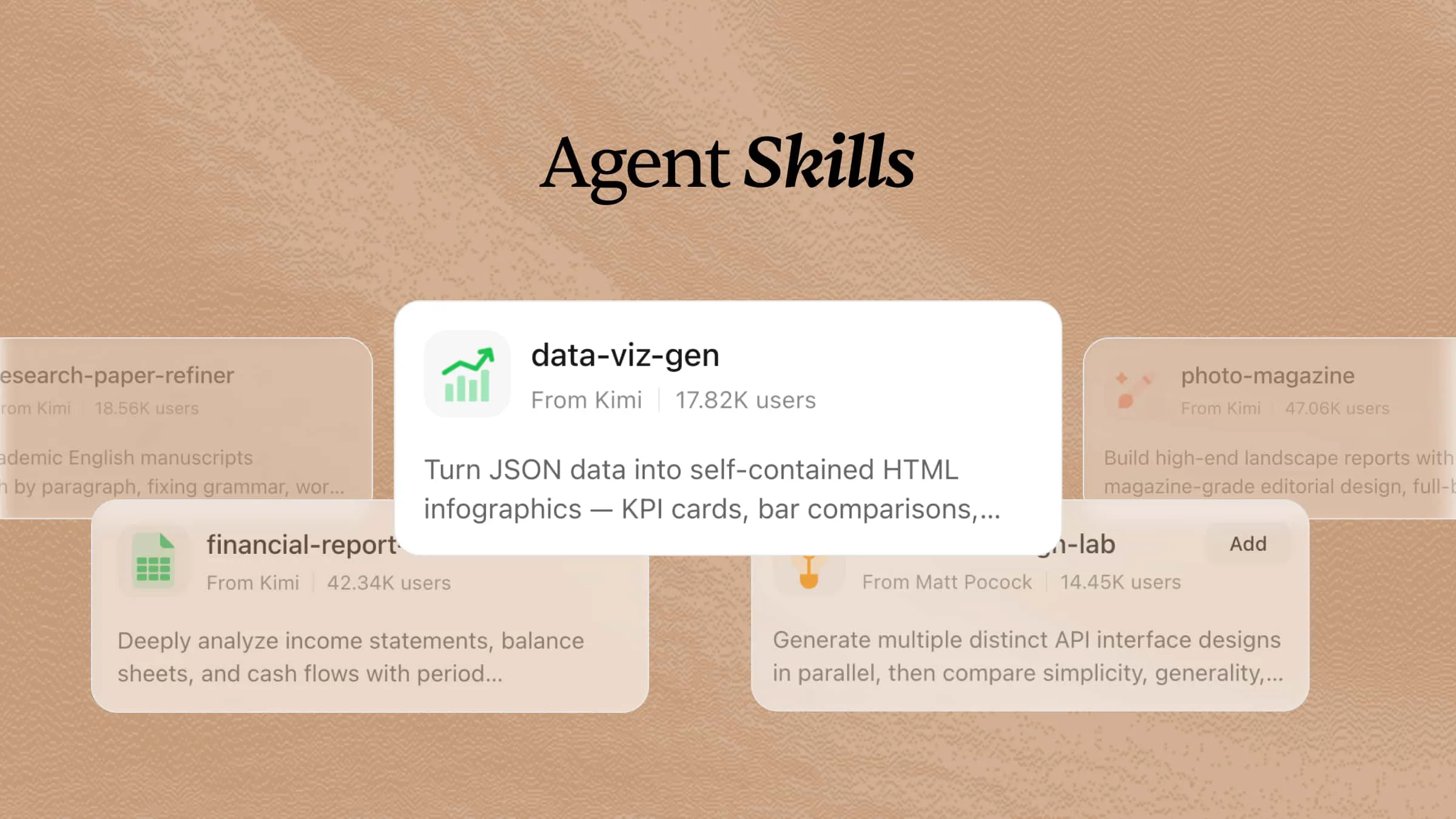
Project work can quickly become messy when tasks keep growing, deadlines change, and teams struggle to stay aligned. Small delays, missed updates, and too many manual steps can slow everything down and make projects harder to manage. That is where AI project management skills can help by making planning, task tracking, coordination, and routine project work much easier. This article lists 17 skills that can help you keep projects organized.
What are AI skills for project management?
AI skills for project management are specialized skill modules that help AI agents handle project planning, coordination, and execution tasks more effectively. They provide agents with structured workflows, instructions, and knowledge for managing tasks, tracking progress, organizing timelines, summarizing meetings, prioritizing work, and supporting team collaboration. By using reusable project management skills, AI agents can deliver more consistent and efficient assistance across different project workflows.
7 key project management skills available in Kimi
Below are 7 strong project management skills in Kimi that can help with project planning, goal tracking, estimation, sprint management, reporting, and overall team coordination.
| Skill name | Description |
|---|---|
| gantt-planner | Generate interactive HTML Gantt charts with Critical Path Method (CPM) analysis from task lists and dependencies, highlighting the critical path and calculating float times. Use when the user asks to create a Gantt chart, schedule project tasks, analyze the critical path, visualize dependencies, or mention project timelines, milestones, or task scheduling. |
| okr-strategist | OKR drafting, breakdown, and retrospective coach that helps users craft high-quality objectives and key results, decompose goals into actionable layers, and conduct periodic reviews. Use when the user mentions OKR, goal management, key results, drafting, breakdown, retrospective, review, alignment, quarterly goals, or asks for help writing, reviewing, or breaking down an OKR. |
| project-sizing-guide | Software project effort estimation assistant. Outputs three-point estimates (optimistic/most-likely/pessimistic values with confidence intervals), T-shirt sizes, or Function Point Analysis (FPA) counts. Triggered when users ask 'how long will this feature take,' they need to assess project workload, perform PERT estimation, T-shirt sizing, FPA, sprint planning, or quote-based effort breakdowns. |
| sprint-plan-builder | Agile Sprint planning assistant builds actionable plans by selecting scope based on team capacity and historical velocity, breaking down stories into estimated tasks, analyzing dependencies, and balancing workloads. Triggers when a user asks for Sprint Planning, iteration scoping, story/task assignment, workload balancing, dependency analysis, or team capacity calculation. |
| story-map-builder | Generates an interactive HTML user story map visualizing product requirements in an Epic → Feature → Story structure, with MoSCoW priority tagging and Release swimlane grouping. Trigger when the user mentions story mapping, backlog visualization, MoSCoW priority, release planning, or asks to organize requirements into a story map. |
| timeline-builder | Generate beautiful interactive timeline HTML pages from JSON data, with vertical, horizontal, or dual-side layouts, collapsible details, and custom colors. Ideal for project milestones, company histories, or resumes. Triggered when a user mentions 'timeline', 'history of events', 'project milestones', 'release log', or asks to visualize a chronological sequence of data. |
| work-recap-writer | Turn scattered work notes and git logs into structured weekly or monthly reports in data-driven, narrative, or OKR-aligned styles. Triggered when the user mentions a weekly report, monthly report, work summary, sprint summary, status update, OKR progress, or needs to organize scattered records into a formal recap. |
Use Kimi's built-in AI project management skills
Kimi makes project management easier by letting you activate specialized skills for planning, scheduling, estimation, reporting, and team coordination. Follow these steps to start using Kimi's built-in AI project management skills.
Step 1: Input a skill command
Type a relevant skill command such as /gantt-planner, /sprint-plan-builder, or /work-recap-writer in the input box to quickly activate the project management skill you need.
Step 2: Begin your research task
Enter your project details, requirements, or questions, and Kimi will apply the selected skill to help with tasks such as creating timelines, planning sprints, and estimating workloads.
Example prompt:
Kimi then processes your request and generates useful project outputs, such as schedules, task breakdowns, reports, or visual planning documents based on the selected skill.
Step 3: Check and save your document
Review the generated project materials, make any required changes, and save or export the final document for future reference and team collaboration.
Explore 10 more open-source project management skills
Project management workflows can be improved further with open-source skills designed for different planning and coordination needs. These tools help teams manage tasks, organize documentation, plan sprints, track progress, and automate repetitive project activities. Below are the 10 open-source project management skills that offer additional ways to streamline project workflows.
| Skill name | Description | URL |
|---|---|---|
| pm-skills | 68+ production-ready product management skills covering the full product lifecycle, including Triple Diamond framework (Discover, Define, Develop, Deliver, Measure, Iterate), Foundation Sprint, Design Sprint, PRDs, user stories, OKRs, roadmaps, sprint planning, retrospectives, and workflow orchestration. Apache 2.0 licensed. | https://github.com/product-on-purpose/pm-skills |
| pm-agent-skill | 4-phase product management workflow (Research → Define → Validate → Launch) using JTBD, Opportunity Solution Tree, Amazon Working Backwards, and Lean Startup frameworks. Produces structured artifacts such as DISCOVERY.md, PRD.md, EXPERIMENT.md, and GTM.md. | https://github.com/jahonn/pm-agent-skill |
| sprint-planning | Helps plan sprints by defining scope, estimating capacity, prioritizing backlog items, identifying dependencies and risks, and generating sprint planning documents. Supports integration with project trackers and calendars. | https://github.com/anthropics/knowledge-work-plugins/tree/main/product-management/skills/sprint-planning |
| task-flow | Manages the full task lifecycle across Notion and GitHub Issues. Breaks down work into actionable issues, creates checklists, and synchronizes completion status between planning and execution tools. | https://github.com/chaoming/claude-productivity-skills/tree/main/plugins/task-flow |
| workflow-orchestration | Provides structured task execution workflows with planning, verification, and self-improvement loops. Includes Plan Mode, subagent delegation, progress tracking, and lessons capture after corrections. | https://github.com/vxcozy/workflow-orchestration |
| tasknotes-skill | Supports task management in Obsidian through markdown files with YAML frontmatter. Provides task creation, updates, time tracking, Pomodoro sessions, calendar events, and schema diagnostics. | https://github.com/vanillaflava/tasknotes-claude-skill |
| summarize-meeting | Generates structured meeting summaries from transcripts by extracting key topics, decisions, action items with owners and deadlines, and open questions. Outputs markdown summary files. | https://github.com/tomzx/agents/tree/main/skills/summarize-meeting |
| lark-minutes-tasks | Processes Lark/Feishu meeting transcripts, extracts explicit and implied action items, and enables agents to execute follow-up tasks after meetings. Supports voice-triggered commands. | https://github.com/zarazhangrui/lark-minutes-tasks |
| ticktick-cli | Task management CLI skill for TickTick. Supports natural language task creation, project management, priority settings, due dates, tags, search, and MCP server integration. | https://github.com/kvanland/ticktick-cli |
| bmad-skills | Comprehensive project management skills for Codex, including product briefs, research, PRDs, prioritization, sprint planning, user story creation, code review, and UX design. Uses YAML-based project workflow states. | https://github.com/xmm/codex-bmad-skills |
How to add open-source project management skills to Kimi
Kimi lets you add open-source project management skills by providing a skill source link and letting AI handle the setup process. Once installed, these skills can help you manage tasks and create plans with specialized AI capabilities. Here's how you can add an open-source skill to Kimi.
Step 1: Enter a prompt
Open Kimi Chat and enter a prompt with the GitHub URL of the open-source project management skill you want to add.
Example prompt:
Step 2: Let AI install the skill automatically
Kimi automatically downloads and configures the selected skill from the provided source. After the installation process is complete, the skill becomes available in your Kimi workspace.
Step 3: Use the skill
Add the installed skill to Kimi, activate it, and start using it for your project needs. You can ask the skill to perform tasks such as sprint planning, task organization, project estimation, meeting summaries, or workflow management.
Take project management further with personalized AI skills
Kimi also allows you to create custom project management skills based on your own files and workflows. By turning your project templates, planning documents, reports, or process guides into reusable AI skills, you can build tools that match your preferred way of managing projects and handling tasks.
Step 1: Access the document to the skills tool
Start by clicking "Document to skills" to begin creating a personalized project management skill from your existing materials.
Step 2: Upload the files
Upload useful project resources such as planning templates, meeting formats, workflow documents, requirement files, or reporting structures. Kimi analyzes these materials and converts them into a reusable skill for future project tasks.
Step 3: Create and use your skills
After processing, your custom skill is ready to help with real project activities like creating reports, organizing tasks, preparing plans, or following your preferred project workflow. You can update, refine, or export the skill whenever needed.
Kimi also supports the "Edit" feature, allowing users to update existing skills so AI agents can stay aligned with new information, changing workflows, and evolving task requirements.
Tips for effectively using AI project management skills
AI can make project workflows faster and more organized, but the quality of results depends on how you use these tools. A clear approach, proper instructions, and regular improvements help you get more value from AI capabilities. These tips will help you use AI skills more effectively for better planning.
Set clear project goals and priorities
Define your project objectives and identify the most important tasks before using AI tools. Clear goals help AI understand what needs to be achieved and provide more focused suggestions. This allows teams to spend time on high-value activities and avoid unnecessary work.
Provide complete project context
Give AI enough details about your project, including deadlines, team responsibilities, requirements, and current challenges. More context helps AI generate plans and recommendations that better match your actual needs. This improves accuracy and makes the generated outputs more useful.
Break large projects into manageable tasks
Divide complex projects into smaller tasks that are easier to organize and track. AI can help structure these tasks, set priorities, and create step-by-step workflows for smoother execution. Smaller task groups also make it easier to monitor progress and identify delays.
Automate repetitive project workflows
Use AI to handle routine activities such as progress updates, meeting summaries, task tracking, and report creation. Automation reduces manual effort and gives teams more time to focus on important decisions. It also helps maintain consistency across repeated project activities.
Review and refine AI-generated plans
Always check AI-created plans, timelines, and recommendations before applying them to your project. Reviewing the results helps identify missing details, incorrect assumptions, or areas that need improvement. Regular refinement ensures that AI outputs remain aligned with project goals.
Customize AI skills for your workflow
Adapt AI skills according to your team's processes, templates, and preferred working style. Customization allows AI to follow your specific methods for planning, reporting, and managing tasks. Personalized workflows make AI tools more effective for long-term project use.
Conclusion
Managing projects becomes easier when teams have the right support to organize work, improve collaboration, and reduce time spent on repetitive tasks. With the right approach and customized agent skills, good project management can help create smoother workflows and better project outcomes. AI tools like Kimi provide a flexible way to build, customize, and apply these skills based on your needs. Try Kimi today to simplify your project workflows and create smarter ways to manage your work.