A Guide to Choosing and Creating a Proposal Template in Word

A good proposal template in Word saves you from building the same structure from scratch every time, whether you're pitching a client, requesting project approval, or responding to an RFP. This article guide you through using and creating proposal template with the right tool.

8 min read2026-07-22
Proposal template for Word

A proposal template Word document gives you a consistent structure to work from instead of starting with a blank page every time. If you've been searching for proposal templates Word options that actually fit your use case, the right one depends on what you're proposing. This guide covers what every solid proposal should include, the most common types, and a faster way to build one with the right tool.

Common structure of proposal template

Most proposal template Word documents share the same core sections regardless of type. The specifics vary, but the structure is consistent enough that once you understand it, customizing any template is much faster.

  • Cover page: A proposal cover page template Word document typically includes the proposal title, your name or company, the recipient's name, and the date. For client-facing pitches, a brief positioning statement or tagline is often added. It's the first thing a reader sees and sets the tone before they read anything else.

  • Executive summary: A short overview of the purpose, key objectives, and expected outcome, usually 150 to 250 words. Many decision-makers read only this section before deciding whether to pass the document on or continue reading, so it needs to stand on its own.

  • Problem or background: Context for why the proposal exists. This section shows that you understand the reader's situation before presenting a solution.

  • Scope of work and deliverables: A clear breakdown of what will be done, how, and by when. Vague scope sections are the most common reason proposals get rejected or create problems later.

  • Pricing or budget: Costs, payment terms, or a budget breakdown, depending on whether the proposal is for a paid service or an internal project.

  • Timeline: Key milestones, start and end dates, or phases. For larger projects, a visual timeline adds clarity that a bullet list can't always provide.

  • Call to action or next steps: What you want the reader to do after finishing the document. Proposals without a clear next step tend to sit without a response.

Most proposals run between five and ten pages. Shorter ones work for simple projects or existing relationships. More complex proposals may need ten or more.

Common types of proposal templates for Word

The right template depends on who you're proposing to and what you're asking for. Here are the most common categories.

  • Business proposal template in Word: A business proposal template Word document is used to pitch a product, service, or partnership to a client. Typically includes pricing, a value proposition, and a clear next step. These Word templates for business proposals tend to be more sales-oriented than internal documents, with an emphasis on outcomes and return on investment.

  • Project proposal template in Word: This internal document is used specifically to pitch and secure approval for a new corporate initiative. Unlike a client-facing sales pitch, a Microsoft Word project proposal template focuses heavily on objectives, resources, budget, and timelines to align internal stakeholders and managers around a shared goal.

  • RFP response template: A structured response to a formal Request for Proposal. These need to be highly adaptable since each RFP has its own requirements, section order, and evaluation criteria.

  • Construction proposal template: Covers scope, materials, labor, and pricing for a specific job, with a detailed cost breakdown by phase. Accuracy matters more here than persuasive writing.

  • Consulting proposal template: Outlines workstreams, deliverables, and fees for a consulting engagement, usually with defined milestones and a section on methodology. The tone is more analytical than a standard sales proposal.

  • Research proposal template: Used in academic or grant contexts, structured around objectives, methodology, literature review, and references. The audience is typically a committee or funding body rather than a commercial client.

Use ready-to-use proposal templates in Word

Microsoft Word's built-in template gallery, accessible from the New Document screen, includes a small selection of business layouts. Each Microsoft Word proposal template in this gallery is free with a Microsoft 365 subscription and opens directly in Word. Additionally, many third-party sites offer specialized Word templates for proposals, including free proposal templates.

Use proposal template in Microsoft Word

While you can easily download templates across these platforms, they rarely fit your exact project requirements or brand identity perfectly. You will likely spend significant time manually rewriting generic filler text and tweaking rigid layouts to make the template truly match your needs.

The alternative is generating a proposal that starts with your specific details rather than someone else's placeholder structure. That's where Kimi Docs fits in. Instead of adapting a generic Word document proposal template section by section, you describe what the proposal needs, and Kimi builds it around what you actually want to say.

Generate a custom proposal with Kimi Docs

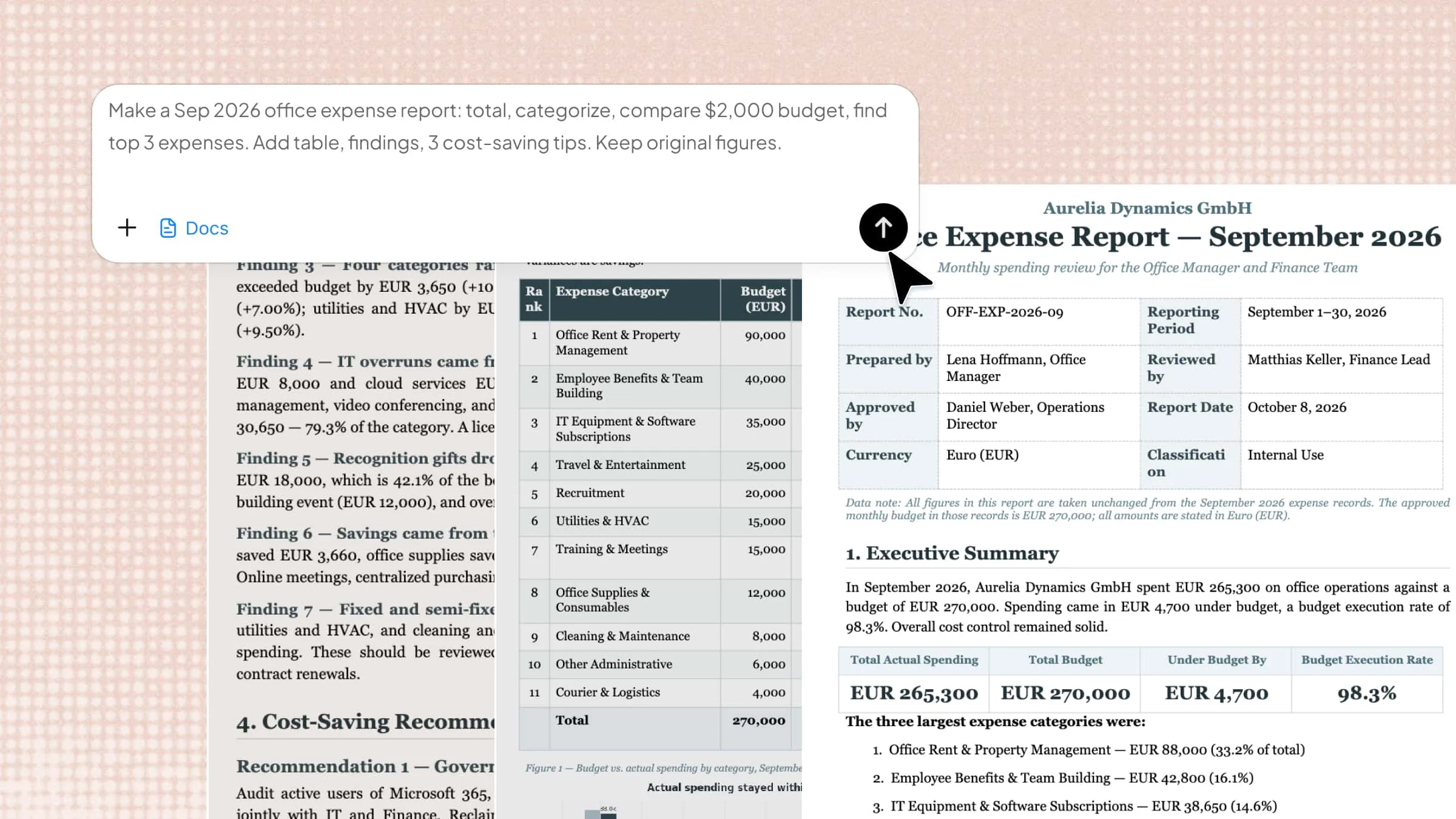
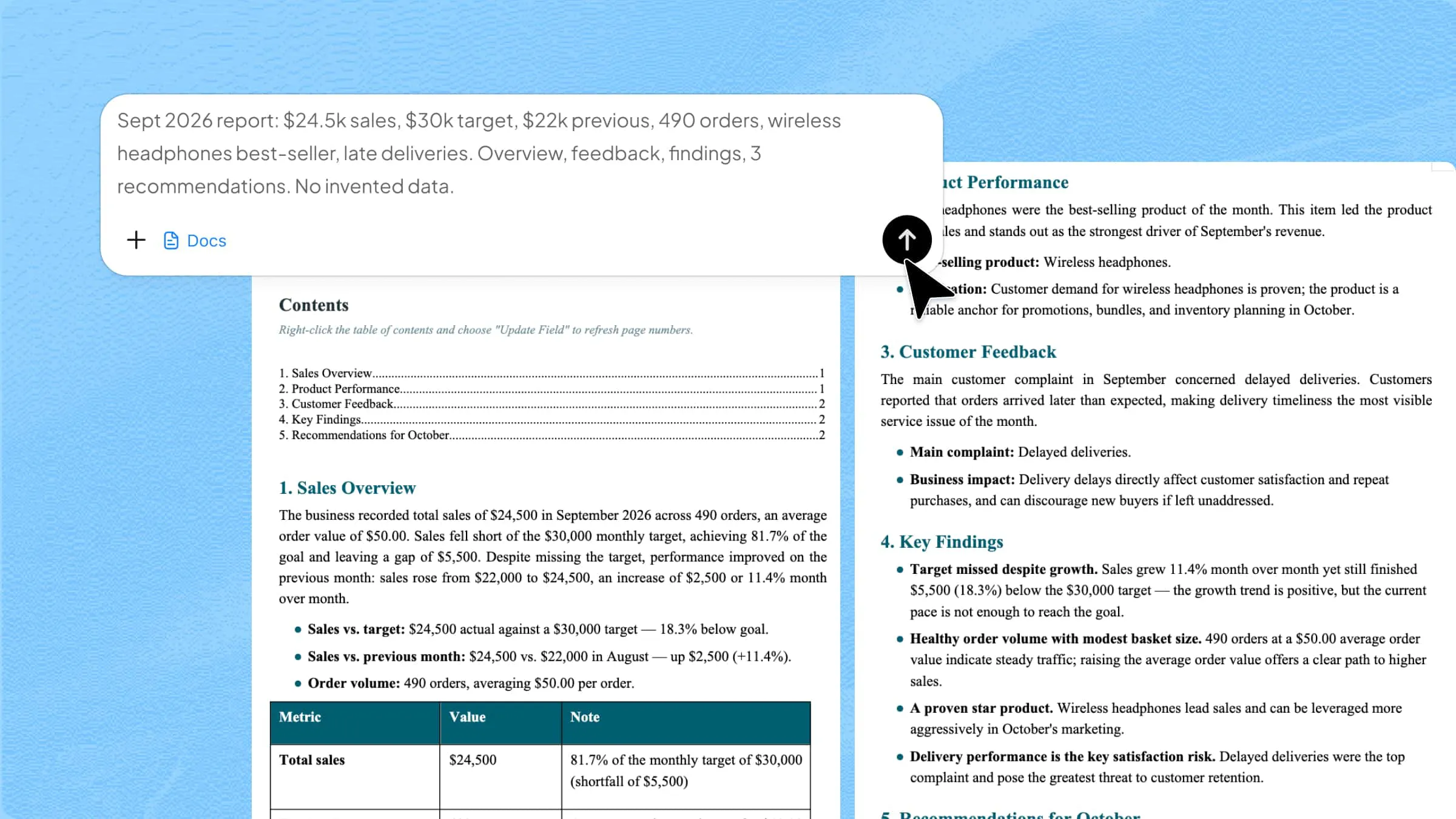
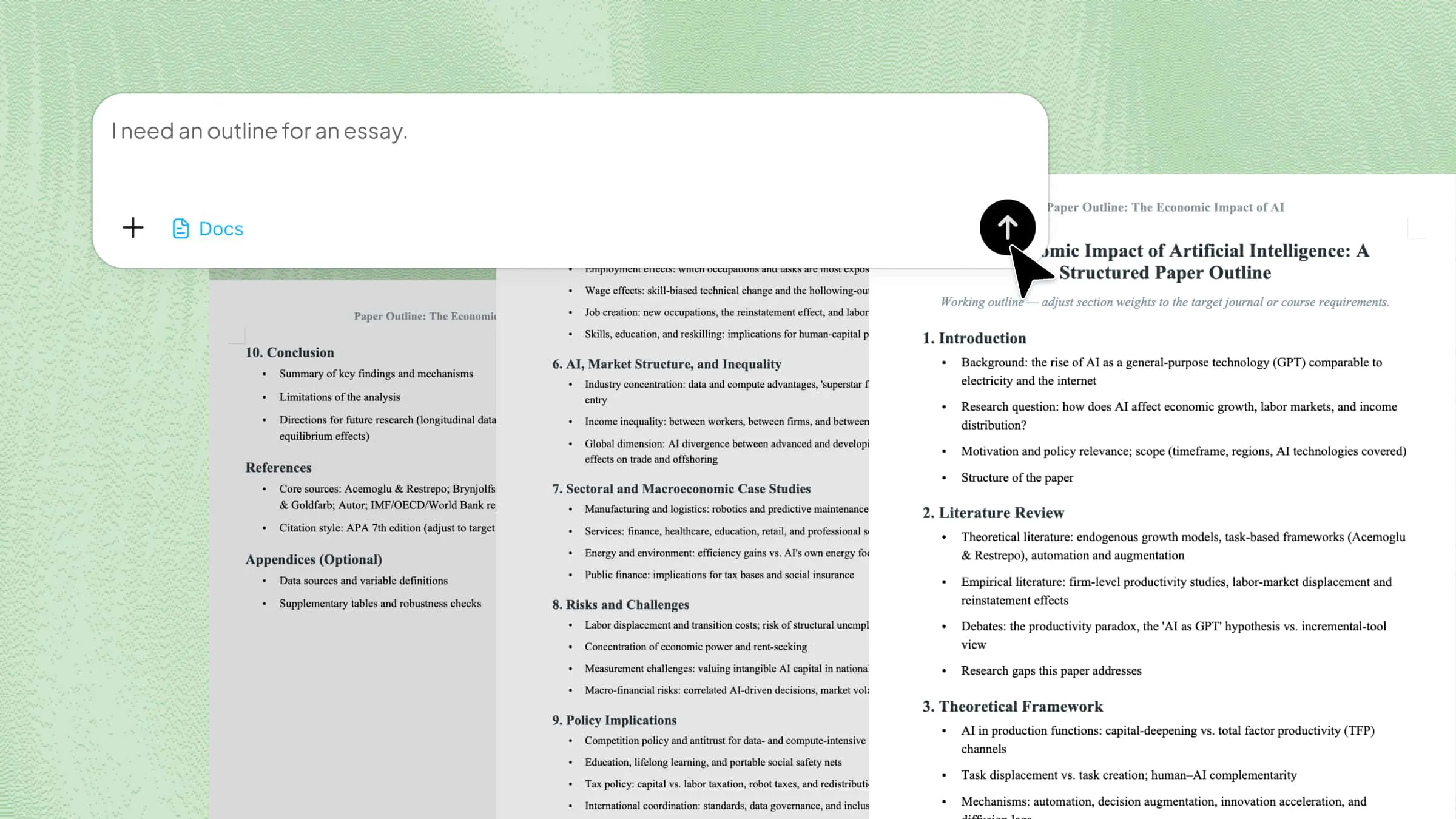
Rather than adapting a static layout, Kimi Docs operates as an adaptive AI document agent to build a personalized proposal around your specific details from the very first draft. Describe what the proposal is for, who it's going to, and what sections it needs. Kimi generates a structured document, and any section that needs adjustment can be refined with a simple follow-up prompt.

Step 1: Describe your proposal

Tell Kimi what the proposal is for, who it's going to, and what sections you need. If necessary, upload relevant documents and materials

Create a business proposal for a web design project pitched to a small retail client. Include a cover page, executive summary, scope of work, timeline, pricing table, and a closing call to action. Keep the tone professional and the layout clean.
Enter a prompt to generate a proposal using Kimi Docs

Step 2: Review and refine

Kimi generates a structured draft based on your description. Review it and send follow-up prompts to adjust tone, add sections, or change formatting. Each follow-up refines what's already there rather than regenerating the whole document from scratch, so you're always moving forward rather than starting over.

Review a generated proposal draft in Kimi Docs

Step 3: Download your proposal

Once it's ready, download the finished document as a Word file.

Download a proposal document from Kimi Docs

Key features of Kimi Docs

  • Customizable and personalized template: The proposal is generated from what you describe, not from generic placeholder text. The output reflects your actual project, client, and requirements from the first draft.

  • Adapt to the proposal type: Whether it's a business pitch, an internal project request, or a formal RFP response, the structure automatically adapts to your needs. Kimi Docs recognizes unique document conventions, generating standard, professional formatting and precise structures tailored to your exact proposal type.

  • Consistent formatting throughout: Headings, spacing, and styles apply evenly across the whole document, which matters in longer proposals where manual formatting tends to drift.

  • Iterative editing by prompt: Send a follow-up prompt to adjust tone, add a section, or update the pricing table. Kimi can update the relevant part, rather than regenerating the whole document.

  • Built for multi-section & long documents: Long proposals with appendices, multiple deliverable sections, and varied content types are handled in one run without the structure breaking down.

Conclusion

Building a proposal from a blank page might be time-consuming. Downloading a generic template is faster, but you still spend time replacing placeholder content and adjusting a structure that wasn't built for your situation. Kimi Docs gives you a starting point that's already shaped around what you're actually proposing. Instead of tearing apart a generic layout, your very first draft is generated with your specific content and structure already in place, allowing you to focus immediately on fine-tuning.

FAQ

What should a proposal template in Word include?
A cover page, executive summary, background or problem statement, scope of work, pricing or budget, timeline, and a clear call to action. Most effective proposals run five to ten pages, though shorter ones work for simple projects or existing client relationships.
Where can I find free proposal templates for Word?
Microsoft Word's built-in template gallery includes a small selection accessible from the New Document screen. Third-party template sites offer wider collections as DOCX downloads organized by proposal type.
What's the difference between a business proposal and a project proposal template?
A business proposal template is used to pitch a product or service to a client, with pricing and a sales-oriented structure. A project proposal template is used internally to get approval for an initiative, focusing on objectives, resources, and timeline.
Can I customize a Word proposal template without design experience?
Yes. Most templates only require replacing placeholder text and adjusting branding elements like your logo, colors, and fonts. However, if you want to skip the tedious manual tweaking altogether, Kimi Docs can act as your AI document agent. Instead of wrestling with rigid Word layouts, you can simply upload your content or describe your requirements, and Kimi will instantly generate a polished, professionally formatted proposal that aligns with your brand.
Is there a faster way to create a proposal than editing a downloaded template?
Kimi Docs generates a structured proposal from a description of what you need, built around your actual details rather than generic placeholder content. You can further improve the proposal with follow-up prompts to refine specific sections.
You Might Also Like
How to Edit Footer in Word: Easy Step-by-Step Guide
2026-07-22
A User-Friendly Guide to Convert JPG to Word with Smallpdf
2026-07-22
How to Insert a Section Break in Word: A Complete Guide
2026-07-22
How to Remove a Section Break in Word: 5 Ways
2026-07-22
How to Insert a Page Break in Word: 4 Ways
2026-07-22