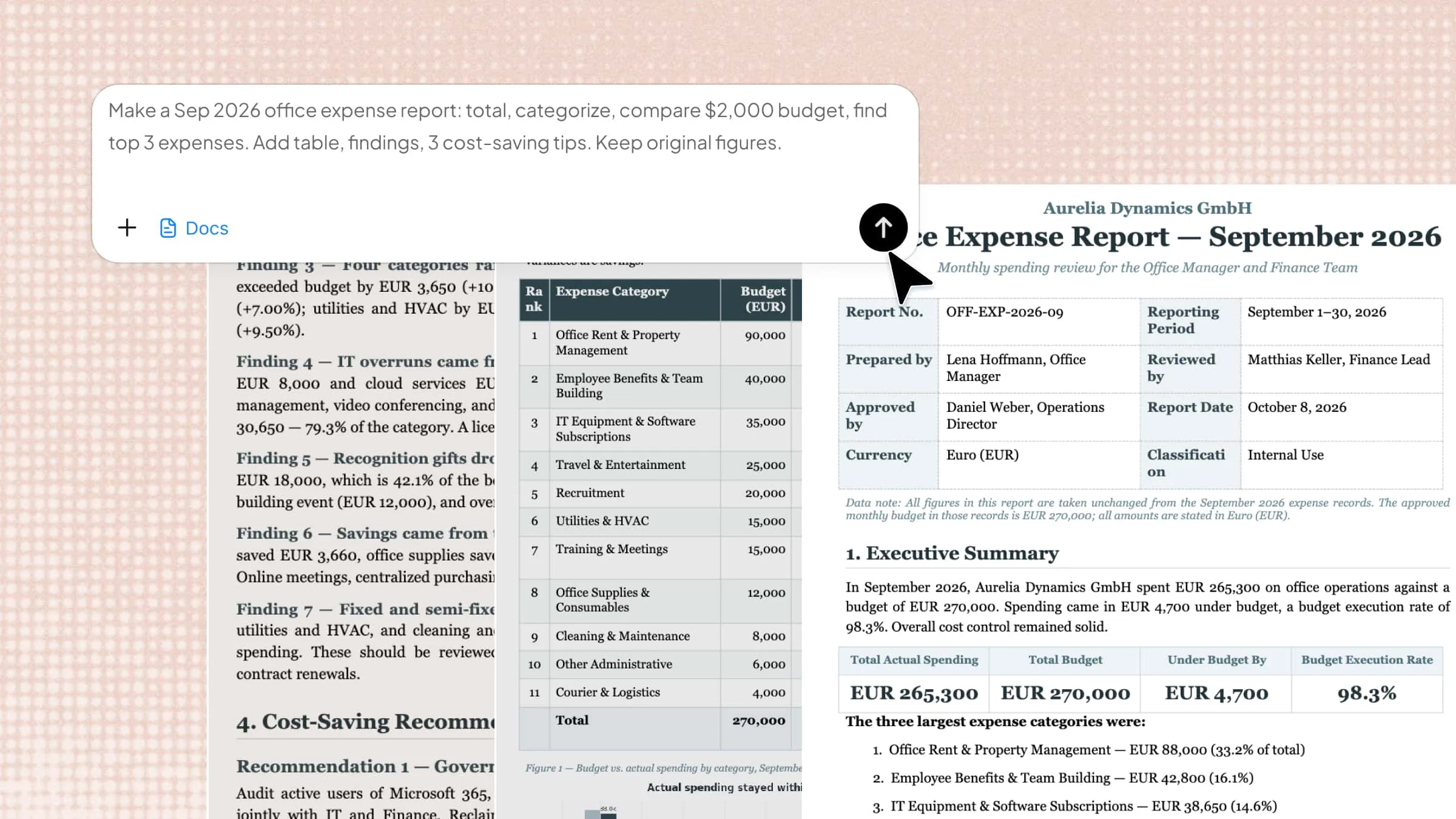
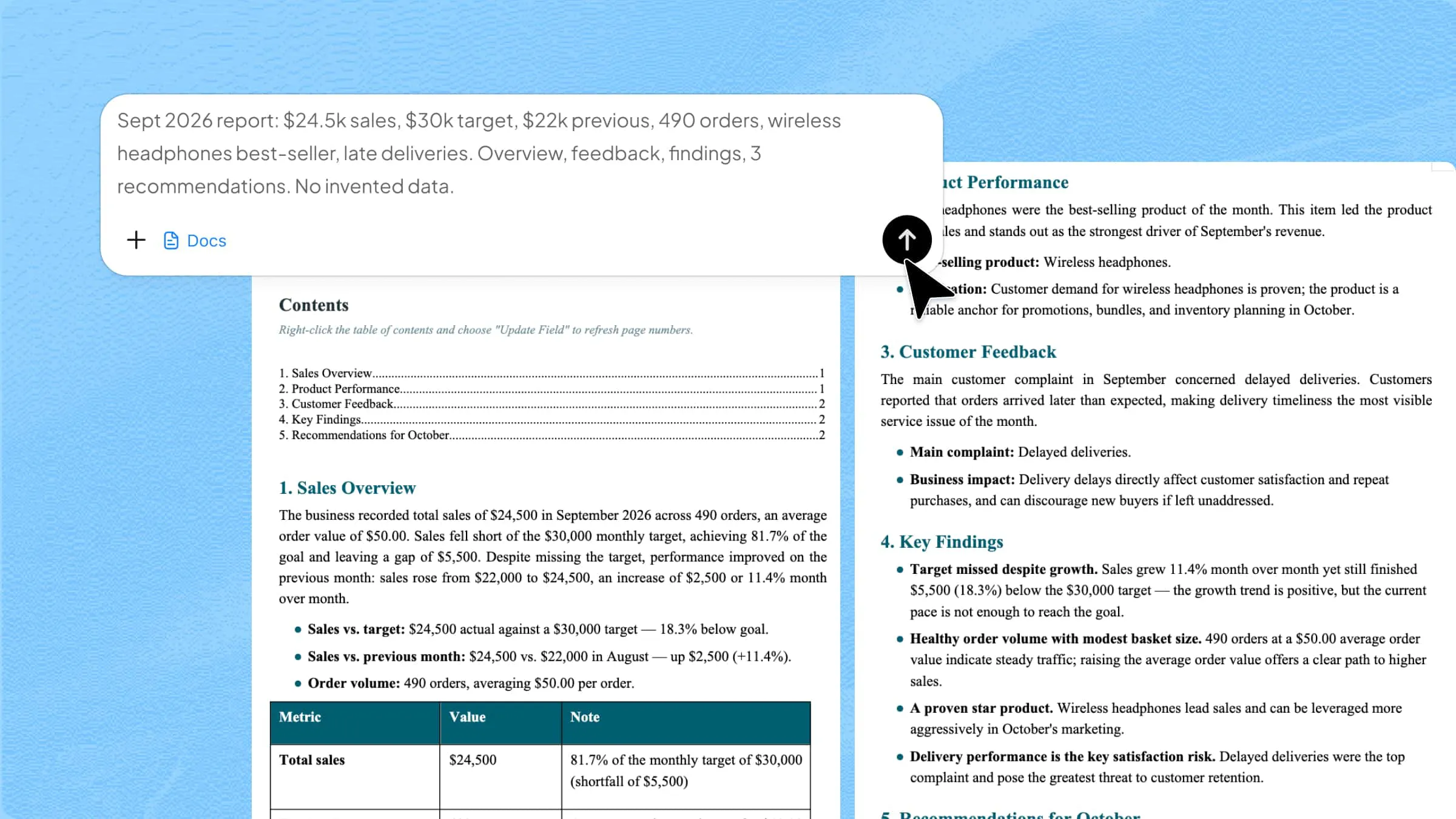
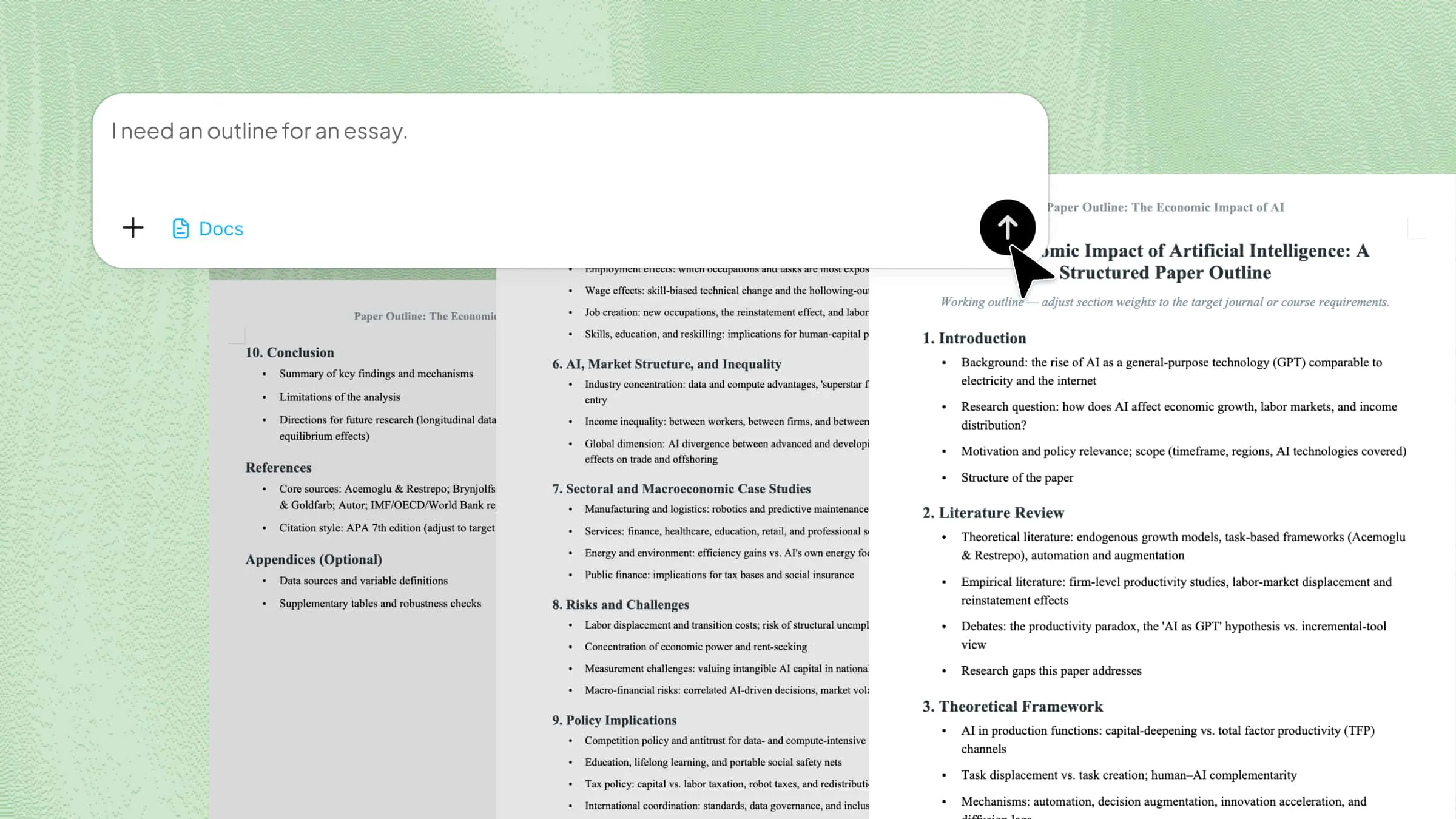
10 Technical Design Document Templates for 2026

Explore 10 technical design document templates created with Kimi Docs for developers, engineers, and tech teams. Structure your ideas clearly, save hours of formatting, and deliver professional docs. Create, customize, and share your templates fast, smart, and free.

10 min read2026-05-29

Table of contents

Writing technical projects becomes much easier when ideas are clear and well structured from the start. Technical design doc templates help developers and engineers organize complex information in a simple and readable way using tools like Kimi Docs. Go through this article to explore 10 useful templates that can improve your technical documentation work.

10 technical design document templates to simplify work

Having the right template can save time and ensure consistency in technical projects. These templates help organize complex information clearly and efficiently. Here are 10 technical design documentation templates to simplify your work and streamline the design process.

System overview template

A system overview template gives a simple, high-level view of how a system works. It explains the main goals, key parts, and how everything connects together in one structure, and helps teams stay aligned from the beginning of a project. Developers use it to understand the full system before going into details.

System overview template

How to use

Step 1: Enter your prompt

Open Kimi Docs and paste a system overview prompt for a web-based task management system, then click generate.

Prompt:

Write a system overview technical design document for a web-based task management application. Include system goals, main modules, user flow, and high-level architecture. Keep the structure clear and simple for developers and stakeholders. Make it suitable for a professional technical document.

Step 2: Let AI generate your Word

AI creates a structured system overview with goals, modules, and system flow automatically.

Step 3: Review and export the Word

Check the clarity of the system structure, make small edits if needed, then export the Word file.

Architecture design template

This tech design document template explains how different system components interact with each other. It focuses on structure, data flow, and system layers, and helps in planning both backend and frontend structures clearly.Engineers use it to design scalable and stable systems.

Architecture design template

How to use

Step 1: Enter your prompt

Open Kimi Docs and enter an architecture design prompt for a cloud-based e-commerce system, then generate.

Prompt:

Create an architecture design document for a cloud-based e-commerce platform. Include system layers, microservices structure, data flow, and communication between services. Keep it clear, structured, and suitable for engineering teams. Focus on scalability and performance.

Step 2: Let AI generate your Word

AI builds system layers, services, and data flow in a structured format.

Step 3: Review and export the Word

Review architecture layout and scalability points, then download the document.

Feature design template

A feature design template focuses on a single feature in detail. It explains functionality, user behavior, and technical requirements. Product and engineering teams use it to build features correctly. It reduces confusion during development.

Feature design template

How to use

Step 1: Enter your prompt

Open Kimi Docs and paste a feature design prompt for a real-time chat feature, then click generate.

Prompt:

Write a feature design document for a real-time chat feature in a mobile app. Include user stories, feature flow, UI behavior, and backend logic. Keep it simple and developer-friendly. Focus on clarity and implementation steps.

Step 2: Let AI generate your Word

AI generates user flow, feature logic, and technical details automatically.

Step 3: Review and export the Word

Check feature behavior and structure, then export the final Word file.

API design template

An API design template defines how applications communicate with each other. It includes endpoints, request formats, and response structures. Developers use it to build consistent and secure APIs. It ensures smooth integration between systems.

API design template

How to use

Step 1: Enter your prompt

Open Kimi Docs and enter an API design prompt for a payment gateway system, then generate.

Prompt:

Create an API design document for a payment gateway integration. Include endpoints, request and response formats, authentication methods, and error handling. Keep it structured and easy for developers to implement. Focus on security and clarity.

Step 2: Let AI generate your Word

AI creates endpoints, request-response formats, and authentication flows.

Step 3: Review and export the Word

Review the API structure and security details, then download the document.

Database design template

A database design template explains how data is stored and organized. It includes tables, relationships, and schema structure. It helps developers manage data efficiently and avoid errors. It is important for building strong backend systems.

Database design template

How to use

Step 1: Enter your prompt

Open Kimi Docs and paste a database design prompt for a hotel booking system, then generate.

Prompt:

Write a database design document for a hotel booking system. Include tables, relationships, keys, and data flow. Keep it structured and optimized for performance. Make it easy for developers to implement in SQL databases.

Step 2: Let AI generate your Word

AI builds tables, relationships, and schema design automatically.

Step 3: Review and export the Word

Check the database structure and relationships, then export the file.

Deployment and release template

A deployment and release template explains how software is launched to production. It includes steps for testing, release stages, and rollback plans. DevOps teams use it to ensure smooth deployment. It reduces risks during releases.

Deployment and release template

How to use

Step 1: Enter your prompt

Open Kimi Docs and enter a deployment and release prompt for a SaaS update, then generate.

Prompt:

Create a deployment and release document for a SaaS application update. Include deployment steps, environment setup, rollback plan, and release checklist. Keep it structured and safe for production use. Focus on reliability and clarity.

Step 2: Let AI generate your Word

AI creates deployment steps, rollback plans, and releases checklists.

Step 3: Review and export the Word

Review deployment flow and safety steps, then download the Word file.

Security design template

This technical design document template focuses on protecting systems and data. It includes authentication, encryption, and access control rules. Security teams use it to reduce risks and prevent attacks. It is important for safe system development and ensuring compliance.

Security design template

How to use

Step 1: Enter your prompt

Open Kimi Docs and paste a security design prompt for a banking application, then generate.

Prompt:

Write a security design document for a banking application. Include authentication methods, data encryption, access control, and threat protection strategies. Keep it structured and easy to understand. Focus on high-level security practices.

Step 2: Let AI generate your Word

AI builds authentication, encryption, and access control structure.

Step 3: Review and export the Word

Check security layers and protections, then export the document.

Integration design template

An integration design template explains how different systems connect with each other. It defines data exchange, APIs, and third-party services. It helps ensure smooth communication between platforms. It reduces integration issues during development.

Integration design template

How to use

Step 1: Enter your prompt

Open Kimi Docs and enter an integration design prompt for CRM and email system, then generate.

Prompt:

Create an integration design document for connecting a CRM system with an email marketing platform. Include data flow, API usage, sync methods, and error handling. Keep it structured and clear for developers. Focus on seamless integration.

Step 2: Let AI generate your Word

AI creates data flow, API integration, and sync structure.

Step 3: Review and export the Word

Review system connections and logic, then download the file.

Performance and scalability template

A performance and scalability template explains how a system handles load and growth. It includes optimization methods, caching, and scaling strategies. Engineers use it to improve system speed and stability. It ensures smooth performance under high traffic.

Performance and scalability template

How to use

Step 1: Enter your prompt

Open Kimi Docs and paste a performance design prompt for a streaming platform, then generate.

Prompt:

Write a performance and scalability design document for a streaming platform. Include load handling, caching strategies, database optimization, and scaling methods. Keep it structured and practical. Focus on handling large user traffic.

Step 2: Let AI generate your Word

AI produces scaling methods, caching, and performance optimization details.

Step 3: Review and export the Word

Check the scalability plan and performance logic, then export the document.

Testing and validation template

This technical design Word document template explains how software is checked before release. It includes test cases, validation rules, and quality checks. QA teams use it to ensure the system works correctly. It helps reduce bugs in production and improves the reliability of overall software quality.

Testing and validation template

How to use

Step 1: Enter your prompt

Open Kimi Docs and enter a testing design prompt for a mobile banking app, then generate.

Prompt:

Create a testing and validation design document for a mobile banking app. Include test cases, validation rules, QA steps, and expected results. Keep it structured and easy for testers to follow. Focus on accuracy and reliability.

Step 2: Let AI generate your Word

AI generates test cases, validation rules, and QA structure.

Step 3: Review and export the Word

Review test coverage and accuracy, then download the final Word file.

Why does Kimi Docs work well for technical design docs?

Kimi Docs makes technical writing much easier by turning complex ideas into clear, well-structured documents in a short time. It supports developers, engineers, and students who need accurate and professional design documentation without spending hours on formatting or layout work.

Clear, structured section organization

Kimi Docs breaks technical content into well-arranged sections like objectives, architecture, and workflows. This makes complex ideas easier to follow and understand clearly. Teams can quickly find the exact information they need without confusion or delay in review.

Consistent formatting & technical writing

Kimi Docs ensures consistent and professional formatting across documents, including LaTeX equations, academic citations, tables, code blocks, lists, and clickable elements. This helps users produce well-structured content that meets both academic and professional writing standards.

Academic-grade referencing support

Proper citations and references can be added in a structured way inside documents easily. This is helpful for research work, reports, and detailed technical studies. It improves trust and makes documentation more reliable for academic and professional use overall.

Fast generation of full documents

Kimi Docs can turn a simple prompt into a complete technical document in minutes. It removes the need to build everything manually from scratch every time. This saves time and helps teams focus more on ideas and design work.

Easy edit and sharing

Documents can be exported and edited locally and quickly without breaking structure or layout at all. Changes stay clean and organized even after multiple updates or revisions. Sharing with teammates is simple, which supports smooth collaboration and faster feedback cycles overall.

Tips for writing technical design documents

Writing a strong technical design document needs clear thinking and a proper structure from the start. Good documentation helps teams understand the problem, design solutions, and avoid confusion during development. Here are some expert tips for writing a technical design document:

Clear problem definition first

Define the problem clearly at the start of your document. State exactly what issue you are solving and why it matters. This keeps your design focused and avoids unnecessary direction changes later. This improves alignment between stakeholders and development teams overall.

Structured sections for flow

Organize your document into clear sections like requirements, design, and implementation. Arrange information in a logical order that guides the reader step by step. This helps teams understand the content quickly and without confusion. This also makes documentation easier to maintain and update later.

Include architecture diagrams early

Add architecture diagrams at the beginning of your document. Show how system components connect and interact visually. This improves understanding and helps teams plan the system more effectively. This helps developers quickly understand system design without confusion later.

Document key assumptions clearly

List all assumptions before explaining the detailed design. Clarify conditions, limitations, and dependencies that affect your solution. This prevents misunderstandings during development and testing phases. This ensures all team members share the same understanding before development.

Highlight tradeoffs and alternatives

Compare different design options and explain their advantages and limitations. State why you chose one solution over others. This helps teams make informed and balanced decisions. This leads to stronger decisions and better system outcomes overall.

Keep the format reusable and flexible

Use a consistent structure that you can apply to different projects. Design your document format so it adapts easily to new requirements. This saves time and keeps documentation consistent across teams. This improves consistency across projects and reduces writing effort significantly.

Conclusion

Good technical writing depends on clarity, structure, and the right tools that support faster thinking and better organization. With well-prepared workflows, teams can turn ideas into usable documents without extra effort or confusion. These approaches help improve both speed and quality in real projects. Using technical design document templates makes documentation more consistent and easier to manage across different tasks. Try Kimi Docs to create and refine your next technical design documents with ease.

FAQ

What is a technical design document?
A technical design document is a written plan that explains how a system or feature will be built. It includes structure, components, workflows, and key technical details for developers and teams. This document helps everyone understand the solution before development starts and reduces confusion during the project. It also keeps all stakeholders aligned from planning to execution.
How to write a technical design document?
Writing a technical design document starts with clearly defining the problem and the goal of the system or feature. Then the content is organized into structured sections like architecture, design, and implementation details. Important elements such as assumptions, APIs, and data flow are added in a simple and clear format. The language should stay easy to understand for both technical and non-technical readers.
How long should a tech design document template be?
The length of a technical design document depends on how complex the project is. Simple features may need only a few pages, while large systems require detailed multi-section documents. The focus should always be on clarity and completeness instead of a fixed length. A good document includes all necessary information without adding extra or unnecessary details.