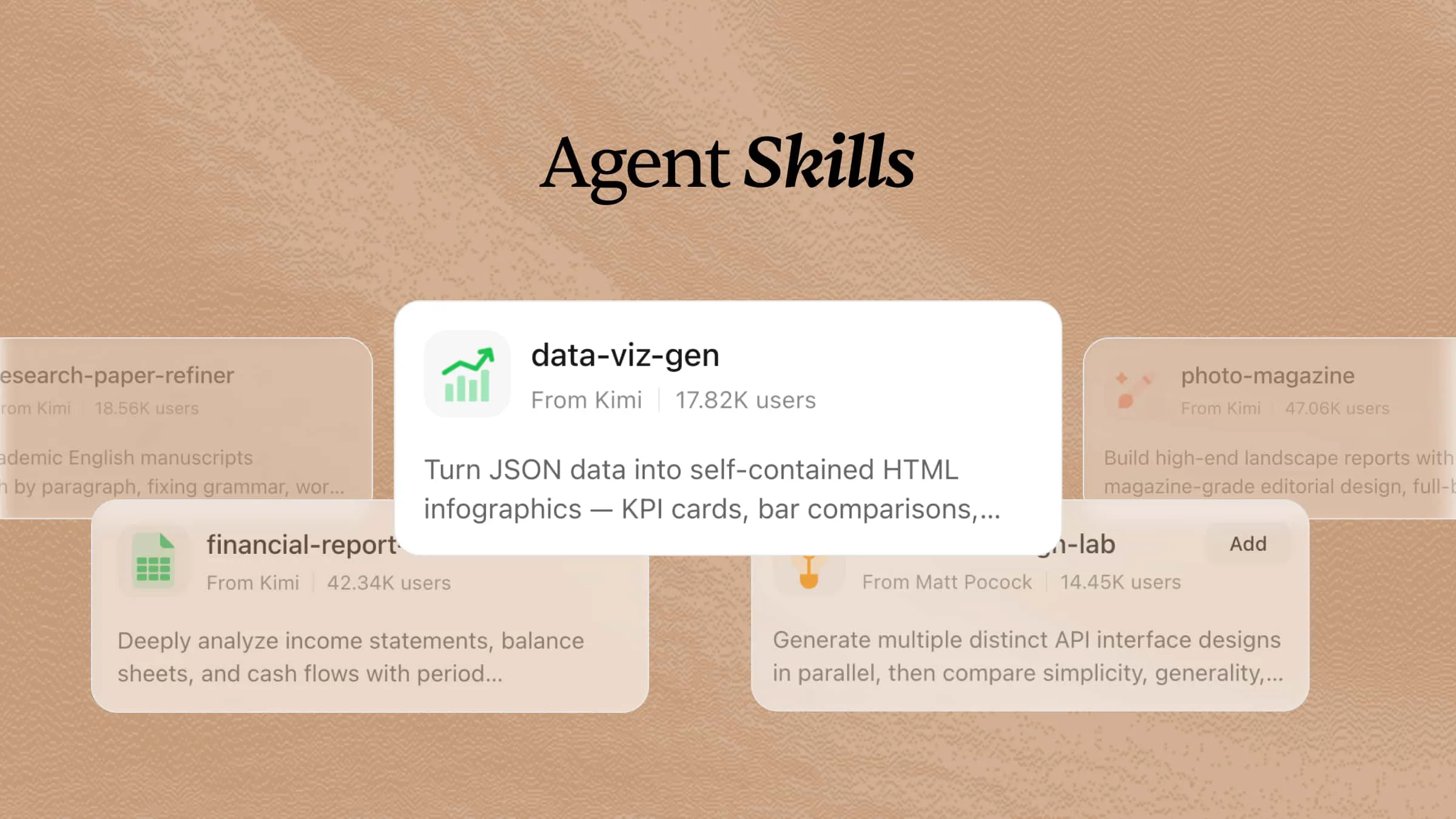
AI is increasingly used in UI/UX design to support research, generate ideas, create layouts, and improve usability. Specialized UI/UX design skills help AI agents handle these tasks more consistently across the design workflow, from wireframing and visual design to prototyping, testing, and accessibility checks. This article introduces 12 practical UI/UX design skills that can help designers work faster and create digital experiences that are clear, attractive, and easy to use.
What are UX/UI design skills?
UX/UI design skills are AI agent skills designed to help AI complete interface and user experience design tasks. They include structured instructions, design frameworks, and workflows that guide AI agents to create layouts, improve user flows, analyze usability, and generate design suggestions. By using these skills, AI agents can produce more consistent and user-focused UI/UX outputs across different projects.
2 UX/UI design skills in Kimi for better designs
Kimi brings practical UI/UX design support into dedicated skills that you can easily use throughout your design process. These UI/UX design skills can be added inside Kimi and customized with simple natural language based on your project needs. Each skill is designed to handle a specific design task, making interface creation faster, more organized, and more effective. Here are two Kimi UI/UX design technical skills you can try to build better user experiences.
| Skill name | Description |
|---|---|
| design-system-builder | Extract design systems from reference UI images and generate implementation-ready UI design prompts. Use it when users provide UI screenshots/mockups and want to create consistent designs, generate design systems, or build MVP UIs matching reference aesthetics. |
| landing-page-scaffold | Generate a self-contained landing page HTML prototype with five standard sections (Hero → Social Proof → Features → Pricing → CTA), outputting a single inlined HTML file ready to preview in any browser. Triggered when the user asks to build, generate, or scaffold a landing page, wireframe, or marketing page prototype, or mentions specific sections like hero, pricing, or CTA. |
How to use UI/UX design skills in Kimi?
Kimi makes it simple to use UI/UX design skills throughout your design process. Just choose a built-in skill, describe your design goal, and let Kimi assist with tasks such as planning, improving layouts, or generating design ideas. Follow these steps to get started.
Step 1: Enter a skill command
Type a skill command such as /design-system-builder in the input box to quickly find and activate the UI/UX design skill you need.
Step 2: Start your research task
Enter your requirements or questions, and Kimi will apply the selected skill to assist with tasks such as UI/UX research, design analysis, user experience improvements, wireframing ideas, usability evaluation, and design recommendations.
Example prompt:
Then Kimi automatically searches the web, gathers relevant UI/UX resources, analyzes design trends, and organizes the findings into a clear, structured research report, helping you create better user-centered designs efficiently.
Step 3: Check and download your document
Review the generated UI/UX research report, make any necessary edits, and download the completed document for presentations, design planning, or further use.
Explore 10 more open-source UI/UX design skills
In addition to Kimi's built-in skills, you can also install open-source UI/UX design skills and use them in Kimi. These skills support different design tasks, from user research and wireframing to prototyping, accessibility, and interface improvement, giving you more options to enhance your design workflow. Here are 10 open-source UI and UX design skill lists you can try.
| Skill name | Description | URL |
|---|---|---|
| ui-ux-agent-skill-system | Vendor-neutral UI/UX agent skill system with adapters for Kimi, Codex, Claude, Gemini, Qwen, Copilot, and GLM. Includes orchestration, product UX architecture, design intelligence, Figma workflows, implementation specialists, and workflow compliance. | https://github.com/sergekostenchuk/ui-ux-agent-skill-system |
| ui-craft | Design engineering systems for AI coding agents to deliver high-quality UI. Includes references for accessibility, motion, layout, typography, color, responsive design, sound, copy, reviews, dashboards, data visualization, forms, and design tokens. | https://github.com/educlopez/ui-craft |
| open-design-skill | Community SKILL.md companion for Open Design. Provides access to branded DESIGN.md files, rendering templates, functional skills, and design references for AI agent workflows. | https://github.com/sugarforever/open-design-skill |
| tasteful-ui-skill | Taste-driven UI design skill for coding agents. Helps explore visual directions, translate design preferences into executable documentation, and implement interfaces with verification workflows. | https://github.com/DonkeyKing01/tasteful-ui-skill |
| ux-discovery-interviewer | AI agent skill for conducting structured UX research interviews. Helps transform product ideas into insights through user journeys, pain points, opportunities, assumptions, and open questions. | https://github.com/JacobLinCool/ux-discovery-interviewer-skill |
| apple-design-skill | Cross-platform UI/UX review skill based on Apple Human Interface Guidelines. Supports Flutter, Tauri, Electron, and React Native with structured design evaluation resources. | https://github.com/dickwu/apple-design-skill |
| uxui-principles-agent-skills | Collection of UX expertise skills for AI agents, including UX evaluation, interface auditing, AI interface review, flow checking, and design guidance workflows. | https://github.com/uxuiprinciples/agent-skills |
| figma-ai-bridge | Agent and skill system for controlling Figma and automating design workflows. Includes accessibility audits, content reviews, documentation, presentation generation, research, and workflow diagram skills. | https://github.com/renfei-design/Figma_AI_Bridge |
| agent-ready | Figma plugin and agent skill that evaluates whether design files are ready for AI workflows. Detects missing context, improves design metadata, and generates structured evidence for review. | https://github.com/Owl-Listener/agent-ready |
| figma-context-mcp-skill | Skill for implementing Figma designs through MCP. Supports design context retrieval, asset downloads, component-based implementation, and UI validation against Figma specifications. | https://github.com/HowardTangOvO/Figma-Context-MCP-Skill |
These UI/UX design skills needed for modern design workflows can be accessed through their URLs and installed for use with Kimi, enabling users to expand its capabilities for different design tasks. This makes it easier to customize Kimi's functionality for user research, interface design, usability testing, and other UI/UX workflows.
How to use these GitHub UI/UX design skills in Kimi?
Kimi makes it easy to use GitHub UI/UX design skills in your design workflow. Simply import the GitHub skill, describe your design task, and let Kimi assist with interface planning, user research, prototyping, and design improvements. Here are the steps to get started.
Step 1: Enter a prompt
Open Kimi Chat and provide a prompt with the URL of the GitHub UI/UX design skill you want to install.
Example prompt:
Step 2: Let AI install the skill automatically
Kimi automatically downloads and configures the UI/UX design skill based on the provided GitHub URL. Once the installation is complete, the skill will be available in your Kimi workspace for future design tasks.
Step 3: Use the skill
Click "Add to My Skills" to add the UI/UX design skill to Kimi, then select "Try it" to activate it. Once activated, enter your design request, such as conducting user research, evaluating interface usability, creating wireframe ideas, or exploring UI/UX best practices.
Take UI/UX design further with custom AI skills
Kimi also lets you take UI/UX design a step further by turning your design documents into custom AI skills. This enables you to convert design guidelines, research notes, or project documentation into reusable tools that match your design workflow. Here is a simple way to create your own UI/UX design skills in Kimi.
Step 1: Access the "Document to skills" tool
Open Kimi Skills and click on "Document to skills" to start building your custom UI/UX design skill.
Step 2: Upload the files
Upload your UI/UX design materials, such as design guidelines, user research reports, wireframes, style guides, or project documentation, that you want to turn into a reusable skill. Kimi will read and organize the content so it can be used as a working tool.
Step 3: Create and use your skills
Once processed, your new skill becomes ready to use for real tasks like generating wireframes, analyzing user research, evaluating interfaces, or creating design recommendations from similar inputs.
You can also edit it anytime or export it as a file for later use in other UI/UX projects.
Effective practices for using UX/UI design skills
Expert use of UI/UX design skills required for modern products is not just about knowing design tools, but applying them with a user-focused approach. These skills improve design quality, simplify workflows, and enhance the overall user experience. Here are some tips for using them effectively.
Provide detailed prompts with clear UX requirements
Describe your project with clear details, including the target users, platform, goals, and design preferences. Explain user scenarios and any specific features you need. Detailed prompts help AI create more accurate wireframes, user flows, and interface ideas.
Use AI to quickly generate and compare design variations
Ask AI to create multiple layouts, navigation styles, and interface concepts for the same project. Compare the different versions to understand their strengths and weaknesses. This makes it easier to choose the design that offers the best user experience.
Combine AI-generated outputs with user research insights
Use AI to generate design ideas, but always compare them with real user research and feedback. User insights help confirm whether the design solves actual problems. This approach leads to more practical and user-focused interfaces.
Refine AI-generated wireframes and prototypes through iteration
Improve AI-generated wireframes by providing additional instructions and making small changes. Adjust layouts, spacing, interactions, or visual elements until the design meets your expectations. Repeated improvements help create a refined final interface.
Use AI to maintain design consistency across products
Use AI to create reusable components and follow the same design system across every screen. Consistent colors, fonts, buttons, and layouts improve the overall user experience. This also reduces repetitive work and speeds up the design process.
Review AI designs for usability and accessibility
Carefully review AI-generated designs before using them in a project. Check navigation, responsiveness, readability, and accessibility to ensure they work well for different users. Human review helps deliver a more reliable and user-friendly design.
Conclusion
UI/UX design is changing the way modern digital products are planned and created, making complex design tasks more organized and efficient. With the right approach, even challenging design projects become easier to manage and improve. Modern tools now bring greater flexibility to every stage of the design process, from user research to interface development. Leveraging AI design capability with skills specified for UI/UX design helps turn ideas into clear, user-friendly, and consistent interfaces. Explore Kimi to discover how these skills can support your UI/UX design workflow, and try it today.