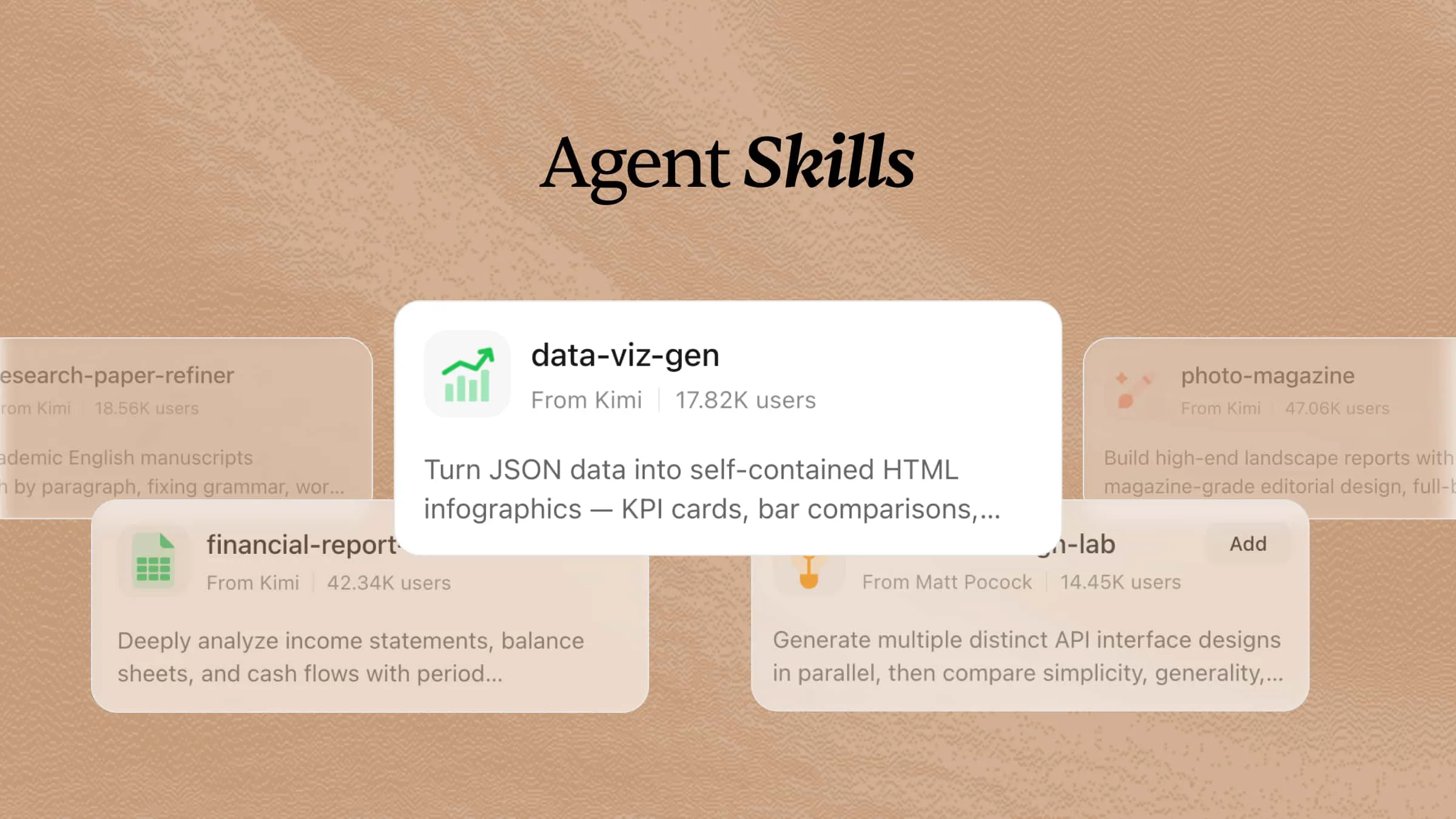
As artificial intelligence continues to transform how people work and solve problems, many beginners are unsure which skills they need to effectively use AI tools. Understanding what AI skills are can help you identify the knowledge, techniques, and capabilities required to work with AI more efficiently. This guide explores essential AI skills, their practical applications, and how beginners can start developing these skills for the future.
What are AI skills?
AI skills are reusable packages of instructions, tools, scripts, reference materials, and other resources that extend what an AI agent can do. A skill is typically organized around a file such as SKILL.md, which explains when and how the skill should be used and may define its workflow, constraints, required resources, and expected outputs.
A skill can cover tasks such as searching the web, editing code, analyzing data, creating documents, interacting with APIs, or operating software. By loading the right skills for a task, an AI agent can follow established procedures, use tools appropriately, and produce more reliable results. Skills also make agents easier to extend, maintain, and adapt to different workflows.
How do AI skills work?
AI skills work by giving an AI agent structured instructions for completing a specific type of task. A skill file, often named SKILL.md, defines what the skill is for, when the agent should use it, which tools or resources it needs, the steps it should follow, and any constraints it must respect.
When a user makes a request, the agent identifies relevant skills and loads their instructions. It then follows the defined workflow, uses the appropriate tools, checks the results, and returns the completed output. For example, a web research skill may specify how to search, evaluate sources, and cite findings, while a coding skill may define how to inspect a codebase, make changes, and run tests. By packaging repeatable workflows into skills, AI agents can handle specialized tasks more consistently, safely, and reliably.
AI skills vs. prompts: What's the difference?
AI skills and prompts both help users work effectively with artificial intelligence, but they serve different purposes. Understanding the difference helps beginners know what abilities to develop and how to communicate better with AI tools.
| Aspect | Prompt | AI skill |
|---|---|---|
| Purpose | Provides instructions for a specific task or objective; can include system prompts, developer instructions, and user prompts. | Automate a repeatable workflow with predefined logic |
| Setup | Can be written at different layers: system prompts establish global behavior, developer prompts define application-level rules, and user prompts express the immediate request. They are usually supplied as part of the model context. | Usually stored as a dedicated, versionable artifact such as SKILL.md. A skill typically defines its trigger conditions, purpose, workflow, required tools, constraints, and expected output. |
| Reusability | System and developer prompts may be reused across sessions, while user prompts are often task-specific. | Designed for repeated use across similar workflows. A single skill can be discovered or explicitly invoked whenever an agent needs that capability. |
| Execution | The model receives prompts as context and uses them to interpret instructions and generate its next response or tool call. Prompts do not inherently define a formal execution lifecycle. | The agent selects or loads a relevant skill, reads its instructions, performs the prescribed steps, uses any required tools, and validates results when the workflow requires it. |
| Consistency | Depends on prompt quality and user input. | More consistent through standardized instructions and workflow. |
| Best for | Ad hoc tasks, brainstorming, and one-off requests | Complex, multi-step, or recurring tasks |
Discover ready-made AI skills or create your own with Kimi
Kimi helps users improve their AI workflows by providing ready-made skills that can automate tasks and enhance productivity. You can explore existing skills for different needs or create custom AI skills by defining specific instructions, workflows, and actions. This makes it easier to build personalized AI assistants that match your goals and working style.
Key features
Access ready-to-use AI skills for different needs
Kimi provides ready-to-use AI skills for areas such as finance, coding, research, marketing, and customer service. These prebuilt skills give AI agents structured instructions for specialized tasks, helping you quickly apply proven workflows without building everything from scratch.
Turn ideas into reusable AI skills
Kimi allows you to describe your workflow or requirements in natural language and convert them into reusable AI skills. Instead of creating the same prompts repeatedly, you can build skills that perform tasks consistently.
Combine skills to solve more complex tasks
Kimi allows multiple AI skills to work together for handling complex workflows. By combining specialized skills, you can complete advanced tasks more efficiently with consistent results.
Build skills from your existing knowledge
Kimi can transform documents, guides, SOPs, and reference materials into AI skills that understand your specific workflows. This helps turn existing knowledge into interactive assistants for real-world tasks.
Refine skills as your workflows evolve
You can update instructions, adjust workflows, and improve skill behavior as your requirements change. Kimi's skills can be continuously optimized to support new projects, processes, and goals.
15 popular Kimi skills to explore
Kimi's skills can help automate different tasks, improve workflows, and create personalized AI-powered solutions. From content creation to research and productivity, users can explore skills designed for various needs. Here are some popular Kimi skills to explore.
| Skill name | Category | Description |
|---|---|---|
| equity-research | Finance & Investment | Analyze companies and generate investment research reports for Chinese A-shares, HK stocks, and US stocks. Two output modes: (1) Tear Sheet — concise 3-5 page PDF; (2) Equity Report — in-depth ≥25 page PDF with financial model. |
| code-mentor | Development & Coding | Comprehensive AI programming tutor offering interactive lessons, code reviews, debugging help, algorithm practice, and project guidance for Python and JavaScript. |
| chart-image | Data & Analytics | Generate publication-quality PNG chart images from data, supporting line, bar, area, candlestick, pie, and heatmap charts. Runs as a lightweight, headless Node.js process without a browser. |
| seo-content-writer | Content & Marketing | Create keyword-optimized SEO content like blog posts, articles, and landing pages using a 12-step workflow with title optimization, meta descriptions, header hierarchy, and a full CORE-EEAT checklist. |
| pitch-deck-creator | Business & Presentation | Creates professional pitch decks and business plans in the style of a Chinese startup funding proposal. Triggered by requests to create investor decks, financing proposals, company overviews with market analysis, or any fundraising presentation. Support English content, output PPTX by default, and follow a polished 18-slide template with clean white backgrounds and navy blue accents. |
| professional-email-composer | Communication & Collaboration | Write professional business emails (reminders, follow-ups, declines, thank-yous, apologies, etc.) with automatic tone adjustment for the recipient's role and bilingual Chinese-English support. |
| deep-research | Research & Academic | Facilitates exhaustive, evidence-based deep research and long-form report engineering. Enforces a minimum 10-iteration search cycle, recursive reflection, and structured reports exceeding 10,000 words with mandatory IPython visualizations. |
| data-viz-renderer | Design & Visualization | Generate self-contained HTML/SVG infographics from JSON data, including stat cards, bar charts, flow diagrams, and mixed dashboards. Offers 8 color palettes and built-in icons with no external dependencies. |
| market-research-brief | Business & Strategy | Generate professional consulting-style market insight reports with data-driven analysis, executive summaries, and strategic recommendations in a top-tier consulting firm visual style. |
| browse | Automation & DevOps | Automate browser interactions via CLI commands to navigate web pages, extract data, take screenshots, fill forms, and interact with web apps. Supports remote sessions with CAPTCHA solving and anti-bot stealth for scraping protected sites. |
| code-vuln-audit | Security & Compliance | Scan code for security issues: dependency vulnerabilities (npm/pip audit), secret leaks (regex and entropy analysis), and OWASP anti-patterns like SQL injection, XSS, or command injection. |
| humanizer | Writing & Editing | Remove signs of AI-generated writing from text. Based on Wikipedia's comprehensive "Signs of AI writing" guide. Detects and fixes patterns including inflated symbolism, promotional language, superficial -ing analyses, vague attributions, em dash overuse, rule of three, AI vocabulary words, negative parallelisms, and excessive conjunctive phrases. |
| product-spec-writer | Product Management | Transform one-line product ideas into complete PRD documents with user stories, feature lists, MoSCoW prioritization, and acceptance criteria. |
| mock-interview-drill | Career & Personal Development | Conduct realistic mock interviews with follow-up question drills across Behavioral, Technical, and Case scenarios, providing structured STAR framework diagnostics and polished sample answers to improve performance. |
| gantt-planner | Project Management | Generate interactive HTML Gantt charts with Critical Path Method (CPM) analysis from task lists and dependencies, highlighting the critical path and calculating float times. |
How to use built-in skills in Kimi?
Follow these simple steps to access and use built-in skills in Kimi, allowing you to automate tasks and improve your workflow with ready-made AI capabilities.
Step 1: Enter a skill command
Type a skill command such as /chart-image in the input box to activate the built-in skill you need. Kimi will recognize the command and prepare the required AI workflow.
Step 2: Start your task
Enter your requirements or describe the task you want Kimi to complete after activating the skill.
Example prompt:
Then Kimi automatically applies the selected skill, processes your request, and generates results based on your instructions, helping you complete tasks more efficiently.
Step 3: Review and download your document
Review the generated output, make any necessary edits, and download the final document or result for further use. You can refine the content until it meets your requirements.
How to build your own AI skill with Kimi?
Creating your own AI skill allows you to automate repetitive tasks and build reusable workflows tailored to your needs. Follow the steps below to convert your documents into a custom AI skill with Kimi.
Convert the document to a skill
Converting documents into skills with Kimi enables you to turn written content into structured and usable workflows. It helps transform ideas, instructions, or processes into interactive skills that can be applied directly. Follow the steps below to convert your document into a skill using Kimi.
Step 1: Upload the files
Launch Kimi and select "Plugins" from the main interface. Navigate to "Skills" > "Customize" > "Document to skills" to access the conversion tool and turn your documents into reusable skills.
Step 2: Create your skills
Upload files such as Word documents, PDFs, manuals, or workflow guides that contain useful instructions, processes, or domain knowledge. Kimi will analyze the content, extract key information, and organize it into a structured skill.
Step 3: Use your skills
Once the conversion is complete, review the generated skill and make adjustments if needed. After saving the skill, you can apply it directly in Kimi to streamline recurring tasks and improve workflow efficiency.
You can edit the content, copy the skill instructions, or download it as an .md file for future use and sharing.
Create personal skills via chat
Creating personal skills via chat in Kimi is a simple way to build structured and functional skills from your instructions. It helps you turn ideas, workflows, or documents into interactive and reusable automation skills. Here are the steps for using the skill-creator command in Kimi.
Step 1: Open the skills creator
From Kimi's main interface, navigate to "Plugins" > "Skills" > "Customize" > "Create with Kimi" to start creating a new AI skill.
After that, enter a clear and detailed prompt explaining your task. This helps Kimi understand your requirements and generate the skill correctly.
Example prompt:
Step 2: Let Kimi process and generate results
Kimi analyzes your prompt, understands the workflow, and creates a structured AI skill based on your instructions. It automatically organizes the skill into reusable steps that can perform the same task consistently.
Step 3: Review and use your skills
Review the generated AI skill and refine the instructions if needed. Click "Add to My Skills" to save it in Kimi, then select "Try it" to activate and start using the skill for similar tasks.
Why are AI skills important?
AI skills help people work smarter, improve productivity, and get better results with AI tools. Here are the key reasons why developing AI skills is important.
Save time on repetitive tasks
AI skills help you automate routine activities such as data processing, content creation, and information organization. This reduces manual effort and allows you to focus on more important tasks.
Deliver more consistent results
Using the right AI techniques helps create accurate and reliable outputs across different tasks. Skills like prompt writing and AI tool usage improve the quality and consistency of results.
Support specialized use cases
Different AI skills allow AI agents to perform specialized workflows in areas such as customer service, research, marketing, and content creation. By using domain-specific skills, AI agents can complete tasks more professionally while reducing the time spent on review and refinement.
Scale your work faster
With AI skills, you can complete larger tasks in less time by using automation and AI-powered workflows. This helps individuals and teams increase productivity without significantly increasing effort.
Conclusion
Developing the right artificial intelligence skills can help you work smarter, solve problems more efficiently, and adapt to an AI-driven future. Whether you are just starting with AI skills or building advanced workflows, learning how to apply AI effectively is becoming an essential capability. With Kimi, you can access ready-made AI skills or create customized workflows to automate repetitive tasks, improve productivity, and expand your AI capabilities over time.