Memory space
What is memory?
Kimi has truly learned to listen — the more you talk, the better it understands you. Here's how it works:
Kimi doesn't just respond to what's in the current chat box. Across every conversation, it records the important details — your preferences, habits, style…
With continued use, Kimi learns continuously across sessions, constantly refining how it understands you.
You don't need to repeat yourself. Kimi proactively considers "what we've talked about before" to deliver more relevant and coherent responses.
What gets remembered?
Kimi uses a separately trained model to selectively remember conversation content that provides value to you.
Before recording anything, Kimi asks itself two questions:
- Who is this user?
- What does this user care about, prefer, or want to avoid?
Kimi will not memorize unauthorized private information (e.g., health data, passwords, addresses) unless you explicitly ask it to.
How to trigger memory
Memory is now a built-in capability — natural conversation is all it takes to trigger it.
Ways to update or manage Kimi's memory:
(1) Direct instructions in conversation (most common)
You can update memory using natural language commands:
Note: Memory is entirely under your control. It is not used for model training and can be turned off or cleared at any time.
(2) Manage via Settings (UI)
You can also manage memory through the settings interface:
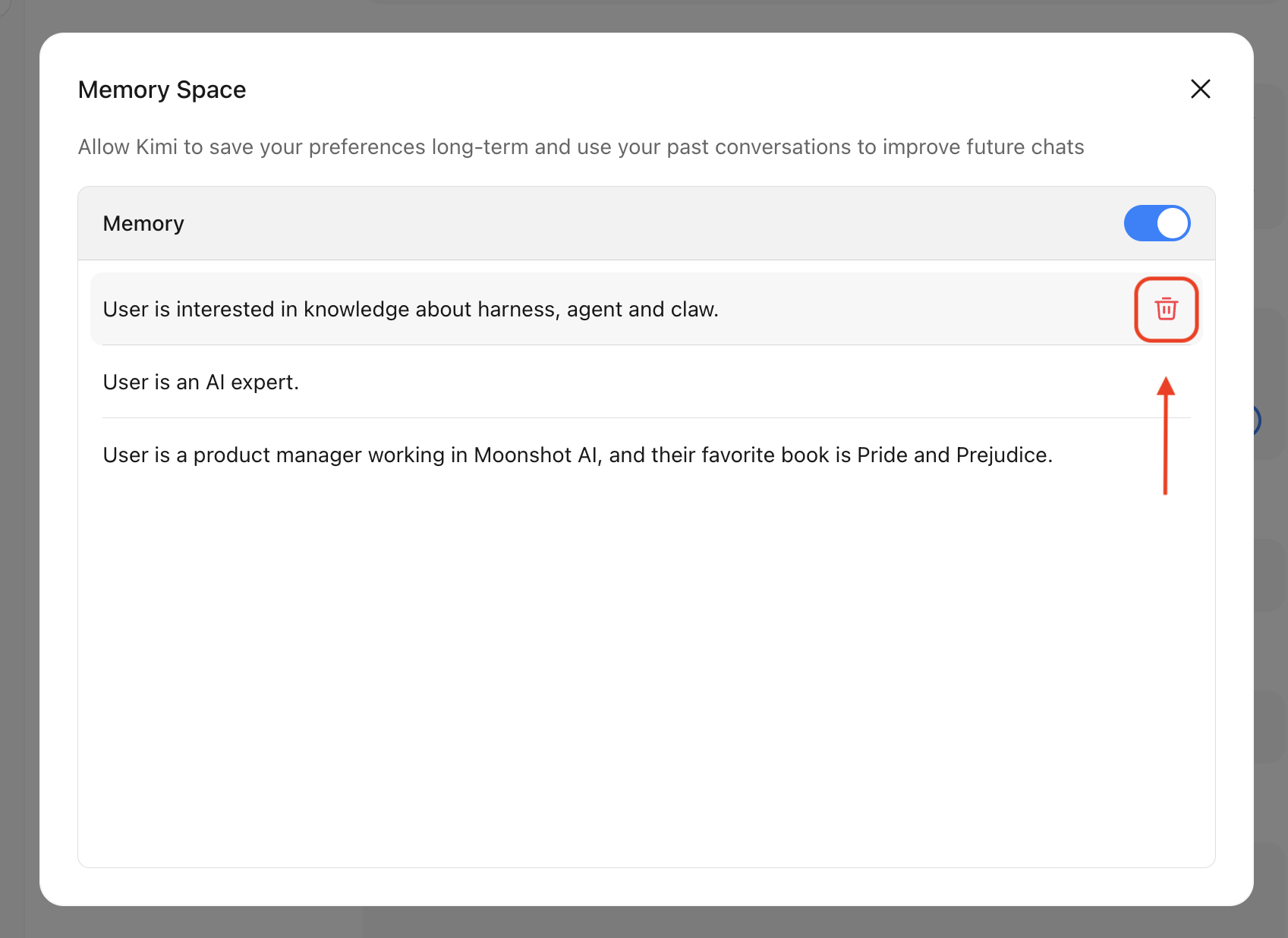
- Web / Mobile: Settings → Personalization → Memory Space
- Here you can view all saved memory entries
- You can manually delete any memory you no longer need
Adding memories
Memories are triggered automatically in conversation. For example:
- "My name is xxx, friends call me xxxx"
- "I'm an elementary school math teacher, so lesson materials need to be kid-friendly"
- "Please stop using emojis in your replies"
- "I usually code in C++"
- "Don't repeat yourself or use excessive punctuation"
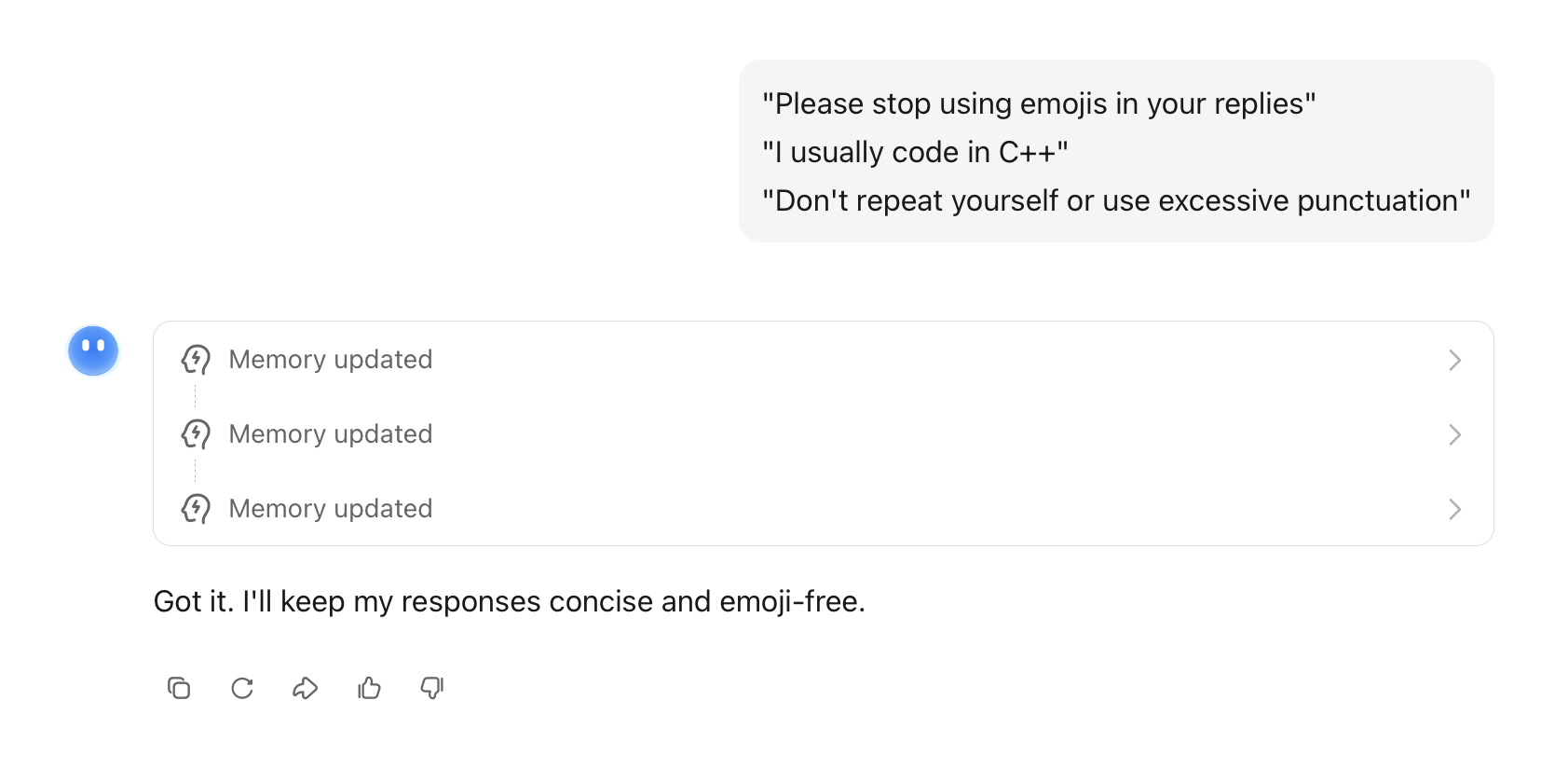
If there's something you specifically want Kimi to remember, emphasize it:
- "Remember that…"
- "Please keep in mind…"
- "…don't forget this"
Updating memories
Go to Profile → Settings → Personalization → Memory Space to edit individual memory entries.
Deleting (forgetting) memories
Go to Profile → Settings → Personalization → Memory Space and click delete on individual entries.
Viewing memories
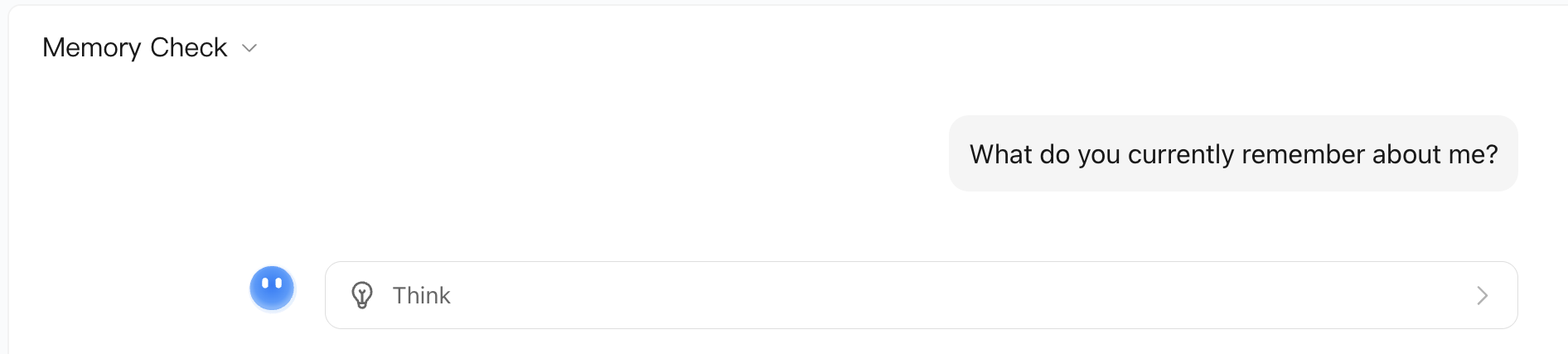
Simply ask: "What do you currently remember about me?"