AI Automation Guide: Workflows, Examples & Benefits

Discover how AI automation is transforming the way businesses work by reducing manual tasks, saving time, and boosting productivity. From smart scheduling to data processing, Kimi Work gives your team the intelligent automation it needs to work faster and smarter.

11 min read2026-07-22
Best AI for automation—Kimi Work

AI for automation is transforming how work gets done by reducing repetitive tasks and helping people manage complex workflows with less manual effort. Many individuals and businesses face challenges in handling time-consuming processes across multiple tools, which often leads to delays, errors, and lower productivity. This guide explains how AI automation addresses these problems through intelligent workflows, real-world applications, and practical benefits that make work faster, more accurate, and more effective.

What is AI automation?

AI automation uses artificial intelligence to automate tasks, processes, and decisions that traditionally require human involvement. It can understand data, learn from patterns, and respond to changing conditions, which makes workflows more intelligent and adaptable. By reducing manual effort and improving accuracy, AI automation helps businesses increase productivity, streamline operations, and scale processes more efficiently.

How does AI automation work?

An AI automation bot integrates artificial intelligence with automated workflows to process data, evaluate information, and perform tasks with minimal manual involvement. Its operation follows a series of interconnected steps that enable systems to make informed decisions and execute actions efficiently.

  • Data collection and preparation

Automation AI gathers data from sources such as databases, applications, documents, and user interactions. The information is then cleaned and organized to ensure accurate analysis and reliable results.

  • AI-driven task execution

AI models process incoming data, identify patterns, and generate actionable insights. Based on predefined rules or predictions, the system automatically performs tasks and initiates workflow actions.

  • Continuous learning and improvement

As new data and feedback become available, AI models continuously refine their performance. This helps improve accuracy, adapt to changing conditions, and deliver better outcomes over time.

  • Cloud infrastructure and deployment

Cloud platforms provide the resources needed to run AI & automation efficiently across large-scale operations. They support data management, model deployment, and seamless integration with business systems.

Real-world AI automation examples

AI for automation delivers measurable value across industries, from retail and healthcare to finance and manufacturing. The following examples highlight how organizations are using artificial intelligence automation to improve efficiency, accelerate processes, and support better business outcomes.

  • Customer service

AI automation enables businesses to deliver instant, personalized support by analyzing customer inquiries and identifying the most relevant responses. It can automate ticket routing, sentiment analysis, and self-service interactions to support teams handling requests more efficiently.

  • Marketing

In marketing, AI automation processes large volumes of customer and campaign data to uncover patterns that may be difficult to detect manually. This allows businesses to optimize audience targeting, personalize content delivery, and improve campaign performance across multiple channels.

  • Supply chain management

AI automation apps strengthen supply chain operations by continuously analyzing inventory levels, supplier performance, and market demand. It helps organizations anticipate shortages, reduce excess stock, and make more informed logistics decisions in real time.

  • Human resources

HR teams use AI automation websites to streamline talent acquisition and workforce management processes. Beyond screening applications, it can identify qualified candidates, predict hiring needs, and support employee engagement through data-driven insights.

  • IT operations

AI automation improves IT performance by monitoring infrastructure, applications, and network activity around the clock. It can detect anomalies, predict potential failures, and automatically initiate corrective actions, reducing downtime and improving system resilience.

Kimi Work: An AI automation assistant for your daily tasks

Kimi Work uses AI for automation to help users manage complex tasks, process information, and streamline daily workflows more efficiently. It can analyze data, coordinate actions across different tools, and automate time-consuming activities that typically require manual effort. By combining AI capabilities with workflow automation, Kimi Work helps teams work faster, stay organized, and improve productivity across a wide range of business functions.

Main features

  • Automate recurring tasks effortlessly

Kimi Work includes a built-in scheduling engine that automatically runs recurring tasks such as reports, data synchronization, and workflow updates. This reduces manual effort and ensures important processes continue running on time.

  • WebBridge for autonomous browsing

WebBridge enables Kimi Work to navigate websites, gather information, and complete online tasks independently. It can follow multi-step workflows across web pages, making research, monitoring, and data collection more efficient.

  • Agent swarm for complex task execution

Kimi's agent swarm collaborates to break down and solve complex tasks through a coordinated, multi-agent approach. By distributing work among specialized agents, it can generate reports, presentations, and spreadsheets with greater speed and accuracy.

  • Native access to global financial data

The platform provides direct access to financial market data across major exchanges. Users can retrieve insights, compare performance metrics, and analyze market trends through simple natural-language queries without relying on external tools.

  • Work continuously toward goals with Goal Mode

Goal Mode allows users to define an objective while Kimi Work automatically plans and executes the required steps. The system continuously evaluates progress, adapts its approach when needed, and works toward achieving the desired outcome.

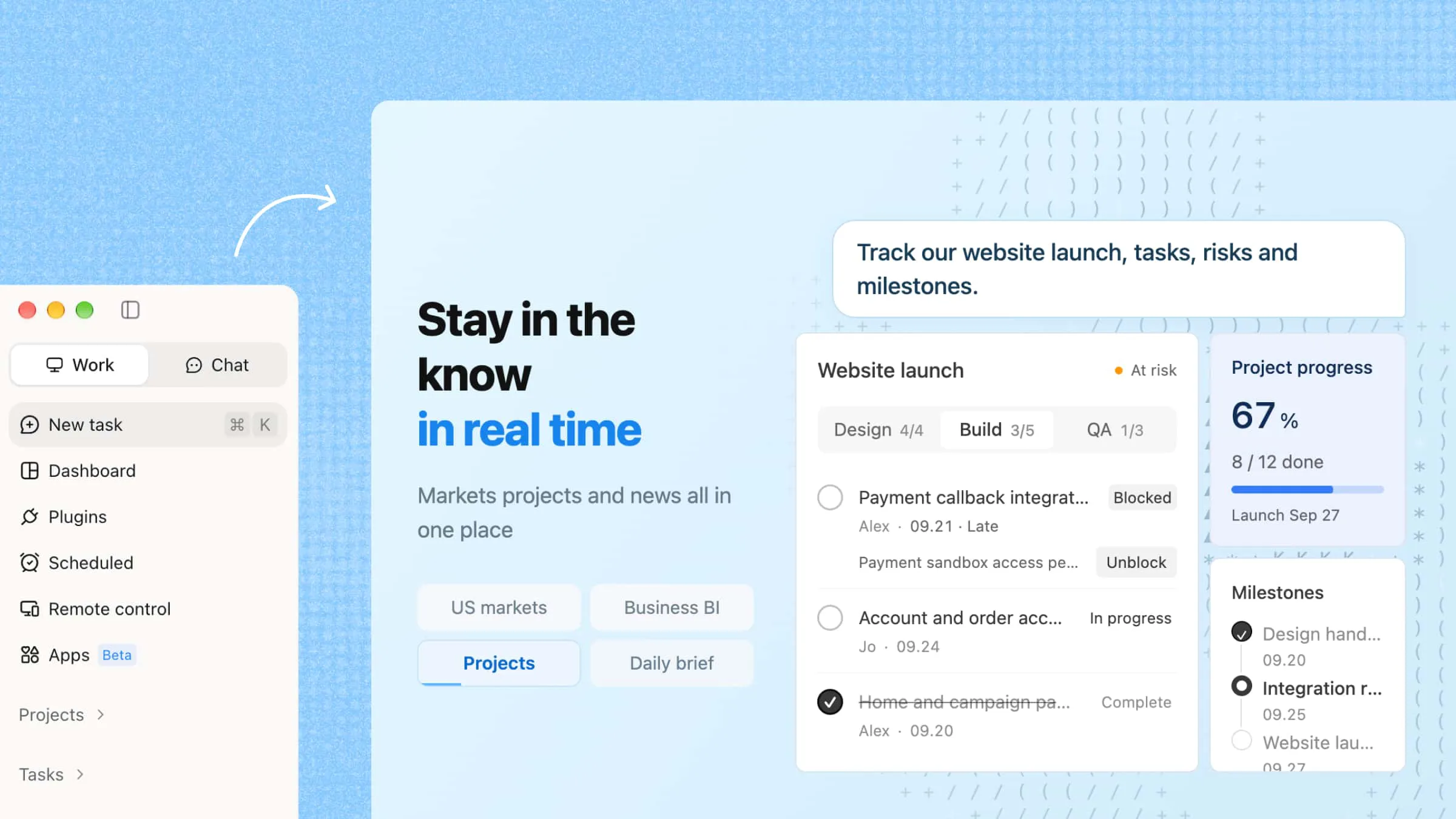
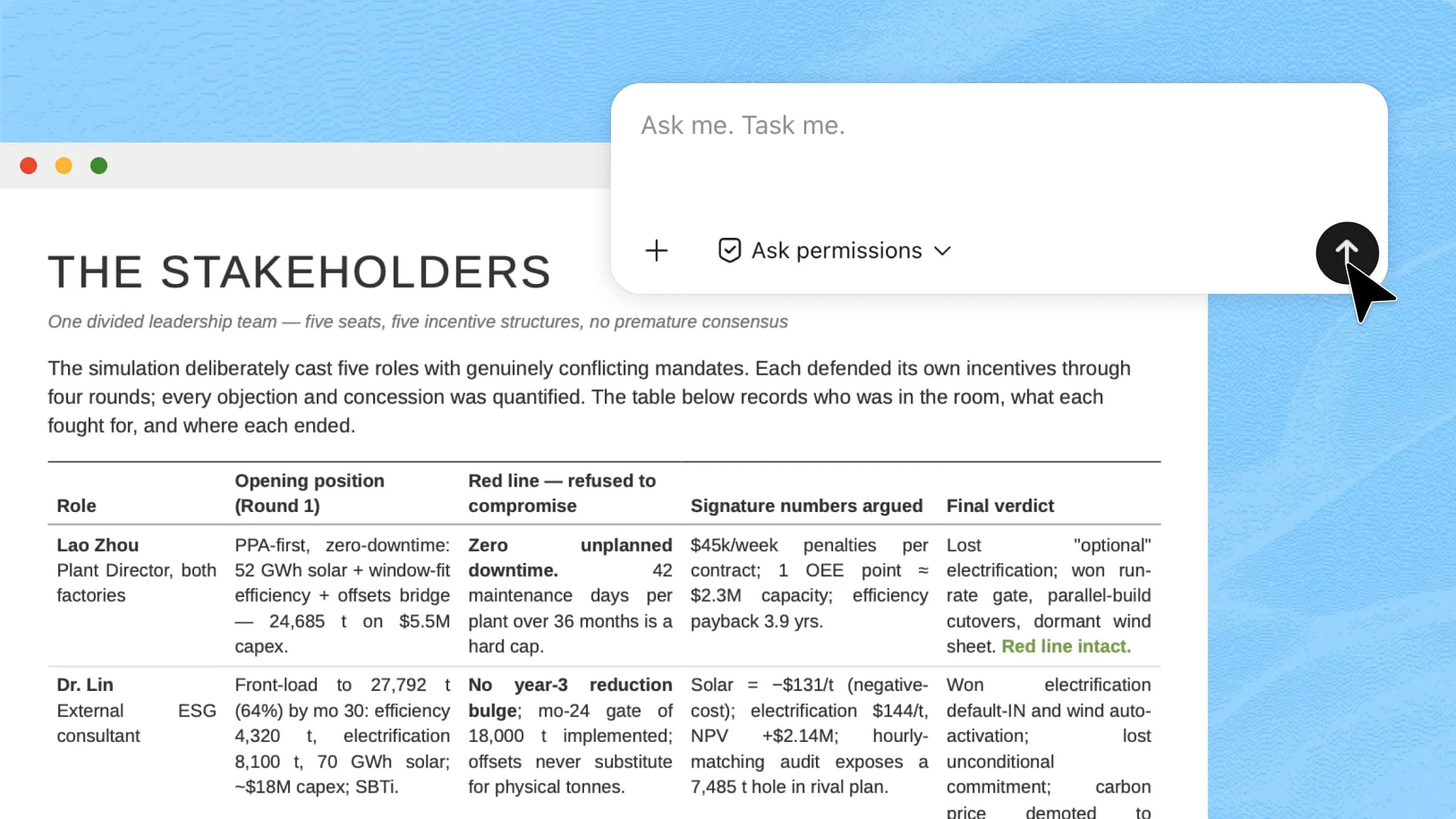
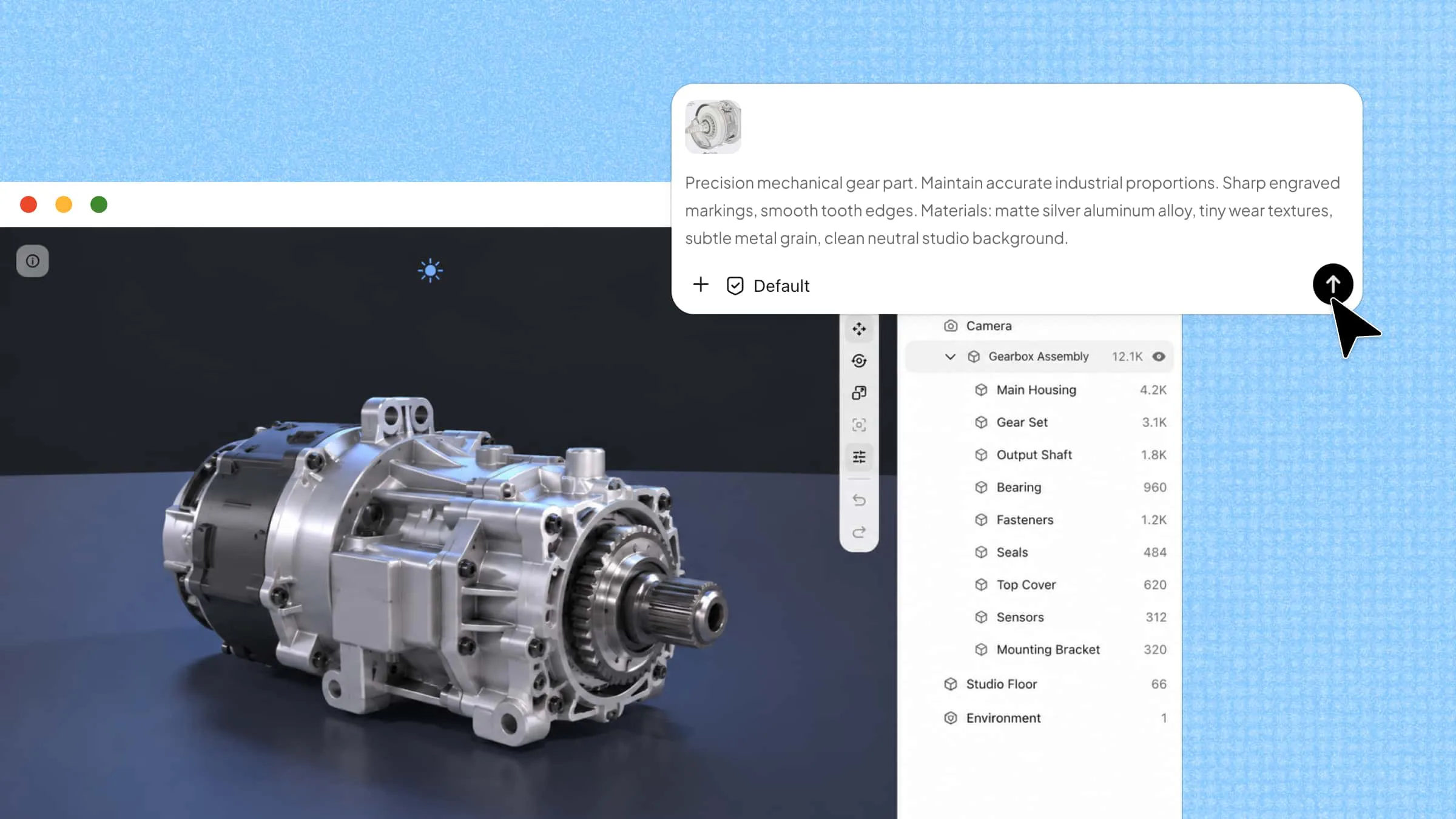
Kimi's work interface

How to use AI automation in Kimi?

Using AI automation in Kimi Work starts with defining a task, workflow, or business objective in natural language. The platform then uses AI agents, autonomous web browsing, and workflow automation tools to research information, execute actions, and manage multi-step processes with minimal manual input. This enables users to automate complex tasks, improve productivity, and achieve outcomes more efficiently.

Use Goal Mode in Kimi Work

Goal Mode lets Kimi Work manage tasks from start to finish while staying focused on the intended objective. Follow the steps below to set a goal, automate execution, and track progress.

Step 1: Download and install Kimi Work

Begin by downloading and installing Kimi Work from the official source, then launch the application and complete the initial setup process.

Download and install Kimi Work

Step 2: Open Goal Mode and start a new task

Launch Kimi Work on your desktop and sign in to your account. In the chat window, begin your request with /goal, so Kimi recognizes it as a long-running task rather than a one-time conversation.

If you don't need Goal Mode for your task, just give Kimi your prompt without typing /goal.

Prompt template:

I want to accomplish a goal: [your goal]. Please use /goal mode to keep working on it until you produce an executable, deliverable result. Requirements: 1. Start by breaking the goal down for me. 2. Proactively ask me for any information you need. 3. Move forward step by step. 4. At the end of each round, give me the current progress and the next step. 5. Deliver a final, ready-to-use result. My background/constraints: [add your situation] Acceptance criteria: [what counts as done]

Example prompt:

/goal I want you to complete this goal: Develop a complete social media marketing plan for a new AI writing assistant. Keep working until you deliver a complete, ready-to-use marketing strategy. Requirements: - Research the target audience and their content preferences. - Analyze the social media strategies of leading competitors. - Recommend the most effective platforms for product promotion. - Create a 30-day content calendar with post ideas and publishing frequency. - Suggest campaign themes, engagement tactics, and performance metrics. - Ask me for additional information if needed before continuing. - At the end of each round, summarize your progress and explain the next step. - Continue working until the marketing plan is complete. Success criteria: - Deliver a well-structured marketing plan with audience analysis, competitor insights, a content calendar, campaign recommendations, and measurable KPIs.

Step 3: Review progress and the final result

Once Goal Mode begins, Kimi will automatically break the task into smaller steps and continue working across multiple rounds. If additional information is required, it will ask follow-up questions before moving forward. Throughout the process, Kimi provides progress updates, refines the output based on your feedback, and continues iterating until the final deliverable meets your requirements.

Use Goal Mode in Kimi Work

Automate repetitive work with scheduled tasks

Follow the steps below to set up scheduled tasks in Kimi Work and automate recurring activities without manual intervention.

Step 1: Open Kimi Work and use the scheduled tasks tool

Go to "Scheduled Tasks" in the left navigation panel and click "Create". Then choose the setup method that best fits your workflow:

  • Manual mode: Configure the task details yourself, including instructions, execution time, and workflow parameters.

  • Chat mode: Enter a brief description of what you want to automate, and Kimi Work will create the workflow based on your request. You can fine-tune the generated configuration before enabling the task.

Open Kimi Work and use the scheduled tasks tool

Step 2: Describe your scheduled task

Describe exactly what Kimi Work should do from start to finish. Include the information source, processing requirements, output format, and where the final result should be saved.

For example, you can ask Kimi Work to:

  • Collect information from specific websites

  • Summarize articles or reports

  • Organize documents into folders

  • Generate Word, PDF, Excel, or Markdown files automatically

The clearer the instructions, the more consistent the automated results.

Describe your scheduled task

Step 3: Check your completed workflow output

After each scheduled run, check the generated files in your workspace. If you want different results, simply update the task instructions, adjust the schedule, or modify the output format. Your changes will automatically apply to future executions without creating a new workflow.

Check your completed workflow output

Extend automation capabilities with plugins

Plugins expand Kimi Work with specialized capabilities, allowing it to connect with external services and complete more advanced tasks. Install the plugins you need and use them directly in your conversations whenever additional functionality is required.

Step 1: Open the plugin marketplace

Launch Kimi Work and click "Plugins" in the left navigation panel to access the plugin marketplace. This is where you can discover, install, and manage plugins for different workflows.

Open the plugin marketplace

Step 2: Find the plugin you need

Browse the "Featured" section to explore recommended plugins, or use the "Search" bar in the upper-right corner to quickly locate a specific plugin based on your task or preferred service.

Find the plugin you need

Step 3: Install and authorize the plugin

Click "Install" to add the plugin to Kimi Work. Some plugins require OAuth authorization before they can be used. Follow the on-screen instructions to connect your account and complete the setup.

Install and authorize the plugin

Step 4: Start using the plugin

Open a new conversation and type / in the input box to display your installed plugins. Select the plugin you want to use—for example, /Notion—then enter your prompt to let Kimi Work use that plugin for your task.

Note: Installing a plugin makes it available in Kimi Work, but it will not be used automatically in every conversation. Select or invoke a plugin only when its capabilities are needed.

Benefits of using AI automation

AI automation helps organizations streamline operations, reduce manual workloads, and make better use of available resources. The following benefits highlight why it has become a key driver of productivity and business growth.

  • Increased efficiency

By automating repetitive activities, AI automation keeps workflows moving smoothly and enables teams to dedicate more time to strategic work.

  • Improved accuracy

Unlike manual processes that are prone to oversight, AI systems analyze information consistently, helping maintain higher levels of precision.

  • Cost savings

Organizations can reduce operational expenses by limiting routine manual work and optimizing the use of existing resources.

  • Greater scalability and flexibility

Whether demand increases or priorities shift, AI automation can adapt quickly without requiring significant process changes or additional staffing.

  • Better customer experiences

Customers benefit from quicker responses, more relevant interactions, and seamless service across multiple touchpoints

Conclusion

In conclusion, artificial intelligence automation helps organizations streamline workflows, handle repetitive tasks, process large amounts of information, and coordinate actions across different systems more efficiently. As these capabilities continue to improve, they are becoming an important way to boost productivity and strengthen overall performance. By choosing the right processes to automate and applying the right solutions, businesses can create new opportunities for growth, scalability, and innovation.

FAQ

What tasks can AI automation handle?
AI automation can perform repetitive and data-intensive tasks such as document processing, customer support, scheduling, data analysis, and report generation. It can also coordinate workflows across multiple applications to improve operational efficiency.
Do I need coding skills to use AI automation?
Most AI automation tools are designed for non-technical users and offer visual workflow builders, templates, and drag-and-drop interfaces. This allows individuals and teams to automate tasks without needing programming knowledge.
How to do AI automation for beginners?
Beginners should start by identifying a routine task that consumes time and can be followed by clear steps. From there, they can use no-code AI automation websites to create simple workflows and gradually expand automation as they gain experience.
You Might Also Like
How to Organize Files and Folders with AI
2026-07-22
10 AI Assistant Apps to Boost Your Productivity
2026-07-22
10 AI Documentation Tools for Smarter Work and Automation
2026-07-22
10 AI Sales Assistants Transforming Sales Workflows
2026-07-22
10 AI Marketing Automation Tools Worth Trying in 2026
2026-07-22