Work often includes many small steps, different tools, and constant switching between tasks, which can slow progress and create confusion. AI workflow automation helps solve this by connecting tasks into smooth and organized workflows. It turns simple goals into clear actions and reduces manual effort in managing work. With advanced AI systems like Kimi Work, planning, execution, and collaboration become easier and more structured. This article explains how you can use AI agent workflow automation tools in real situations.
What is AI workflow automation?
AI workflow automation is not just simple rule-based automation that follows fixed instructions. It is not limited to repetitive tasks or basic data handling across systems. It is also not a tool that only works in isolation without understanding context or changes in data. Instead, it goes beyond traditional automation by supporting complex business processes that need smarter decision-making and coordination. This makes it different from older systems that depend only on preset conditions and manual adjustments.
How does AI workflow automation work?
AI-powered workflow automation adds intelligence and adaptability to standard automation. Rather than following fixed instructions only, it leverages large language models to understand context, apply reasoning, and coordinate actions across tools and departments in real time. This makes workflows more connected, faster, and more efficient, with less manual effort needed for complex tasks.
Use cases for AI workflow automation
AI workflow automation tools are now widely used in modern organizations, and they're gradually changing how daily work is managed. Teams across different departments depend on it to reduce repetitive tasks and improve overall efficiency. Here are some of its use cases:
Customer support AI workflows: Customer support teams use automation to respond faster and manage high volumes of requests efficiently. With AI workflow automation tools, chatbots answer common questions while complex issues are sent to the right agent quickly. It also helps track customer mood and priority cases in real time. This improves response time and makes support more reliable overall.
Marketing and creative AI workflows: Marketing work becomes easier with AI workflow automation**,** handling tasks like audience targeting and campaign updates smoothly. It studies customer behavior and helps create more personalized content for better results. Ads and emails can also adjust automatically based on performance data. This leads to better engagement with less manual effort needed.
Human resources AI workflows: HR teams depend on digital systems supported by AI to manage hiring and onboarding processes smoothly. Resume screening, interview scheduling, and employee onboarding steps can be automated effectively. Free AI workflow automation also helps answer employee questions through simple chat tools instantly. This reduces workload and improves consistency in HR processes daily.
IT and operations AI workflows: IT departments use smart automation to monitor systems and fix issues more quickly. With proper settings, advanced automation tools can detect errors, create tickets, and even solve basic technical problems automatically in the background. Deployment tasks also become faster and more organized with AI-driven workflow automation.
Finance and accounting AI workflows: Finance teams use automation to handle invoices, expenses, and reporting with fewer errors overall. It can match records, process documents, and detect unusual activity in transactions. AI-powered workflow automation also improves forecasting by analyzing financial data trends deeply. This saves time and improves accuracy in financial decision-making processes.
Kimi Work: From ideas to automated execution
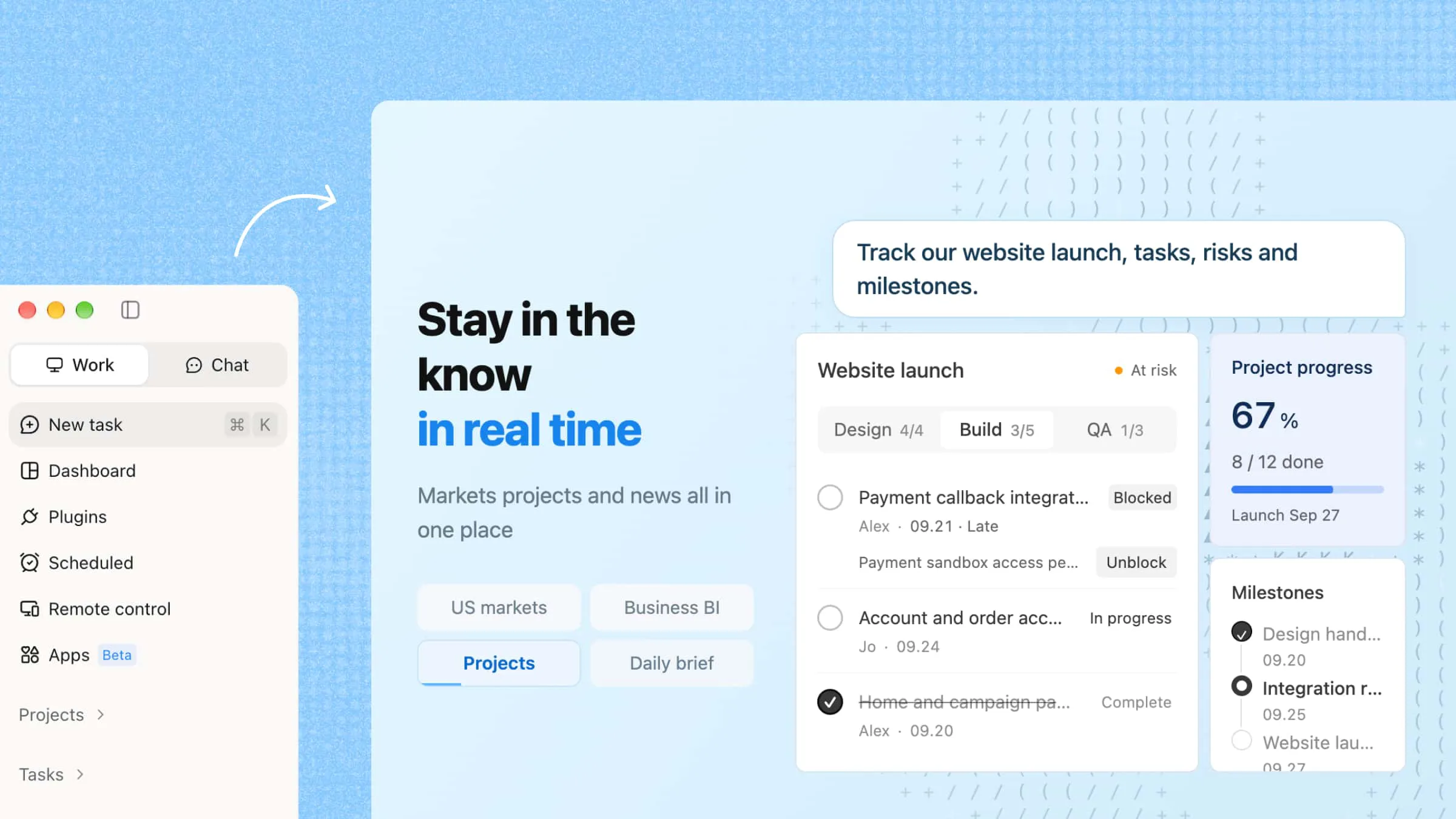
Kimi Work is an AI workspace designed to turn complex ideas into structured, automated workflows. It brings together research, data processing, and document creation in one system for smoother execution of tasks. With multi-agent collaboration and automation features, it helps users handle large-scale work more efficiently. The platform is built for professionals who need fast, organized, and intelligent support for managing information-heavy projects.
Main features
Automate workflows with AI agents: Kimi Work uses AI agents to handle full workflows from start to finish. It understands the user's goal, breaks it into steps, and carries out each task in order. This reduces repetitive effort and helps complete complex work in a more structured and efficient way.
Run recurring tasks automatically: Kimi Work can schedule tasks and run them regularly without further manual input. It manages regular work like reports, file sorting, and updates on its own. This helps users save time on repeated processes and keeps work consistent every time it runs.
Browse and collect information autonomously: With WebBridge, Kimi Work can visit websites, interact with pages, and collect useful data automatically. It supports research tasks by gathering relevant information from different sources. This reduces the need for manual searching and speeds up online work.
Coordinate multiple agents for complex workflows: Kimi Work can assign different tasks to multiple AI agents that work together in parallel. Each agent focuses on a specific part of the workflow, such as research, analysis, or reporting. This coordination makes complex projects easier to manage and complete faster.
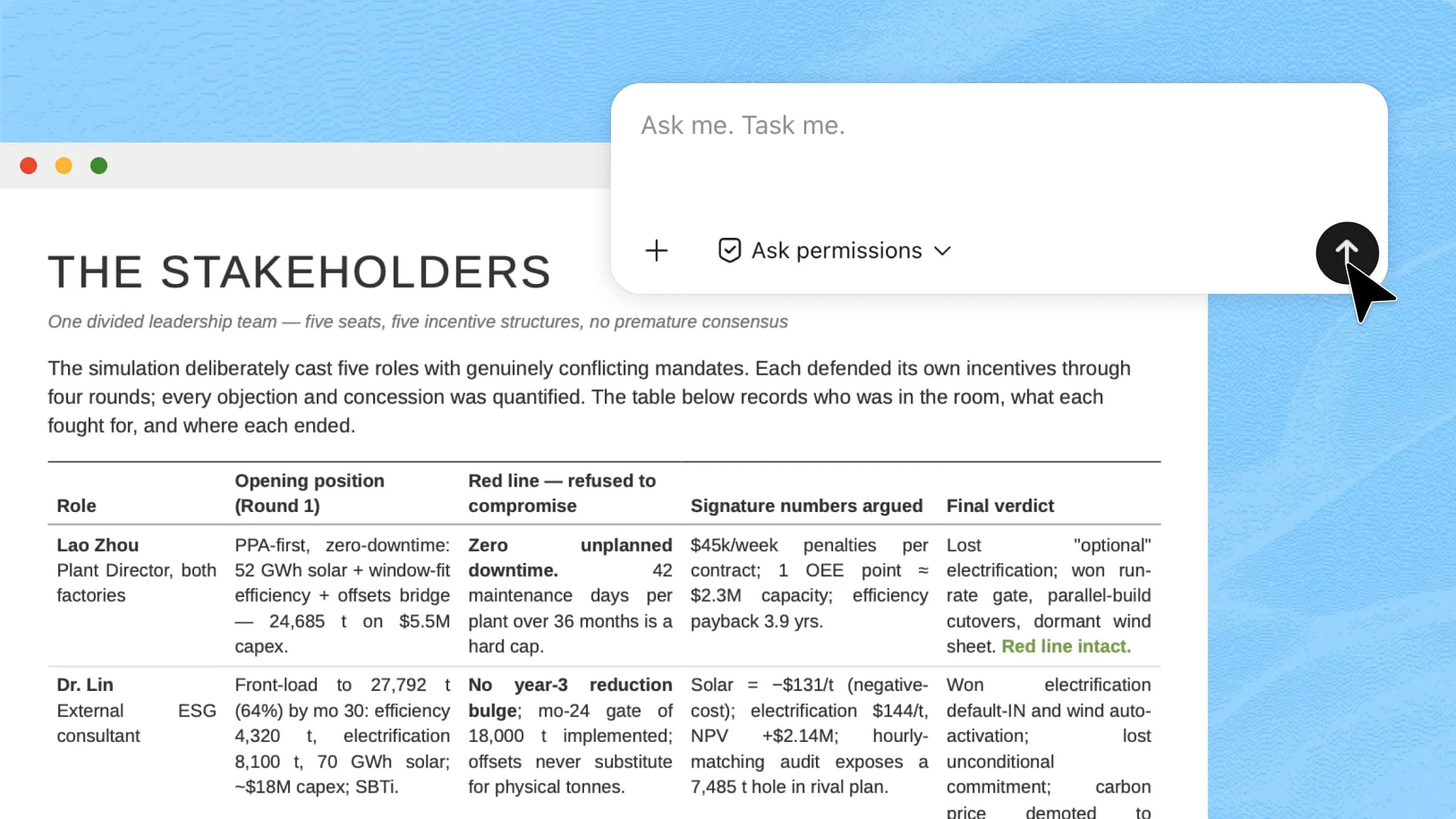
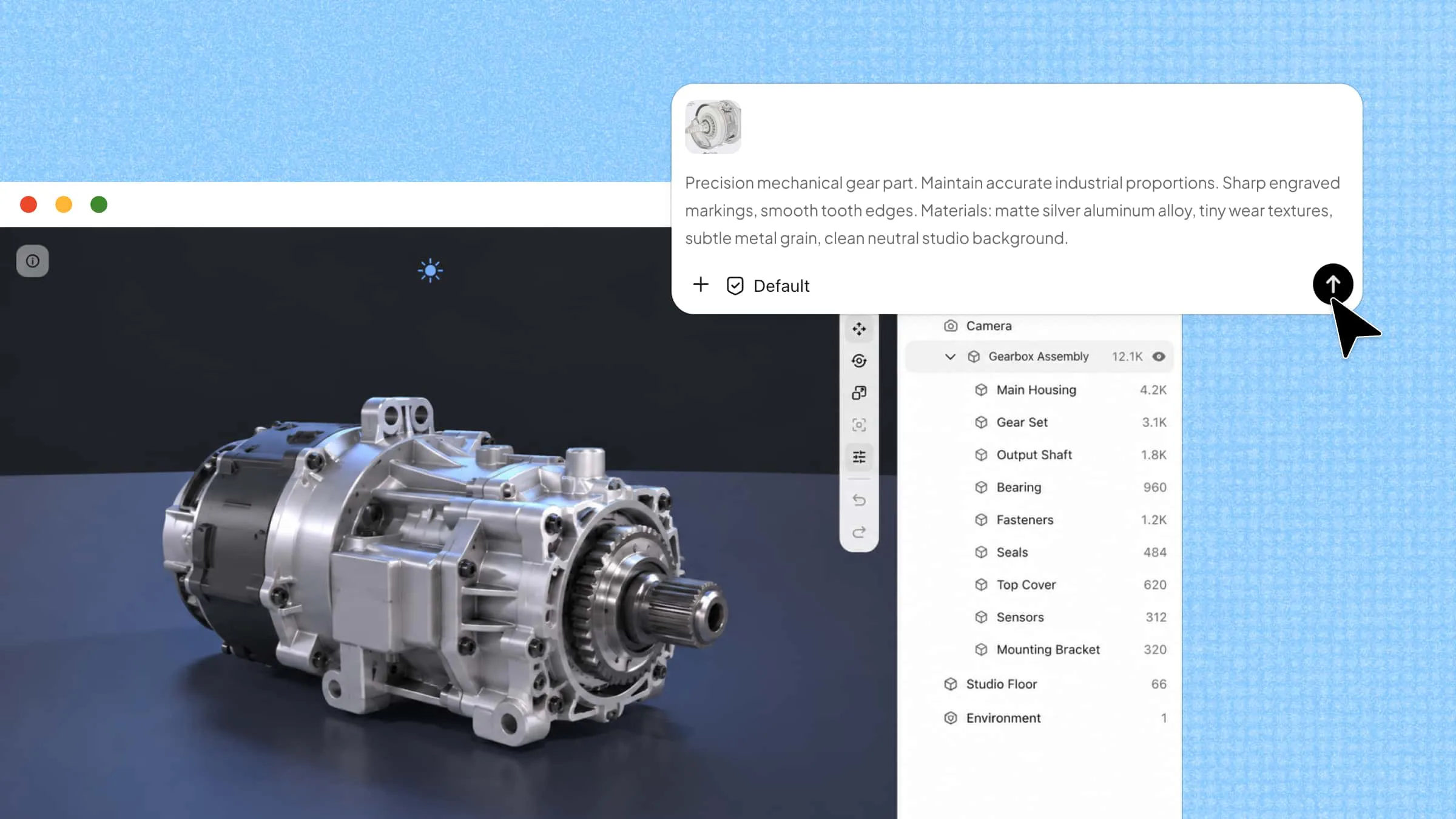
Access data and connect external tools: Kimi Work can pull information from local files, online sources, and databases to build structured outputs. It also connects with external tools through MCP-powered plugins. This allows users to extend workflows and work with different systems in one place.
Work continuously toward goals with Goal mode: Goal mode lets users set an objective, and Kimi Work keeps working until it is achieved. It plans steps, executes tasks, and improves results along the way. This ensures long-running tasks stay focused and move steadily toward completion.
How to use Kimi Work for workflow automation?
Using Kimi Work to make AI workflow automation starts when a user enters a goal or command in simple language. The system then breaks it into steps, plans the workflow, and assigns tasks to AI agents. It executes each step automatically, such as collecting data or creating reports, and delivers the final output in an organized form with minimal manual effort.
Use Goal Mode in Kimi Work
Goal Mode in Kimi Work is used when you want the system to take a clear objective and keep working on it across multiple steps. Instead of handling a single request, it turns your goal into a continuous workflow. The AI plans, executes, checks progress, and improves results until the outcome is ready. Here's how you can use Goal Mode in Kimi Work.
Step 1: Download and install Kimi Work
Download and install Kimi Work on your system. Choose the version based on your device, either macOS or Windows, and complete the installation process. Once installed, open the application and sign in to access its workflow automation features, including Goal Mode.
Step 2: Start a goal
Open Kimi Work and describe the task you want to complete. Then add /goal to your prompt so Kimi can treat your request as a long-running objective and continue working toward the final result across multiple rounds.
Step 3: Provide your instructions
Clearly explain what you want Kimi to accomplish, the information it should collect, the requirements it should follow, and the final deliverables you expect. Well-defined instructions help Kimi plan the workflow, complete each stage of the task, and adjust its next steps as new information becomes available.
Example prompt:
Step 4: Monitor progress and review the results
After you submit the prompt, Kimi Work automatically breaks the task into smaller steps and continues working toward the goal. It reports its progress after each round, requests clarification when necessary, and delivers the completed sales materials once all requirements have been met.
Use Kimi Work to run scheduled tasks
Kimi Work makes it easy to automate tasks that need to run at a fixed time or on a repeating schedule. Instead of doing the same work again and again, you can set it once and let the system handle execution automatically. It supports both manual setup and natural language input, making scheduling simple. Follow these steps to run scheduled tasks with Kimi Work.
Step 1: Create a new scheduled workflow
Go to "Scheduled Tasks" in Kimi Work and create a new scheduled workflow. You can choose one of the following options:
Add manually: Configure the task, schedule, and execution settings yourself.
Create from chat: Describe your workflow in natural language, and Kimi Work will generate the task automatically.
Step 2: Set the task details and schedule
Enter clear instructions describing what Kimi Work should do, then choose when the task should run. You can specify the execution frequency, required data sources or files, and where the generated results should be saved. Once everything is configured, save and activate the task.
Step 3: Track results and refine your workflow
After the scheduled task runs, open the task history to review the generated output and execution status. If necessary, update the instructions, schedule, or output settings to improve future runs and keep the workflow aligned with your needs.
Conclusion
Modern work is moving toward smarter systems that reduce manual effort and improve how tasks are completed. AI workflow automation plays a key role by connecting steps, improving efficiency, and making processes easier to manage. It supports better organization across different types of work without adding complexity. Kimi Work brings these capabilities together in one place for practical use. Try Kimi Work to see how simple workflows can turn into fully automated results.