How to Write a Resume in Minutes: Step-by-Step Guide

Learn how to write a resume that gets noticed fast. Learn simple steps to build a clean, professional resume that attracts employers. For a faster and smarter approach, Kimi Docs helps you build a polished resume with precision and ease.

10 min read2026-05-29
How to Write a Resume in Minutes: Step-by-Step Guide

Table of contents

Many people find it hard to start when making a resume, even though it is an important step for getting a job. Learning how to make a resume in a simple and clear way can make the whole process quick and stress-free, even for beginners. This guide shows easy steps to help you build a clean and professional resume that highlights your skills without confusion.

How to make a perfect resume?

A strong resume follows a clear structure that helps employers quickly understand your skills and experience. Each step plays an important role in making your profile look complete, clean, and professional. When these parts are written properly, your chances of getting noticed increase a lot. Here's a step-by-step guide on how to make a resume with no work experience.

Step 1: Prepare your essential information

Before you start writing your resume, collect all your important career details in one place, which helps you avoid missing key information later. This includes your work experience, education, skills, achievements, and any certifications you have. It also makes your resume more organized and easier to build step by step. A clear starting point always leads to a better final result.

Step 2: Pick the right resume format

Choosing the right resume format is an important step because it decides how your information is shown to employers and highlights your strongest points depending on your career stage. A good format makes your skills and experience easier to understand at a glance. The three main formats are chronological, functional, and combination.

Chronological resume

A chronological resume focuses on your work history in a time-based order. It clearly shows your career growth and job stability. Employers prefer this format when experience matches the role.

Key points

  • List jobs from recent to older roles
  • Highlights career progression step by step
  • Best for experienced professionals
  • Easy for recruiters to scan quickly

Chronological resume

Functional resume

A functional resume focuses more on skills than job history. It is useful when experience is limited or not directly related to the job. It shifts attention to what you can do rather than where you worked. This format helps freshly highlight strengths.

Key points

  • Focuses on skills instead of job timeline
  • Best for fresh graduates or career changers
  • Reduces focus on employment gaps
  • Highlights abilities and strengths clearly

Functional resume

Combination resume

A combination resume blends skills and experience. It gives a balanced view of what you can do and what you have done, helping create a strong overall picture of your profile. This format is flexible and works for many job types.

Key points

  • Mix of skills and work experience
  • Shows both ability and career history
  • Good for mid-level professionals
  • Allows flexible resume structure

Combination resume

Step 3: Create your resume header

Your resume header is the first section employers see, so it must be simple and clear. It usually includes your name, phone number, email, and location so recruiters can contact you easily. You can also add a LinkedIn profile or portfolio if it is relevant to your field. A clean header creates a professional first impression and sets the tone for the rest of your resume.

Step 4: Write your professional summary

A professional summary is a short introduction at the top of your resume. It highlights your key skills, experience, and what you bring to the job in just a few lines. This section should quickly grab attention because recruiters often scan resumes very fast. Keep it simple, focused, and related to the job you are applying for. A strong summary can encourage employers to read the rest of your resume.

Step 5: Add your work experience

Your work experience section shows what you have done in your previous jobs. List your roles clearly and explain your main responsibilities and achievements in simple points. You should focus on results and use numbers when possible to show your impact, which helps employers understand how you can add value to their company. Relevant and well-written experience builds strong trust.

Step 6: Present your educational background

Your education section shows your academic qualifications and helps support your career profile. Start with your most recent degree and then list previous ones if needed. Include your institution name, degree, and completion date in a clear format. You can also add achievements, projects, or subjects if they relate to the job, to show your learning background and basic expertise.

Step 7: Add relevant skills and bonus sections

Your skills section should match the job description and highlight what you are good at. Include a mix of technical skills and soft skills to show balance. Bonus sections like certifications, languages, volunteer work, or awards can make your resume more impressive. These extra details help you stand out from other candidates.

Step 8: Proofread and send your resume

Before sending your resume, carefully check for spelling, grammar, and formatting mistakes. In the resume screening process, even small errors can create a negative impression, so review everything slowly. You can also ask someone else to review it for a fresh opinion.

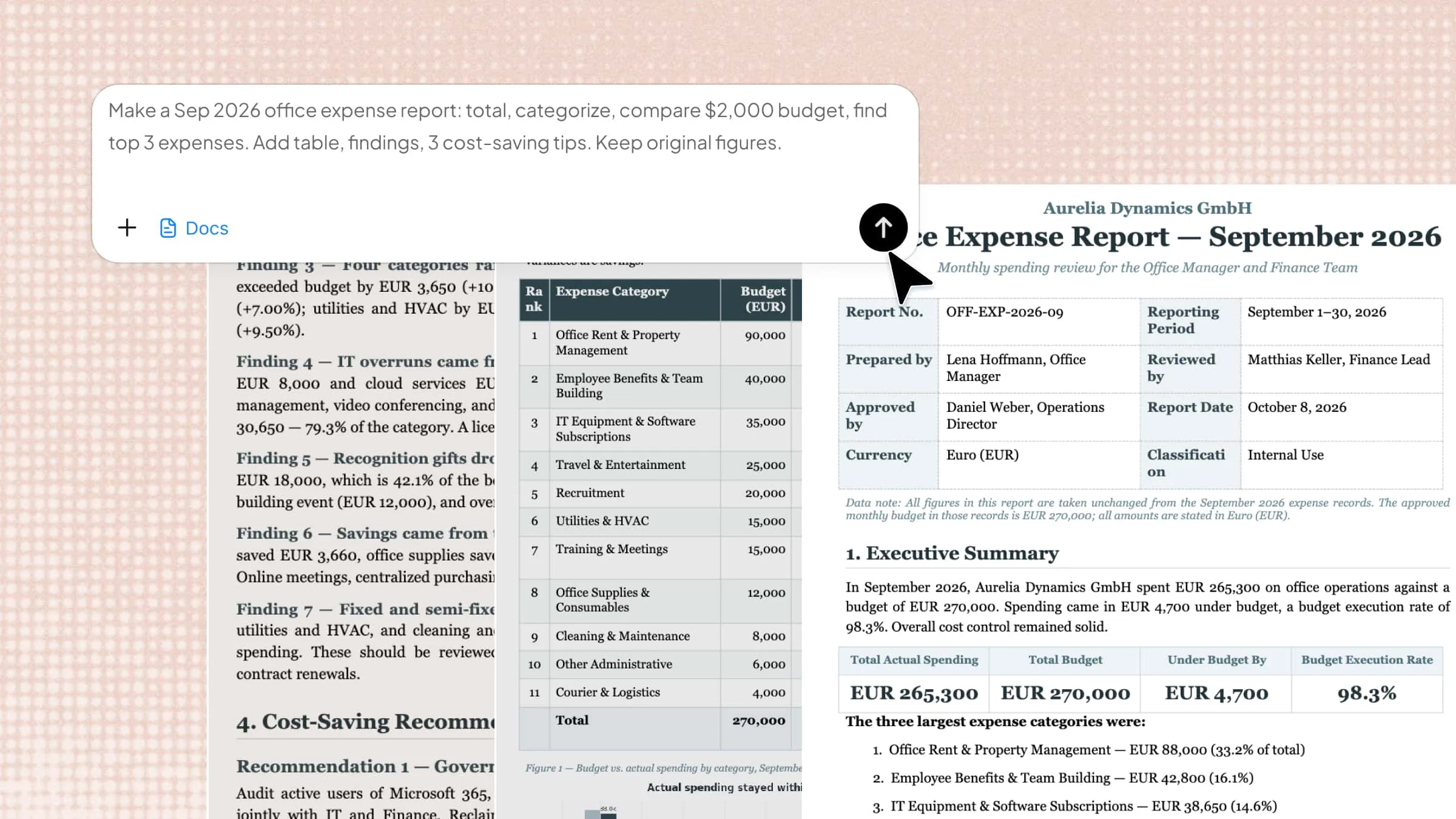
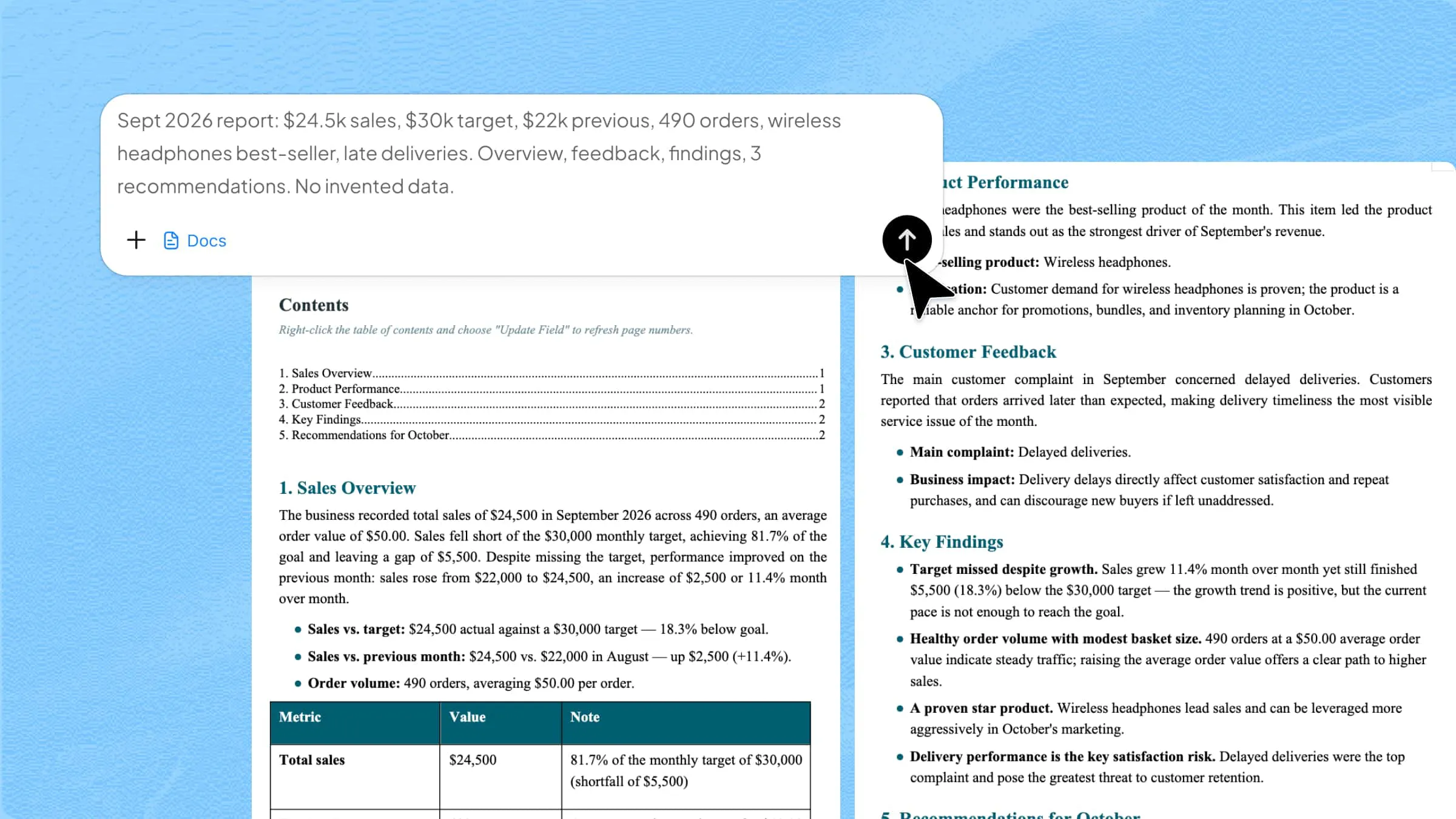
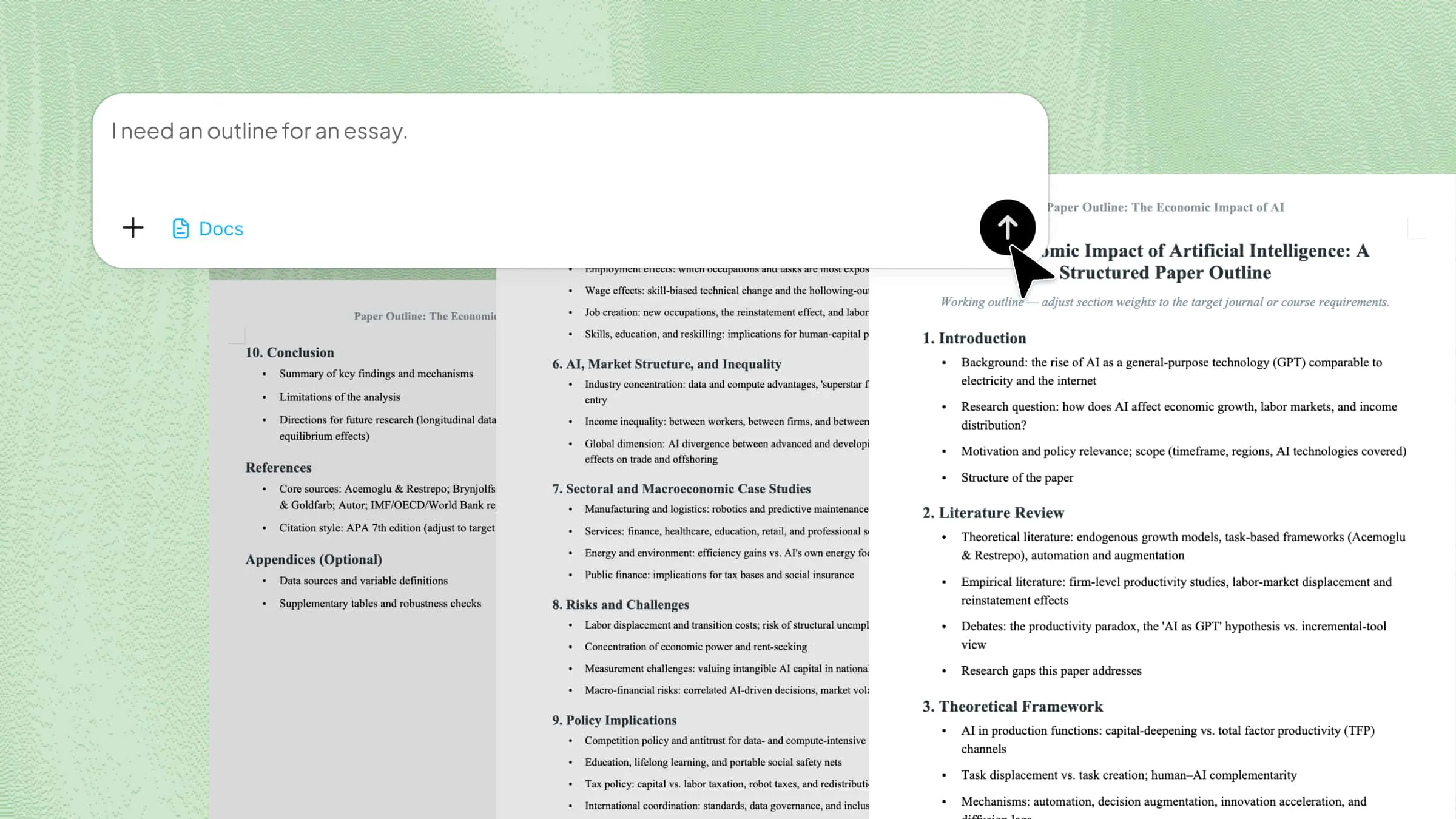
Create a professional resume with an AI tool: Kimi Docs

Kimi Docs is an AI document agent designed to help users build professional resumes quickly and accurately. It uses smart formatting and content suggestions to structure your information in a clean and industry-ready format. The tool helps refine skills, experience, and summaries, so the resume looks more polished and recruiter-friendly.

Key features of Kimi Docs

Kimi Docs is designed to make resume creation simple, smart, and highly efficient. It brings together AI support, clean design, and flexible editing tools so users can build professional resumes without extra effort. Each feature is built to save time and improve the quality of your final document.

  • Turn your materials into resumes: Kimi Docs can convert your existing notes, profiles, or documents into a structured resume. It organizes your information into a clean and professional layout automatically.
  • Create tailored resumes with AI: The tool helps you adjust your resume according to different job roles. It suggests better wording and improves content to match job requirements.
  • Professional and elegant designs: Kimi Docs provides modern resume templates that look clean and professional. These designs help your resume stand out while staying simple and readable.
  • Multi-language support: You can create resumes in 100+ languages using the same tool. This makes it useful for global job applications and international opportunities.
  • Version comparison: This feature lets you compare different versions of your resume side by side. It highlights changes so you can easily track improvements and edits.
  • Export instantly in your preferred format: Once your resume is ready, you can download it quickly in formats like PDF or Word. This makes it easy to apply for jobs without extra steps.

How to create a resume with Kimi Docs?

Creating a resume with Kimi Docs is simple and fast because the tool guides you through each step. It uses AI to organize your information into a clean, professional format without extra effort. Here's how to get started with this resumer maker.

Step 1: Upload your materials and enter a prompt

Start by uploading your existing details like experience, skills, and any portfolio information. Then, enter a clear prompt describing your role, such as a graphic designer resume with tools, skills, and style preferences. You can also attach an image to guide the design and visual tone of your resume.

Note: The graphic designer example here is only a demonstration case, and you can customize the prompt for any role or industry.

Example prompt:

Create a clean, creative graphic designer resume based on my uploaded materials, highlighting skills in Photoshop, Illustrator, Figma, and key project achievements, while matching the uploaded image style for consistent personal branding.

Upload your materials and enter a prompt

Step 2: Let AI process and generate results

After submitting your materials and prompt, Kimi Docs processes your information using AI. It organizes your skills, experience, and achievements into a structured and professional resume. The system also applies suitable formatting and design based on your input.

Let AI process and generate results

Step 3: Download the resume

Once the resume is generated, you can review the final version and make small edits if needed. After checking everything, simply download it. Your professional graphic designer resume is now ready to use for job applications.

Preview and download the resume

What are common resume mistakes?

A resume can lose its impact quickly if small mistakes are not fixed. Many candidates miss job opportunities because of simple errors in writing, structure, or content. Knowing these common mistakes helps you create a clearer, stronger, and more professional resume.

Typos and grammatical errors

Spelling and grammar mistakes make a resume look careless and unprofessional. Even a strong profile can lose value if basic writing errors are present. Employers may think you lack attention to detail, which is an important skill in any job. Always review your resume carefully before sending it.

Poor formatting

A resume that looks messy or inconsistent is hard to read and always leaves a bad impression. Uneven spacing, different fonts, or unclear sections can distract the recruiter. Good formatting helps your information stand out in a clean and organized way.

Using a generic resume

Sending the same resume for every job reduces your chances of getting selected. A generic resume does not match the specific role or company needs. Employers prefer candidates who tailor their resumes to the job description, so make sure you have customized your resume to show your effort and interest in the role.

Including irrelevant information

Adding unrelated details can make your resume confusing and cluttered. Only include experience, skills, and achievements that match the job. Extra information that does not add value should be removed. A focused resume is easier to read and more effective.

Making it too long

A long resume can lose the reader's attention quickly. Employers usually spend only a few seconds scanning each application. Ideally, it should be one page for beginners and up to two pages for experienced candidates. So keeping your resume short and clear helps highlight the most important points.

Listing duties instead of accomplishments

Many people only write what they did instead of what they achieved. This makes the resume sound basic and less impactful. Employers want to see results, not just responsibilities. Adding achievements with numbers or outcomes makes your resume stronger and more impressive.

Conclusion

Knowing how to write a resume for a job can feel confusing at the start, but a clear structure makes it much easier to handle. A well-made resume helps you present your skills, education, and experience simply and professionally so that employers can quickly understand. Small details, clean formatting, and relevant information all work together to create a strong impression.

With the right approach, anyone can build a resume that feels confident and job-ready. Try Kimi Docs to create a resume in minutes and make the whole process faster and easier.

FAQ

How long should a resume be?
A resume should usually be one page if you are a beginner or have limited experience. If you have more work history, it can extend to two pages, but it should still stay focused. The main idea is to keep it short, clear, and easy for recruiters to scan. Only include information that is relevant to the job you are applying for.
What are the 5 golden rules of resume writing?
The five golden rules of resume writing focus on clarity, relevance, and impact. A resume should always be simple, well-structured, and tailored to the job role. It should highlight achievements using strong action words instead of only listing duties. Proper formatting is important, so everything looks clean and easy to read. Careful proofreading is also essential to avoid mistakes and keep it professional.
What to avoid when writing a resume?
When writing a resume, avoid adding unnecessary or unrelated details that do not support the job role. Using the same generic resume for every application can also reduce your chances. Spelling mistakes, poor formatting, and long, unclear sections should be avoided. It is also important not to focus only on job duties, but to highlight real achievements and results instead.