Your Ideas Deserve Better Slides. Meet Your AI Presentation Maker.
Create professional slides from text, documents, images, or templates. Get structured, polished, and fully editable presentations in minutes. Kimi Slides adapts to your content, your brand, and your audience.
Start from anything. Kimi handles the rest.
Text to slides
Describe your idea or paste your content in plain language. Kimi Slides turns it into a clear, structured outline and builds a professional slide deck with consistent, designer-grade formatting.
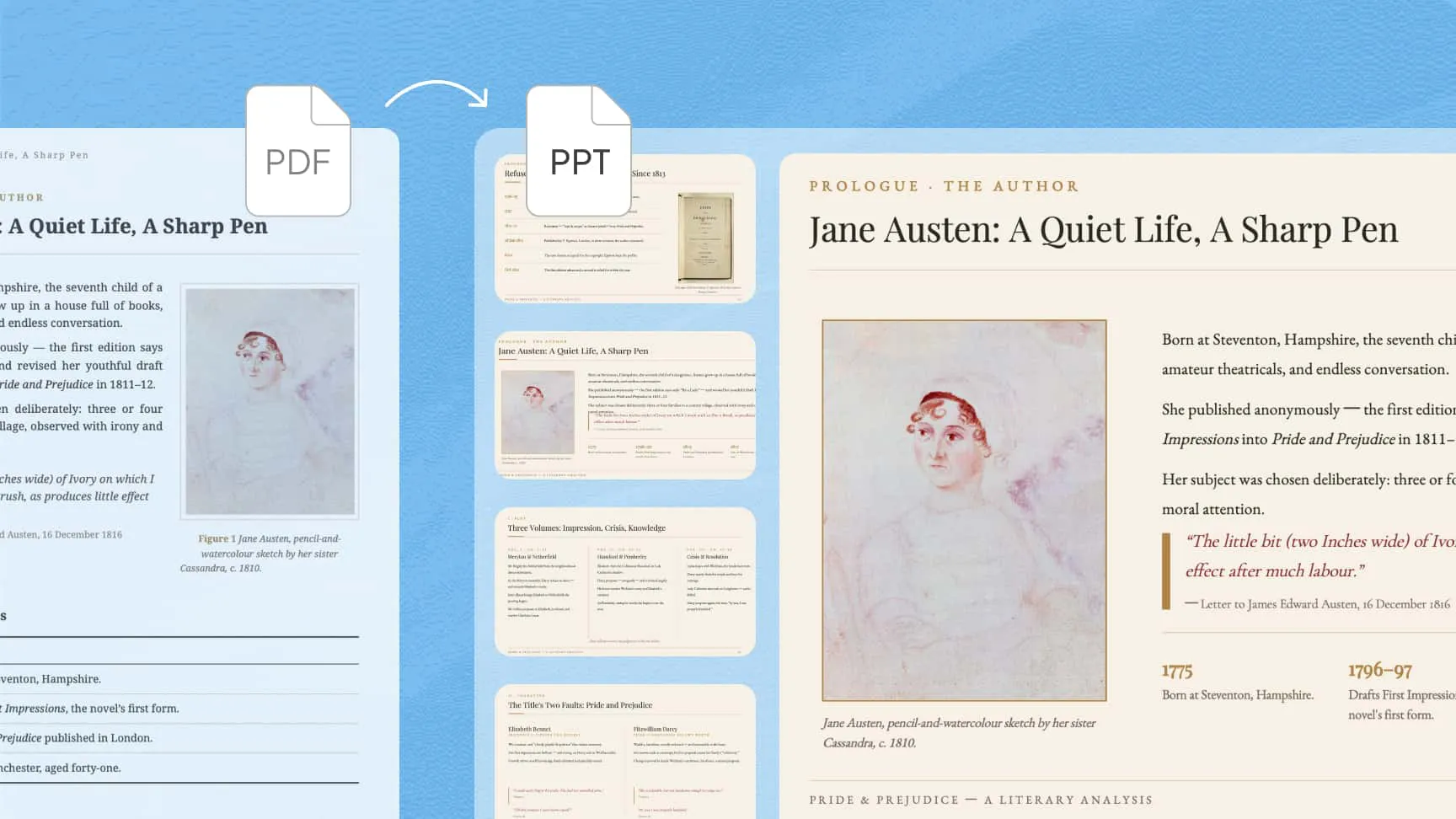
Documents to slides
Turn PDFs, Word, Excel, or Markdown files into structured slides while maintaining content integrity. Kimi Slides faithfully parses long documents, keeps key details intact, and can extract embedded images to reuse in your new deck.
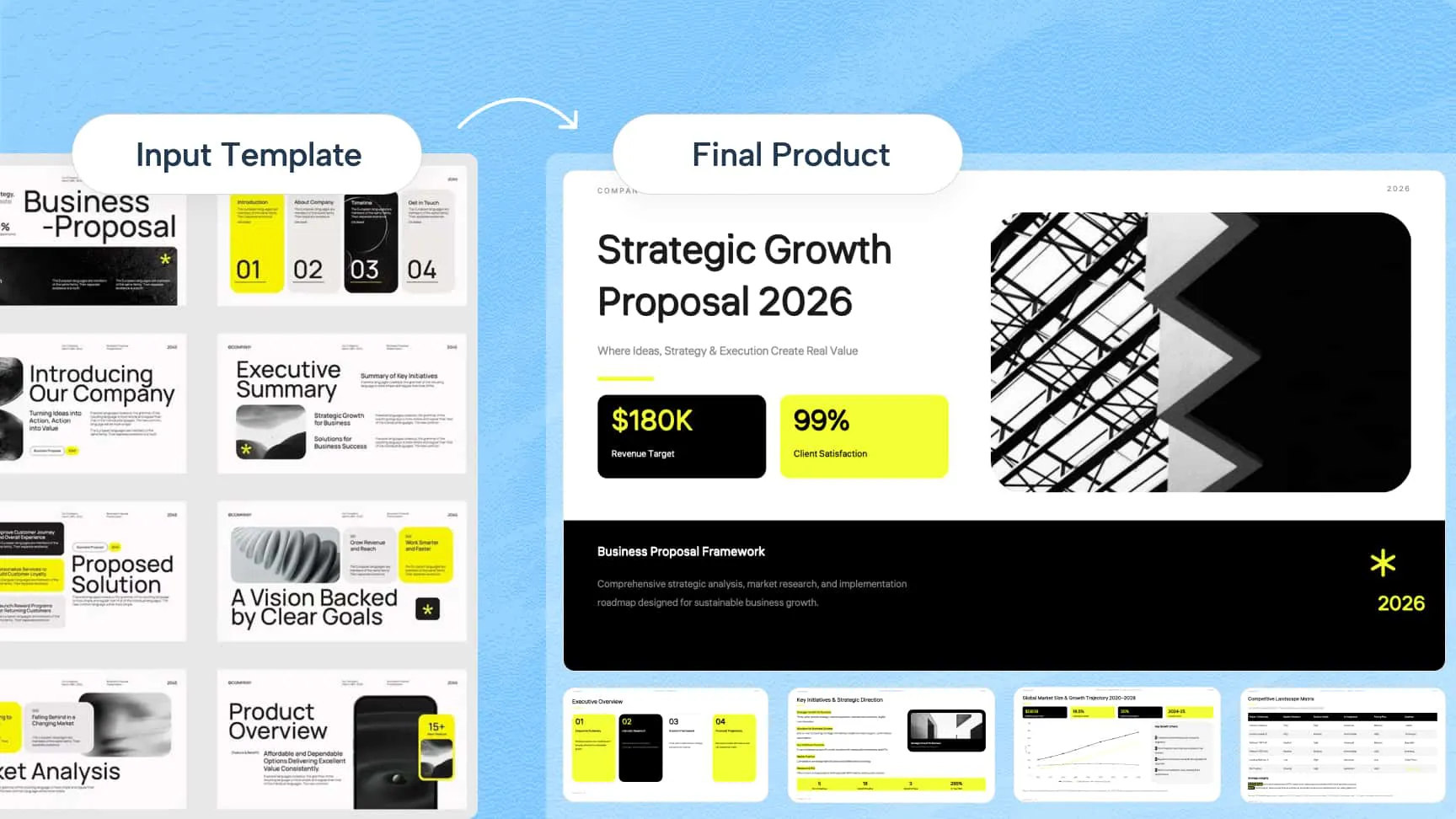
Templates to branded slides
Upload your company or school’s PowerPoint template to keep your brand consistent. Kimi Slides understands your slide master, fonts, and grid system, and generates slides that stay aligned with your existing design.
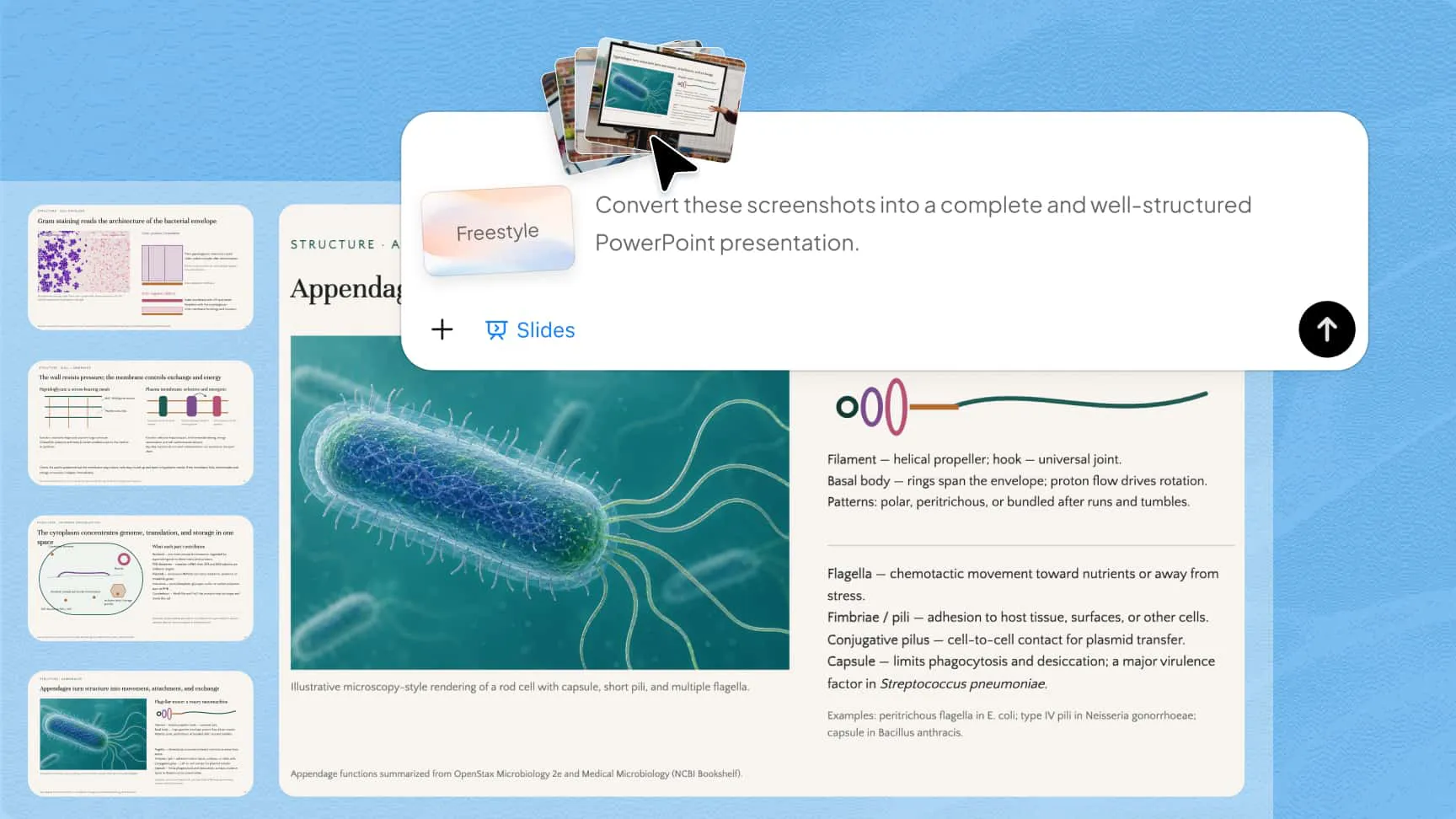
Images to slides
Turn photos, screenshots, or design references into editable slides. The AI presentation generator recreates layout, structure, and visual style from your image, so even slides captured during meetings or classes can be turned into clean, structured presentations.
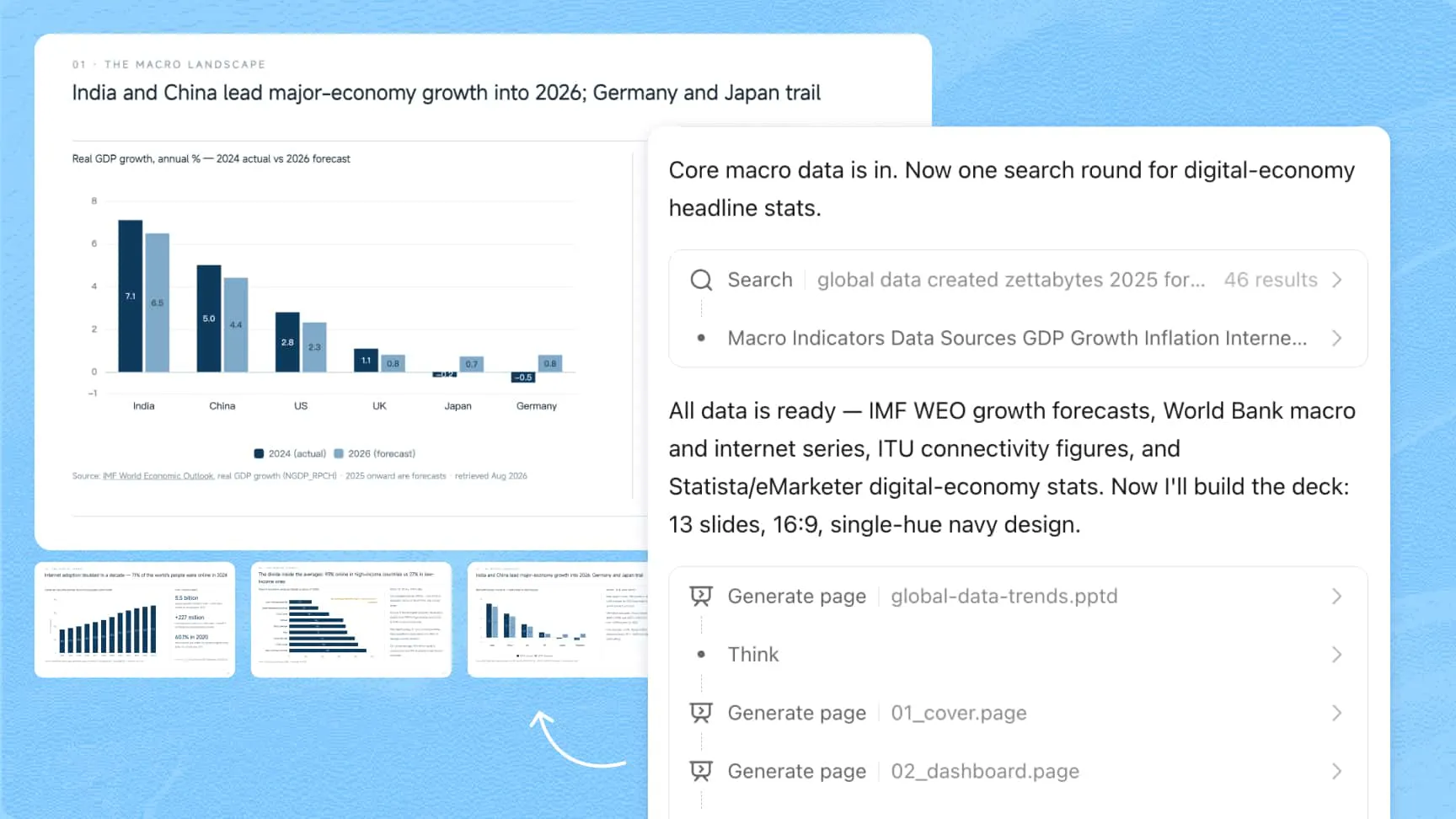
Research-backed, structured content with transparent sourcing
Kimi Slides gathers high-quality information from reliable sources and organizes it into clear, structured slide content, with logic and depth calibrated to your topic. Key insights include on-slide citations you can trace, allowing your audience to verify sources directly within the deck.
Designer-grade layouts, built for every scenario
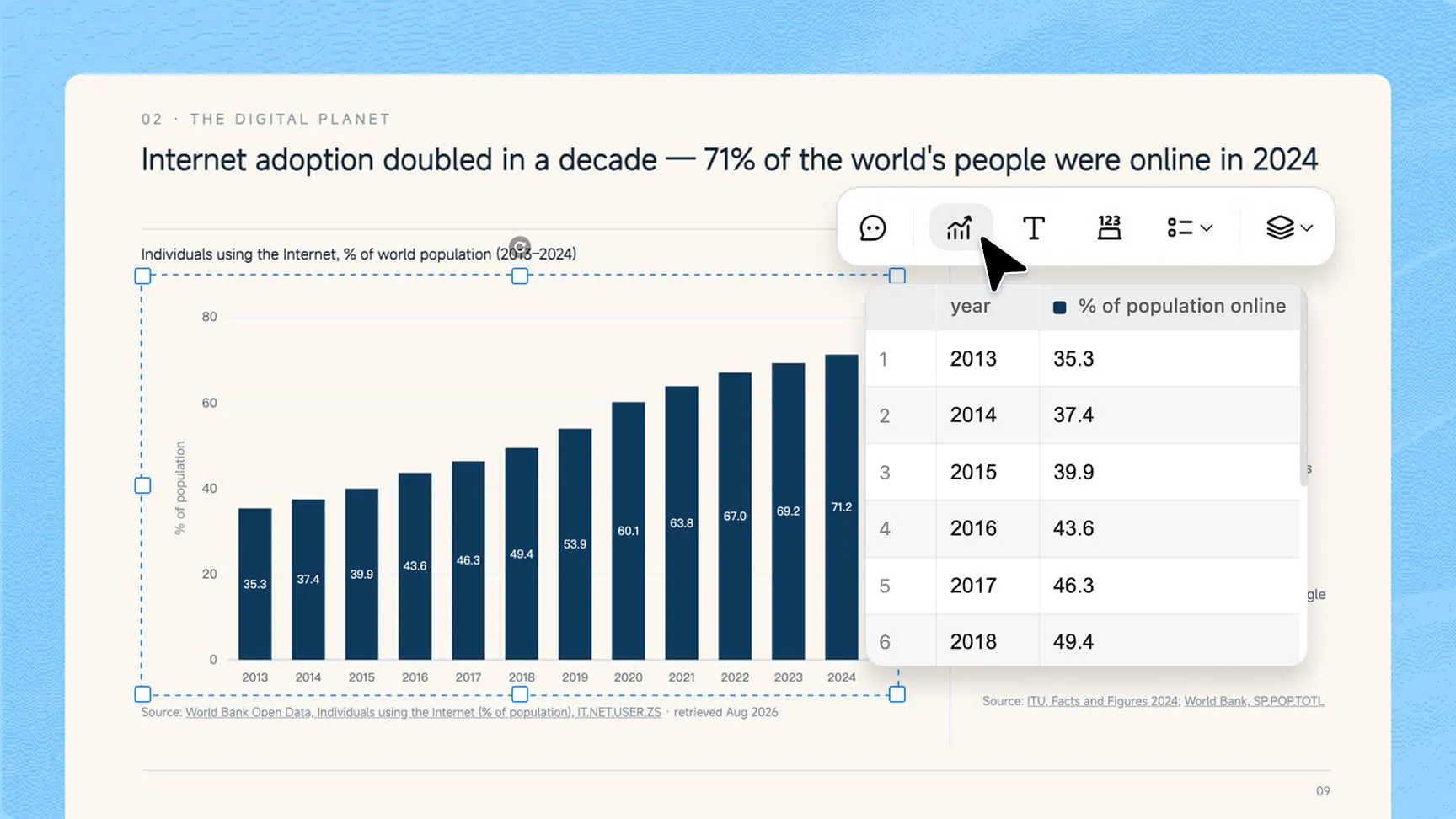
From investor pitches to weekly team reports, Kimi Slides produces visually polished presentations with layouts tailored to your needs. Pick from our professional template library or let AI intelligently adapt the design to your context. Balanced spacing and modern aesthetics come standard in every deck. Complex diagrams and charts are rendered as native components rather than static images.
Fully editable slides, ready to export anywhere
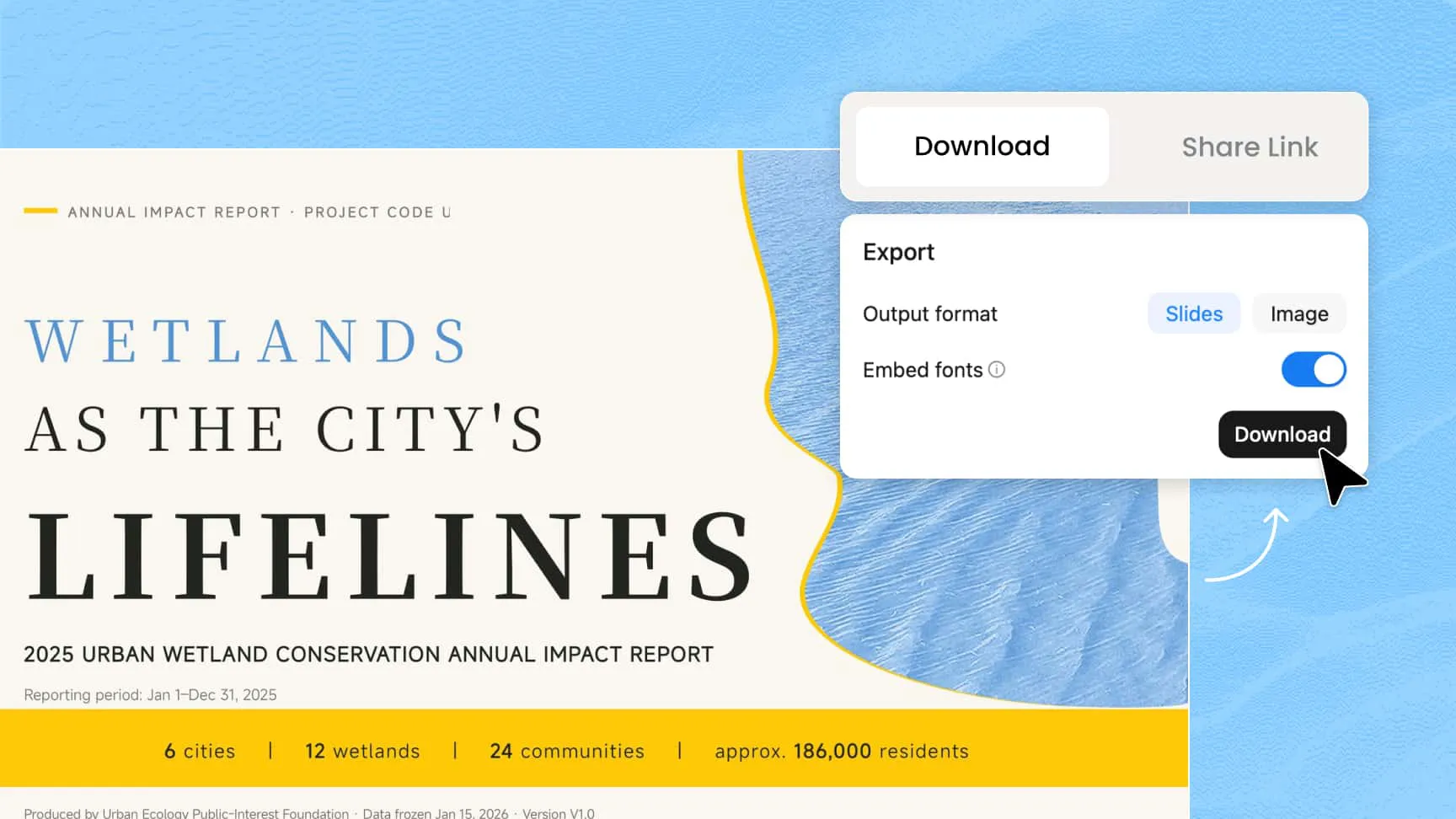
Edit every element in your slides, including text, images, shapes, and charts. Even complex diagrams remain fully adjustable. Present directly online or export as PowerPoint, Google Slides, or PNG, giving you the freedom to share or refine your work however you need.
Empower every scenario with our AI presentation generator
How to create a presentation with AI?
Describe & upload
Describe your idea or upload documents, images, or templates to begin.
Kimi generates your slides
Kimi turns your input into polished slides with logical structure and professional design.
Edit, present, or export
Fine-tune any element, present online, or export as PowerPoint, Google Slides, or PNG.
FAQ
Yes, Kimi Slides offers free access, so you can create presentations and explore the tool before deciding to subscribe. It combines AI research, content structuring, and slide design in one place, making it a practical choice for students and professionals alike.
Unlike tools that only handle design, Kimi Slides covers the full workflow from research and content structuring to layout and formatting. It accepts almost any input, including text, documents, images, or your own PowerPoint template, and turns it into a polished, structured deck. Complex diagrams and charts are rendered as fully editable native components, not static images, so every element stays adjustable after generation. It also gathers research and automatically adds on-slide citations, so your content is not just well-designed but also credible and easy to verify.
No. AI-powered tools like Kimi Slides automatically apply clean layouts and structure, so you can create professional presentations without any design experience.
Start with a clear topic and include context such as your target audience, the purpose of the presentation, and the tone you want, formal for business or conversational for training sessions. That said, Kimi Slides works well with simple inputs too, so you don't need a complex prompt to get structured, high-quality slides.
Yes, Kimi Slides makes it easy to create presentations directly from text. Just describe your idea or paste your content in plain language, and Kimi Slides will organize it into a structured outline and build a complete slide deck with consistent formatting. Whether you are working from rough notes, a detailed report, or a research summary, the result is a clean, professional presentation ready to deliver.
Kimi Slides supports a wide range of input formats, including PDF, Word (DOC/DOCX), Excel (XLS/XLSX), Markdown, images (JPG/PNG), and PowerPoint templates (PPT/PPTX). Simply upload your file, and Kimi Slides will parse the content and turn it into structured slides while preserving key details. This means you can start with existing materials without manually rewriting or reformatting anything.
Using an AI tool like Kimi Slides makes PDF-to-deck conversion seamless. Simply upload your PDF, and Kimi Slides will parse the content, organize it into a structured slide deck, and keep key details intact throughout. Once generated, you can edit any element directly and export the presentation as a PowerPoint file, ready to use or share.
Yes. You can upload your own PowerPoint template, and Kimi Slides will follow its layout, fonts, and styles to generate slides that stay aligned with your brand.
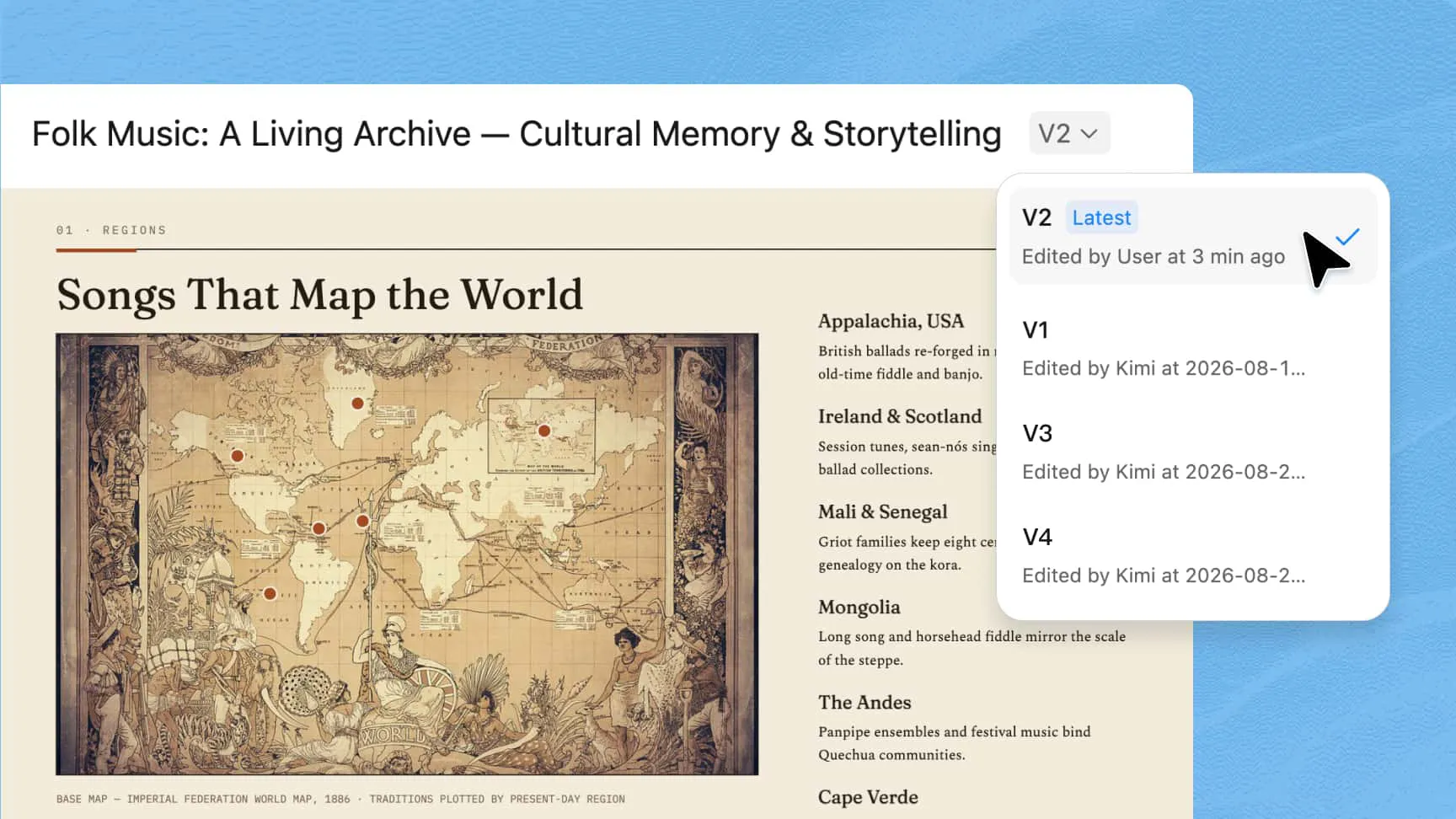
Yes. Slides created with Kimi Slides are fully editable. You can update text, adjust layouts, replace images, and modify charts or diagrams as needed, so your presentation fits your style and requirements.
Once your slides are ready, Kimi Slides offers several export options. You can download your presentation as a PowerPoint file to continue editing in your preferred tool, export it as a Google Slides presentation for easy sharing and collaboration, or save it as a PNG for quick sharing. You can also present it directly online without downloading anything.