Token limit exceeded?

When the conversation context grows too long and exceeds the model's token limit, Kimi Claw may stop responding or return an error.

How to fix it:

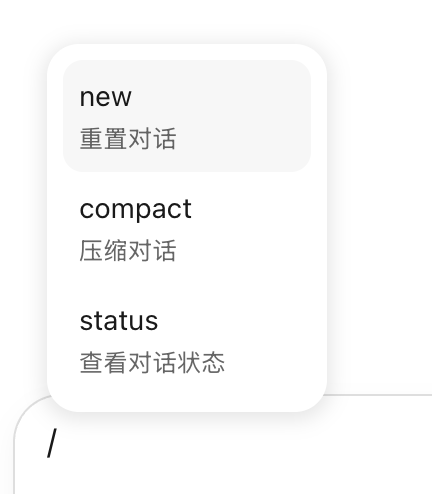
  • Send /new to start a fresh conversation and clear the current context.
  • If the error persists after /new, too many Skills may be loaded into memory. Try:
    • /skills — review installed skills and uninstall any you don't need.
    • /compact — compress the current context to reclaim space.
    • /reset — fully reset Kimi Claw as a last resort.

API rate limit reached?

This means you've hit the request frequency cap. Wait a moment and try again.

To check your quota and rate limits:

  1. Go to kimi.com/code.
  2. Open the Console.
  3. Click View Quota & Rate Limits to see your current usage and caps.

If you frequently hit rate limits, consider spacing out your tasks or upgrading to a higher membership tier for increased throughput.