云端部署 OpenClaw
OpenClaw 是一个具备独特个性与长期记忆能力的 AI 助手。在 Kimi 里,你可以通过 Kimi Claw 开启与 OpenClaw 的对话。
一键部署 OpenClaw
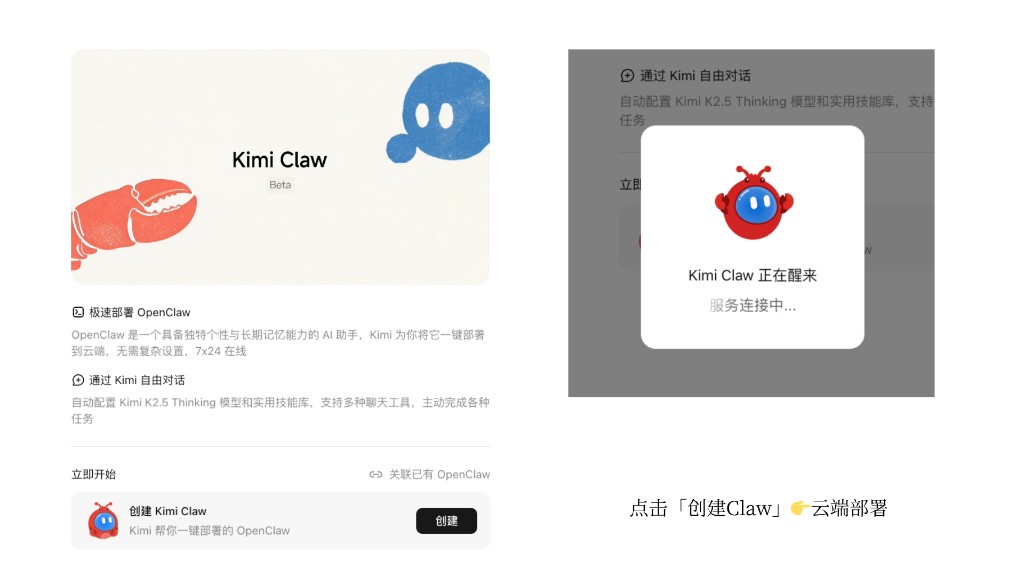
如果你还没有自己的 OpenClaw,可以前往 kimi.com/bot 创建专属的 OpenClaw。Kimi 将为你把 OpenClaw 一键部署到云端,无需额外购买服务器或命令行配置。
- 一键部署仅支持 Allegretto 及以上计划,详见 Kimi 会员计划。
- Kimi 会自动配置 Kimi K2.6 模型,并关联 Kimi 会员权益额度,无需额外配置 API。同时会自动配置 Kimi Web Search 服务,为 AI 提供联网搜索能力。
- 如需切换为 Kimi K3 模型,可在 Kimi Claw 设置中调整模型配置,或参考进阶配置指南。
- Kimi Claw 支持直接部署到飞书、企业微信、微博等平台。
创建流程
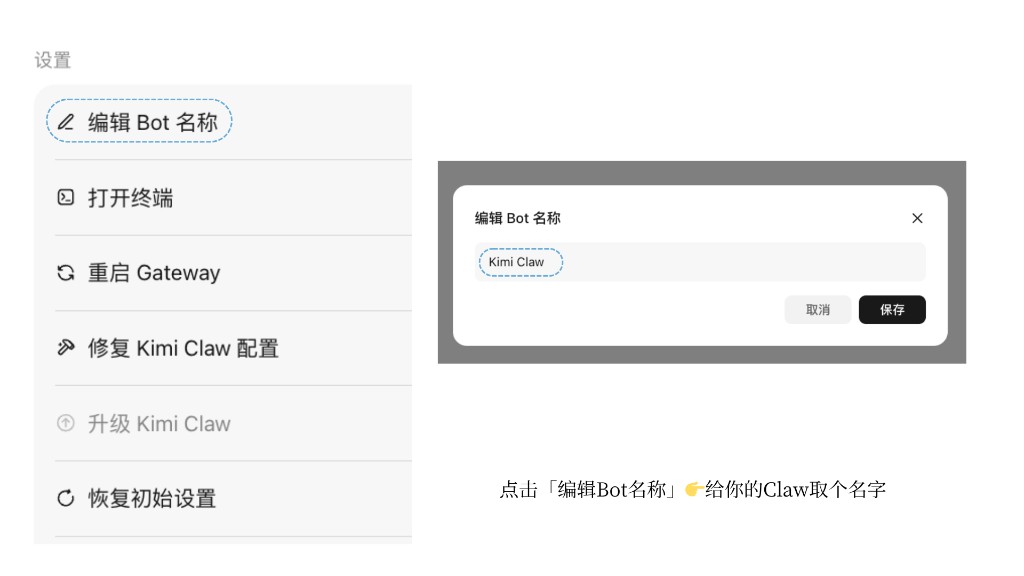
- 登录 kimi.com/bot。
- 点击 创建 Kimi Claw。
- 等待系统自动完成配置(通常需要几分钟)。
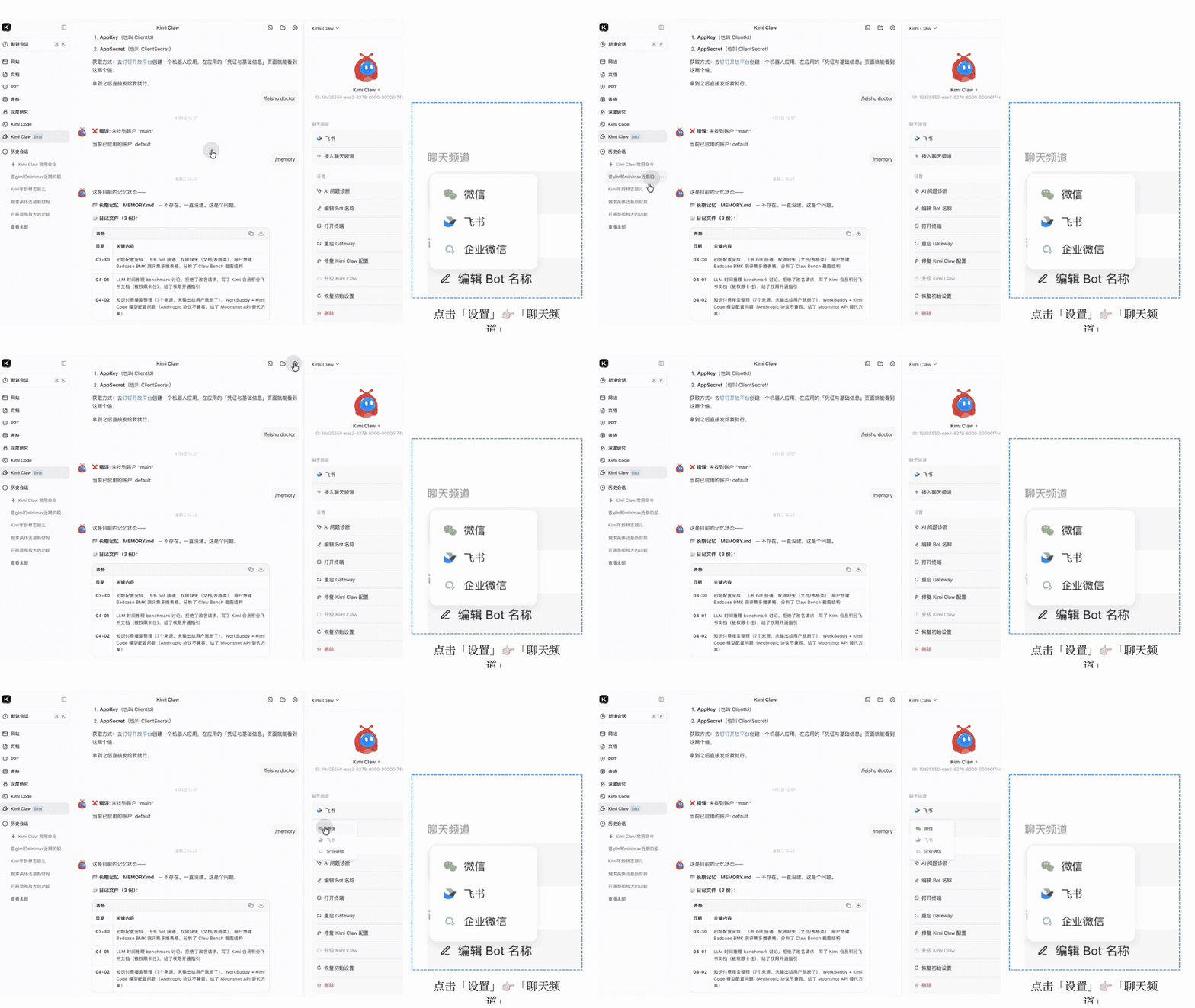
- 修改 Kimi Claw 的昵称,设置个性化名称。
- 在 设置 → 聊天频道 中配置你需要的聊天平台(微信、飞书、企业微信等)。
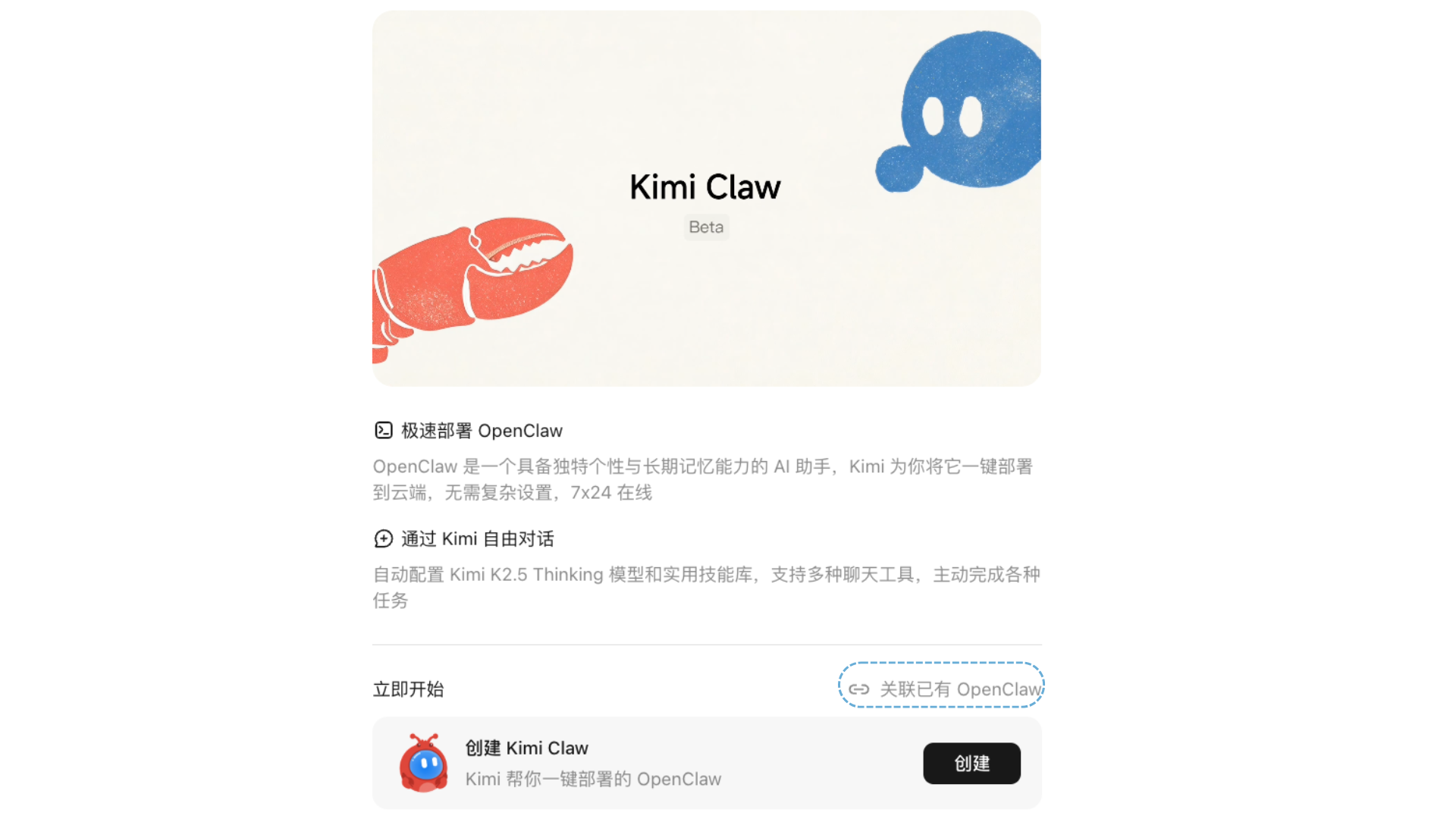
关联已有 OpenClaw
如果你已经部署了自己的 OpenClaw,也可以通过安装 Kimi 插件的方式实现在 Kimi 里与 OpenClaw 聊天:
- 前往 Kimi Claw 页面,选择 关联已有 OpenClaw。
- 跟随指引在运行 OpenClaw 的设备上安装插件。
- 安装完成后,即可在 Kimi 里与你的 OpenClaw 对话。
切换为 Kimi K3 模型
Kimi Claw 默认使用 Kimi K2.6 模型。如果你希望使用 Kimi K3,可以通过以下命令自动修改本地 OpenClaw 配置。
Bash
执行后请确认 session_status 输出中 model 显示为 kimi-coding/k3,且 context 上限为 1.0m。
配置文件路径可能因安装方式不同而有所差异,请根据实际情况替换 /root/.openclaw/openclaw.json。修改前务必先备份。
本文是否对你有帮助