Table of contents
- Quick overview of 7 website builders for portfolios
- 7 professional website builders for a graphic design portfolio
- Benefits of using portfolio website builders
- How to select the right website builders for portfolios
Many people feel stuck when it comes to showing their work online. Designs look dull, tools feel hard to use, and building a portfolio takes far more time than it should. That's why choosing the right website builders for portfolios becomes so important, as they simplify design and save time. This article explores 7 options worth considering.
Quick overview of 7 website builders for portfolios
The right website builder makes it easier to present your work and attract clients. Each platform has its strengths, whether it's speed, simplicity, or advanced design options. The table below gives you a quick comparison to help you choose the builder that fits your goals and style:
| Website builder | Suitable for | Main strength | Notes |
|---|---|---|---|
| Kimi Websites | A clean, AI-guided portfolio setup | Quick generation with smart layout suggestions | Great for designers who want a modern, polished portfolio without long editing time |
| Trickle AI | AI-powered design ideas and rapid drafts | Intelligent layout suggestions with easy editing | Useful for creators who want automated design help and creative templates |
| Framer | Visually interactive and animated portfolios | High-fidelity visuals with advanced design tools | Suitable for UX/UI portfolios or designers who want deeper control and interactivity |
| Carrd | Simple, one-page portfolios with minimal design | Fast, lightweight single-page build | Perfect if you want a neat, straightforward showcase without extra pages |
| Notion | Portfolio + workspace combined | Flexible modular structure with embedded media | Works well for portfolios that also serve as an organizer or project hub |
| Behance | Wide creative exposure and community reach | Built-in audience and project galleries | Ideal if your main goal is to get discovered by clients and peers |
| GoDaddy | All-in-one hosting and portfolio launch | Templates + hosting in one place | Good choice for beginners who want hosting handled with minimal setup |
7 professional website builders for a graphic design portfolio
Choosing the right website builder for your graphic design portfolio can make a big difference in how your work is displayed and experienced. Below are 7 reliable website builders that fit perfectly for a graphic design portfolio.
1. Kimi Websites
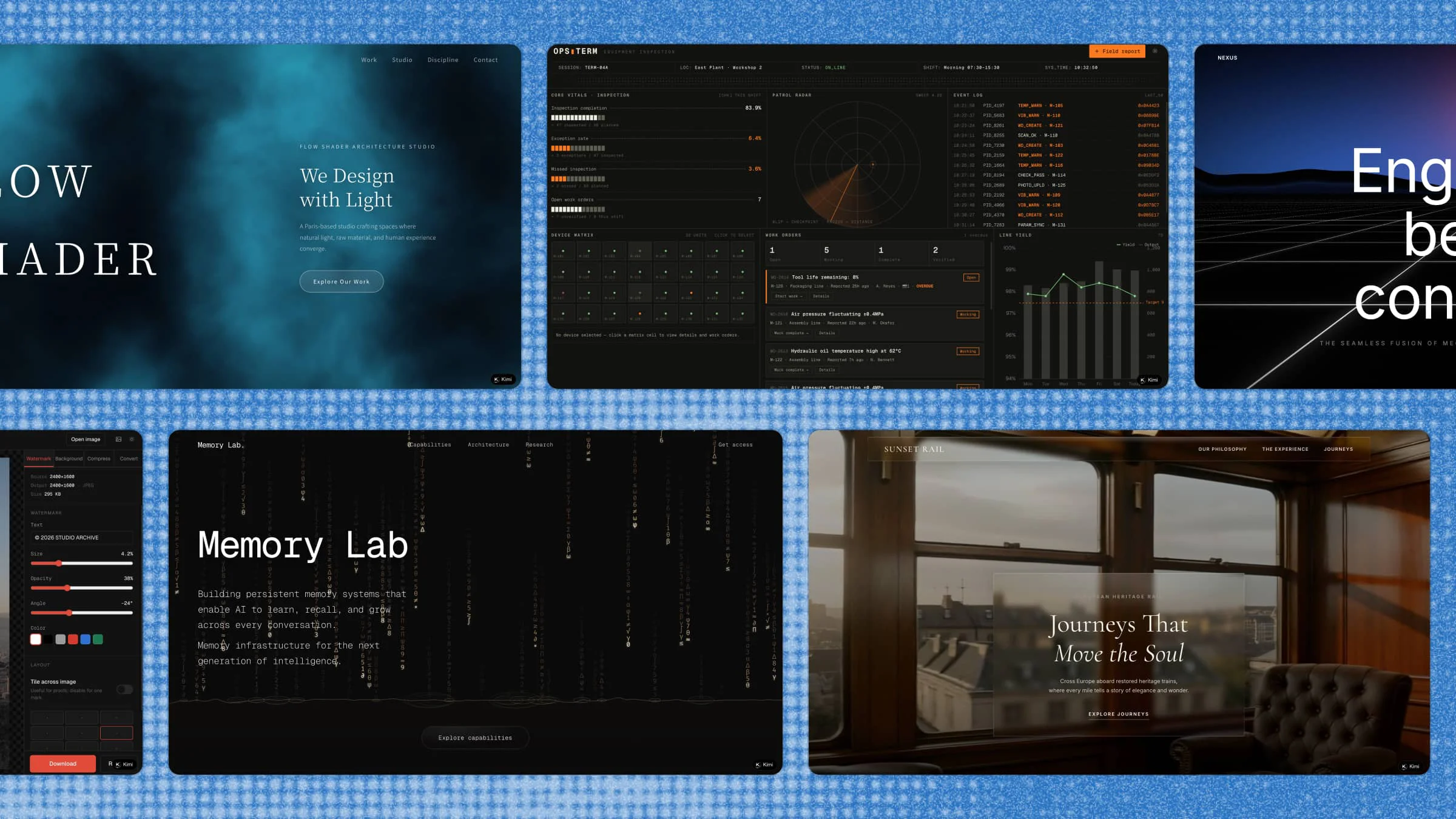
Kimi's AI website builder makes it quick and easy to create a portfolio. It keeps the design clean, so your work stands out. With smart AI support, you can build pages without getting confused. This saves you time and keeps your portfolio looking modern and professional. It's a good choice for designers who want fast results and full creative control.
Key features
- AI-assisted layout creation: Kimi Websites suggests layouts based on your content. This reduces design effort and helps you start quickly without blank-page stress.
- Efficient multi-page creation: Some users may need more than a one-page slide. Kimi Websites can save your time by creating multiple pages simultaneously while maintaining a consistent design.
- Customizable to the core: Every detail, from fonts to layouts, can be personalized to match your brand’s identity. You can also upload images or videos of certain visual styles and Kimi Websites can replicate the style and help you generate a site that meet your need.
- Easy editing and fast changes: When your site is generated, you can continue chatting with the AI to make overall, top-down changes to make conversational editing; you can also make edits on detailed elements directly on the Kimi interface, without tool switching.
- Responsive design control: Your portfolio adjusts well on mobile, tablet, and desktop. This keeps your work looking clean on every screen size.
- Fast publishing and updates: When all the editing is done, you can preview your site and publish your site within clicks. Share your site on any platform to show your ideas. If you need to make further changes after publishing, changes and republishing process go live quickly. This helps you update projects or fix content without delay. It also saves time when managing multiple edits or adding new portfolio pieces regularly.
Suitable for
- Graphic designers building a clean and modern portfolio
- Freelancers who need a quick setup and easy updates
- Beginners who want simple tools without coding
- Creators who want AI support to speed up design work
How to make a digital portfolio with Kimi Websites
You don't need complicated tools or hours of work to create a digital portfolio. Kimi Websites makes the process simple, letting you focus on your work instead of worrying about design. Follow these steps to build a clean, professional portfolio:
Step 1: Enter your website idea
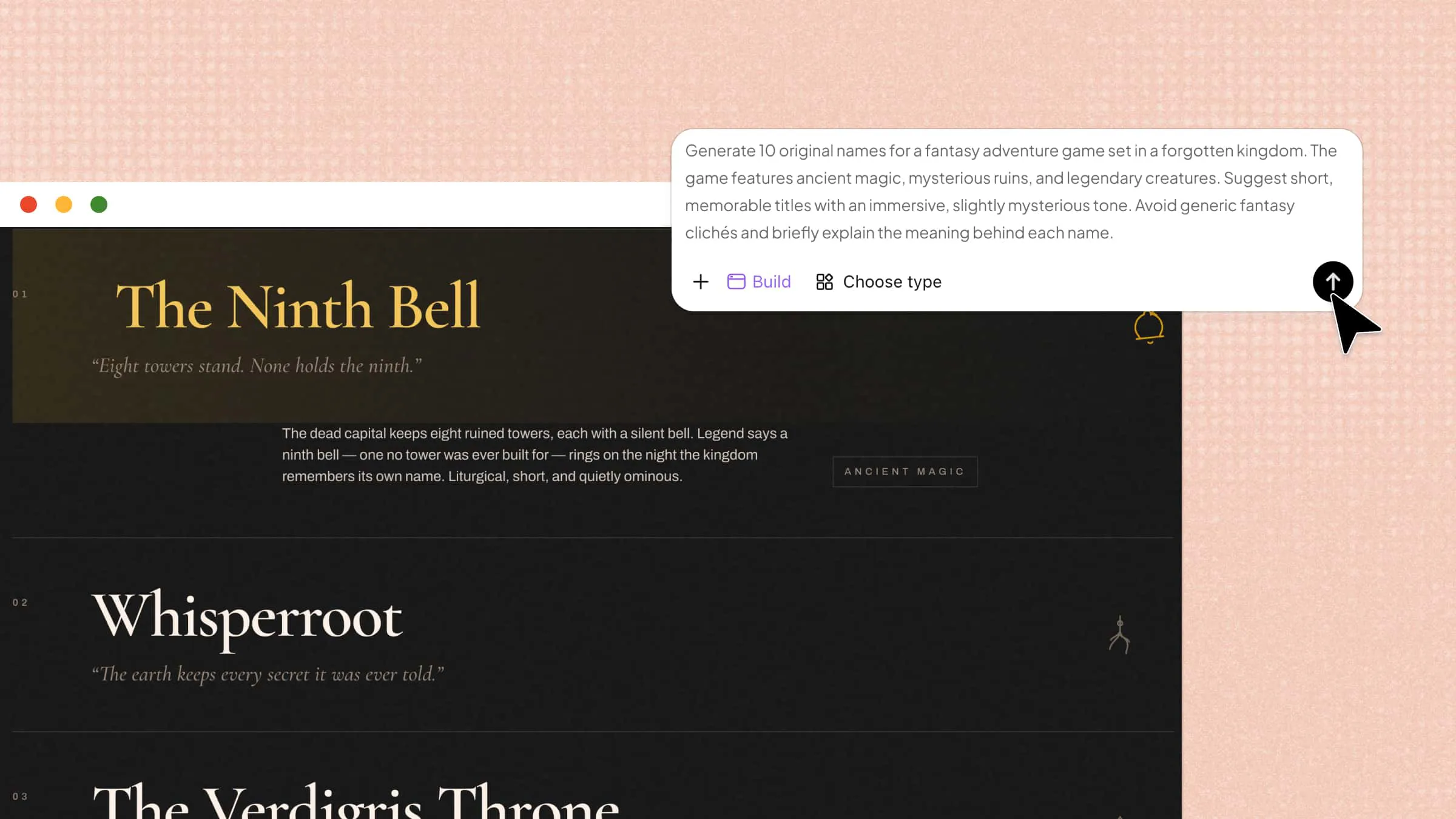
Start by opening Kimi Websites and writing a clear prompt that explains your portfolio style, sections, and design needs. Keep it simple and focused so the system can generate a strong layout quickly.
Example prompt:
Step 2: Generate a website
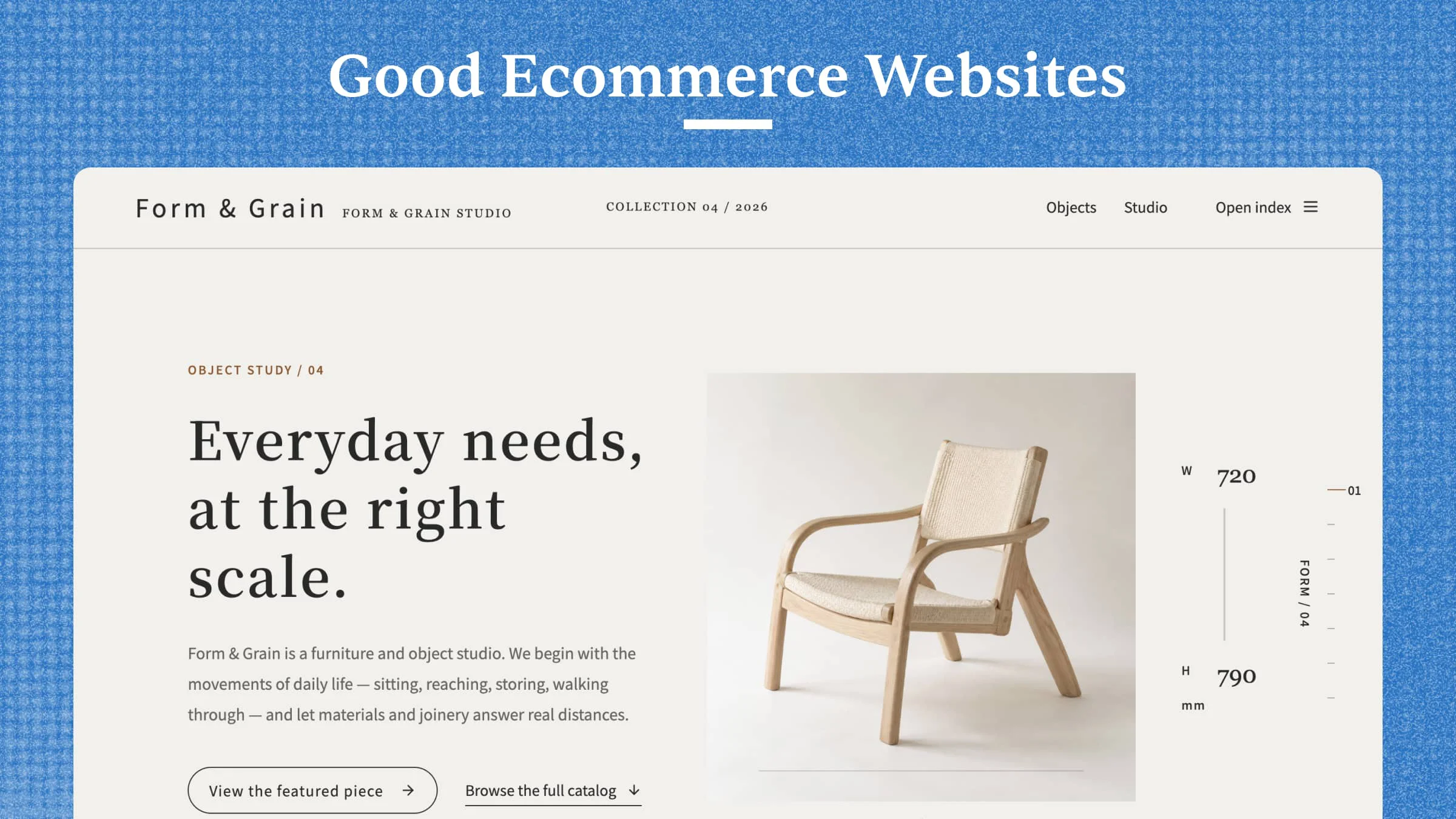
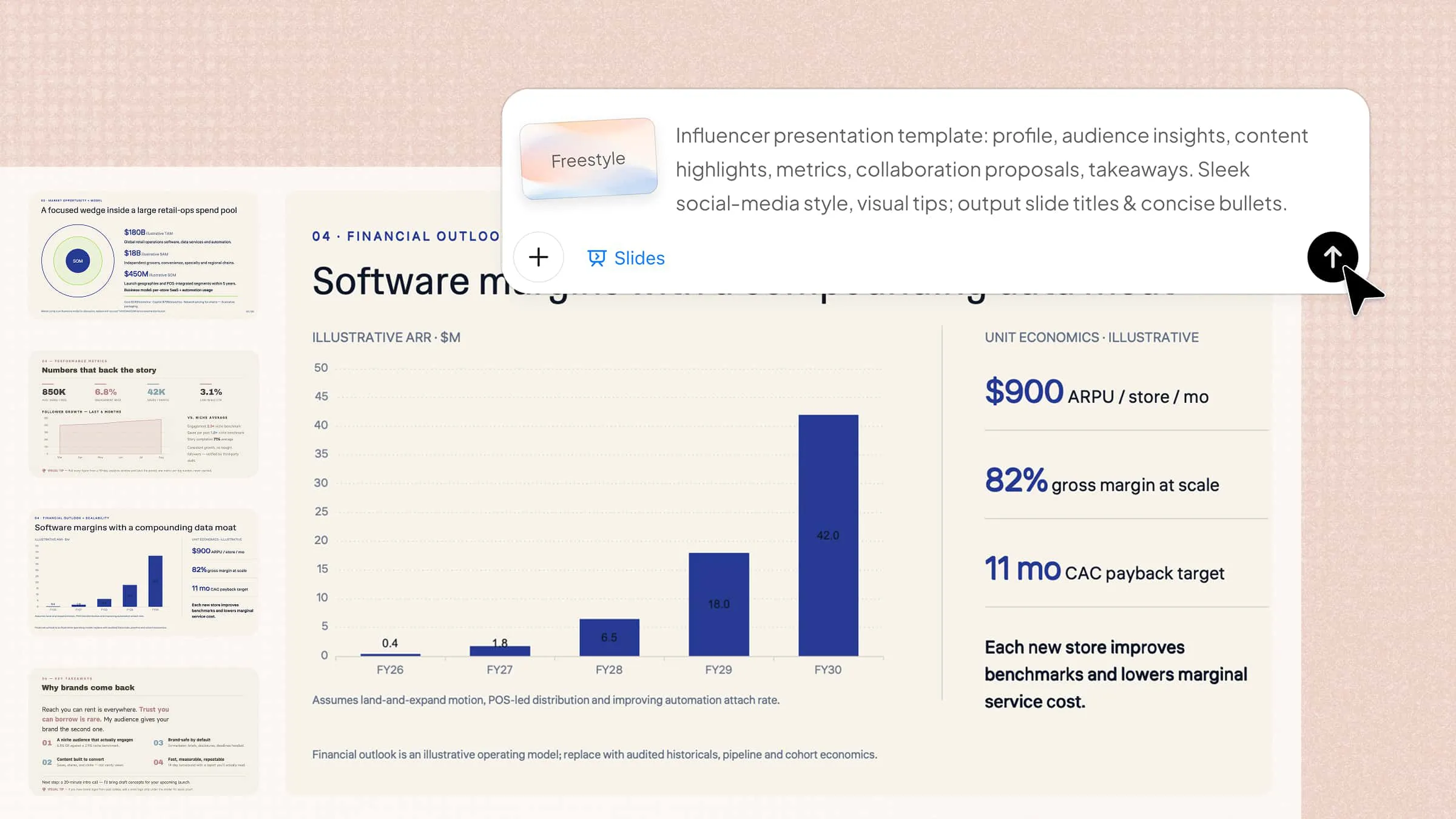
After you submit your prompt, Kimi Websites quickly creates a visual draft of your portfolio. You'll see the layout, sections, and basic content right away, so you can understand the structure immediately.
Step 3: Customize and refine
Click the "Edit" button at the top right to start editing. Use "Annotate" or "Select" to highlight sections and add comments, then click "Submit" to save your changes. You can update text, adjust images, rearrange sections, and change colors to match your style.
Step 4: Publish and share
Before going live, preview your site using "Share" > "View Site" to check pages, links, forms, layout, and content. Fix any issues, then use one-click publish to launch your portfolio. Share the link with others to get feedback and improve further.
2. Trickle AI
Trickle AI is a smart website builder for portfolios that focuses on speed and AI-powered content suggestions. It helps you turn ideas into professional portfolios without spending hours on design. With AI-driven layouts and easy editing, designers can quickly show off their work. It's a great choice if you want an intelligent assistant while building your online presence.
Key features
- AI layout suggestions: Trickle AI recommends portfolio layouts based on your input, saving time and improving visual structure significantly.
- Drag-and-drop editor: Move images, text, and sections easily for a flexible design experience without any coding knowledge required.
- Template library: Access pre-made templates for quick setup and inspiration for different portfolio styles and project types.
- Responsive design: Ensure your portfolio looks perfect on desktops, tablets, and mobile devices automatically for all viewers.
Suitable for
- Freelance graphic designers
- Creatives needing AI-assisted design
- Beginners with limited coding skills
- Professionals who want a fast portfolio setup
3. Framer
Framer is a modern website builder made for interactive and visually rich portfolios. It lets designers create high-quality websites with smooth animations and live previews. Framer brings design and development tools together in one platform, making it ideal for dynamic portfolios. Its features help you show your creativity while keeping your site easy to use.
Key features
- Interactive components: Add buttons, sliders, and animated sections to make your portfolio highly engaging and visually interactive.
- Live preview: Instantly see changes as you edit your pages for faster feedback and immediate design validation.
- Code-friendly environment: Integrate custom code if needed, offering full flexibility for advanced users and unique customizations.
- Responsive layouts: Ensure your portfolio works on any screen size automatically for a consistent user experience everywhere.
Suitable for
- Designers create interactive portfolios
- UX/UI designers showcasing prototypes
- Creatives comfortable with slight coding
- Professionals seeking advanced animations
4. Carrd
Carrd is a simple and accessible website builder for portfolios that's ideal for one-page portfolios. It focuses on minimalism and speed, making it perfect for clean, fast-loading websites. Carrd allows you to get a professional portfolio online quickly with easy-to-use templates. It's a great choice for designers who prefer simplicity without sacrificing style.
Key features
- One-page portfolio templates: Quickly create a polished, scrollable portfolio with ready-made designs for all types of creative work.
- Drag-and-drop editor: Simple interface to place images, text, and sections effortlessly for fast and smooth editing.
- Custom domain support: Connect your own domain easily to make your portfolio appear professional and trustworthy.
- Responsive design: Carrd ensures your portfolio adapts to all devices automatically for seamless viewing on mobile.
Suitable for
- Freelancers needing a single-page portfolio
- Minimalist designers
- Beginners with no coding experience
- Creatives who want a fast and clean website
5. Notion
Notion is a flexible website builder that also works as a workspace. You can organize projects, images, and text into a clean online portfolio. Its modular system lets you add galleries, project details, and client notes easily. Notion is great for designers who want a portfolio and a project management tool in one place, saving time and improving workflow efficiency seamlessly.
Key features
- Modular page blocks: Add text, images, tables, and galleries in a flexible layout for complete portfolio customization.
- Embedded media support: Showcase videos, images, and presentations directly in your portfolio for better client understanding.
- Easy sharing: Share your Notion portfolio via a public link without publishing hassles or complicated setup.
- Collaborative editing: Work with clients or team members directly on portfolio content for more efficient feedback loops.
Suitable for
- Freelancers manage projects and portfolios
- Designers who like modular layouts
- Teams collaborating on creative work
- Creatives who want simplicity with flexibility
6. Behance
Behance is a popular website builder for creative professionals. It gives you a platform to showcase your projects and connect with potential clients. Behance automatically displays your work in an attractive layout and helps you get noticed. It's a great choice for networking and reaching a wider audience as you build your portfolio, gain exposure, and attract more freelance opportunities online.
Key features
- Project showcases: Display your work in well-designed galleries for maximum impact and client engagement online.
- Community exposure: Get discovered by clients and other designers through Behance's active creative network globally.
- Simple editor: Upload images, text, and videos easily without complex setup or technical knowledge required.
- Profile analytics: Track views, appreciations, and engagement for your portfolio to measure audience interest clearly.
Suitable for
- Freelance designers seeking clients
- Illustrators and visual artists
- Creative professionals building an online presence
- Designers wanting community feedback
7. GoDaddy
GoDaddy is a straightforward website builder for portfolios with hosting included. It helps you create a professional online portfolio quickly, with templates and AI-assisted tools. Its setup is beginner-friendly, making it easy to publish your work online. GoDaddy is suitable for designers who want speed and reliability on one platform.
Key features
- AI website builder: Automatically generates portfolio pages based on your input for fast and accurate results online.
- Template library: Choose from multiple professional templates for fast setup and attractive design options.
- Custom domain and hosting: Everything is included, making it a one-stop solution for portfolios without extra services.
- Mobile optimization: Portfolio automatically adapts for mobile devices for better client experience and viewing convenience.
Suitable for
- Freelancers who need an all-in-one solution
- Beginners without coding skills
- Designers needing reliable hosting
- Professionals who want fast portfolio deployment
Benefits of using portfolio website builders
Building an online portfolio can feel overwhelming, especially when you want it to look professional and attract clients. Using a portfolio website builder simplifies the process, letting you focus on your work instead of technical details. Here are some key benefits that make these tools so helpful for designers:
Create a professional portfolio quickly
You can set up a polished portfolio in just a few hours instead of days. Pre-designed templates and layouts help you organize your projects quickly and easily. This means you can show your work to clients without spending a lot of time or feeling stressed.
No coding skills required
Drag-and-drop editors and simple visual tools let you design each page easily. You don't need to know HTML, CSS, or any programming languages. Even beginners can make professional-looking portfolios with little effort and lots of confidence.
Showcase your work visually
High-quality images, videos, and project galleries can be displayed in a clean, attractive, and organized way. You can highlight your work and make a strong impression on all visitors. Visual storytelling helps clients understand your skills, style, and creativity instantly.
Maintain a consistent personal brand
You can control colors, fonts, and layouts to show your unique style clearly and professionally. A consistent design makes your portfolio memorable and easy to recognize. This helps clients spot your brand across different platforms.
Optimize for mobile and different devices
Portfolios automatically adjust to any screen size, from smartphones to desktops. Visitors can browse your work easily without awkward zooming or scrolling. This gives every potential client a smooth and positive experience online.
Save time on updates and maintenance
Adding new projects or making changes is quick and easy for anyone. You don't have to worry about technical problems or complicated coding. This lets you focus on creating more work and keeping your portfolio fresh and professional.
How to select the right website builders for portfolios
Choosing the right platform can make a huge difference in how your work is presented and discovered. Not all tools are built the same, so knowing what to look for can save time and improve your portfolio's impact. Here are some key tips for selecting an ideal website builder for portfolios:
Choose builders with strong portfolio templates
Look for website builders that offer ready-made templates designed for creative work. Templates help you get started quickly and make your portfolio look professional. They also give you a clear, attractive layout to show your projects.
Check customization flexibility
Make sure the builder allows you to adjust layouts, colors, fonts, and sections. Flexible website builders for portfolios let you create a unique look that matches your personal brand. This ensures your portfolio stands out rather than looking like everyone else's.
Ensure fast loading and mobile responsiveness
Your portfolio should load quickly and look good on any device, from phones to desktops. Good website builders automatically optimize pages for speed and compatibility. Fast, responsive sites keep visitors interested and improve their experience.
Look for easy media management
You should be able to upload, arrange, and update images, videos, and galleries easily. Builders with simple media management save you time and keep your projects organized. This keeps your portfolio looking good without extra hassle.
Consider SEO and sharing features
Choose builders that support SEO and easy social sharing options. Strong website builders for portfolios help your work get discovered by search engines and potential clients. This increases visibility and drives more traffic to your portfolio online.
Conclusion
Building a portfolio doesn't have to be hard or stressful. With the right tools, you can make a professional, good-looking website that shows off your style and work. Trying out different website builders for portfolios helps you find the one that fits your needs. If you want something fast, AI-assisted, and easy to use, Kimi Websites is a practical choice to get your portfolio online and present it professionally.