Table of contents
- A quick overview of 10 AI website creators (free & paid)
- 10 recommended AI website creators (free & paid)
- Tips for using AI website creators
- 5 creative ways to use a free AI website creator
If you think building a website seems complicated and takes too much time, you're not alone. Many people find coding, designing, and making a site look professional to be a challenge. However, AI website creators can help by letting you design a great-looking website in just minutes, even if you have no technical skills. You get helpful AI suggestions, full creative control, and simple publishing, so your portfolio, business, or personal project can stand out online. In this article, we'll look at 10 trusted AI website creators, including paid and free AI website creators, that make building a website easy.
A quick overview of 10 AI website creators (free & paid)
Picking the right AI website builder can really affect how fast, easy, and good-looking your site turns out. Some tools are suitable for beginners, while others work better for professional designers or online stores. The table below gives a quick overview of the top AI website creators.
| AI website creator | Key features | Ease of use | Customization |
|---|---|---|---|
| Kimi Websites | Prompt-based website generation, multi-input support, and multi-page generation | Very easy, intuitive interface, minimal effort | Supports highly flexible local editing and annotation-based content updates |
| Relume | AI-driven design templates, custom code integration, and responsive design | Requires some technical knowledge | Highly customizable, allows custom code integration |
| Lovable | Personalization AI, customizable templates, e-commerce support | Easy, focuses on a user-friendly e-commerce setup | Customizable for e-commerce, limited outside of that |
| Orchids | AI-powered website building, user-friendly templates, fast deployment | Extremely easy, especially for non-tech users | Low customization (pre-set templates) |
| Tempo Labs | AI-based design suggestions, A/B testing, and real-time collaboration | Moderate difficulty, but excellent for teams | High level of customization, ideal for marketers |
| Framer AI | Interactive design tools, real-time collaboration, animations, and responsive design | Moderate, requires design knowledge | Very high customization for interactivity and style |
| BigCloudy Website Builder | AI-driven content and design suggestions, fast deployment, mobile optimized | Very easy for beginners, mobile-first approach | Minimal customization, focused on mobile templates |
| DeepSite | AI-powered site generation, automated SEO, and content optimization | Very easy to use, no prior experience required | Minimal customization, based on AI template logic |
| Squarespace | High-quality templates, AI-driven design, integrated e-commerce, blogging | Very easy, perfect for beginners and creatives | High customization with templates and drag-and-drop |
| Dora | Automated content creation, AI-powered design, easy-to-use interface | Extremely easy, beginner-friendly | Limited customization, mostly templated designs |
10 recommended AI website creators (free & paid)
Finding the right tool can make all the difference when building a website. Some AI creators are completely free, while others offer advanced features with paid plans. Here's a list of 10 recommended AI website creators that suit different needs and skill levels.
1. Kimi Websites
Kimi's AI website builder is an efficient tool that quickly turns your ideas into ready-to-use websites. It creates clean, responsive layouts for multi-page sites, including navigation, content sections, and basic design elements. The AI also creates professional text, saving you valuable time and effort. Kimi offers both free and paid plans, making it an accessible option for all users.
Key features
- Prompt‑to‑site creation: Kimi Websites intelligently turns a text description and optional references into a ready‑made website layout, complete with navigation and sections, saving hours of manual setup and design work.
- Responsive , multi‑page generation: Kimi Websites can make beautiful one page website, but what it can do is more than that. It can also generate multiple pages including Home, About, Pricing, Blog, and Contact pages that work well on any devices like desktop and mobile devices.
- Built‑in copy assistance: The AI drafts conversion‑ready text for your site sections so you can communicate clearly and professionally without having to write everything yourself.
- Flexible overall or partial editing: Kimi Websites lets you modify specific sections of a page through conversation with AI to adjust the whole vibe of the site, or through clicking certain details in the interface for specific editing, making updates faster and more precise.
- Full design control: Adjust every aspect of your website, from color schemes to fonts, to perfectly represent your brand.
- Easy sharing and collaboration: After you previewing your site, Kimi Websites lets you share your website via a link or export its structure and code for reuse and further development.
Suitable for
- Beginners, creators, and freelancers building portfolios or personal sites
- Creators and freelancers building portfolios or personal sites
- Small businesses that need a professional online presence quickly
- Marketers launching campaigns or product landing pages
- Founders validating ideas without upfront design costs
How to create a website using Kimi?
Kimi Websites makes building a site quick and easy, even if you don't know how to code. This saves you time and helps you create a professional, responsive site that's ready to share. Here's how to get started:
Step 1: Enter your website idea
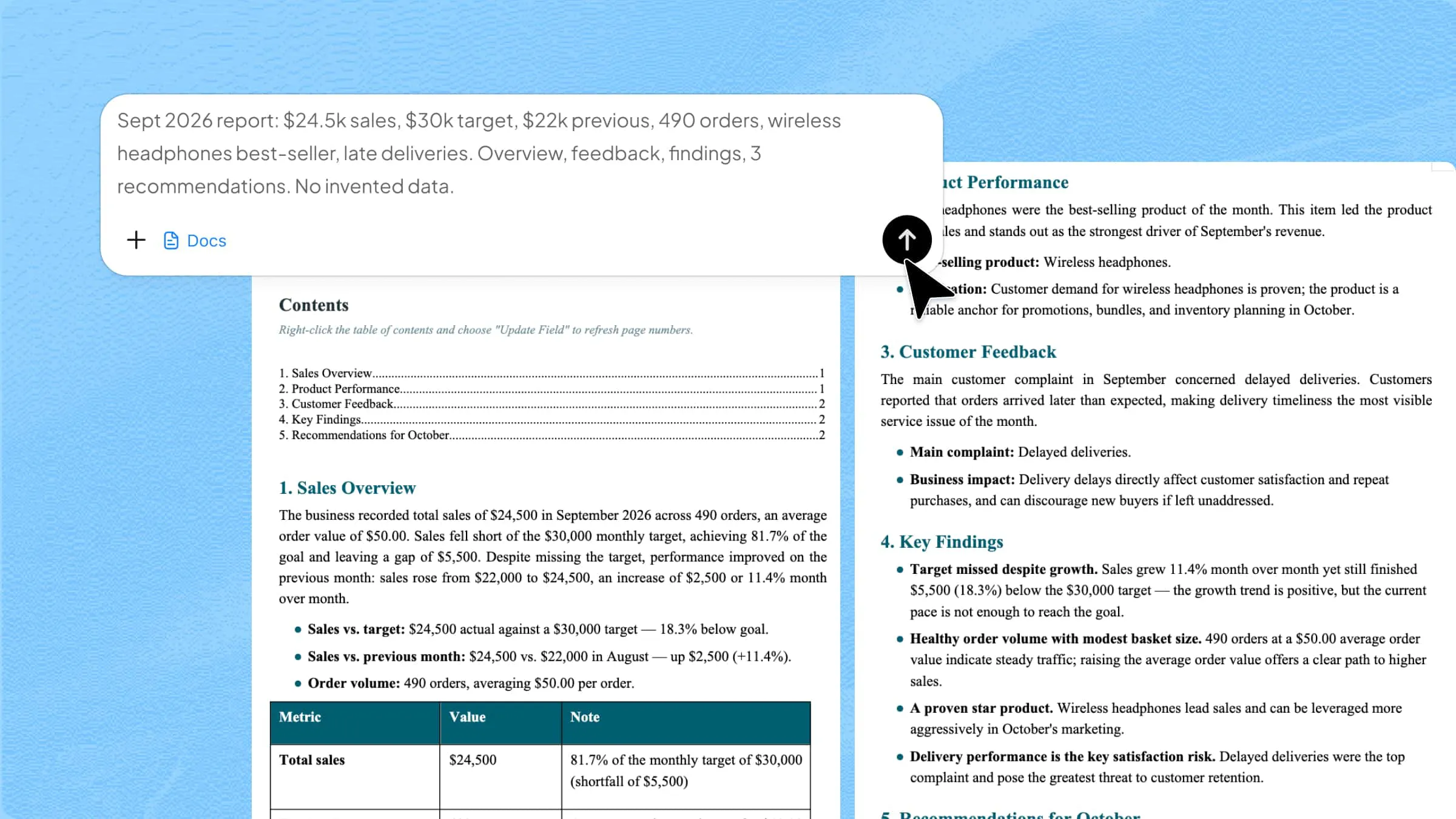
Open Kimi Websites and type in a clear prompt that explains your website's purpose, sections, and style. The more specific your description, the faster Kimi can create an accurate draft.
Example prompt:
Step 2: Customize and refine
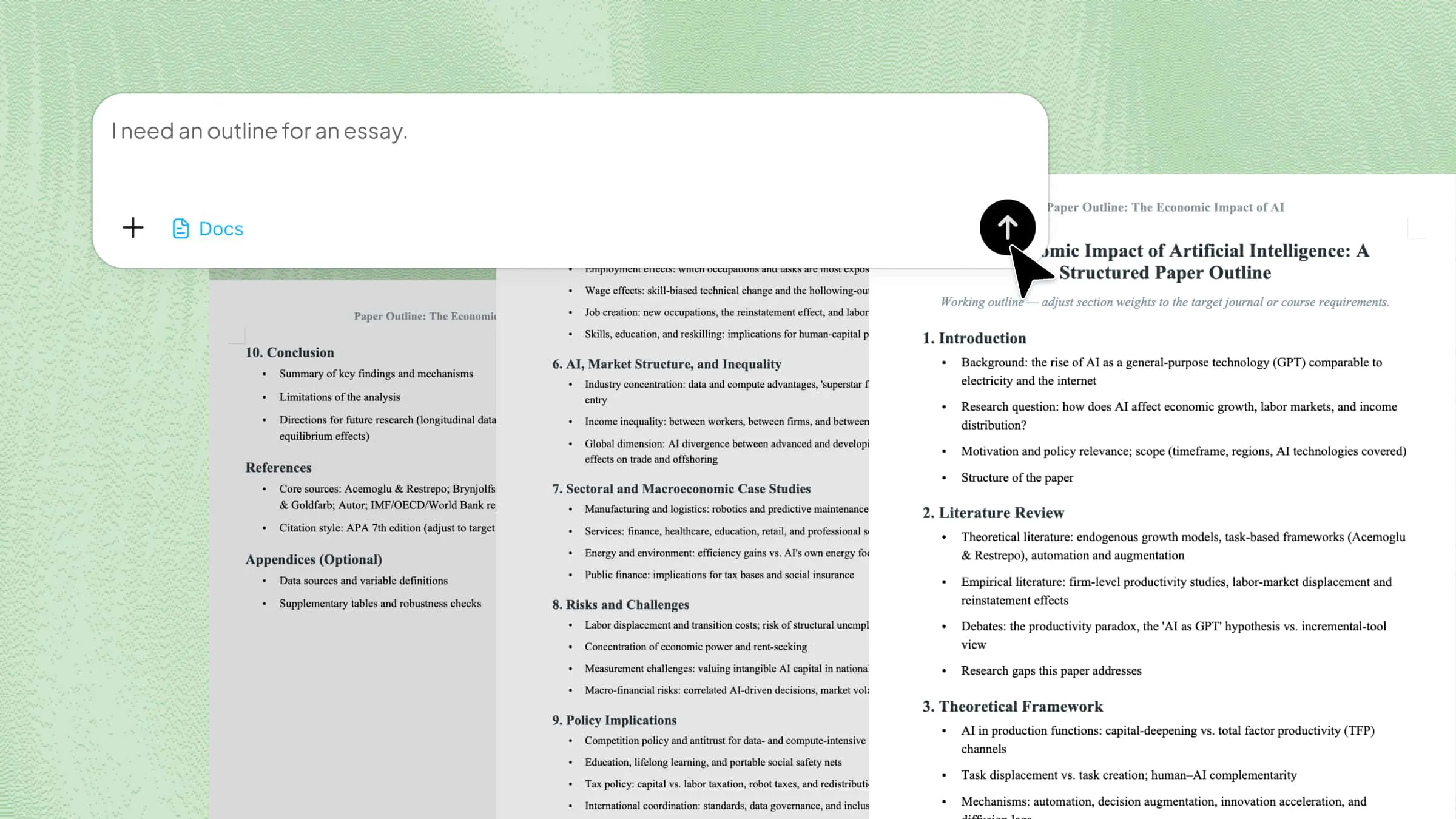
Click "Edit" to open the visual editor. You can make your website look the way you want by highlighting sections, updating text, changing pictures and colors, and moving things around. Kimi also gives you suggestions to quickly improve your content and layout.
Step 3: Publish and share
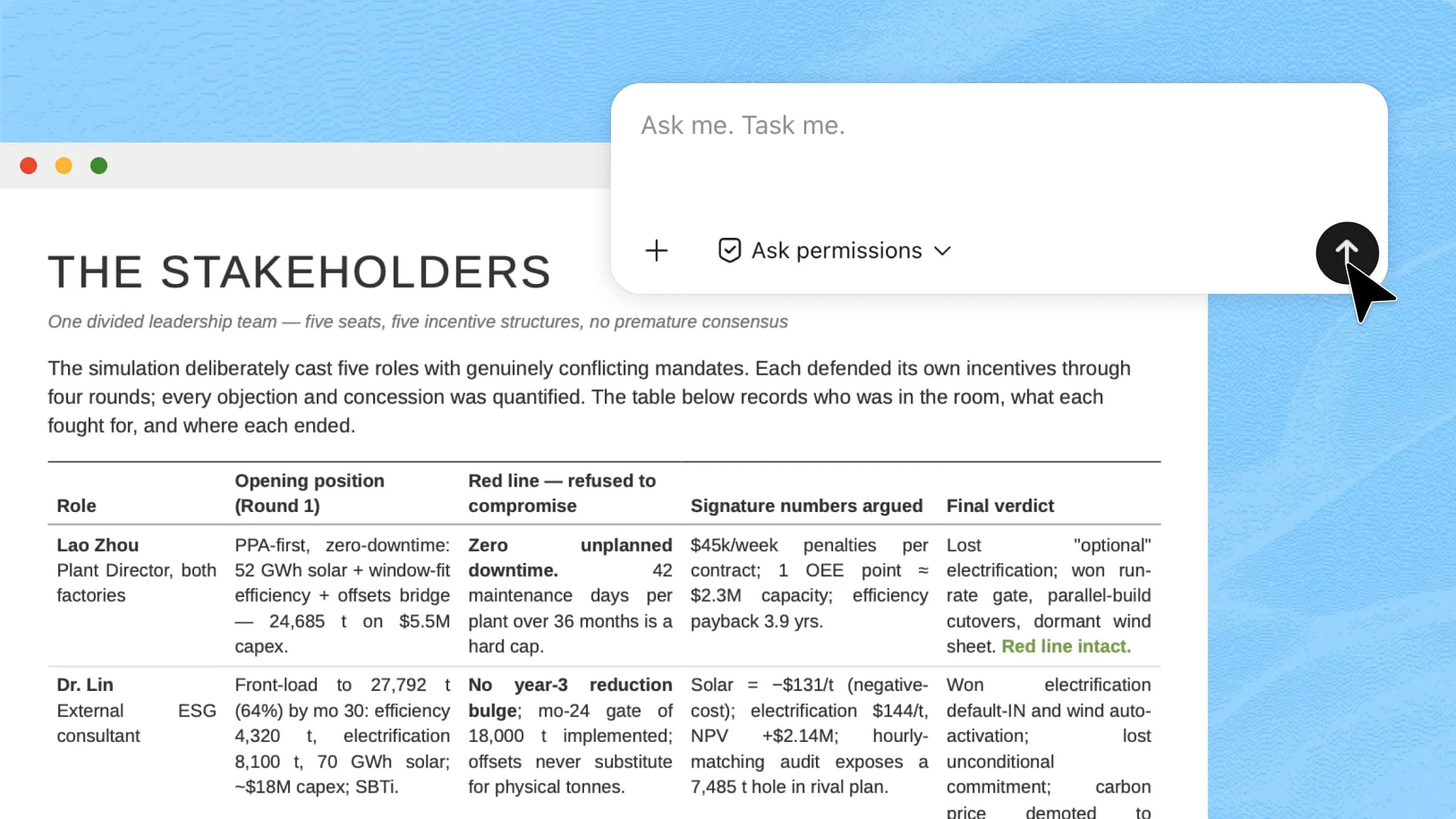
Preview your site to check that links, buttons, forms, and the layout all work well. When you're satisfied, use Kimi's one-click publish feature to put your website online. Then, share the link with clients, friends, or on social media to show your work right away.
2. Relume
Relume is a web tool that helps you create detailed website plans without any coding. It automatically builds sitemaps, wireframes, and page layouts. It offers a free tier with limited components and paid plans. Relume works well with Figma or Webflow for further design. The focus is on planning and prototyping before publishing your site.
Key features
- AI sitemap generation: Creates a detailed website structure automatically from a short description, helping you visualize content flow more clearly for any project.
- Wireframe creation: Turns sitemaps into editable wireframes, giving you exact layouts to improve before final designing or building pages.
- Large component library: Includes over a thousand professional UI sections, saving hours on design repetition and reducing manual work.
- Team collaboration: Facilitates easy feedback sharing and comments among coworkers, which greatly improves the efficiency and organization of group tasks.
Suitable for
- Web designers planning large multi‑page layouts
- Agencies working together on client site designs
- Before coding, teams must strategize visually
- Projects that start with architecture and user experience
3. Lovable
Lovable is an AI full-stack builder that creates working frontend and backend code from text prompts. It has a free plan with daily credits, and advanced features are available in the paid plans. Lovable is made for quick prototypes, MVPs, and functional web apps. You can easily edit, export, or deploy the generated code. It saves time and helps you get websites ready to go live.
Key features
- Chat‑to‑code builder: Converts text prompts into reusable frontend and backend code, greatly cutting development time and effort.
- Full‑stack output: Produces both visual interfaces and backend logic, including databases, authentication, and workflows.
- Version sync: Keeps your project updated with platforms like GitHub, so collaboration stays organized and tracked.
- Custom domain support: Lets you publish your website on your own domain without leaving the builder system.
Suitable for
- Startups building product MVPs quickly
- Developers needing complete code generation
- Freelancers launching apps without heavy coding
- Projects requiring backend workflows, too
4. Orchids
Orchids is a prompt-based website builder that instantly creates ready-to-edit site drafts. It uses a freemium model, offering free basic tools and paid upgrades for domains, templates, and SEO. The drag-and-drop editor makes it easy to adjust images, text, and colors. Built-in hosting lets you publish your site quickly. Orchids are a good choice for personal portfolios, small business sites, or simple online pages.
Key features
- Instant AI design: Generates entire website layouts automatically based on your description, saving time and effort.
- Visual drag‑and‑drop editor: Let's you tweak every element easily with no technical skills required at all.
- Style presets: Includes design themes you can apply instantly for consistent visuals and professional flair.
- Publishing tools: Built‑in options let you publish your finished site with basic settings and custom domains.
Suitable for
- Beginners launching their first websites
- Small business owners seeking simple sites
- Creatives showing portfolios online
- Users without design or code experience
5. Tempo Labs
Tempo Labs is an AI website creator that quickly builds responsive layouts using smart suggestions. It offers paid plans, with trials and premium features available by subscription. You can visually refine the generated designs for a professional look. Templates and content suggestions help make your site clear and engaging. It's ideal for users who want fast, flexible, and modern site building.
Key features
- Smart layout suggestions: Recommends page structures and design patterns suited to your content and goals.
- Responsive templates: Ensures designs adjust beautifully across desktop, tablet, and mobile screens.
- AI content assistance: Helps write headings and body text that sound professional and clear.
- Export options: Let you move your finished design into other platforms or hosting systems with flexibility.
Suitable for
- Marketers building campaign pages
- Small companies needing modern sites
- Individuals wanting templates with smart design help
- Users who want built‑in editing flexibility
6. Framer AI
Framer AI turns text prompts into interactive, polished websites using advanced design tools. It works on paid subscription plans, with free trials sometimes available. Visual editing lets you easily adjust layouts, animations, and responsiveness. Hosting and CMS features allow you to manage content directly. It's best for portfolios, agency sites, and visually rich web projects.
Key features
- AI‑generated drafts: Produce page designs from descriptions that look polished and professional right away.
- Visual editor tools: Offers detailed adjustment options for layouts, typography, and interactive elements easily.
- Responsive design: Ensures everything adapts smoothly across devices, so your site always looks great.
- Built‑in hosting and CMS: Let's you manage and update content without needing separate tools or plugins.
Suitable for
- Designers wanting visually striking sites
- Portfolios with unique interactive elements
- Creative agencies building branded pages
- Users who value rich design tools
7. BigCloudy Website Builder
BigCloudy Website Builder combines AI site creation with hosting, SEO, and analytics in one platform. It uses affordable paid plans, though limited free or trial versions may exist. AI drafts layouts and content fast, and templates are fully responsive. Built-in SEO and analytics help track performance. It's ideal for small businesses, personal sites, and blogs needing all-in-one solutions.
Key features
- AI content generation: Produces site text and blog content automatically based on your topic and goals.
- SEO optimization tools: Helps boost site visibility with keyword suggestions and meta settings included.
- Built‑in analytics: Let's you track visitor behavior and performance without external tools.
- Responsive templates: Designs that adjust across phones, tablets, and desktops with consistent clarity.
Suitable for
- Small business websites on tight budgets
- Personal blogs need quality content quickly
- Freelancers needing hosting plus builder together
- Users wanting SEO guidance built in
8. DeepSite
DeepSite is a beginner-friendly website builder for quick and simple site creation. It offers affordable paid plans with optional free trials. You describe your idea, and DeepSite generates editable layouts you can refine visually. Drag-and-drop editing makes customization easy. It's perfect for personal pages, portfolios, and small business sites.
Key features
- Simple AI prompts: Let you generate site structures quickly with easy natural language phrases.
- Visual editing mode: Edit every part of your site using click‑and‑type tools that need no coding.
- SEO basics: Includes simple optimization settings to improve search visibility without complexity.
- Affordable pricing: Makes building and hosting a site achievable even on a tight budget.
Suitable for
- First‑time website builders
- Personal portfolios or resumes
- Local service pages and directories
- Users needing fast, basic sites
9. Squarespace
Squarespace is a popular platform with AI-assisted design tools that speed up site creation. It uses paid subscription plans, from personal to advanced commerce options. Visual editing and templates make building professional sites easier. Built-in blogging, e-commerce, hosting, and analytics are included. It's suitable for businesses, portfolios, and content creators.
Key features
- AI‑assisted designs: Suggests layouts and styles based on your description to quickly shape your site.
- All‑in‑one hosting: Includes domain setup, secure hosting, and SSL without external systems required.
- Commerce tools: Let you easily sell products and services straight from your site.
- Custom templates: Offers many pre‑designed styles you can customize to match brand identity.
Suitable for
- Businesses needing a professional online presence
- E‑commerce sites and shops
- Bloggers want full CMS features
- Users preferring no‑code editing
10. Dora
Dora is an AI website builder that generates structured drafts from simple prompts. It has a freemium model, with free basic usage and paid upgrades for domains, analytics, and e-commerce. Its visual editor lets you tweak text, images, and layout easily. Basic SEO and publishing tools are included. Dora works well for landing pages, personal sites, and first-time website creators.
Key features
- Prompt‑based drafts: Generate site structures from simple descriptions, so building starts instantly and clearly.
- Visual editor: Makes adjusting every element intuitive with no coding ever required at all.
- SEO tools: Helps improve search presence with basic optimization suggestions included right in the platform.
- Easy publishing: Lets you get your site live quickly with a few steps and clear guidance.
Suitable for
- Landing pages and simple sites
- Small business service pages
- First‑time website builders
- Users needing fast project launches
Tips for using AI website creators
AI website creators make building a website quick and easy, but you'll get the best results if you plan ahead. These tools work best when you have clear goals and your content is ready. Here are some tips to help you turn AI suggestions into a polished and professional website:
Define your goals clearly
Before you start, decide what you want your website to achieve, whether it's showing a portfolio, selling products, or sharing content. Clear goals help the AI generate layouts and sections that fit your needs. This makes your free AI website creator's output more precise and useful for your audience.
Curate your content beforehand
Prepare your text, images, videos, and branding before you build your site. Having your content ready helps the AI create layouts that match your style and message. This way, your free AI website maker can produce pages that look complete and professional from the start.
Customize beyond AI suggestions
AI drafts are just a starting point, so adjust colors, fonts, images, and layouts to match your brand. Personalizing your site beyond automatic suggestions helps it stand out. Even with a free AI website creator, small custom changes can make a big difference in design quality.
Test responsiveness and performance
Check your website on different devices, screen sizes, and browsers. Make sure pages load quickly, and all links, buttons, and forms work correctly. Your AI website creator works best when you test performance thoroughly for all visitors.
Iterate and optimize continuously
After you publish your site, ask for feedback and keep an eye on how it's performing. Update your content, fix any problems, and adjust the design as needed. Regular improvements help your free AI website creator keep your site looking good and working well over time.
5 creative ways to use a free AI website creator
AI website creators let you do much more than just build a basic site. With tools like Kimi Websites, you can quickly create professional-looking pages for all kinds of needs. Whether it's for personal, business, or creative projects, Kimi makes website creation fast, easy, and flexible. Here are some creative ways to use this tool:
Personal portfolio
A personal portfolio website is a great way to show your work, skills, and projects to clients or employers. You can highlight your achievements in clear sections like "About Me," project galleries, and testimonials. Kimi Websites can create a full portfolio draft in minutes, giving you a quick start on design and layout. Then, you can adjust colors, fonts, and images to match your style.
Prompt
Small business site
If you run a small business, having a professional website helps attract and inform customers. Adding sections for services, team members, reviews, and contact forms makes your site complete. A free AI website maker like Kimi Websites can quickly create a draft for you, saving you a lot of design time. Once you have the draft, you can adjust the layout, colors, and images to fit your brand.
Prompt
Blog or content hub
Blogs are great for sharing ideas, updates, or expertise online in an organized way. You can set up homepage feeds, categories, and article sections to make navigation easy. With Kimi Websites, you can quickly get a blog structure ready to edit, giving you more time to write content. Change fonts, colors, and layouts to match your style. This helps your blog look good and makes it easy for readers to use.
Prompt
Online store
To sell products online, you need a good-looking, easy-to-use website to show your items and handle sales. Add product categories, shopping carts, and checkout pages for a smooth shopping experience. Kimi Websites can quickly create an e-commerce site draft with layouts for products and categories. Then, you can easily update images, text, and promotions to match your brand.
Prompt
Event or landing page
Event and landing pages are made to attract visitors and encourage them to sign up or register. They often include hero sections, schedules, speaker details, and call-to-action buttons. With Kimi Websites, you can create a professional landing page in just a few minutes, complete with layout suggestions. After that, you can change colors, fonts, and sections to match your event's branding.
Prompt
Conclusion
AI website creators have made building a professional site faster and simpler, even for beginners. By using clear prompts and customizing layouts, you can create websites that meet your personal, business, or creative needs without coding skills. Experimenting with different tools helps you find the one that fits your workflow best. For a smooth start with intuitive design and easy publishing, try Kimi Websites and bring your ideas online in minutes.