10 AI Assistant Apps to Improve Your Workflow

Explore the 10 AI assistant apps shaping the future of productivity, from conversational tools to autonomous AI agents. For autonomous workflow automation, Kimi Work stands out with AI agents that handle multi-step tasks, connect tools, and complete workflows.

13 min read2026-07-22
Best AI assistant app—Kimi Work

Managing daily tasks, messages, and projects can quickly become overwhelming when everything depends on manual effort. Work slows down, and small tasks start piling up without notice. Modern digital life needs smarter support that can handle routine work and keep things organized. That's where AI assistant apps come in. They are changing how people work, making tasks smoother and faster. Read this article to explore 10 AI personal assistant apps for better productivity.

Simple overview of 10 AI assistant apps

AI assistants are designed for different types of tasks, from writing and research to automation and coding. Understanding their core strengths makes it easier to find the right tool for your workflow. Here's a quick overview of 10 popular AI assistant apps and what each one is designed for.

AI toolTypeWorking styleCore capabilitySuitable for
Kimi WorkAutonomous workspaceAgent-based automationMulti-step task executionResearch + document workflows
Sai by SimularSystem-level agentScreen interactionComputer task controlRepetitive PC operations
Lindy AIWorkflow builderTrigger-based automationApp automation flowsEmail + scheduling tasks
AutoGPTGoal-driven agentGoal decompositionSelf-planning executionLong autonomous tasks
ChatGPTConversational AIPrompt-response modelText generation & chatWriting + brainstorming
ClaudeReasoning AIContext-heavy processingLong document analysisResearch + summaries
Perplexity AIResearch assistantSearch + answer engineWeb search + citationsFast fact-based research
Google GeminiWorkspace AIEmbedded assistantGoogle app integrationDocs + emails + sheets
Microsoft CopilotOffice AISuite-integrated AIProductivity automationOffice documents & meetings
GitHub CopilotCoding assistantReal-time code completionCode suggestionsSoftware development

What is an AI assistant?

An AI assistant is a digital tool that helps you complete tasks using artificial intelligence. It can understand your text or voice commands and respond in a simple, useful way. These assistants can write messages, manage schedules, answer questions, and even automate small work tasks. They are designed to save time and reduce effort in daily work.

Types of AI assistants

AI assistants come in different forms, depending on how much work they can handle and how they support users. Some are simple and focus only on conversation, while others are built for specific tasks inside one app. The most advanced ones can even manage full workflows on their own. Each of the following types plays a different role in making digital work easier and faster.

  • Conversational AI (Chatbots): These AI tools focus on conversations, answering questions, generating content, and supporting brainstorming or decision-making.

  • Single-app AI tools: This type is designed to automate specific tasks within a dedicated platform or workflow. For example, calendar assistants manage schedules, meeting tools create transcripts, and coding assistants help write code. Performance remains strong in their specific use cases, but cross-application connectivity is limited.

  • Autonomous AI agents: These AI systems go beyond answering and start taking action. They can plan tasks, browse the web, interact with applications, retrieve information, and complete multi-step workflows with less human supervision, acting more like an AI assistant that works toward a goal.

10 AI assistant apps worth trying in 2026

Work today moves fast, and finding the right tools can make a big difference in how smoothly everything runs. AI is now playing a key role in handling tasks, saving time, and improving productivity. Here are 10 personal AI assistant apps worth trying in 2026.

1. Kimi Work (Autonomous task execution)

Kimi Work is built as a local AI workspace that helps manage research, data, and document creation in one place. It reduces the need to switch between different tools during complex workflows. It uses multi-agent collaboration, browser automation, and financial data access to handle deep tasks. Kimi Work also supports local file integration for better organization and control.

Kimi Work – AI workspace automation platform

Main features

  • Understand goals and complete tasks autonomously: Kimi Work understands what the user wants instead of only replying to prompts. It plans steps, takes actions, and moves toward completing full tasks. This helps reduce repetitive manual work and turns ideas into reports or structured documents.

  • Automate everyday tasks with AI assistance: Kimi Work handles routine work such as report creation, file organization, and daily summaries. Tasks can be set once and then run automatically in the background. This keeps regular workflows smooth without constant supervision.

  • Research and gather information independently: Kimi Work uses WebBridge to browse websites, interact with pages, and collect useful information. It supports research tasks like comparisons, data gathering, and content extraction. This makes information collection faster and more organized.

  • Work with multiple AI agents for complex tasks: Kimi Work coordinates several AI agents to complete advanced tasks together. Different agents can focus on research, writing, coding, or analysis at the same time. This teamwork helps produce more complete and structured results.

  • Access information and use connected tools: It can pull data from local files, online sources, and connected databases. It organizes this information into clear outputs like spreadsheets or reports. Extra tools and plugins expand its capabilities while working within set permissions.

  • Keep working toward goals with Goal mode: Kimi Work follows a defined goal and keeps improving its output step by step. It plans, executes, reviews, and refines work until the target is achieved. This makes long and complex tasks easier to manage from start to finish.

Suitable for

  • Investment and finance professionals handling research and reports

  • Researchers and teachers working with academic data and content

  • Marketing and content teams are creating reports and insights

  • Office workers manage daily documents and tasks

How to use Kimi Work as an AI assistant?

The AI assistant can help organize information, analyze documents, research best practices, and create structured knowledge resources. Follow the steps below to use Kimi Work as your AI assistant for document analysis and research.

Step 1: Download and install Kimi Work

Start by downloading Kimi Work on your device and installing it. It is available for both macOS and Windows through the official links provided.

Download and install Kimi Work

Step 2: Create a workspace and assign an AI assistant task

Open Kimi Work and create a new workspace. If your task involves multiple documents, select "Work in a project" to organize everything in one place. You can create a new project, connect to an existing folder, or continue without linking a folder. Once your workspace is ready, enter a clear task description.

Example prompt:

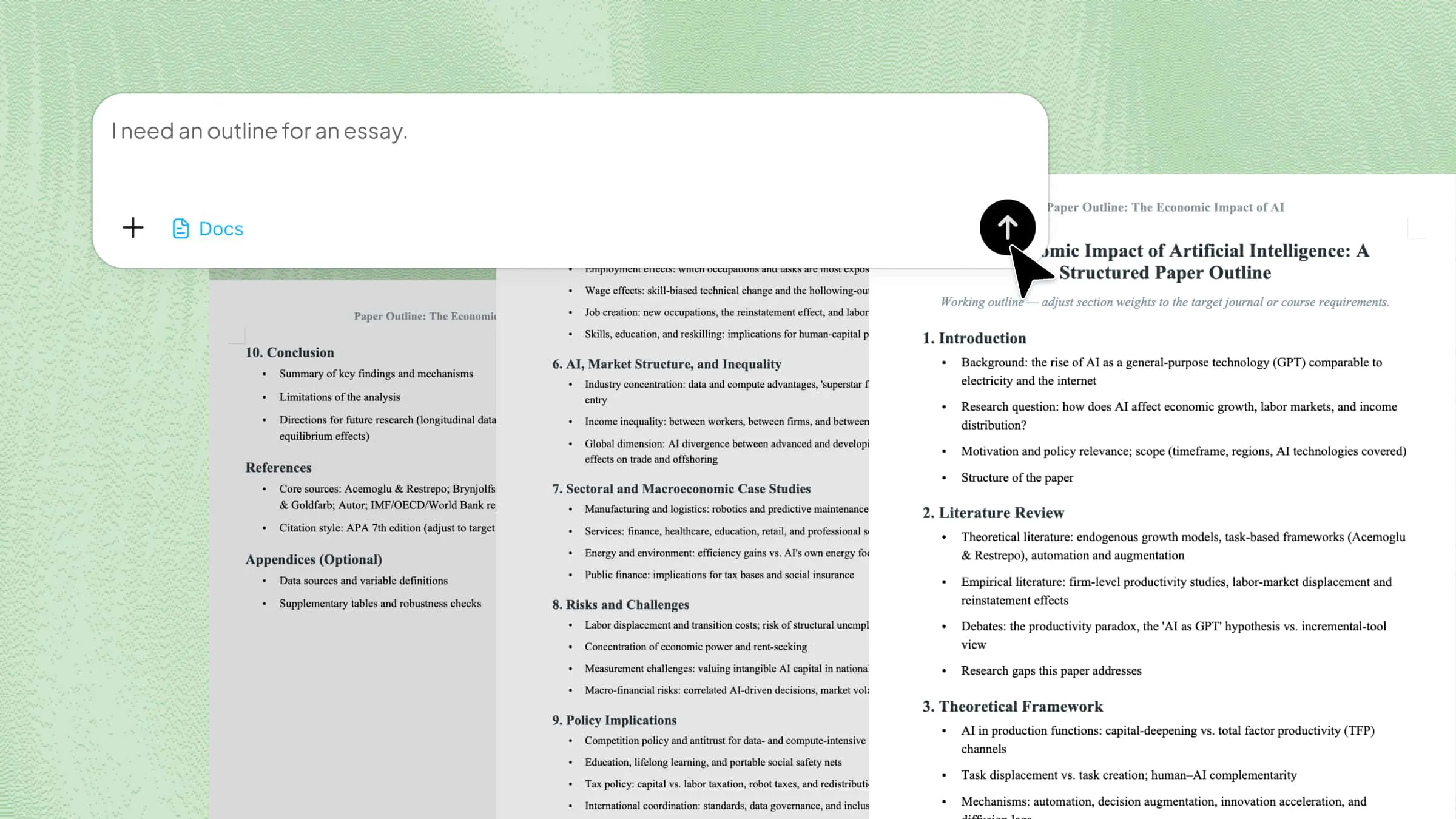
Analyze the customer support documents in this workspace and research best practices for AI-powered customer service. Create a comprehensive AI Assistant Playbook covering roles, workflows, knowledge management, escalation guidelines, and optimization strategies. Use clear headings, comparison tables, and practical recommendations.
Describe your task

Step 3: Let Kimi Work complete the workflow

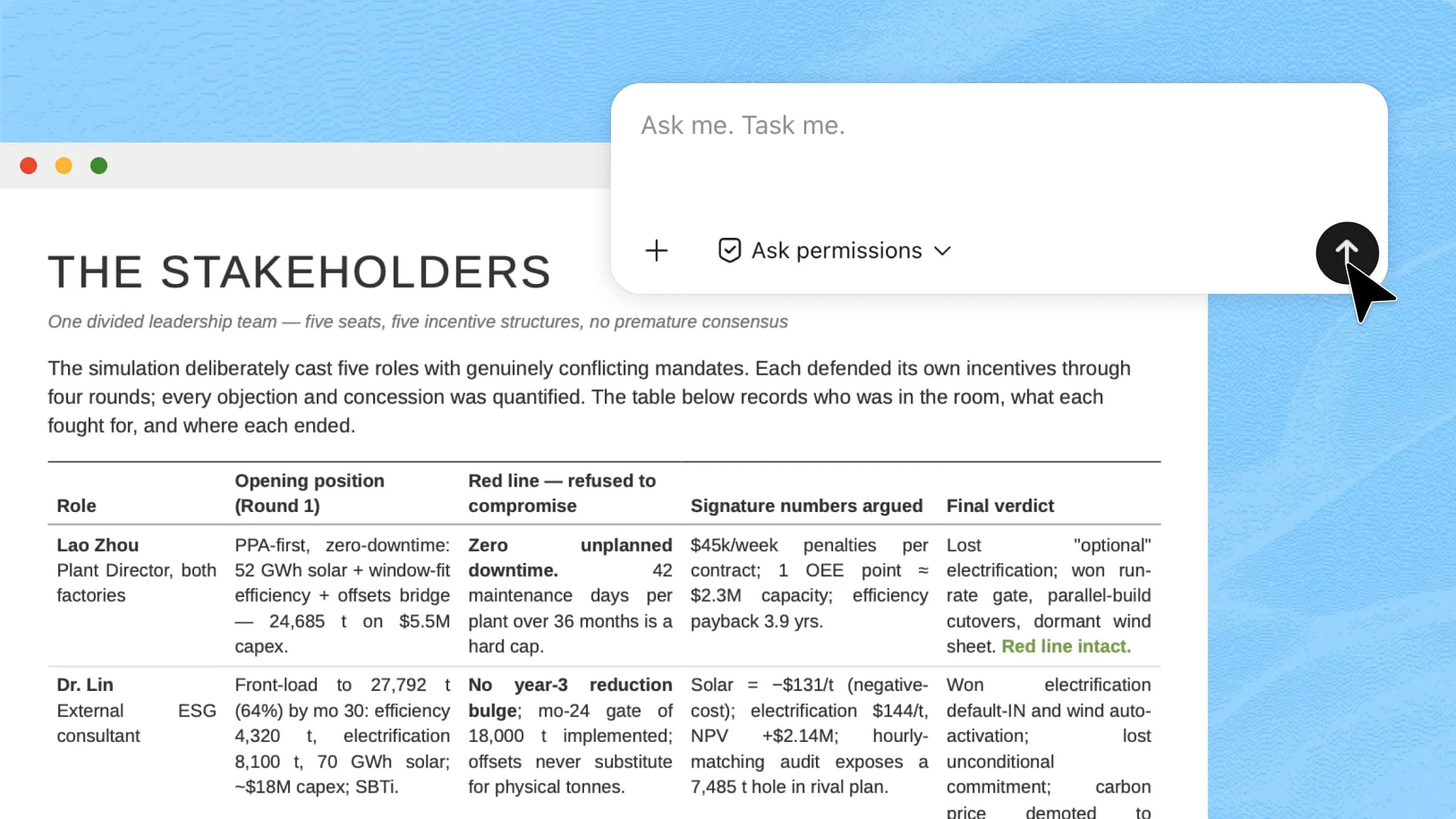
Submit your request and allow Kimi Work to process the task. It will analyze the uploaded documents, collect relevant information from the specified websites, combine the findings, and generate a structured AI assistant playbook automatically.

Let Kimi process and generate results

Step 4: Review and export the results

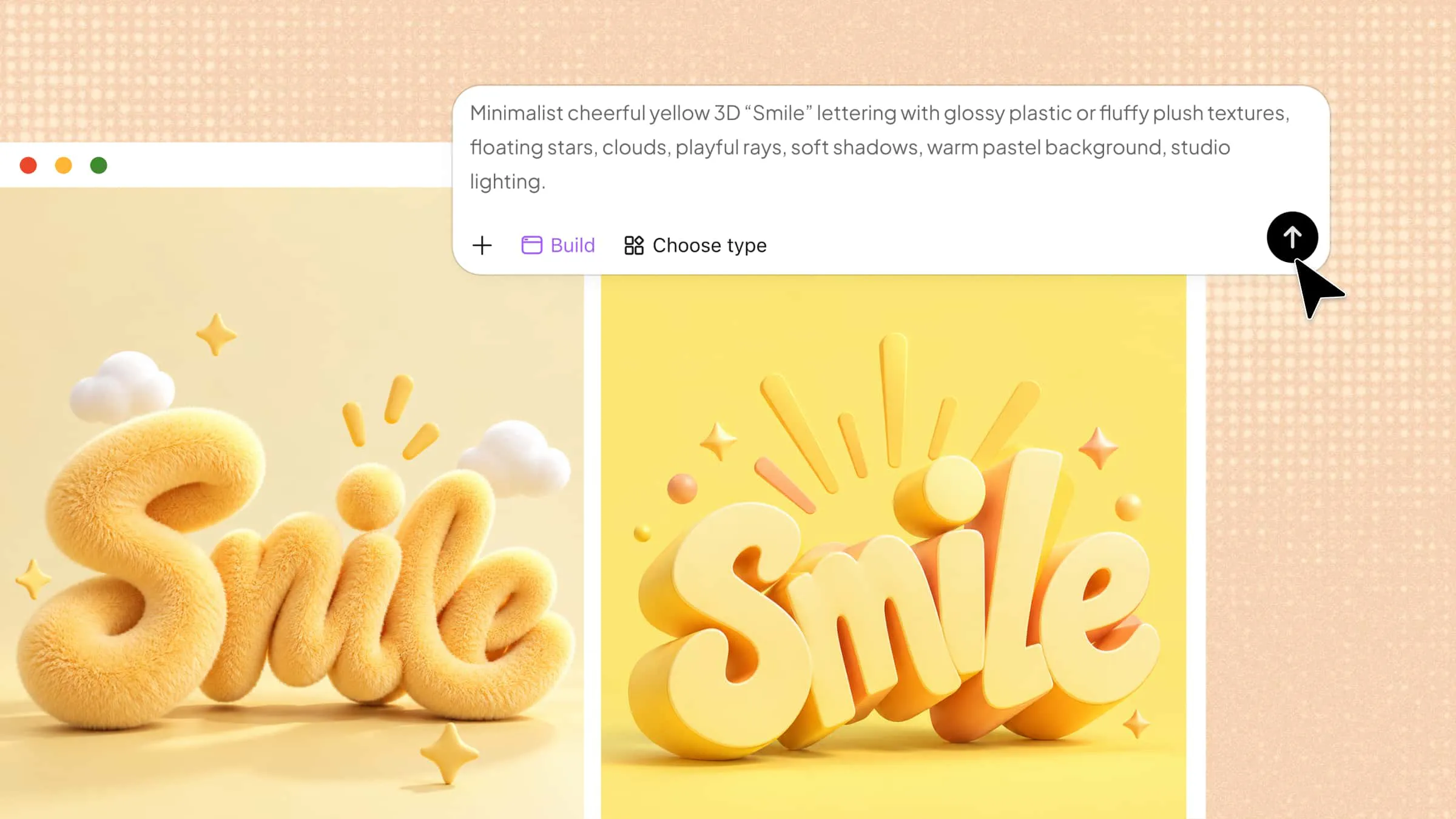
Review the generated playbook and make any necessary refinements. Once you're satisfied with the content, export it as a document, presentation, knowledge base, or other format that fits your team's workflow.

Check your completed output

2. Sai by Simular (Computer-based task execution)

Sai by Simular is designed to directly operate computer systems and complete tasks inside digital environments. It works more like an on-screen assistant that can interact with apps and browser-based tools. Instead of just giving answers, it performs actions step by step on your behalf. This makes it useful for real execution work that normally requires manual effort.

Sai by Simular – one of the best free personal AI assistant app

Main features

  • Direct system interaction for tasks with automation support: Sai can control on-screen applications and perform actions like clicking, typing, and navigating efficiently.

  • Automated task execution flow with step sequencing: It follows instructions step by step to complete multi-stage processes in an organized way.

  • Browser-based operation support for web environments: Sai can work inside web browsers to collect data or complete online actions effectively.

  • Workflow-based task handling with structured execution: It breaks complex tasks into smaller steps and executes them in proper order sequentially.

Suitable for

  • Users who manage repetitive computer tasks like data entry or form filling daily

  • Professionals who need browser-based automation for research or operational workflows

  • Teams handling structured workflows that require step-by-step execution processes

  • Individuals looking to reduce manual effort in daily digital computer-based work

3. Lindy AI (Custom AI workflow builder)

Lindy AI is built for creating personalized AI workflows that automate communication and daily operations. It works like a digital assistant that connects different apps and performs tasks based on triggers. Users can design workflows that run automatically without manual input. It is especially useful for email, meetings, and productivity automation. The system focuses on building repeatable AI-driven processes.

Lindy AI – AI workflow automation builder

Main features

  • Custom workflow creation system for automation design: Lindy allows users to design step-based automation for specific business and personal tasks easily.

  • Email and communication automation for productivity: It can handle emails, replies, and scheduling tasks across communication channels efficiently.

  • App integration support across multiple platforms: Lindy connects with multiple tools to transfer data and actions across platforms seamlessly.

  • Trigger-based automation setup for smart execution: Workflows activate based on events like messages, calendar updates, or system inputs automatically.

Suitable for

  • Business users who want automated email and scheduling systems for efficiency

  • Teams managing repetitive communication workflows across multiple platforms daily

  • Professionals handling multiple apps and productivity tools in their workflow stack

  • Users building custom automation systems without coding knowledge or technical skills

4. AutoGPT (Goal-driven AI automation)

AutoGPT is an AI system that focuses on completing tasks by following a defined goal. Instead of step-by-step instructions, it breaks goals into smaller actions and executes them automatically. It works independently and adjusts its steps based on results. This makes it useful for long, multi-stage tasks. The system is designed for full automation rather than simple responses.

AutoGPT – the best AI assistant for personal life

Main features

  • Goal-based task execution with structured planning system: Users give a goal, and AutoGPT plans how to achieve it in a step-by-step structured way.

  • Self-planning capability for independent workflow creation: It creates its own task sequence without needing constant user input or guidance.

  • Iterative improvement process for better results over time: AutoGPT reviews results and adjusts its approach continuously during execution.

  • Web and tool interaction for real-time information access: It can use online resources and external tools to gather relevant information dynamically.

Suitable for

  • Developers experimenting with autonomous AI systems and automation workflows

  • Researchers testing multi-step AI planning and execution systems in detail

  • Users needing long-form task execution without continuous manual supervision

  • Tech teams exploring experimental AI agents for advanced automation use

5. ChatGPT (Conversational intelligence and content generation)

ChatGPT is a conversational AI tool designed to understand prompts and generate human-like responses. It is widely used for writing, learning, brainstorming, and problem-solving. The system works through dialogue, allowing users to refine results step by step. It is flexible and supports a wide range of tasks. Its main strength is natural language understanding and generation.

ChatGPT – conversational AI assistant tool

Main features

  • Natural conversation ability with human-like responses: ChatGPT responds in a human-like and easy-to-understand conversational manner. It adapts smoothly to different tones and communication.

  • Content generation support for multiple formats and needs: It can create articles, scripts, summaries, emails, and creative ideas efficiently. This helps in fast and structured content creation.

  • Problem-solving assistance for learning and decision support: ChatGPT helps explain concepts and solve logical or analytical tasks clearly. It is useful for learning, studying, and decision-making support.

  • Multimodal input handling including text and images support: It can work with text, images, and files for better understanding of user needs. This improves flexibility and usability in different scenarios.

Suitable for

  • Content creators writing blogs, scripts, social media posts, or marketing material

  • Students needing help with learning concepts, assignments, and explanations

  • Professionals drafting emails, reports, and business documents regularly

  • Users brainstorming ideas or solving everyday logical and creative problems

6. Claude (Long-context reasoning and document analysis)

Claude is built for handling large documents and deep reasoning tasks. It focuses on understanding long text and providing careful, structured responses. It is especially strong in reading, summarizing, and analyzing detailed content. The system is designed to maintain context across long inputs. It is widely used for research and writing tasks.

Claude – long context AI analysis tool

Main features

  • Long document processing with extended context handling ability: Claude can analyze very large texts in one go without losing context. This helps in reviewing long reports and research papers.

  • Careful reasoning approach for accurate structured outputs: It focuses on accuracy, clarity, and structured thinking in all responses. This reduces errors in complex analytical and reasoning tasks.

  • Summarization capability for large information simplification: Claude can shorten long content into clear and easy-to-understand summaries. This improves comprehension of complex information sets.

  • Code and logic understanding for technical analysis support: It can also analyze technical content, programming logic, and structured data. This supports developers and technical users in workflows.

Suitable for

  • Researchers analyzing academic papers, reports, and business documents deeply

  • Writers working with long-form content, articles, and structured writing tasks

  • Analysts reviewing data-heavy reports and detailed information sources regularly

  • Developers checking code logic, debugging explanations, and technical documents

7. Perplexity AI (AI-powered research and web discovery)

Perplexity AI is designed for fast, accurate, and source-backed online research across the internet. It works as an AI search tool that directly provides answers instead of just showing links. The system focuses on gathering real-time information from trusted web sources efficiently. It is widely used for fact-checking, discovery, and quick knowledge exploration tasks.

Perplexity AI – AI search and research tool

Main features

  • Real-time web search with updated information access: Perplexity fetches live data from the internet to provide the latest and most relevant answers.

  • Source-based responses with citation support system: It provides references and citations for every answer generated. This improves reliability, trust, and transparency in research work.

  • Interactive follow-up questioning for deeper exploration: Users can continue asking related questions to refine and expand their research. This helps in building deeper understanding of any topic.

  • Simplified research summaries from complex web data: It converts large and complex information into short, structured summaries. This saves time during research and improves readability significantly.

Suitable for

  • Researchers collecting verified and up-to-date online information for projects

  • Students working on assignments, essays, and academic research tasks regularly

  • Professionals analyzing market trends, reports, and competitive data insights

  • Users who want quick fact-checking and reliable information from the web

8. Google Gemini (Workspace-integrated productivity)

Google Gemini is deeply integrated with Google Workspace tools to improve productivity and workflow efficiency. It helps users manage emails, documents, and files directly within Google applications. The system is designed to support collaboration and smooth digital work processes. It works seamlessly across mobile and desktop environments for flexible usage.

Google Gemini – AI productivity workspace tool

Main features

  • Google Workspace integration for seamless workflow access: Gemini works directly inside Gmail, Docs, Drive, and other Google tools. This reduces the need to switch between multiple applications.

  • AI-powered content generation for office productivity tasks: It helps users write emails, reports, documents, and summaries quickly. This significantly improves productivity and reduces manual effort.

  • Spreadsheet data understanding for quick insights generation: Gemini can analyze data inside Google Sheets and extract meaningful insights. This helps users make faster and smarter decisions.

  • Multimodal interaction support for flexible task handling: It can process both text and visual inputs effectively. This improves usability across different types of tasks and workflows.

Suitable for

  • Office workers heavily use Google Workspace for daily operations

  • Teams collaborating on documents, emails, and shared cloud projects

  • Students preparing presentations, assignments, and research reports online

  • Professionals managing cloud-based productivity workflows and data tasks

9. Microsoft Copilot (AI-powered office productivity)

Microsoft Copilot is built into Microsoft 365 applications to enhance productivity across office workflows. It assists users in writing, analyzing, and organizing work within Word, Excel, and PowerPoint. The system is designed mainly for business and enterprise-level environments. It helps automate repetitive documents and data-related tasks efficiently. Its strength lies in deep integration with Microsoft Office tools.

Microsoft Copilot – AI office productivity assistant

Main features

  • Microsoft 365 integration for seamless document workflows: Copilot works directly inside Word, Excel, PowerPoint, and Teams. This improves workflow speed and reduces switching between applications.

  • AI-based data analysis for smarter decision-making: It can analyze spreadsheet data and generate clear insights quickly. This helps users understand complex data more easily.

  • Automated document creation for faster content production: Copilot helps generate reports, presentations, and structured documents. This saves time in professional and office environments.

  • Meeting summarization and productivity tracking support: It can summarize Teams meetings and highlight key points. This improves collaboration and keeps teams aligned effectively.

Suitable for

  • Corporate employees using Microsoft Office tools for daily work tasks

  • Managers prepare reports, presentations, and strategic documents regularly

  • Data analysts working with Excel-based data analysis and reporting

  • Teams conducting frequent online meetings and collaborative projects

10. GitHub Copilot (AI-assisted software development)

GitHub Copilot is an AI coding assistant designed to help developers write code faster and more efficiently. It integrates directly into code editors and provides real-time suggestions while programming. The tool helps reduce repetitive coding work and improves development speed. It supports multiple programming languages and frameworks for flexibility. Its main focus is enhancing developer productivity and code quality.

GitHub Copilot – AI coding assistance tool

Main features

  • Real-time code suggestions during the development process: Copilot suggests code while users type inside their editor. This speeds up coding and reduces manual effort significantly.

  • Automatic function completion for faster programming: It can generate entire functions based on context and input. This helps developers complete tasks more efficiently.

  • Multi-language programming support across development stacks: It supports many programming languages used in modern development. This makes it suitable for different project types.

  • Code optimization and error reduction assistance system: Copilot suggests better coding patterns and improves structure. This helps reduce bugs and enhances code quality overall.

Suitable for

  • Software developers building web, mobile, or backend applications

  • Students learning programming languages and software development basics

  • Engineers working on complex coding projects and software systems

  • Development teams aiming to improve coding speed and efficiency

How to choose the right AI assistant app for your needs?

Picking the right AI assistant app becomes much simpler when you clearly match features with your actual workflow needs. Every tool is built differently, so understanding what you want first saves time and confusion. Here are the key things you should consider before deciding:

  • Define what you want the AI to do: Start by identifying the exact tasks you expect from a personal AI assistant app. It could be writing, research, automation, coding, or managing daily workflows. A clear goal helps you avoid tools that are too advanced or not useful for your specific needs.

  • Choose between conversation and execution: Some AI assistant apps** **only respond to prompts, while others can take real actions across apps and systems. Conversation-based tools are better for writing and ideas, while execution-based tools handle full workflows. Understanding this difference helps you select the right level of functionality.

  • Evaluate automation capabilities: A strong free personal AI assistant app should reduce manual effort by automating repetitive tasks. Check whether it can connect to other tools, run workflows, or handle multi-step actions. Automation strength decides how much time you can save in daily work. This is especially important for productivity-focused users.

  • Review accuracy and reliability: Accuracy is essential when using any AI assistant app for work or decision-making. Look at how well it understands instructions and whether it produces consistent results. Reliable tools reduce errors in writing, analysis, or task execution. This ensures you can depend on the assistant for important tasks.

  • Compare pricing and usage limits: Different AI personal assistant apps come with different pricing models and limits. Some offer free tiers, while others charge based on usage or advanced features. Comparing costs helps you choose a tool that fits your budget. It also prevents unexpected limitations during heavy usage.

  • Test the workflow before committing: Before fully adopting an AI assistant app, test it with real tasks from your daily routine. This helps you understand how well it fits into your workflow. Hands-on testing reveals strengths and limitations more clearly than descriptions. It ensures you choose a tool that truly improves productivity.

Conclusion

AI assistant apps are transforming the way people work by making tasks faster and more efficient. From research and writing to automation and coding, each tool serves a different purpose. The key is to choose one that matches your workflow. For users who want to automate complete workflows from start to finish, Kimi Work is a practical choice.

FAQ

What can I use an AI assistant app for?
An AI assistant app can help with writing, research, coding, and daily productivity tasks. It can also support planning, brainstorming, and quick information gathering. Many users rely on it to reduce manual effort in repetitive work. Overall, it improves speed and organization in both personal and professional tasks.
Can AI assistant apps connect with my existing tools?
Many modern AI assistants can integrate with tools like email, cloud storage, and office software. This helps users manage tasks without switching between multiple platforms. Integration makes workflows smoother and more efficient. It also improves automation across different systems.
Is there an AI assistant app free to use?
Yes. Kimi Work offers a free usage allowance, making it easy to try AI-powered automation, document processing, web research, and multi-step workflows at no cost. If you need higher usage limits, long-term access, and advanced features, you can upgrade to a subscription. This gives you a more powerful experience for handling larger and more complex tasks.
Can AI assistant apps work across multiple devices?
Most AI assistant apps work on different devices like phones, laptops, and tablets. This allows users to continue tasks without interruption. Cloud-based syncing keeps data updated everywhere. It makes work flexible and accessible from anywhere.
You Might Also Like
AI Automation: How It Works, Examples & Benefits
2026-07-22
How to Organize Files and Folders with AI
2026-07-22
10 AI Documentation Tools for Smarter Work and Automation
2026-07-22
10 AI Sales Assistants Transforming Sales Workflows
2026-07-22
10 AI Marketing Automation Tools Worth Trying in 2026
2026-07-22